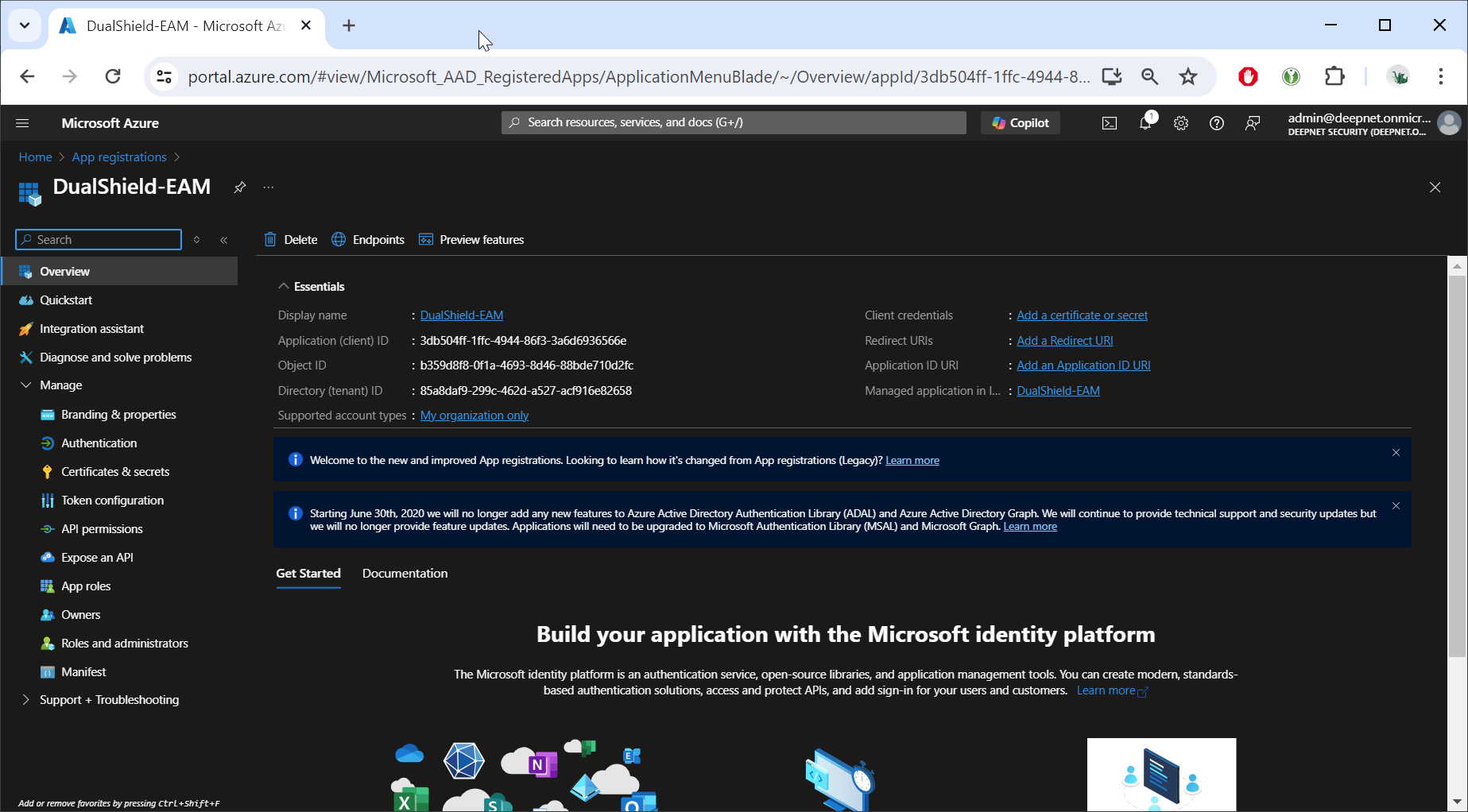
Sign in to Entra ID, navigate to "App registrations", register a new application, e.g. "DualShield-EAM"
Navigate to "Manage | Authentication"
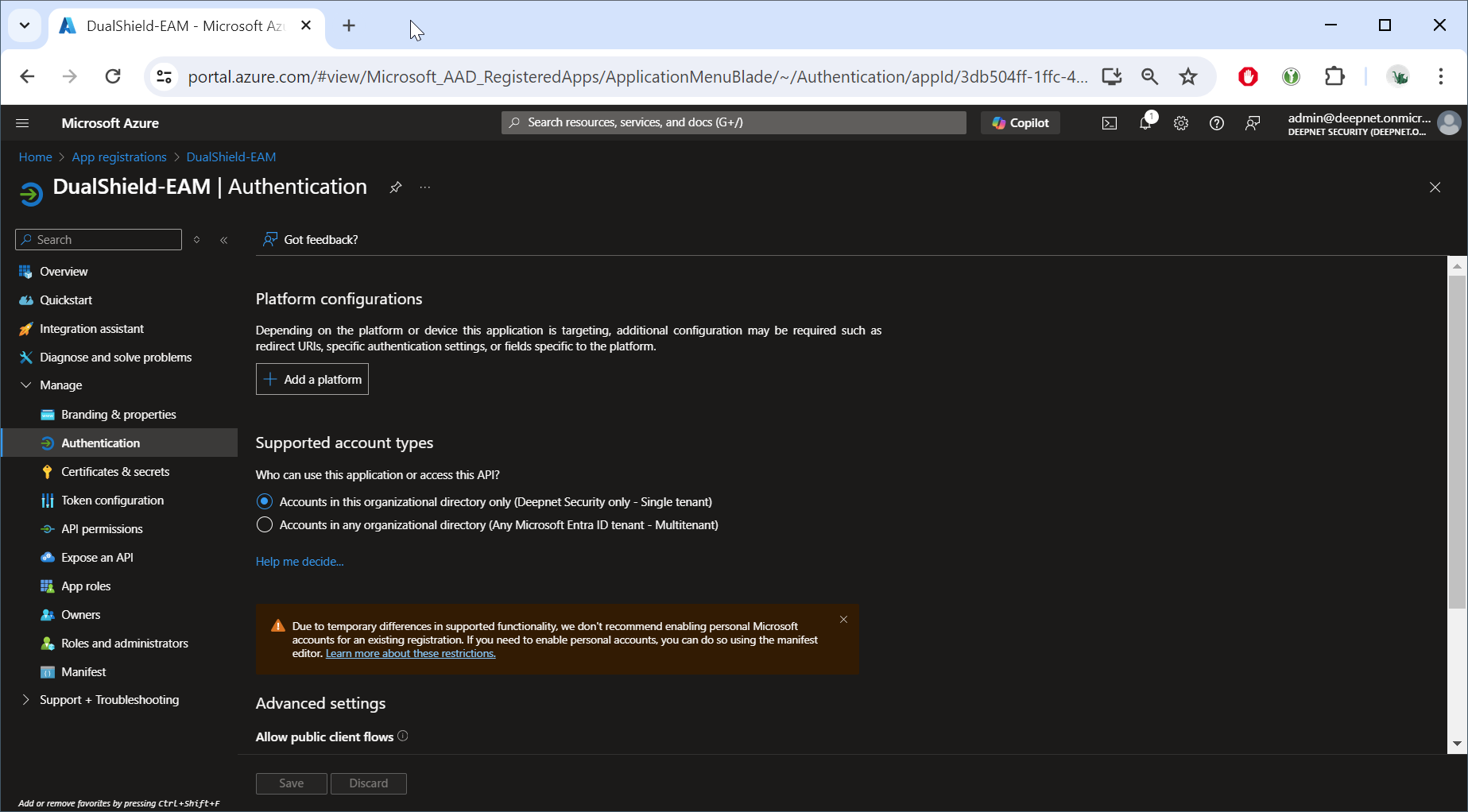
Click "Add a platform"
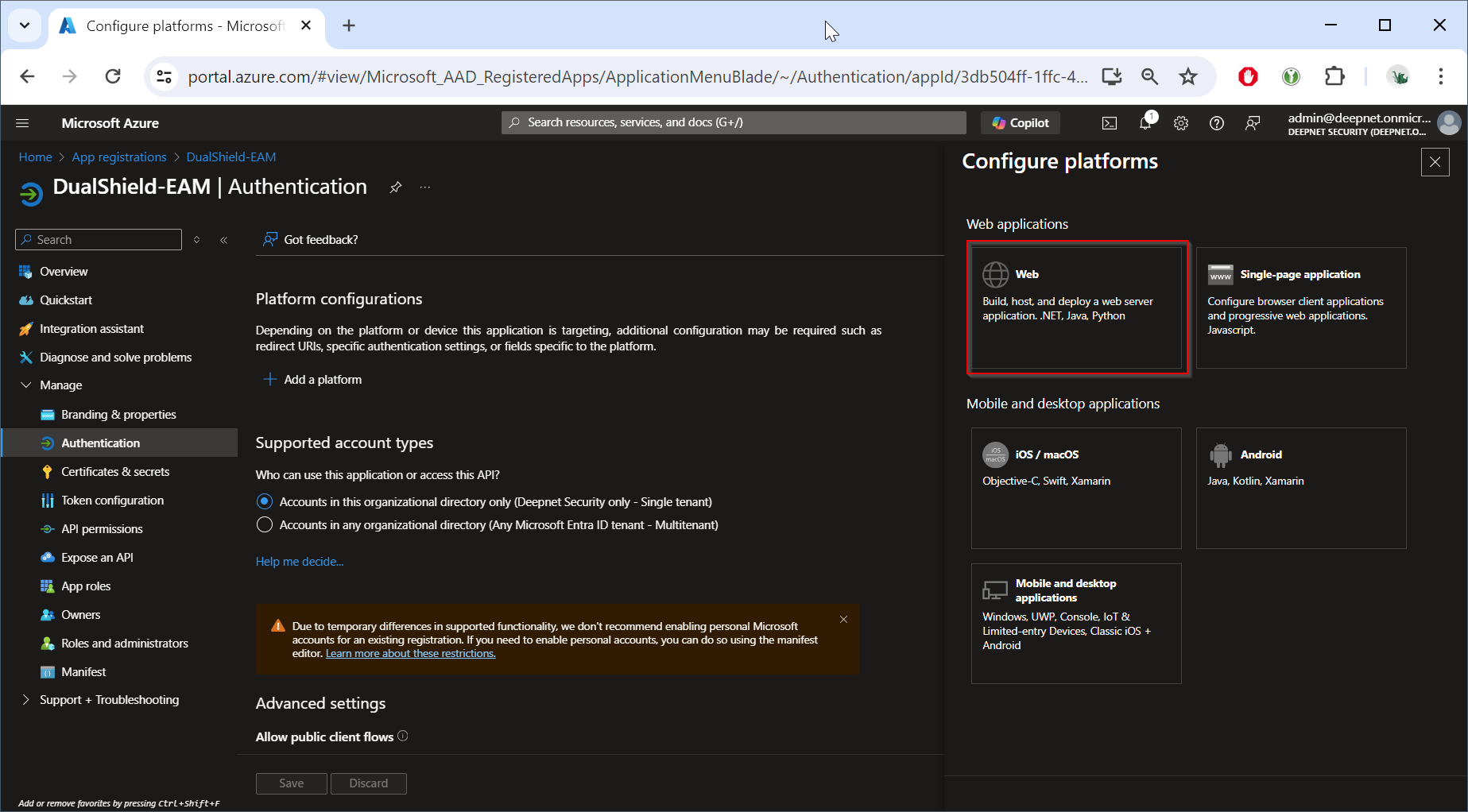
Select the "Web" platform option
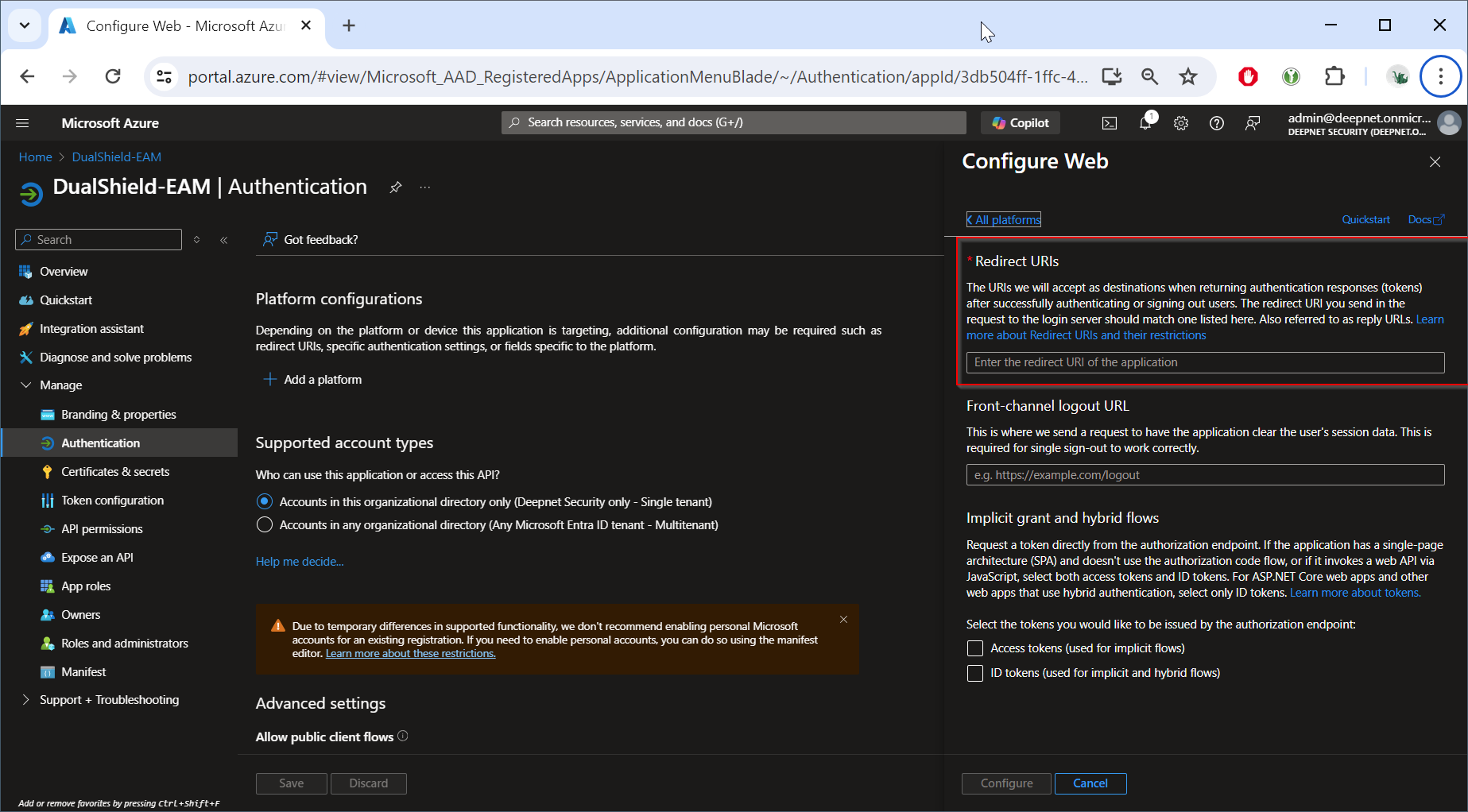
In the "Redirect URIs", enter the following URI
https://your-dualshield-fqdn/sso/v1/authc/oauth/connect/authorize
Replace "your-dualshield-fqdn" with the real FQDN for your DualShield SSO server, e.g.
https://demo.la.deepnetid.com/sso/v1/authc/oauth/connect/authorize
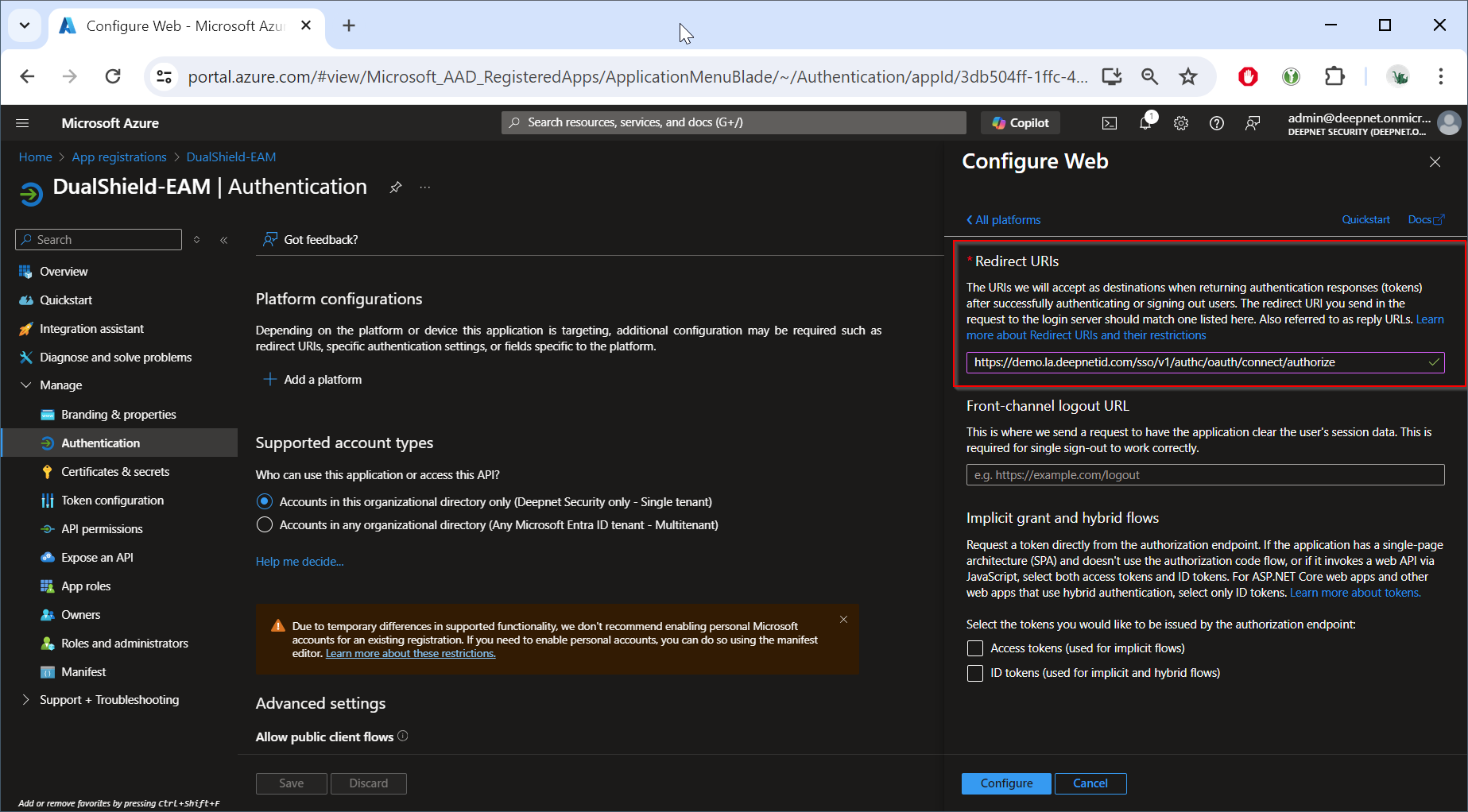
Click "Configfue"
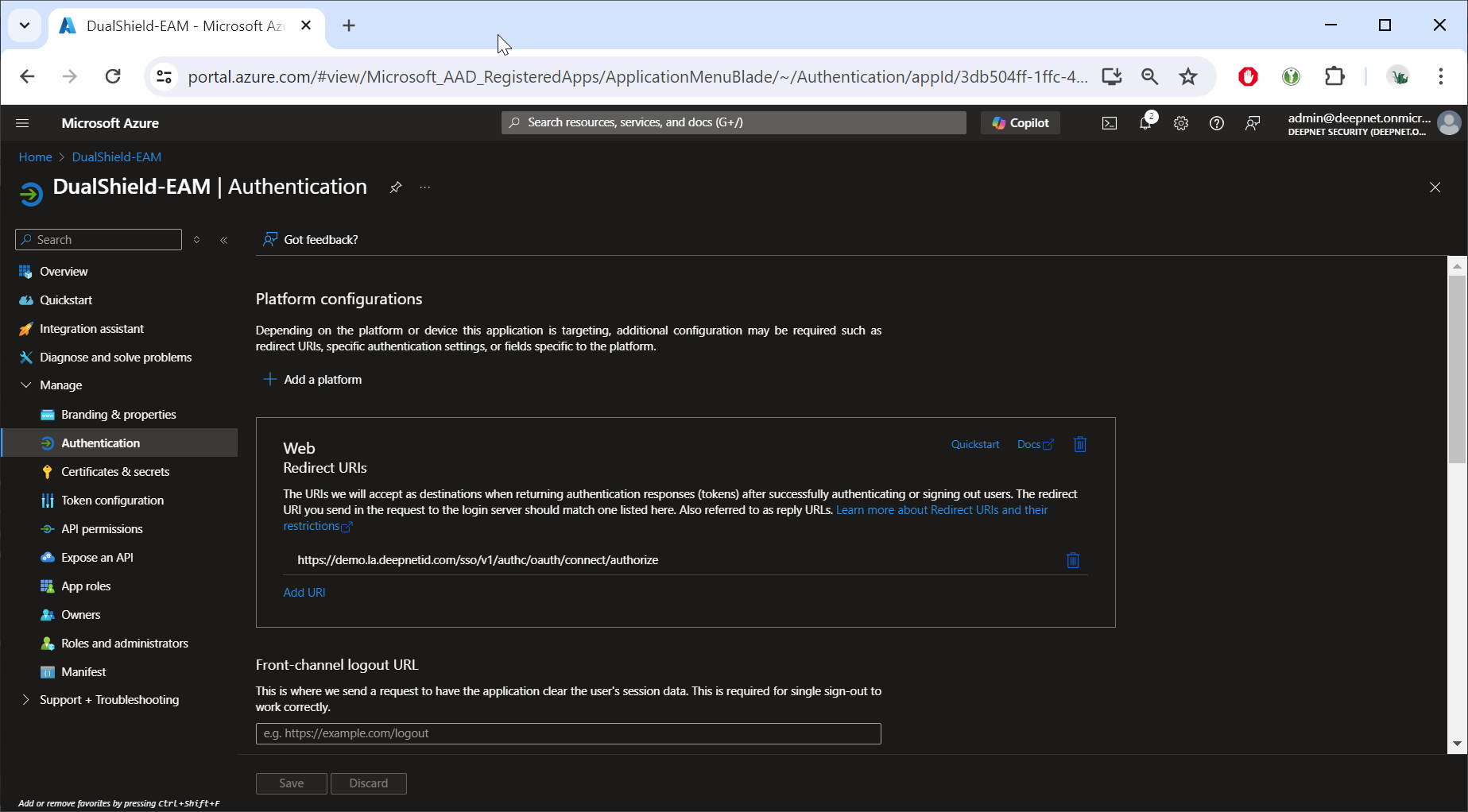
Scroll down to "Implicit grant and hybrid flows"
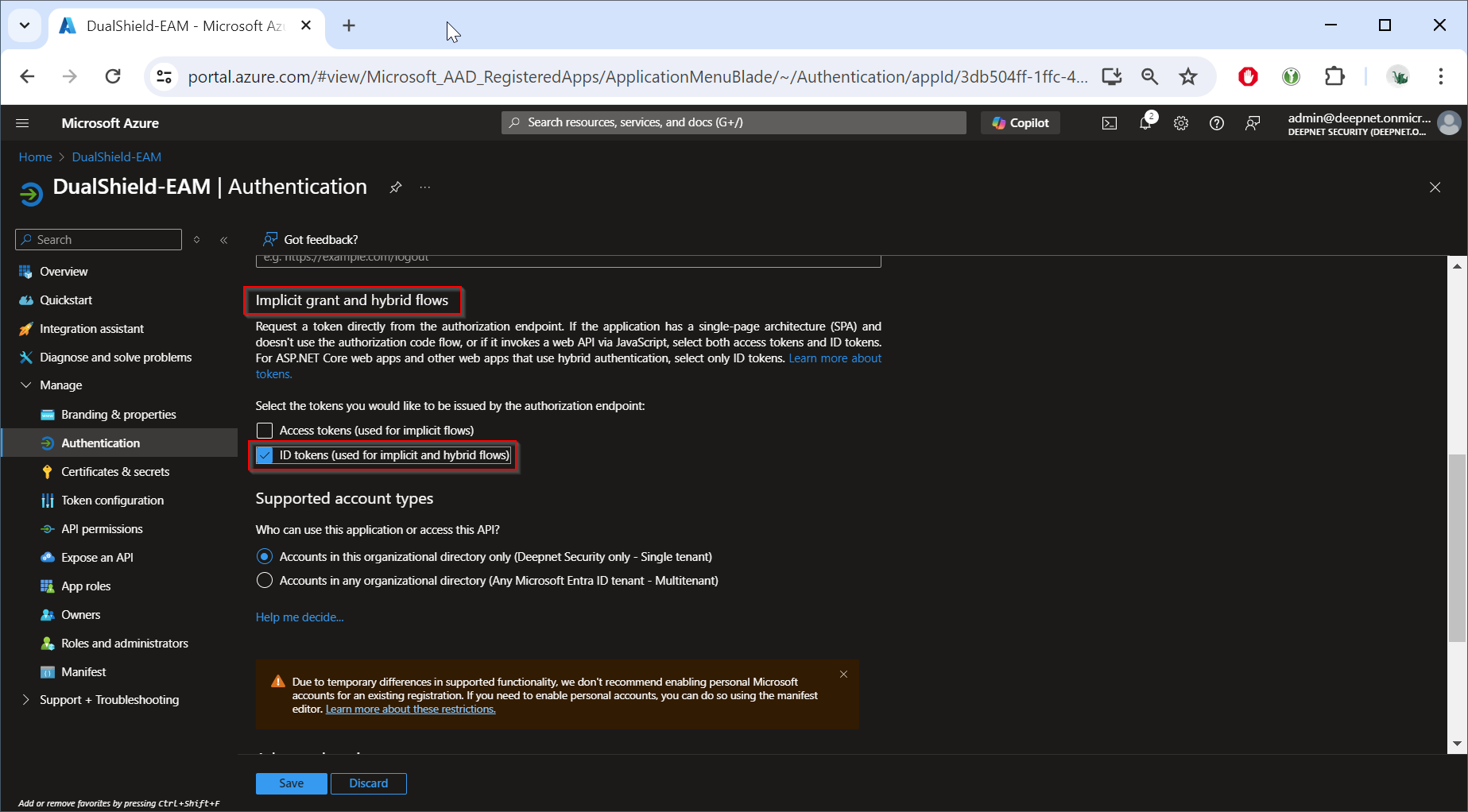
Enable the option "ID tokens (used for implicit and hybrid flows)"
Click "Save"
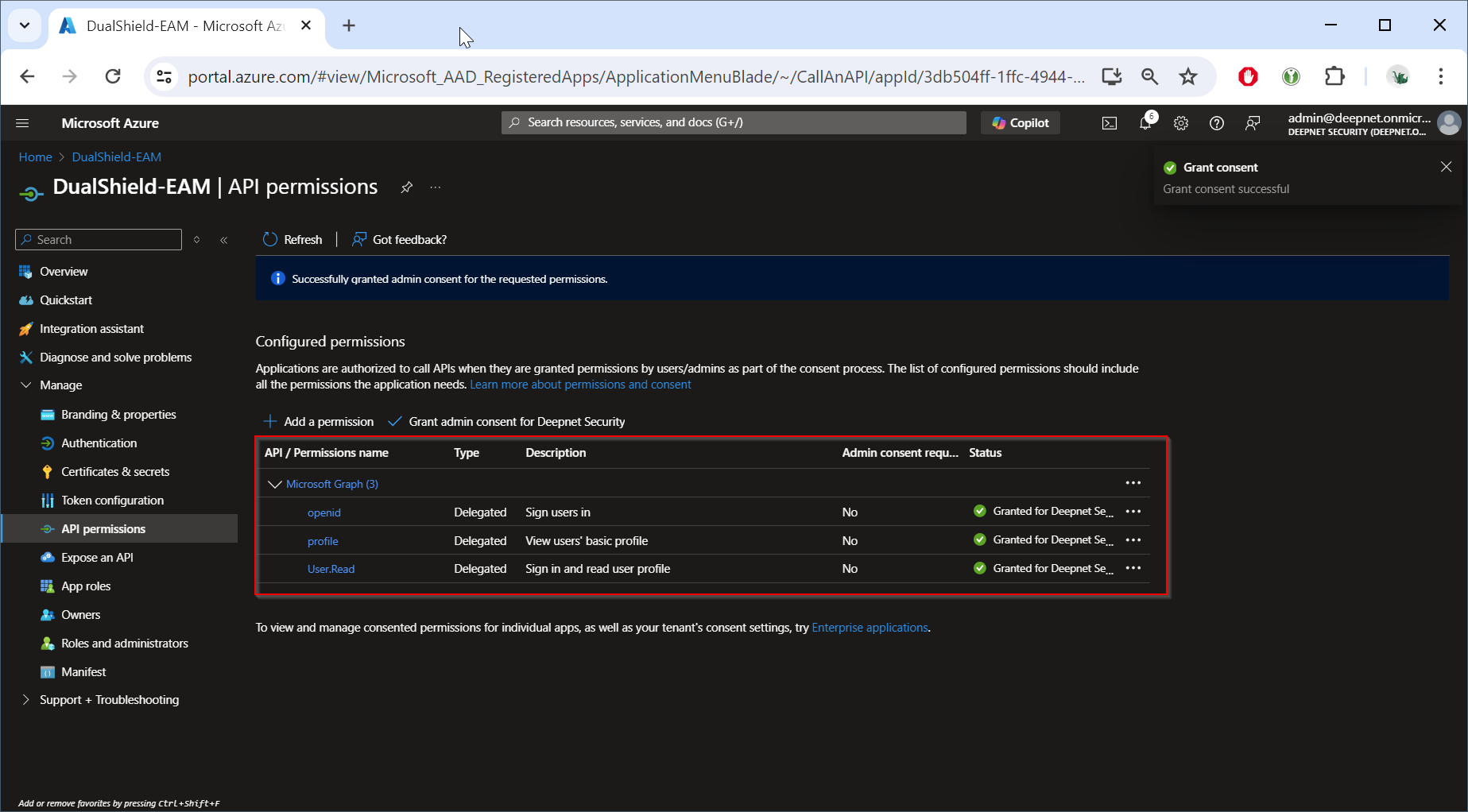
Now, Navigate to "Manage | API permissions"
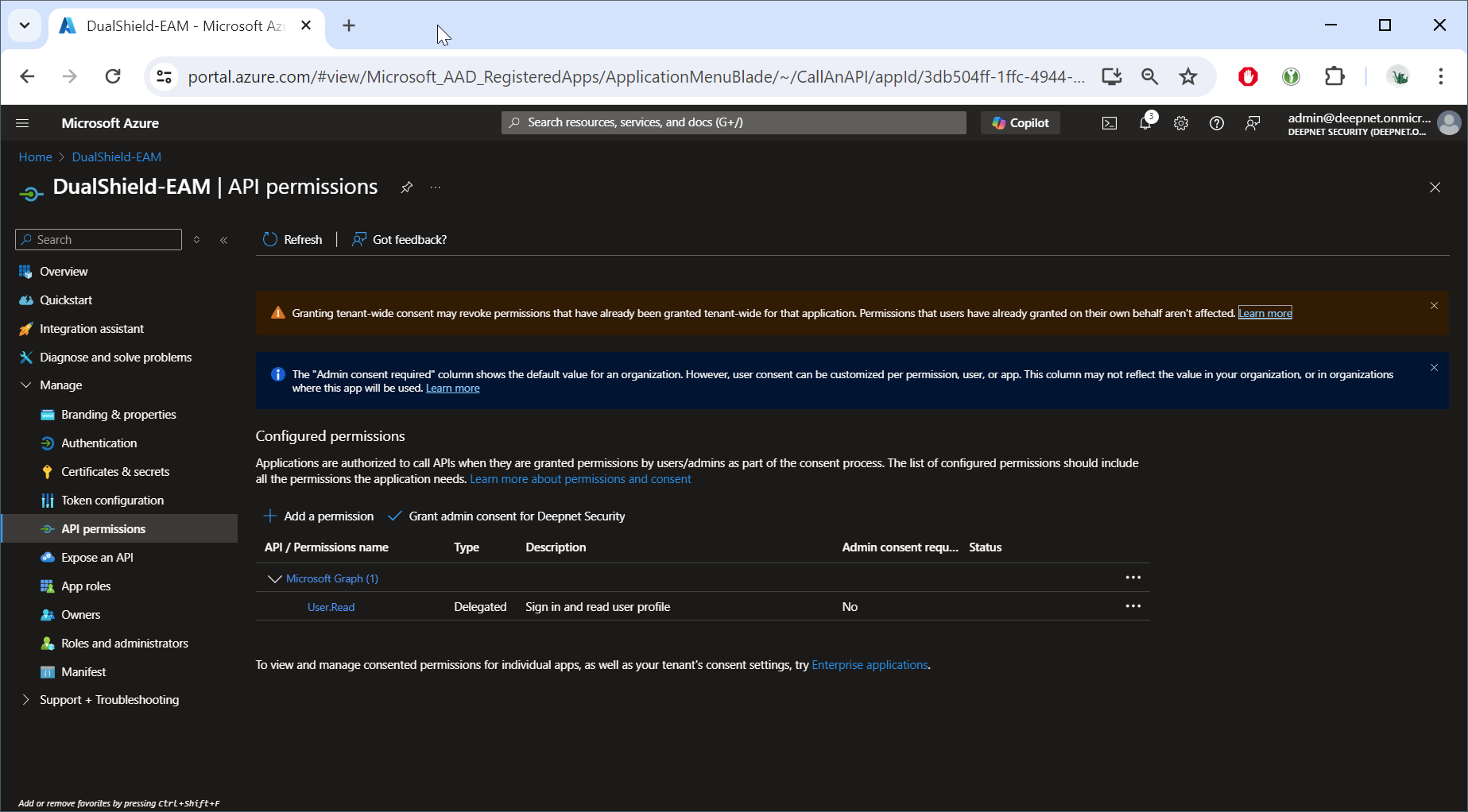
Add the following permissions
- opened | Sign users in
- profile | View users's basic profile
| Expand |
|---|
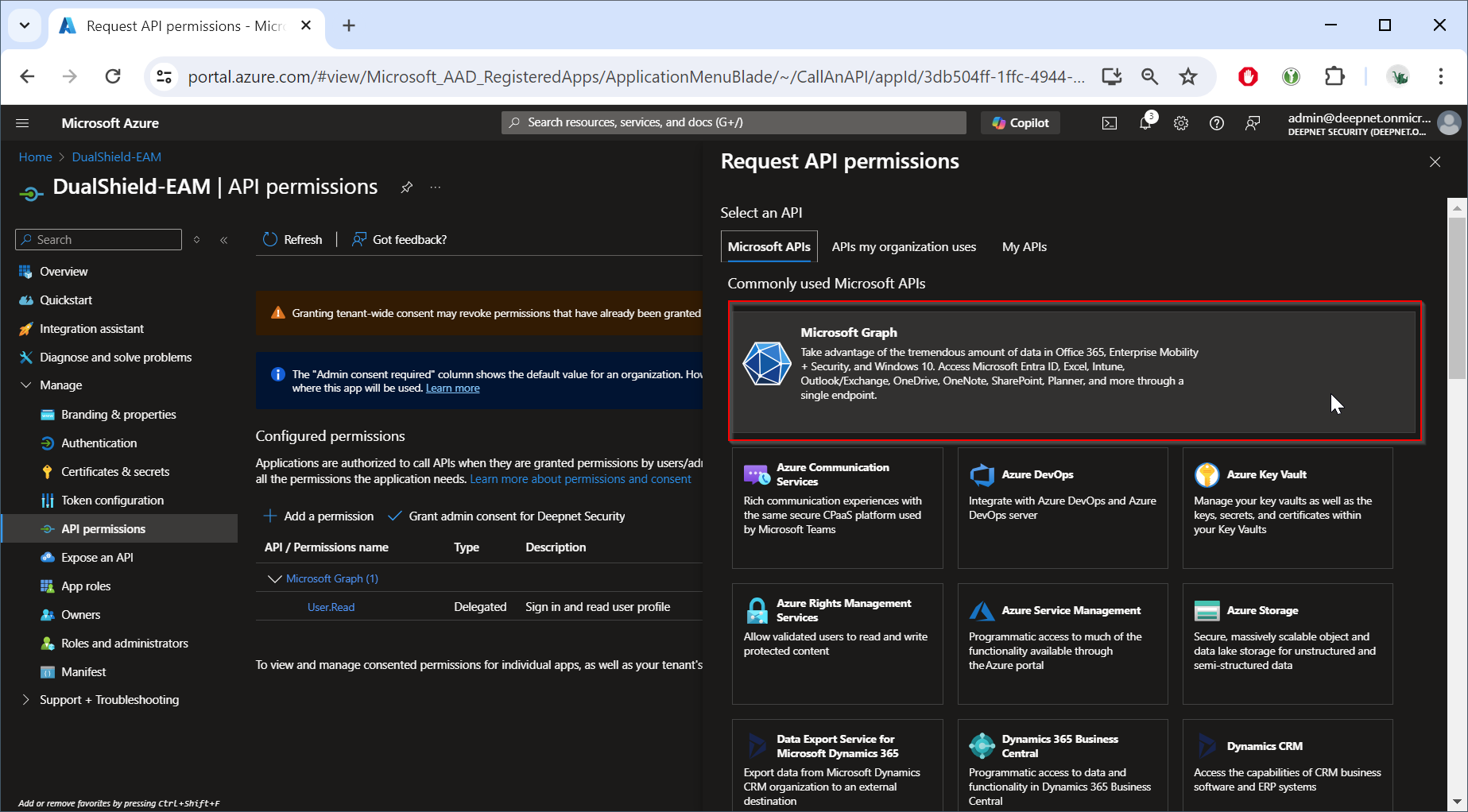
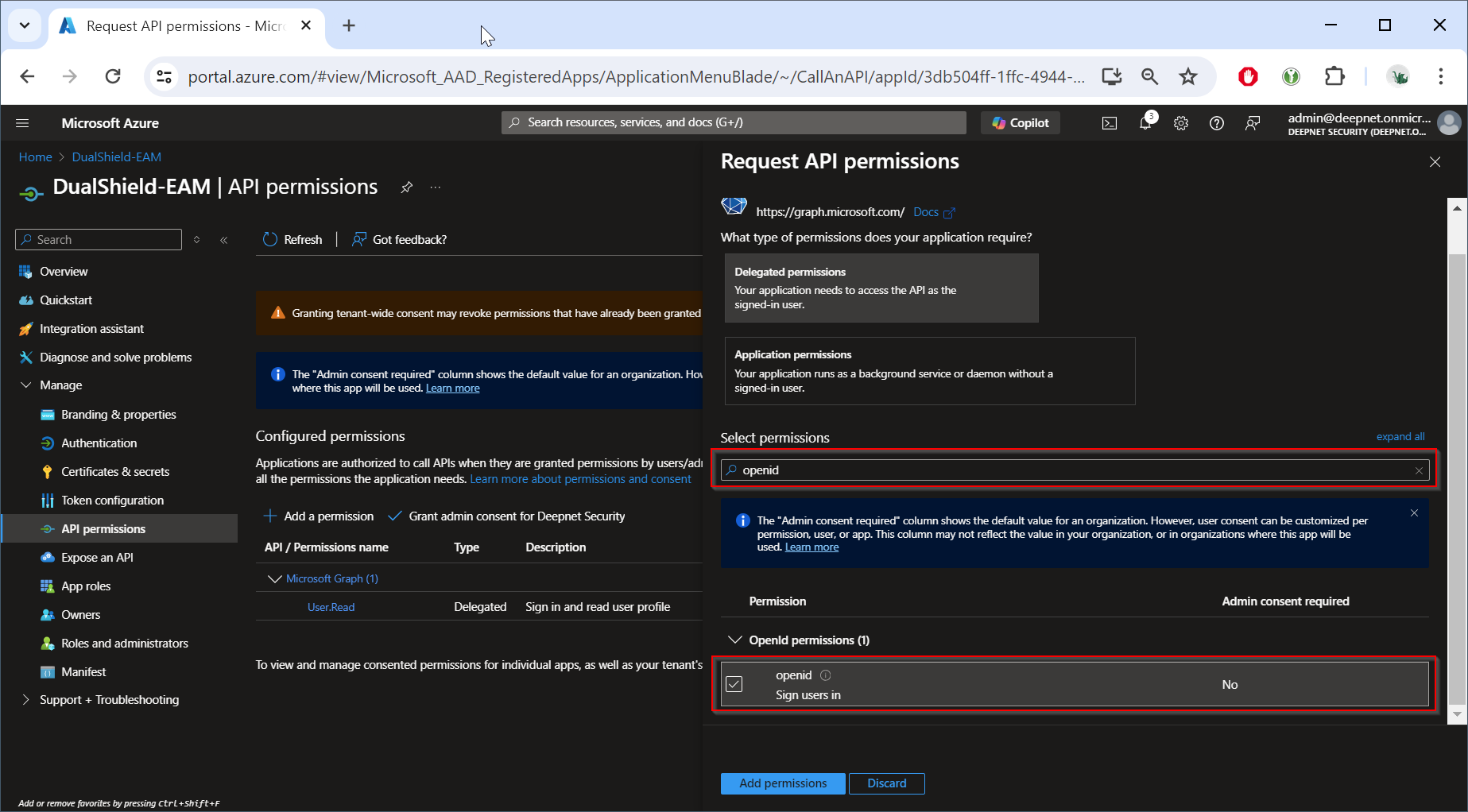
Click "Add a permission"
Select "Microsoft Graph"
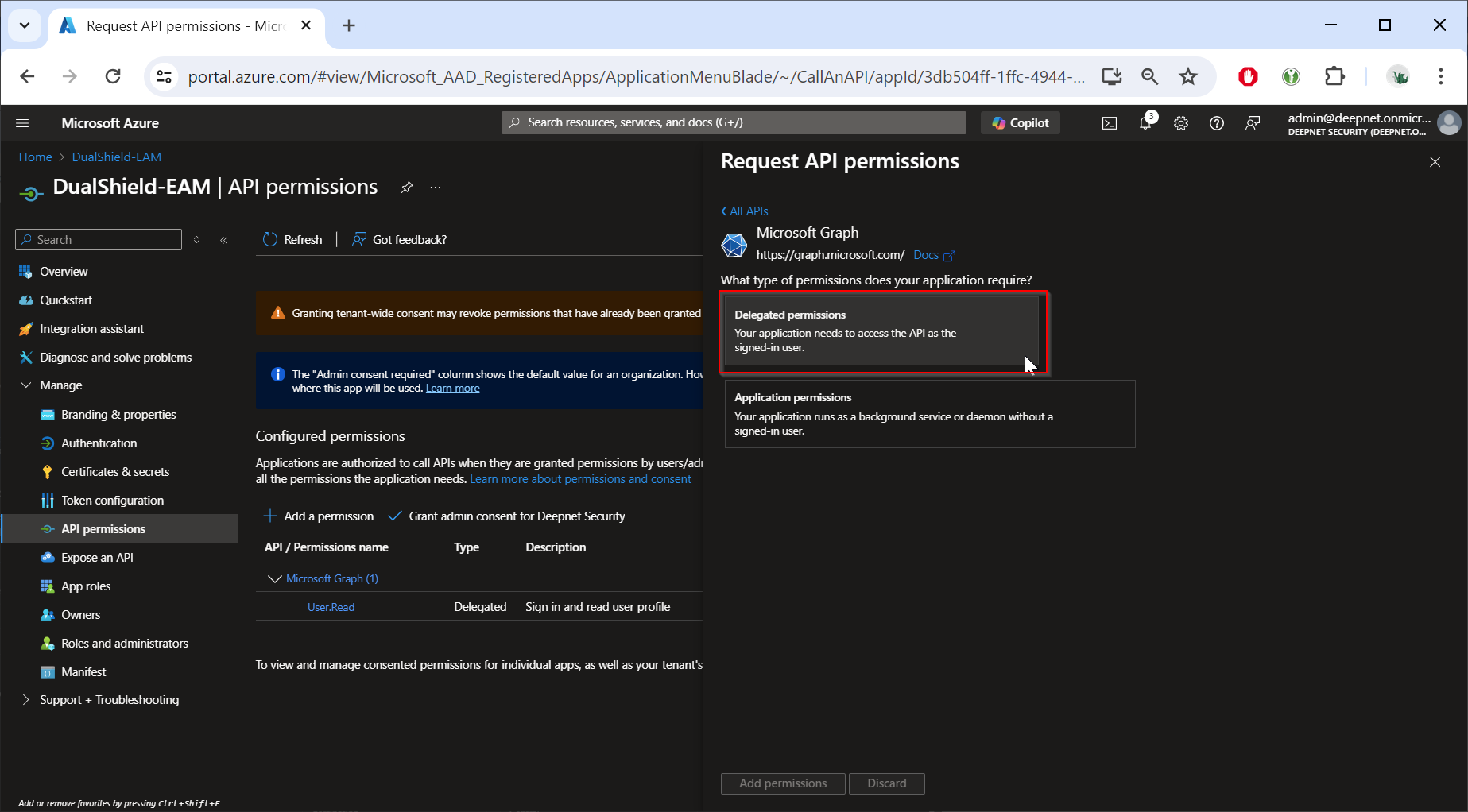
Select "Delegated permissions"
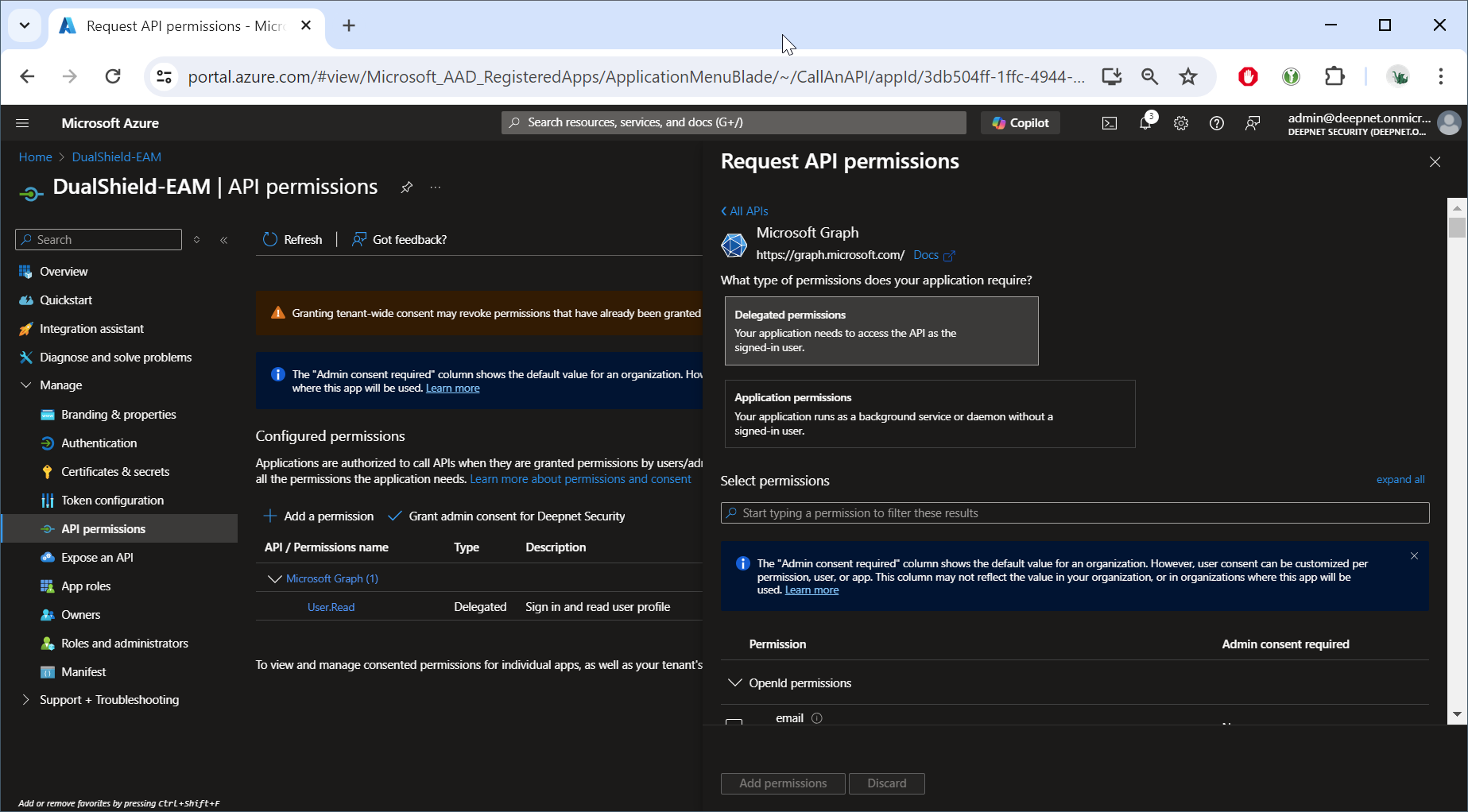
Select "opened | Sign users in"
Click "Add permissions" Repeat the same process to add the "profile" permission. |
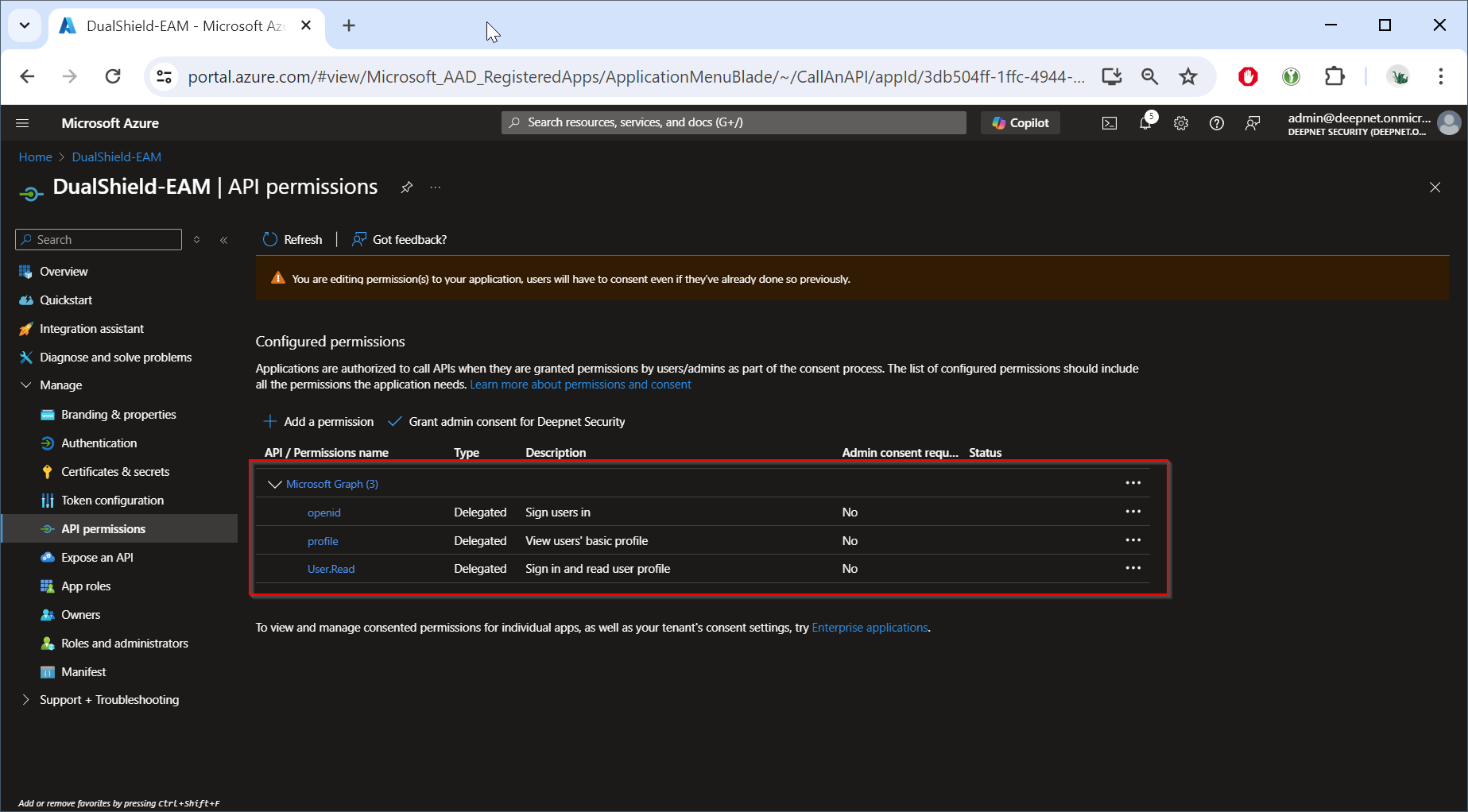
Now, click "Grant admin consent for ..."
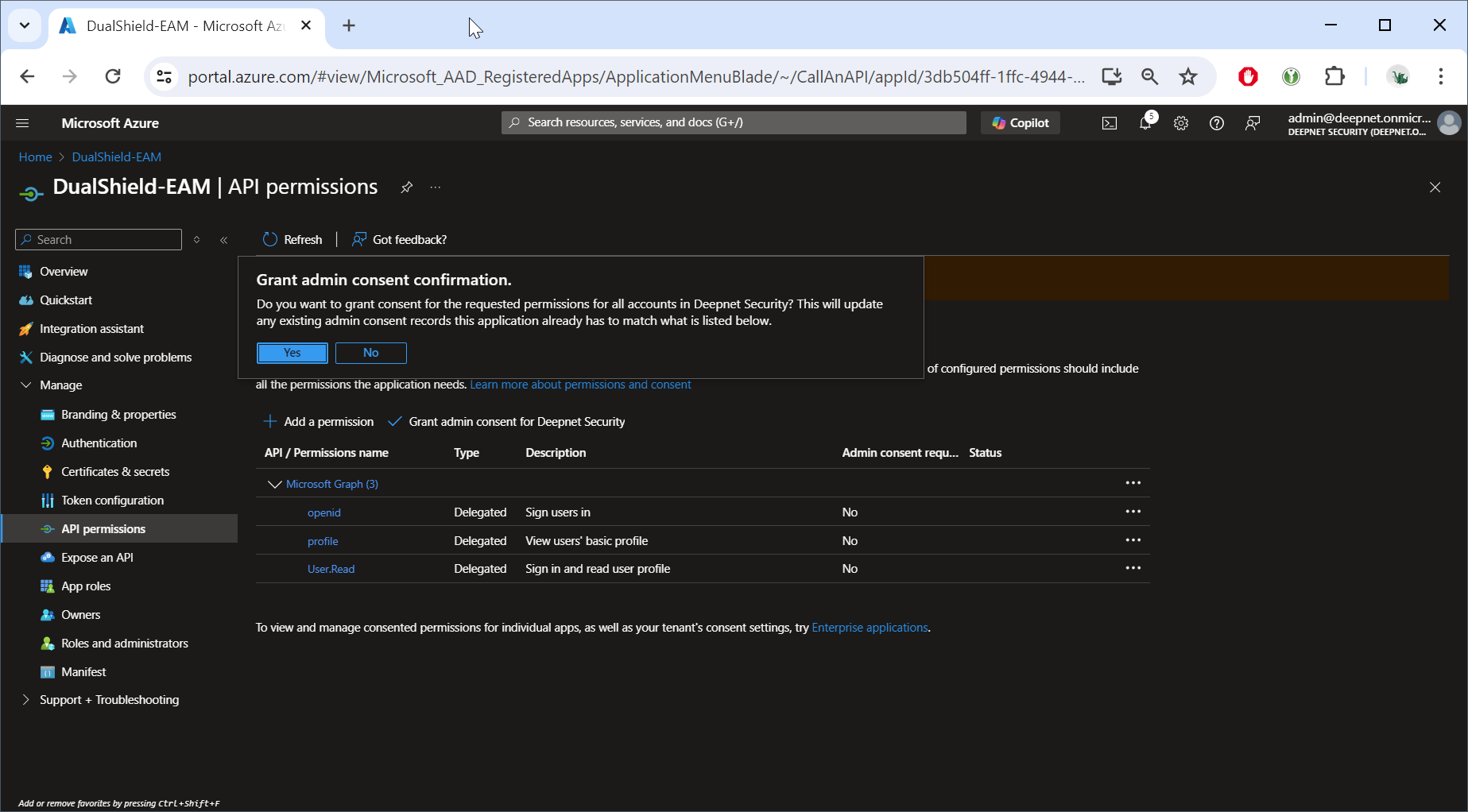
Click "Yes"