...
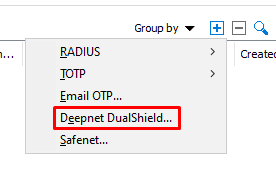
4. Select Deepnet DualShield from the dropdown
...
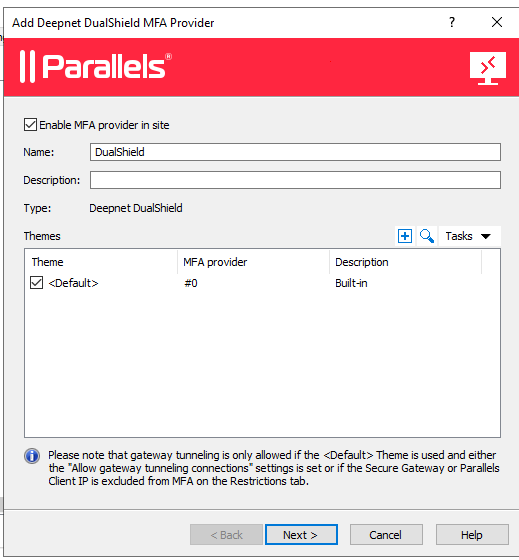
5. Fill in the name of the MFA Provider and click Next
...
6.
In the "Server" enter the FQDN or IP of your DualShield Authentication Server.
7. Select "Enable SSL" if your DualShield Server is installed to operate on SSL mode.
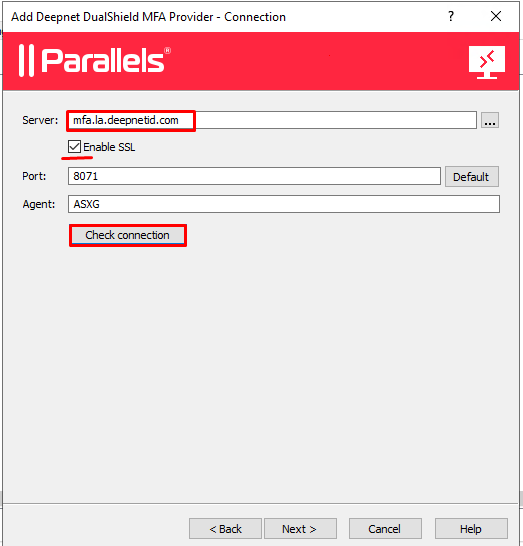
8. Click "
...
Check Connection".
...
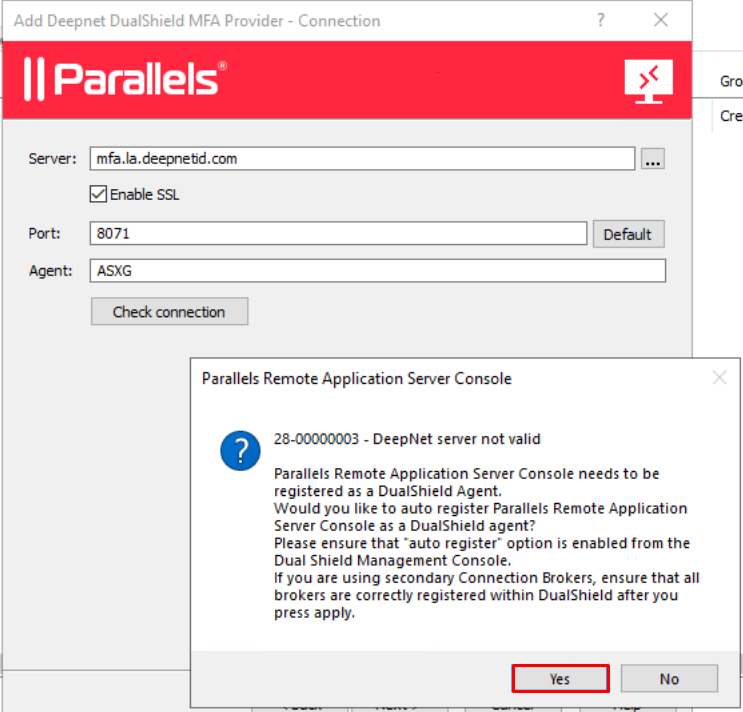
Simply click "Yes", the DualShield 2X Agent will be registered.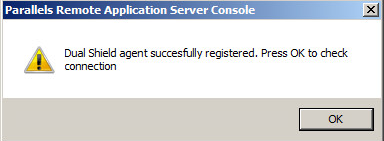
- Click "OK", you will see the following message box:
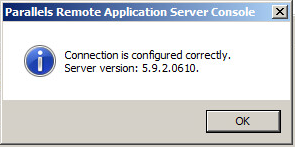
...