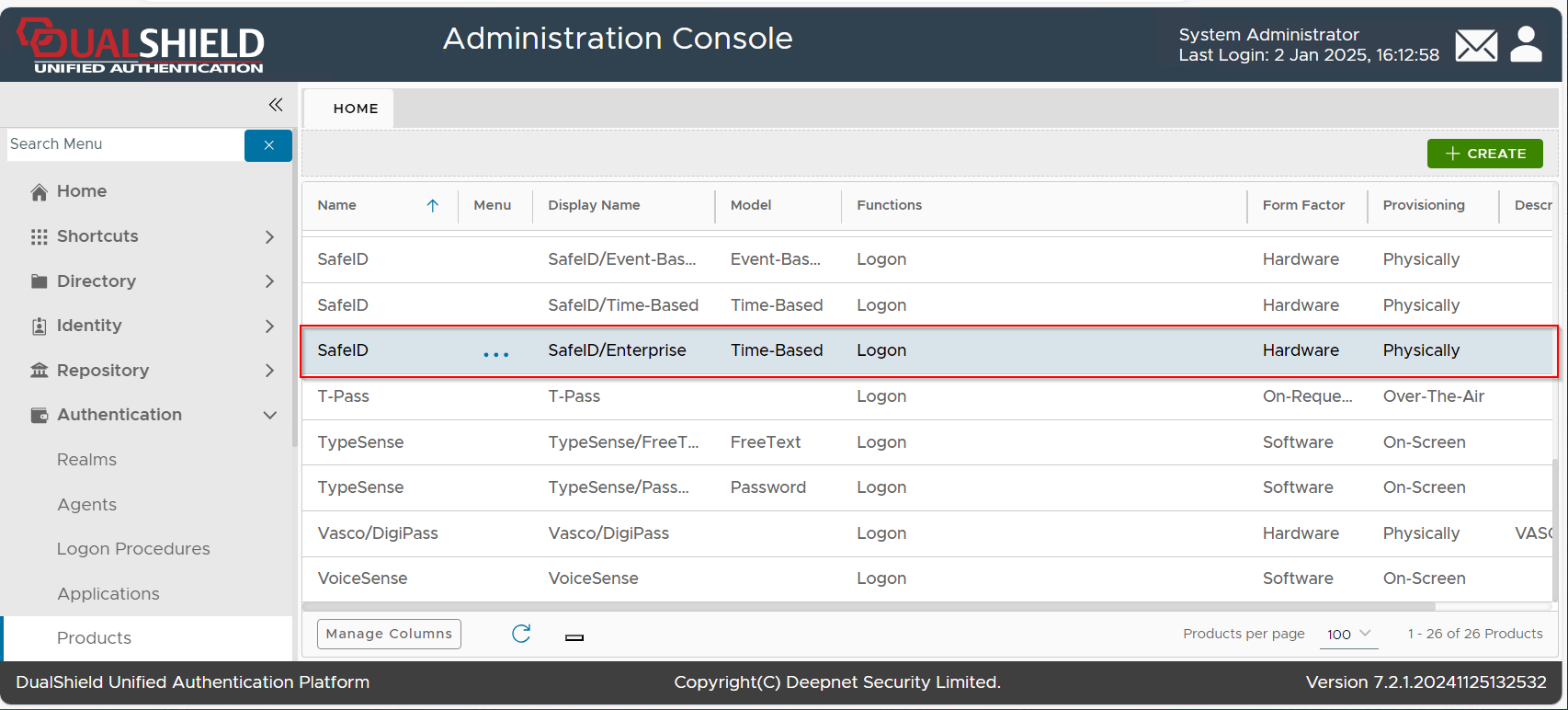
DualShield includes a pre-defined authentication product named SafeID/Time-Based which is an OATH/TOTP token with a time interval of 60 seconds. This predefined authentication product can be used to manage any TOTP hardware token with a time interval of 60 seconds, such as SafeID/Classic, SafeID/Mini etc. If you want to use a TOTP token with a time interval of 30 seconds, such as SafeID/Enterprise, then you will need to create a new authentication product in your DualShield server.
This guide describes the process of creating an event-base OTP (HOTP) authentication product for the SafeKey/Enterprise hardware token,
| Include Page | ||||
|---|---|---|---|---|
|
As we want to create a time-based OTP (TOTP) authentication product for SafeKey/EnterpriseUSB keys, we need to select "OATH TOTP"
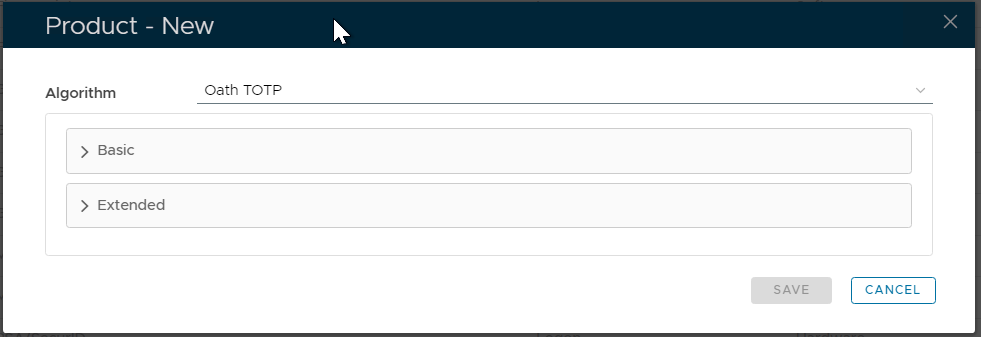
Expand the "Basic" section, and fill in the following details:
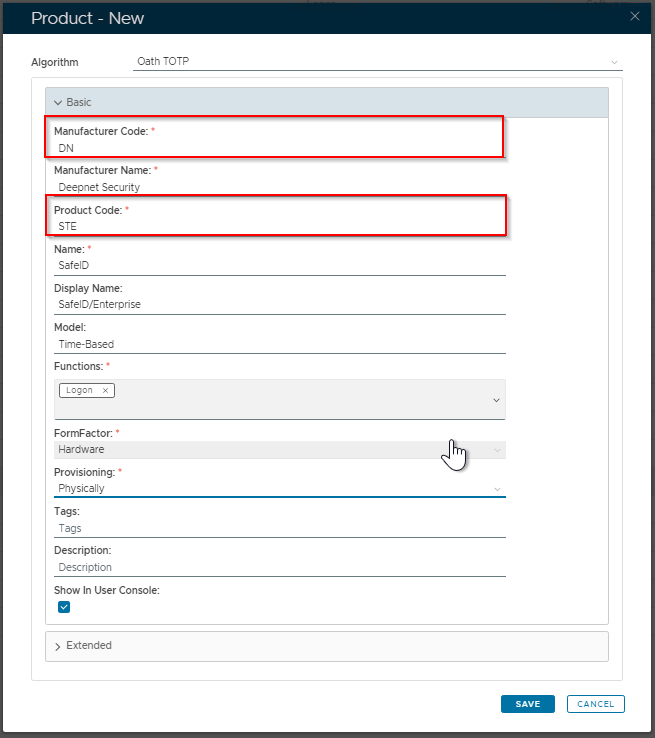
The key entries are:
- Manufacturer Code: DN
- Product Code: STE
Next, expand the section "Extended", and fill in the following details:
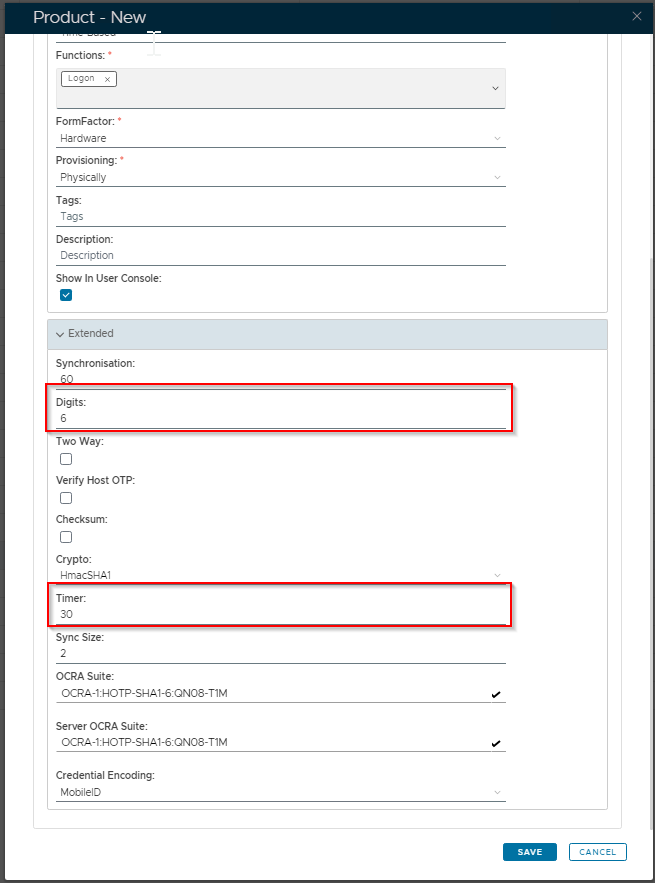
The key entries are:
- Digits: 6
- Timer: 30
Finally, click the SAVE button.