...
| Expand | ||||||
|---|---|---|---|---|---|---|
|
Once you have added the SafeID admin console as a trusted site to your local SafeID Bridge Service, click the "Close" button to dismiss the prompt. Then, click "Assign" in the token's action menu again.
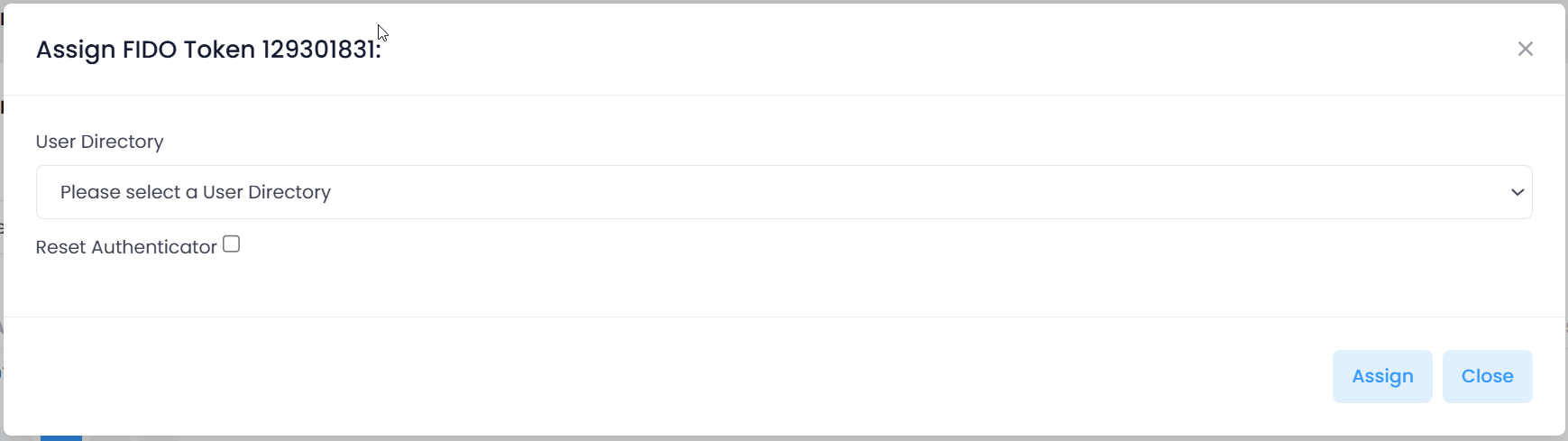
Select your User Directory
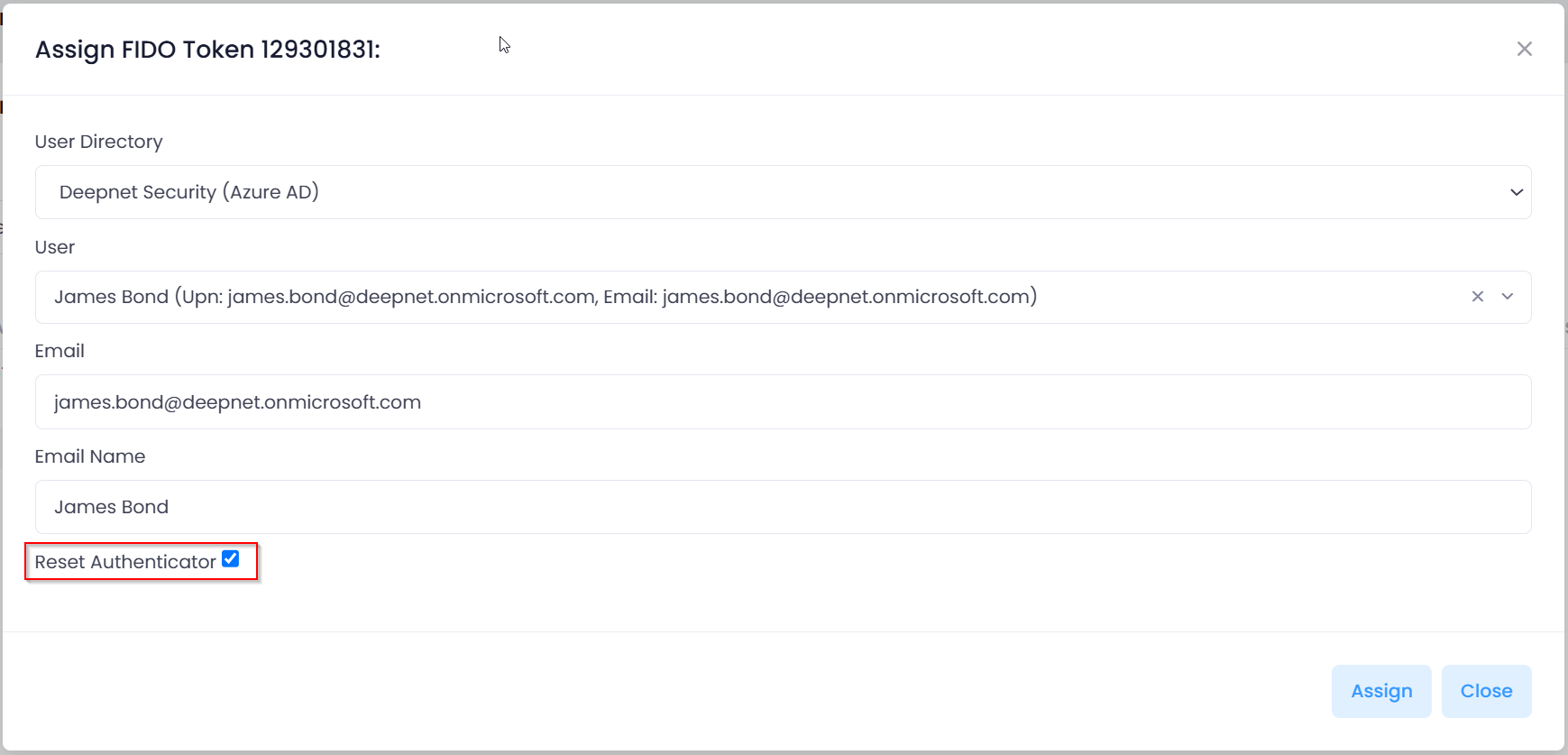
Select the user account to which you want to assign this FIDO key
Enable the option "Reset Authenticator"
Then, click "Assign"

Plug in the FIDO key (If it is already plugged in, you need to unplug it and re-plug it in)
Touch the FIDO key when its LED light flashes
Now, you will see the prompt below:

Touch the FIDO key again when its LED light flashes
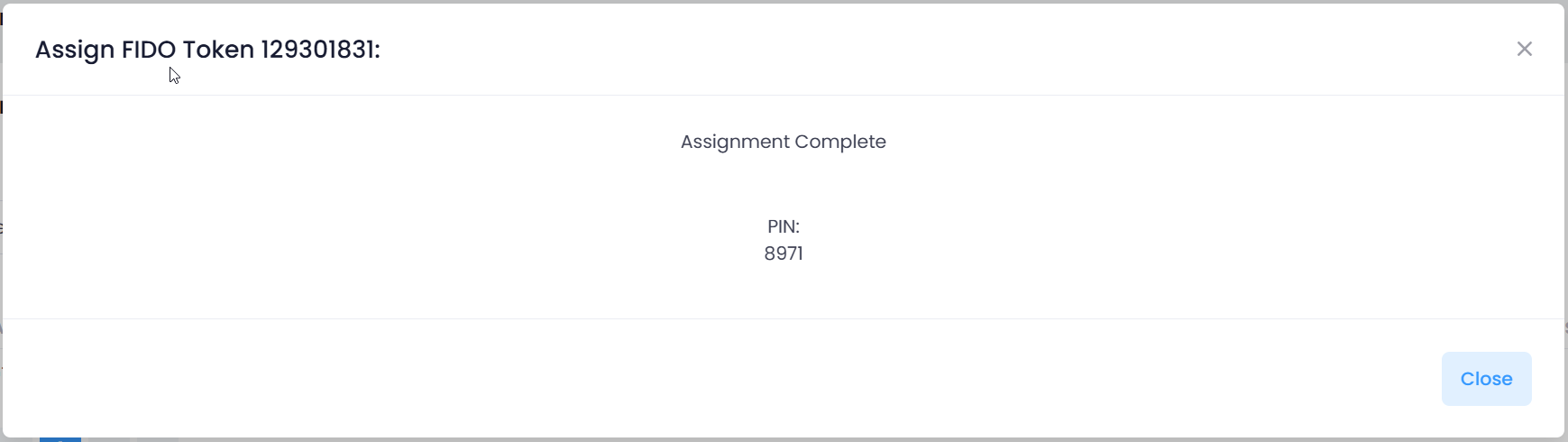
Finally, you will see the prompt below: