- Login into to DualShield Management Administration Console
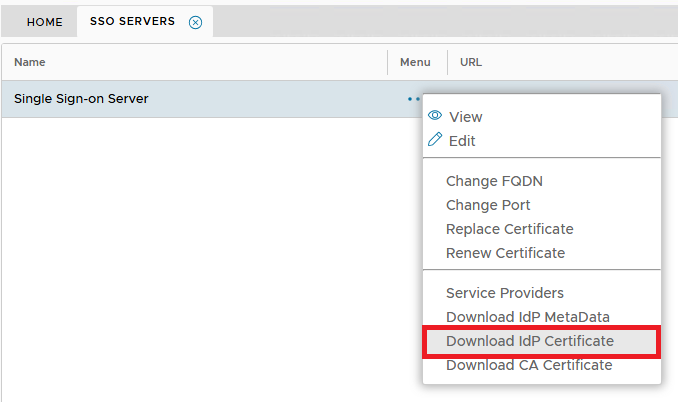
- In the main menu, select navigate to “SSO | SSO Servers”
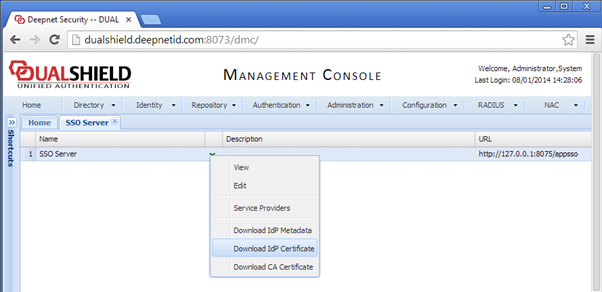
Click “Download IdP Certificate” and save to a local file, e.g. DualShieldSSO.crt
- Select the context "..." menu on "Single Sign-on Server", then "Download IdP Certificate".
The CRT file will be saved to the local machine.