- In the main menu, select “SSO | SSO Servers”


- Click the context "..." menu, for "Single Sign-on Server", then “Download IdP Metadata”
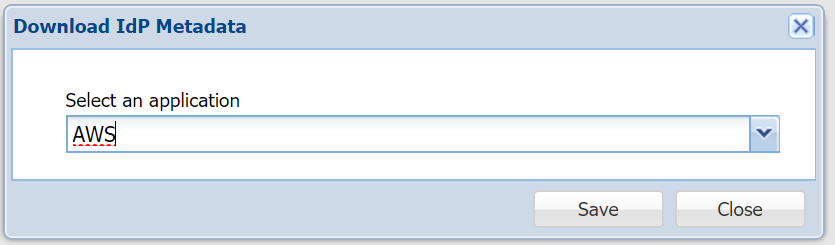

- Confirmation will appear within the Browser, the Download was completedSelect the AWS application and save to a local file, e.g. DualShieldIdP"Single Sign-On Server metadata.xml", to the local machine.
Page History
Overview
Content Tools