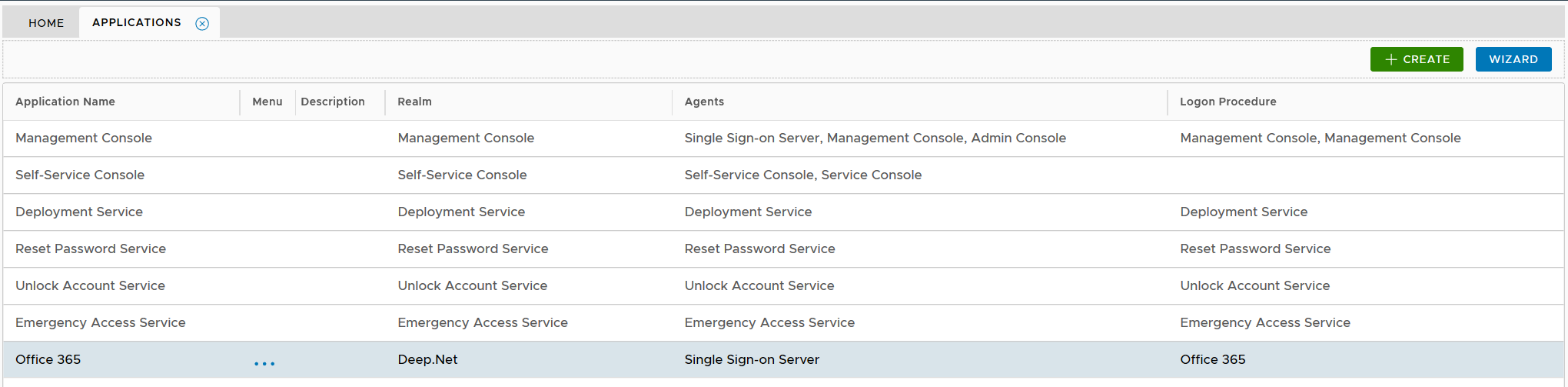
To publish an application on an authentication agent, first navigate to the application list by select selecting "Authentication | Applications" in the side panel
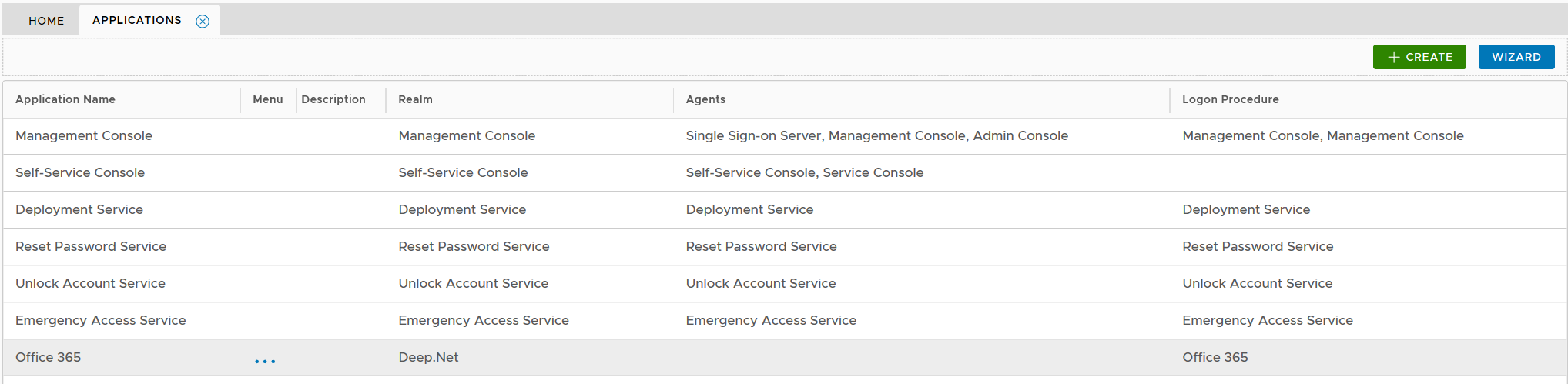
Click the conext context menu icon "..." of the application, e.g. "Office 365" to access its context menu
...
Click "SAVE" button to save the settings