Right-click the Windows Start button and select Run.
Type "certsrv.msc" and press Enter to launch the Certification Authority manager
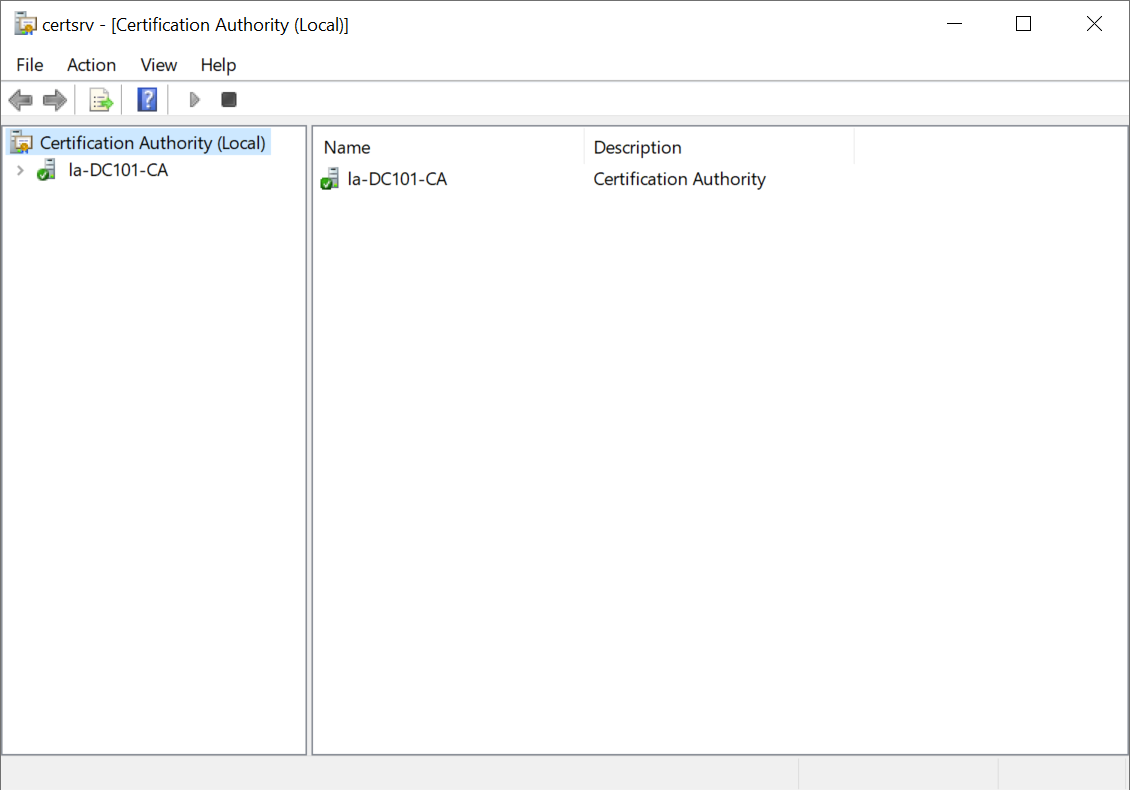
Double-click the name of your server, e.g. "la-DC101-CA" to expand it
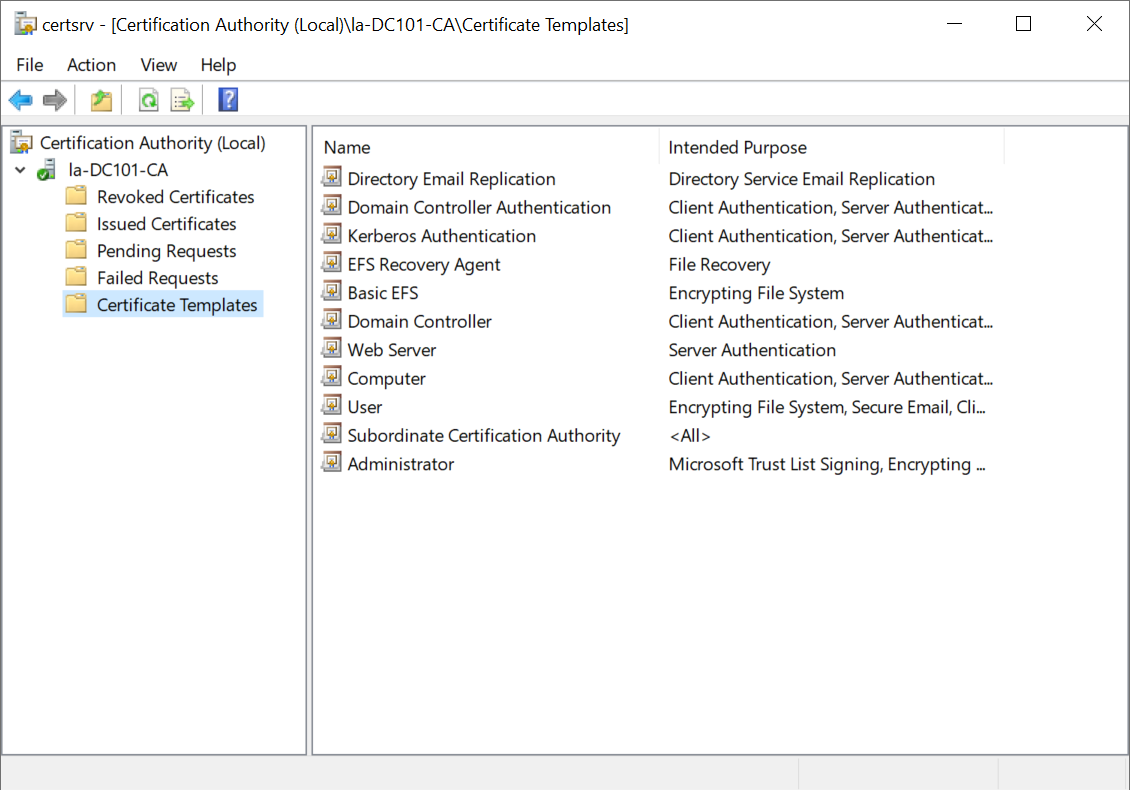
Right-click Certificate Templates

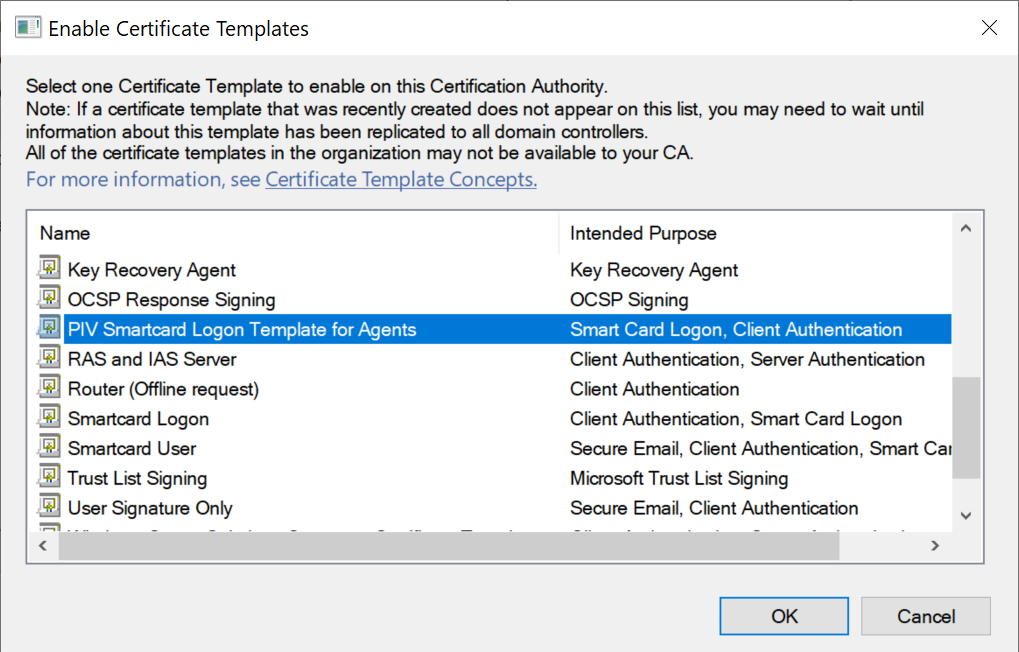
Select New and then select Certificate Template to Issue.
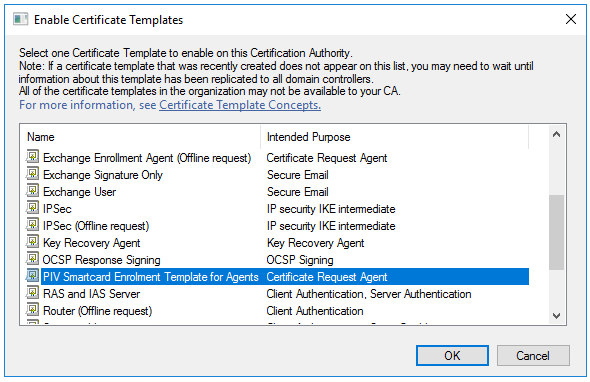
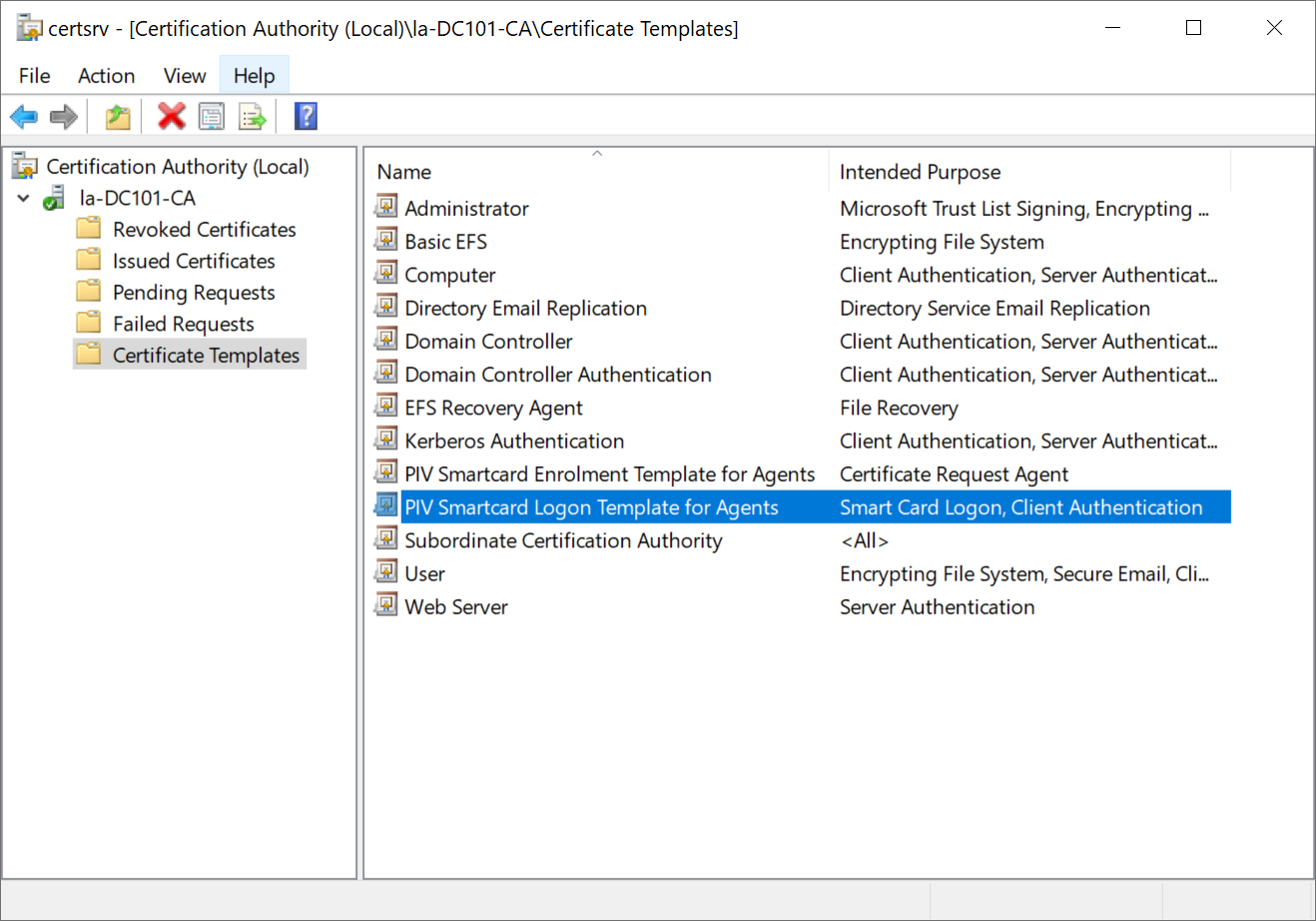
Find and select the newly created enrolment template, e.g. "PIV Smartcard Enrolment Template for Agent". and then click OK

Repeat the same steps to publish the PIV Smartcard Logon Template for Agents