If you want to enroll the certificate manually, or something unexpectedly stop the auto enrollment, you can change the properties of the certificate template and enroll it by userself.
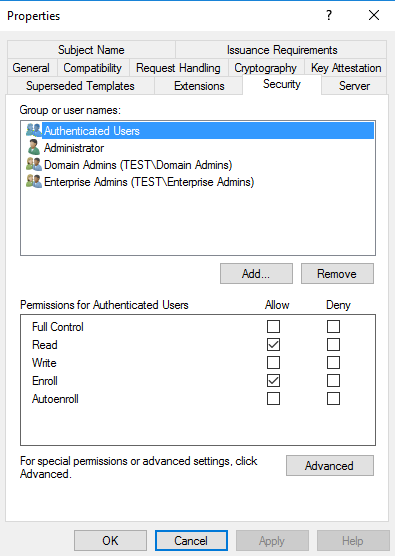
First open the certificate template at certtmpl.msc, move to Security tab and uncheck the Autoenroll permission at certificate template security tab.
And then run certmgr.msc, move to Personal-Certificates, right click, All tasks, Request New Certificate.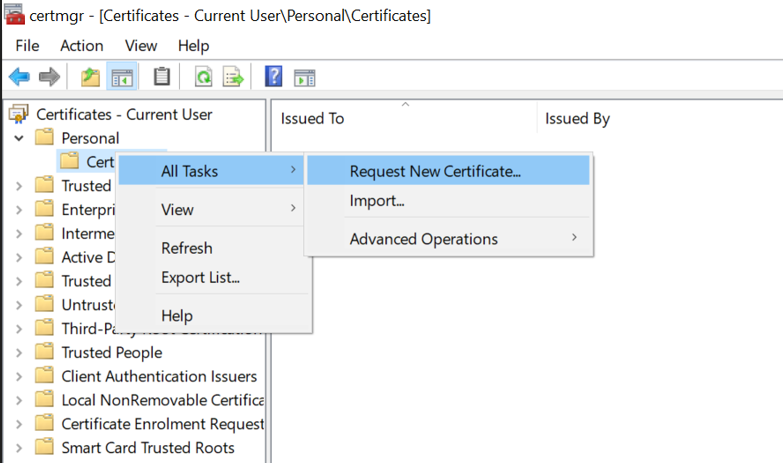
Next,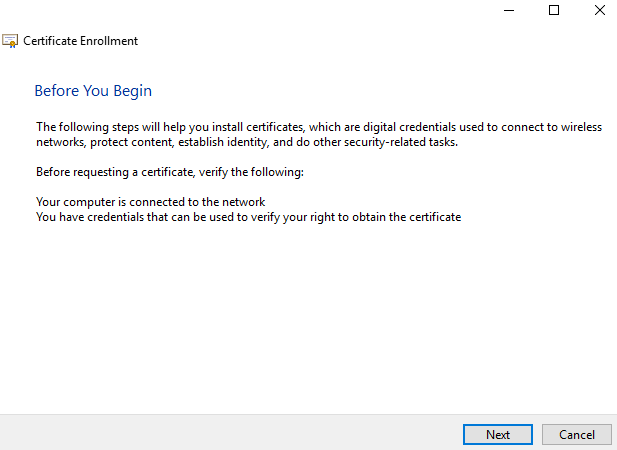
Click 'next'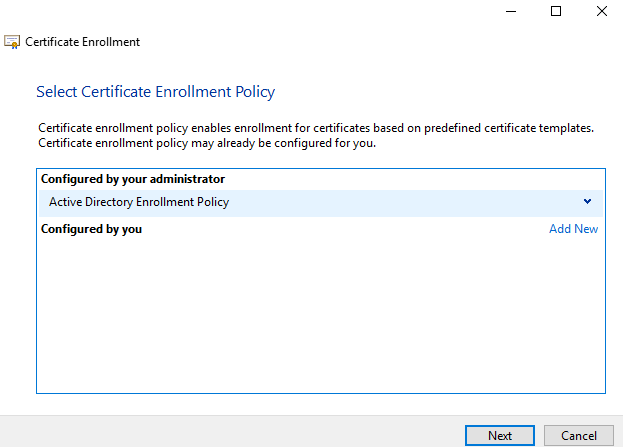
Select the certificate template you created at previous steps.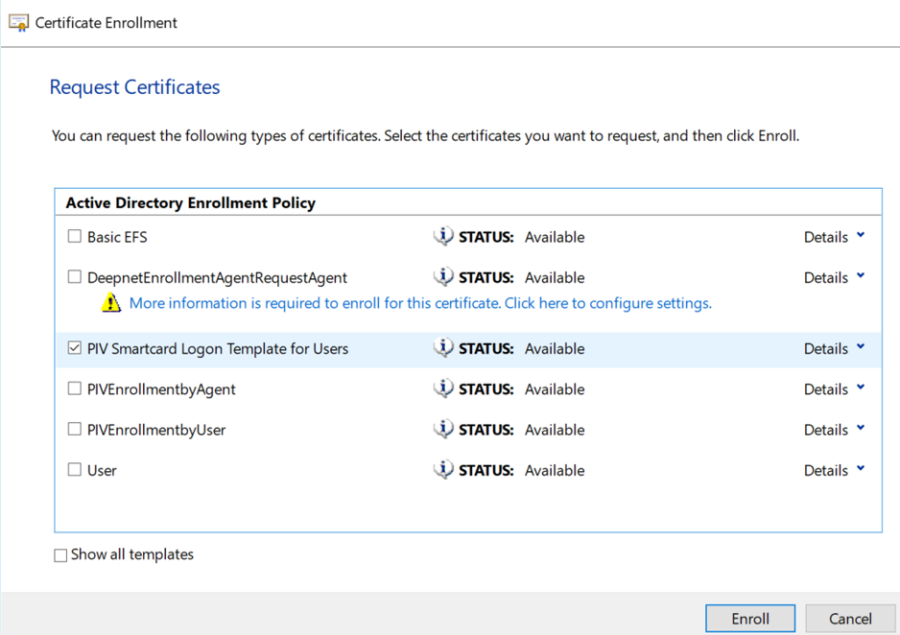
Success. Next time you login to this account with our key inserted, you can use smart card logon method. 