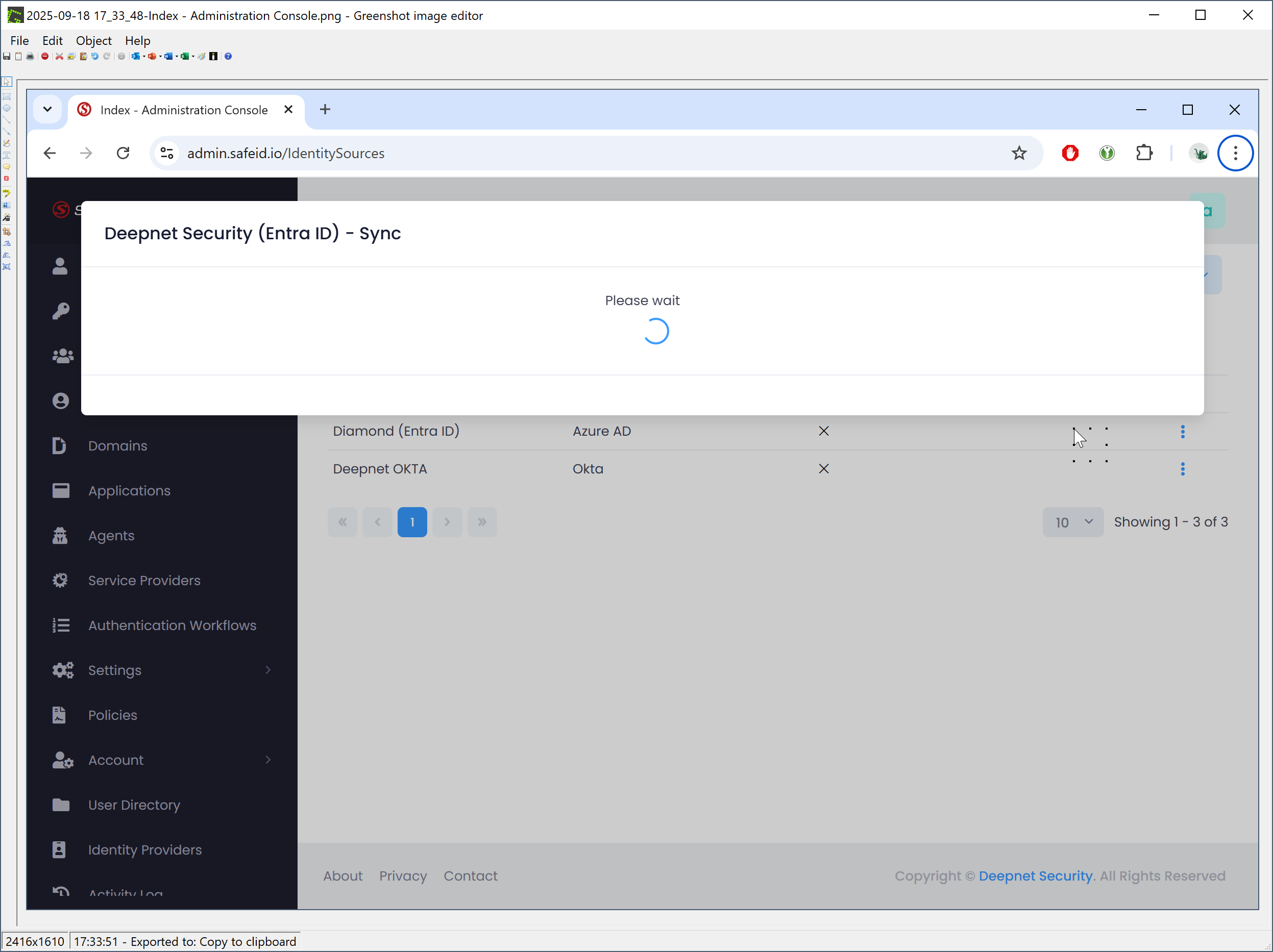
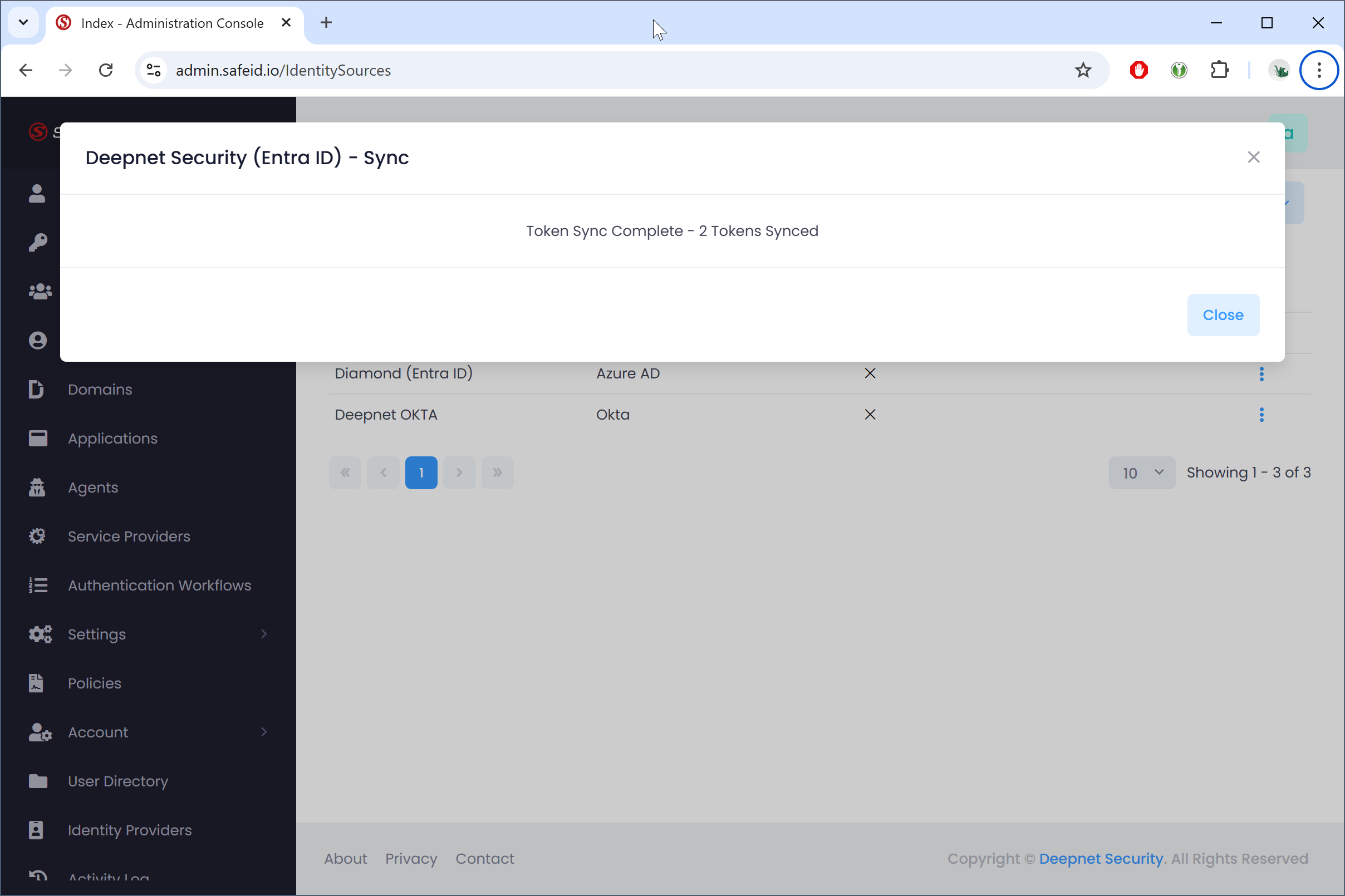
The SafeID Token Service has a local inventory system that also tracks the assignment status of each token. In some circumstances, the token assignment status can get out of sync with Entra ID. For instance, if a token was assigned or removed using the Entra Admin portal.
To synchronise your token inventory in STS with your Entra ID tenant, please follow the steps below.
In the STS Admin Console, navigate to "User Directory"
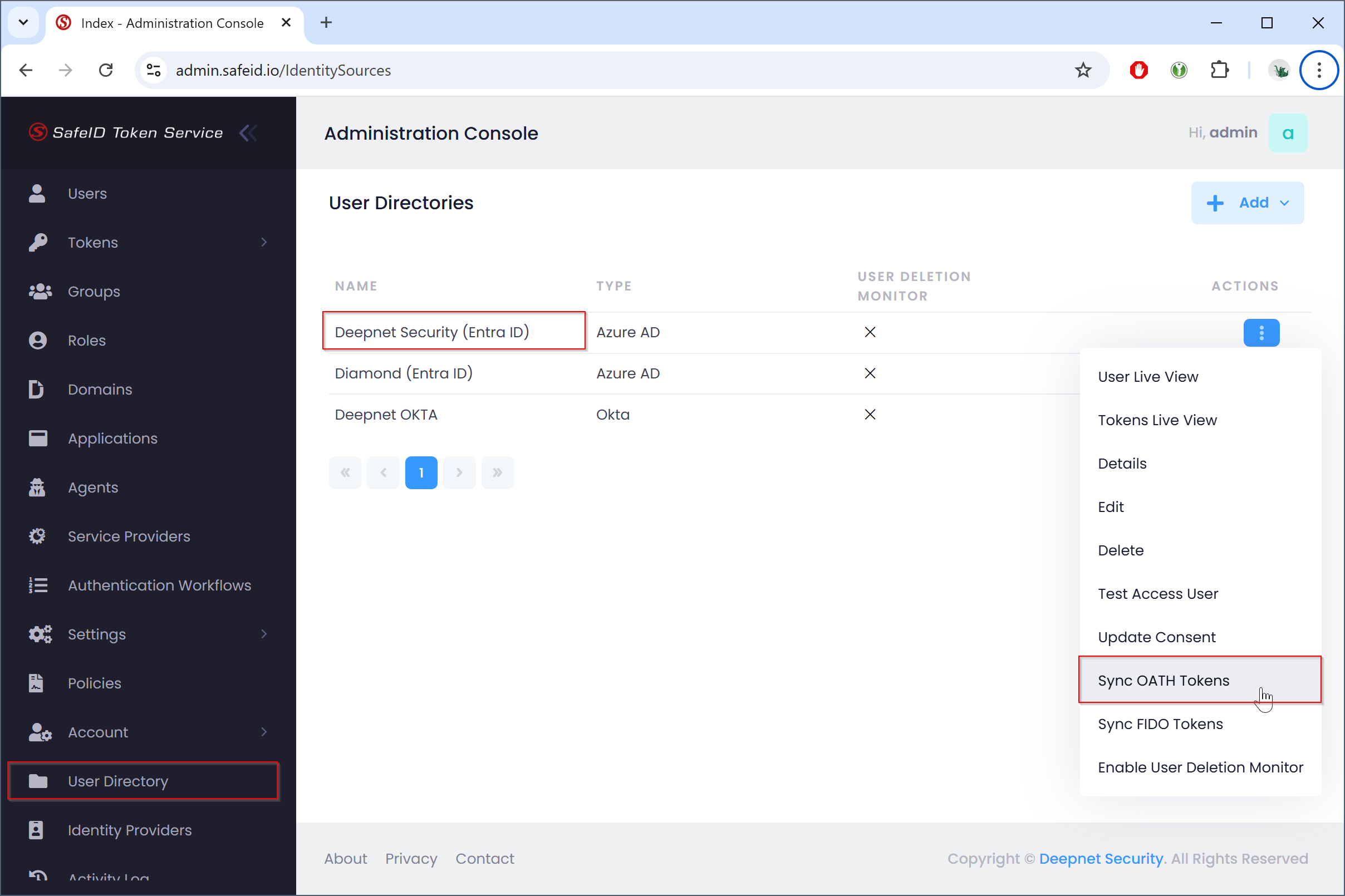
Click the Actions menu of the user directory that you want to synchronise with, then select "Sync OATH Tokens"
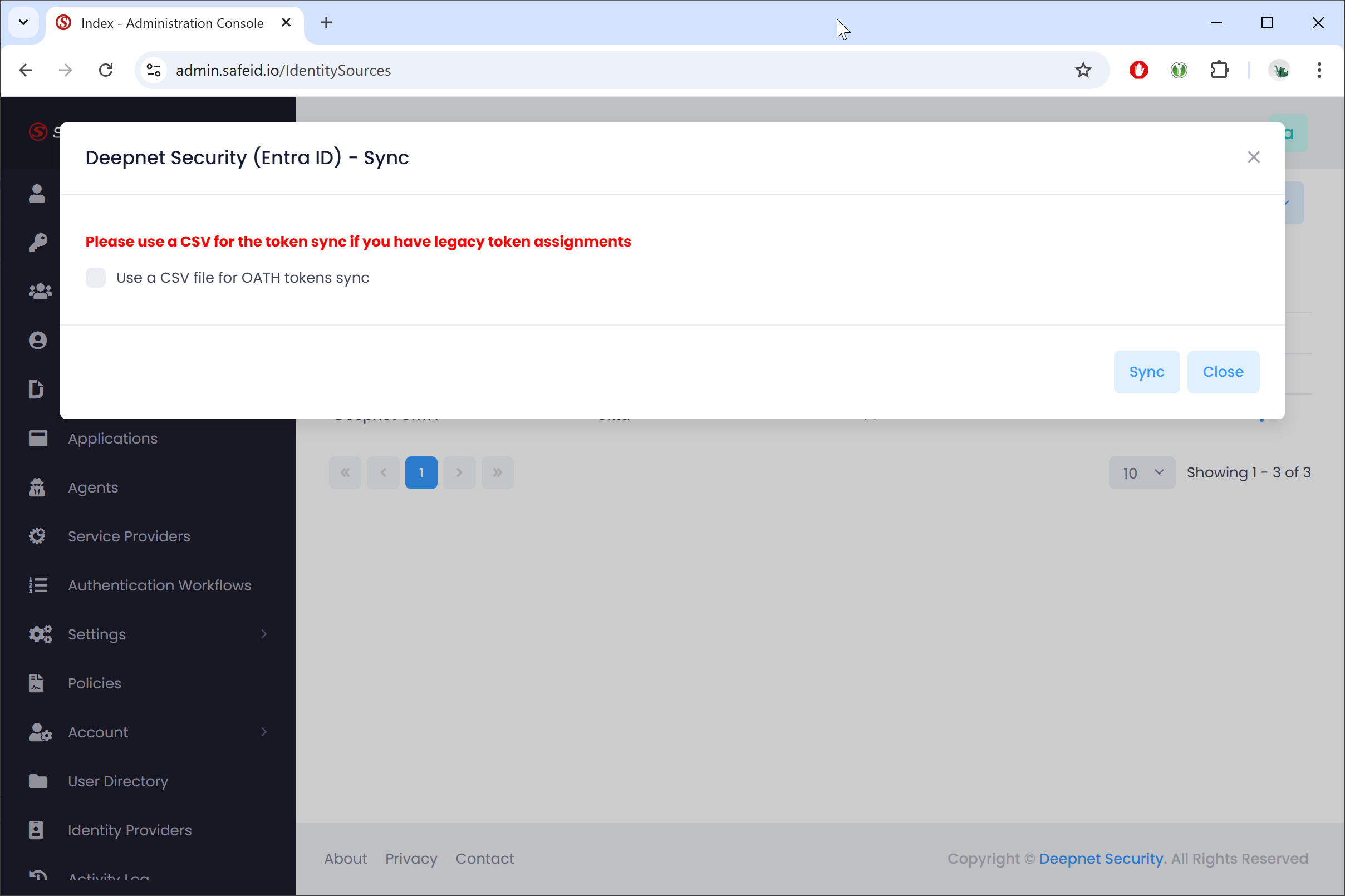
If you have legacy token assignments in your Entra ID tenant, then
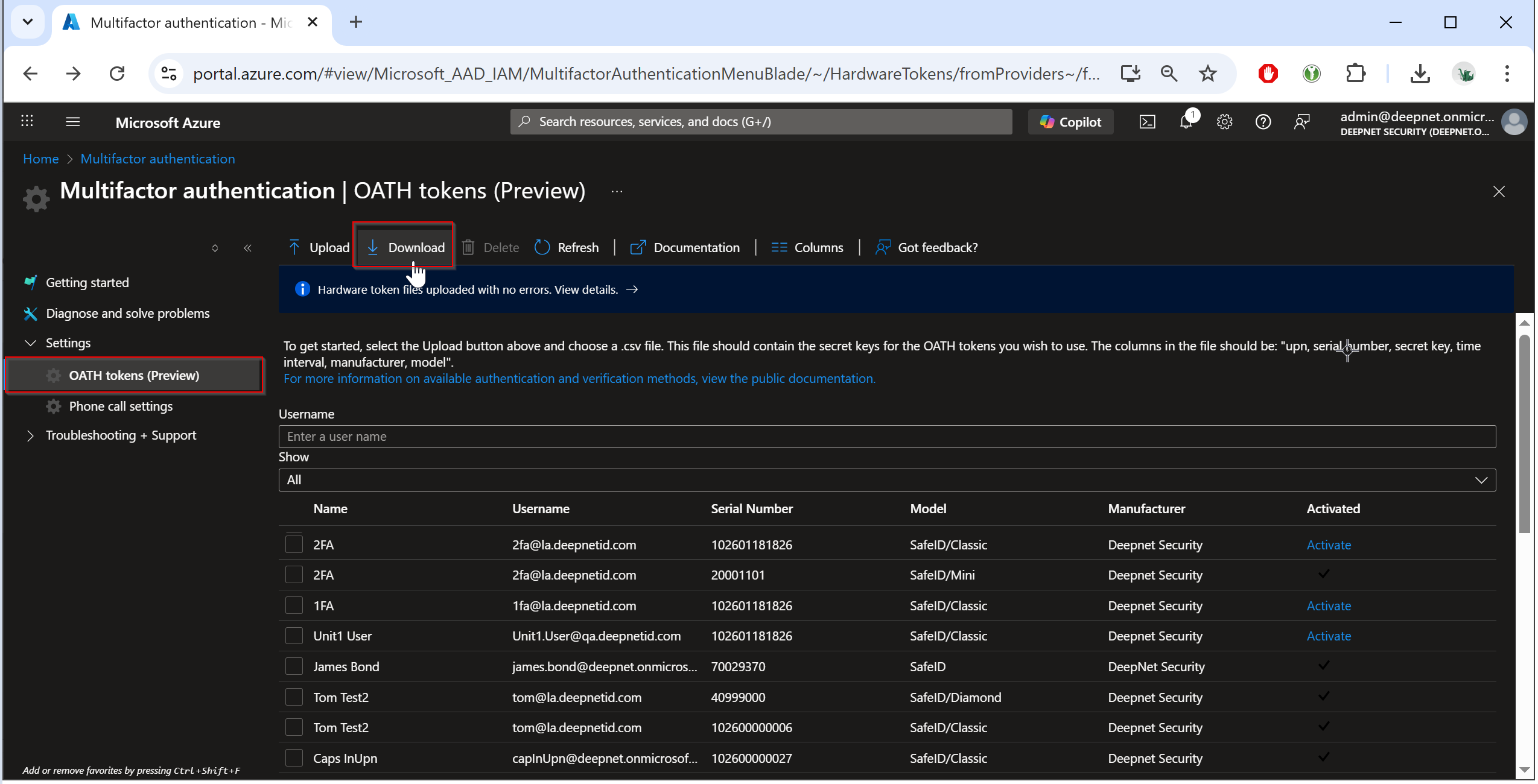
First, export the token assignments from the Entra Admin Portal to a CSV file
Then, check the option "Use a CSV file for OATH tokens sync" and upload the CSV file.
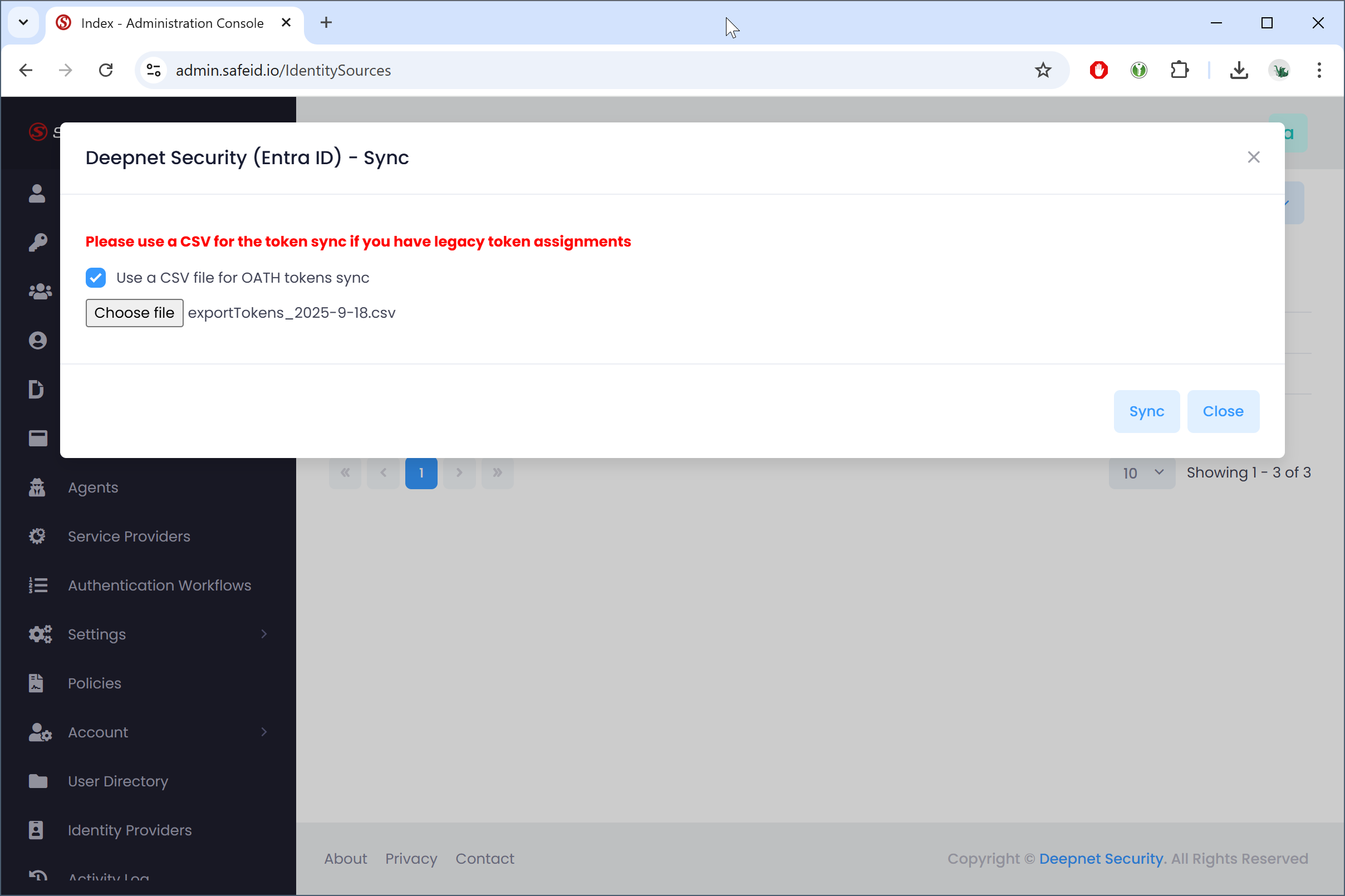
Click "Sync"