Click the Actions menu of the Temporary Access Pass policy to edit, and select "Edit" in the menu
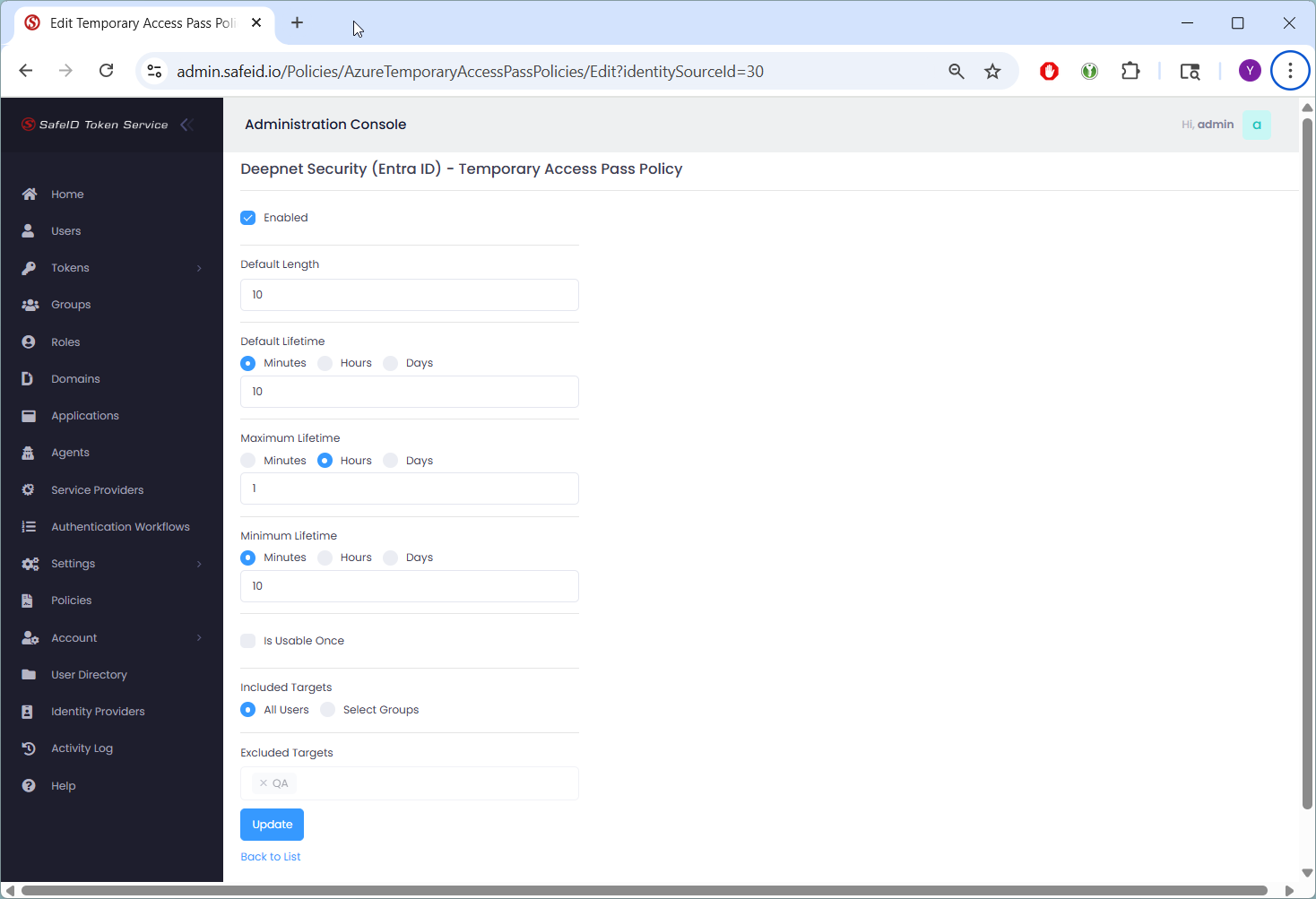
You can define the following aspects of TAP:
Length: between 8 – 48 characters
Lifetime:
Minimum: 10 minutes to 30 days
Maximum: same range
Default: within that range
One-time use: can be forced or allowed to be reusable within its lifetime
You can also define the targets of TAP, e.g. all users or some selected user groups.
However, you Can’t Configure:
Character complexity rules: There's no built-in option to enforce uppercase/lowercase mix, numeric-only, symbol inclusion, or blacklist similar characters. TAP codes are randomly generated from a broad character set.
Advanced complexity customization: You can't enforce patterns like “must include a symbol” or restrict ambiguous characters via policy.