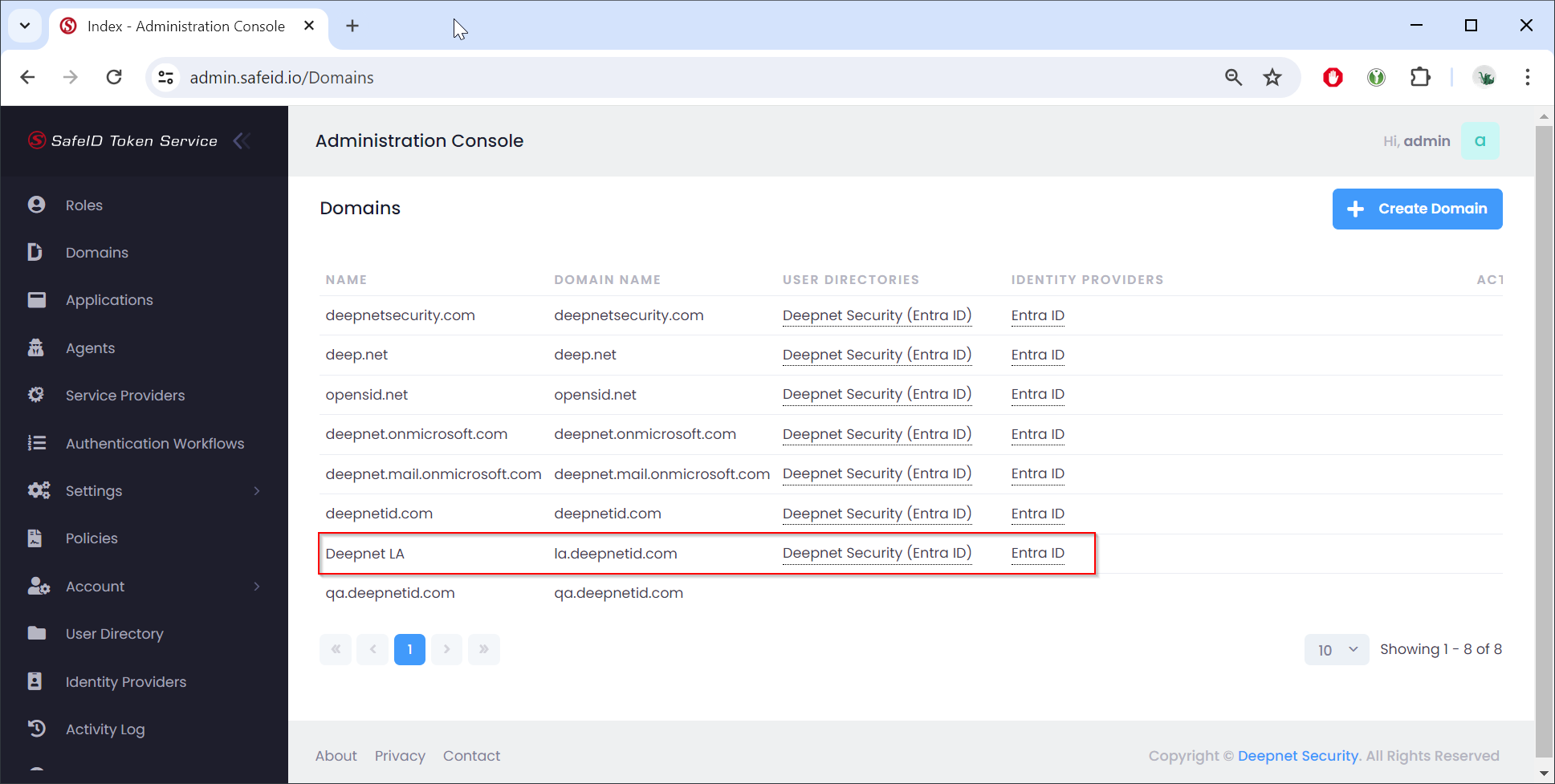
Sign in to the STS admin console
- Navigate to "Domains"
- Click the "+Create Domain" button
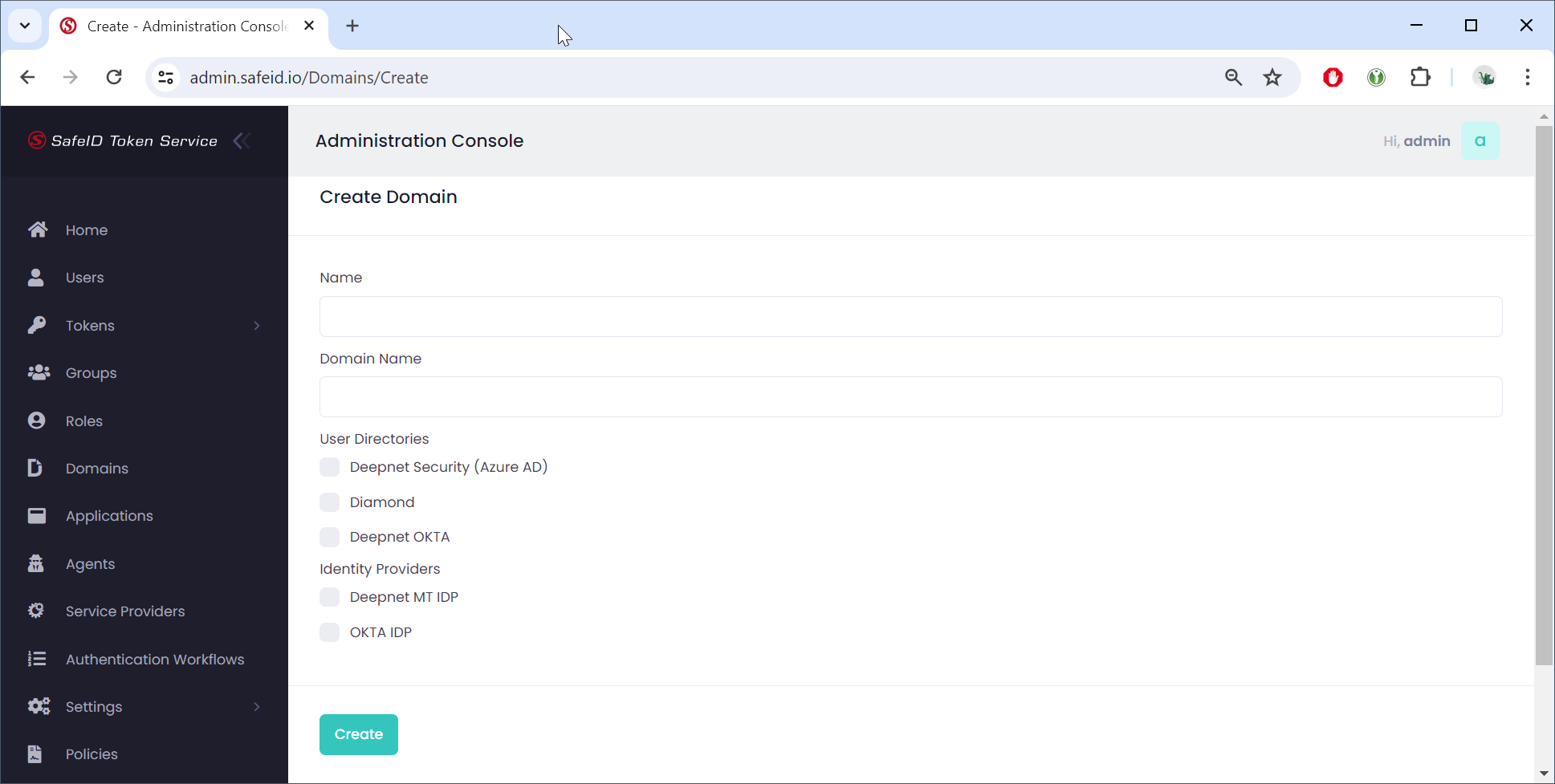
In the Name box, enter the descriptive name of the domain,l e.g. "Deepnet LA"
In the Domain Name box, enter the fully qualified domain name (FQDN),l e.g. "la.deepnetid.com"
Select the User Directory in which the users of this domain reside. You can select one of many directories.
Select the Identity Provider by which users of this domain can be verified. You can select one of many providers.
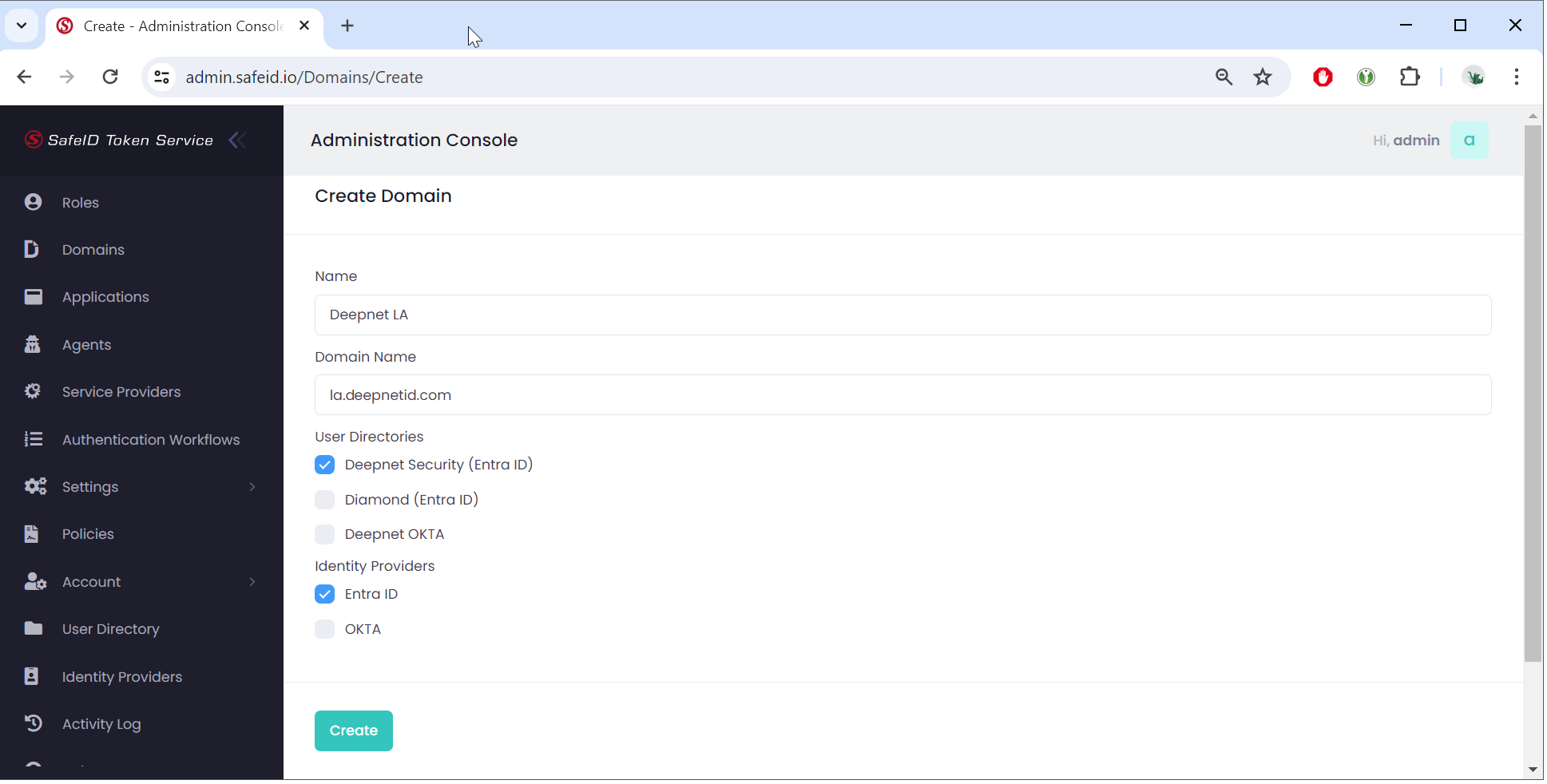
Click "Create" to save the domain