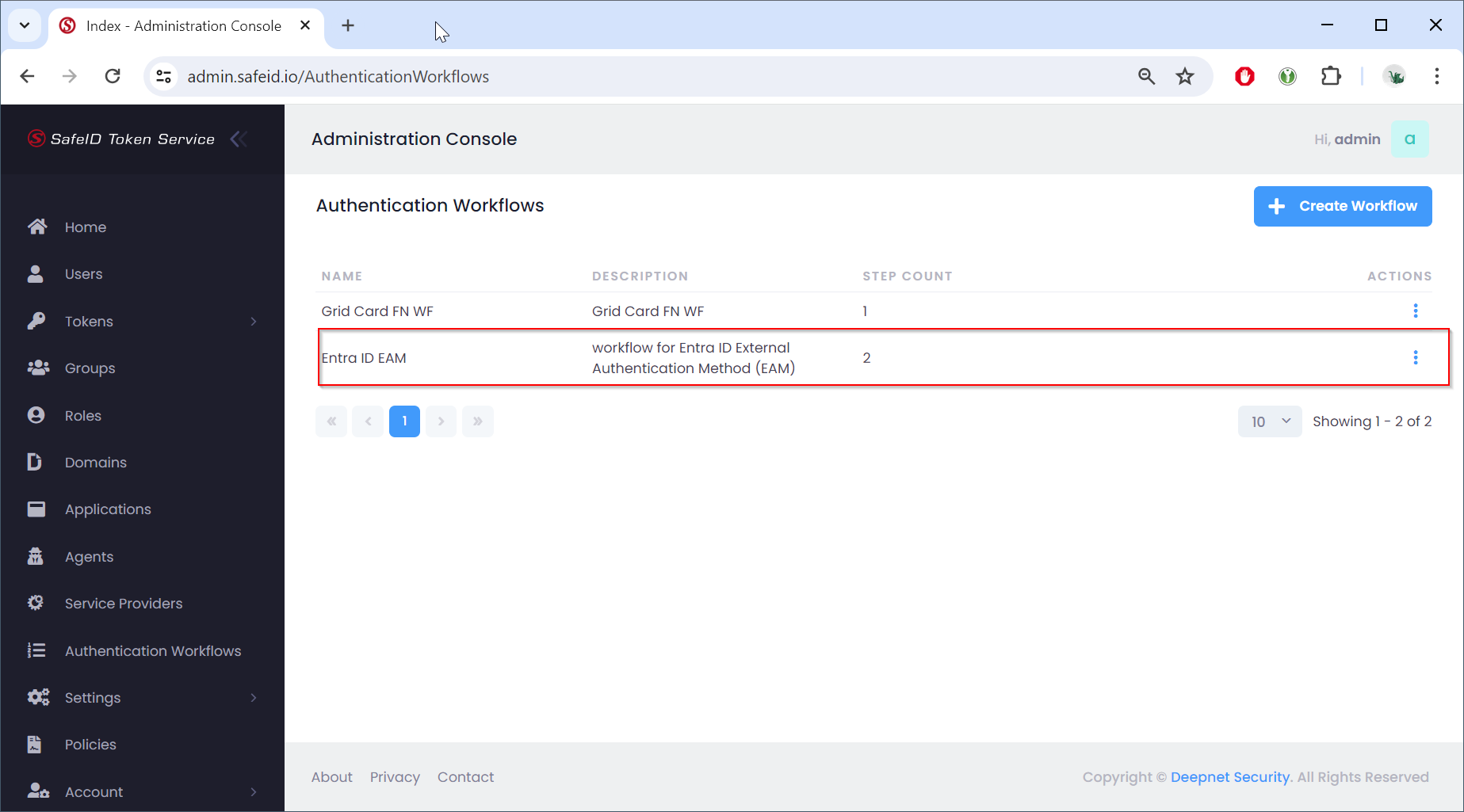
Sign in to the STS admin console
- Navigate to "Authentication Workflows"
- Click the "Create Workflow" button
- Enter the workflow name and description.
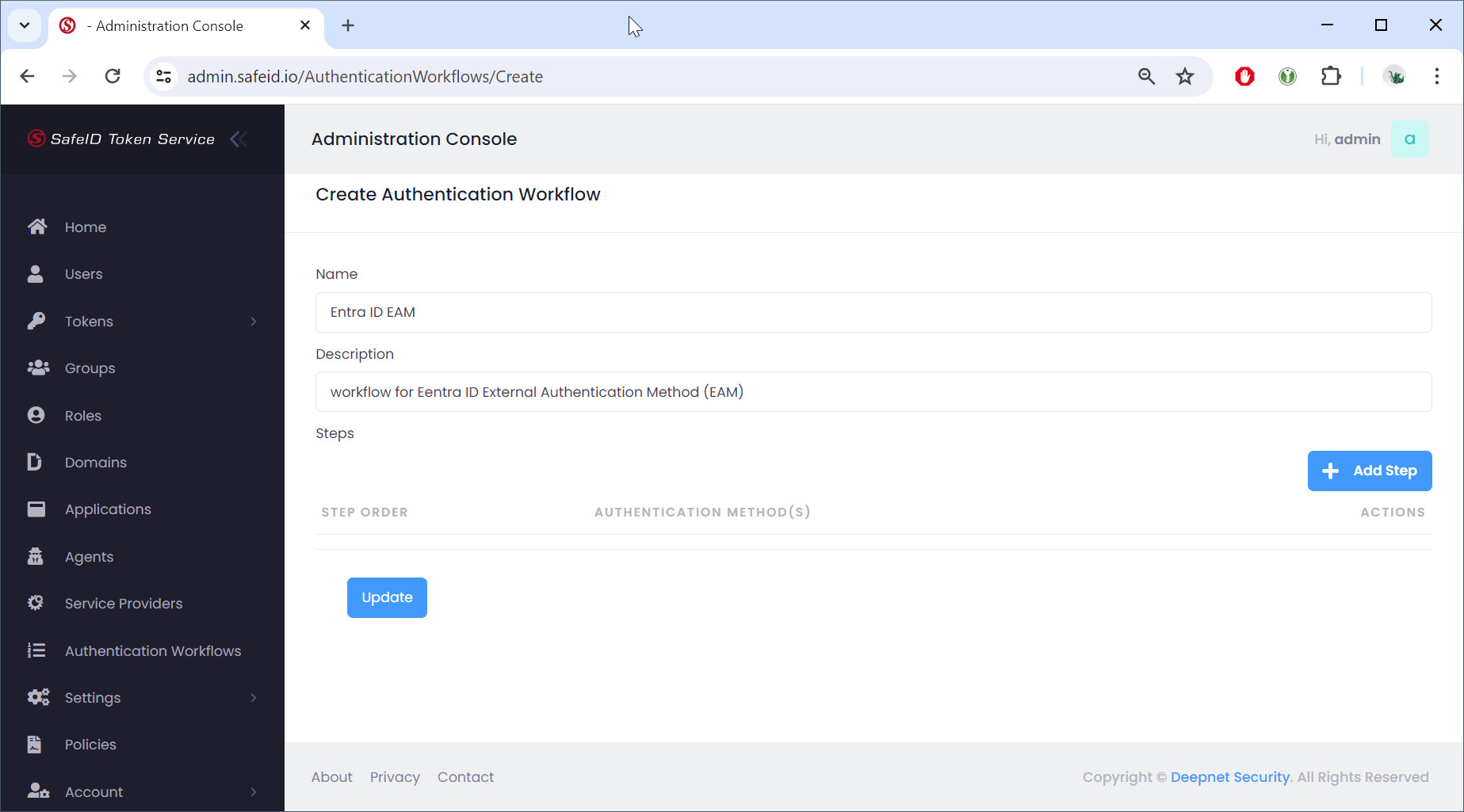
Now, click the "Add Step" button to add authentication steps to the workflow
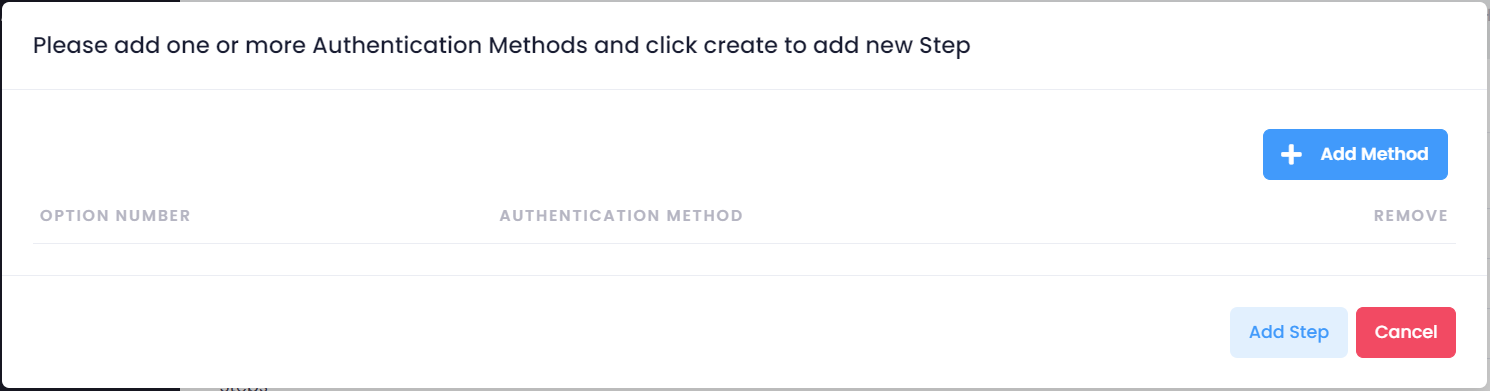
Click "Add Method" to add an authentication method
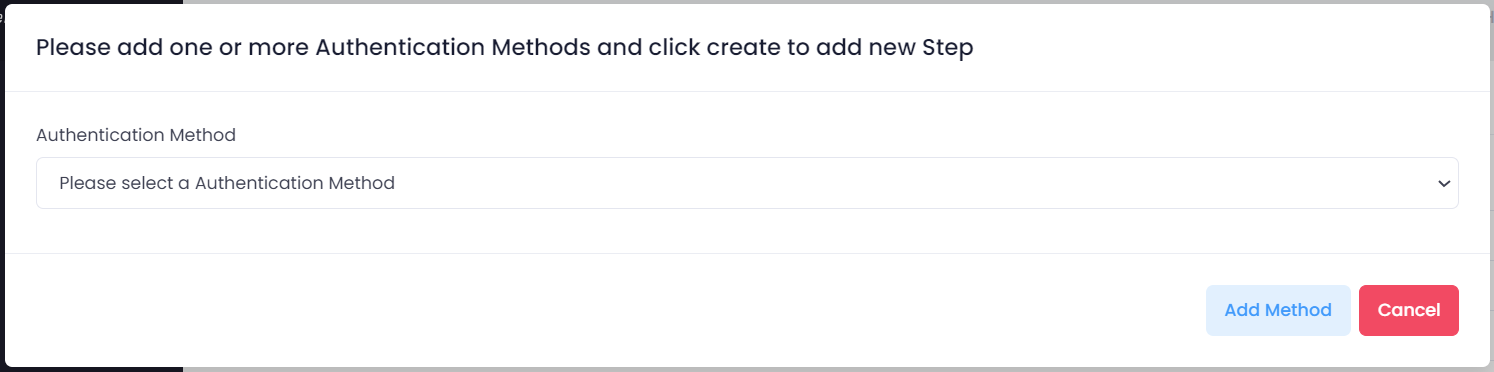
Select the authentication method from the list, e.g. "Grid Card - Free Navigation"
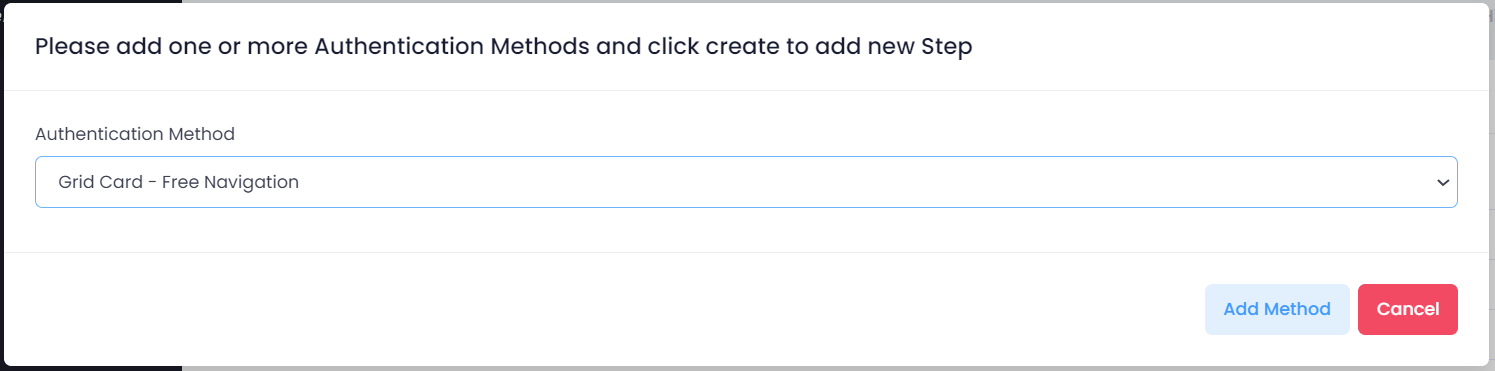
Click "Add Method" to save the method
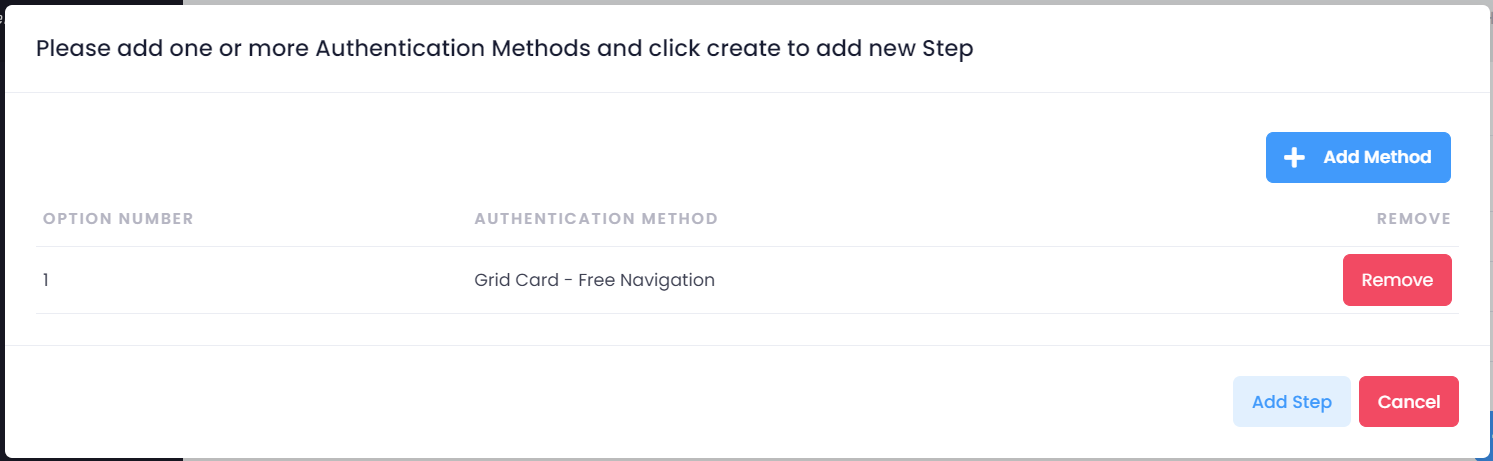
To add another method to the step, click "Add Method", and repeat the above process of adding a method
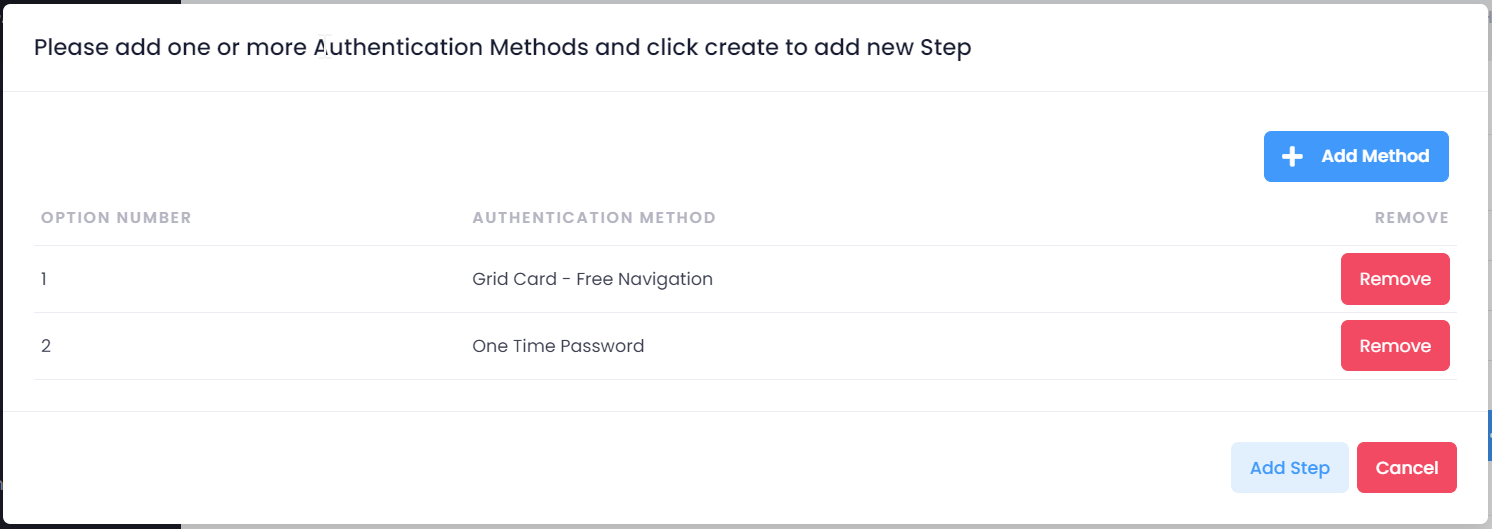
Once you have added all the methods that you want in the step, click "Add Step" to save the step
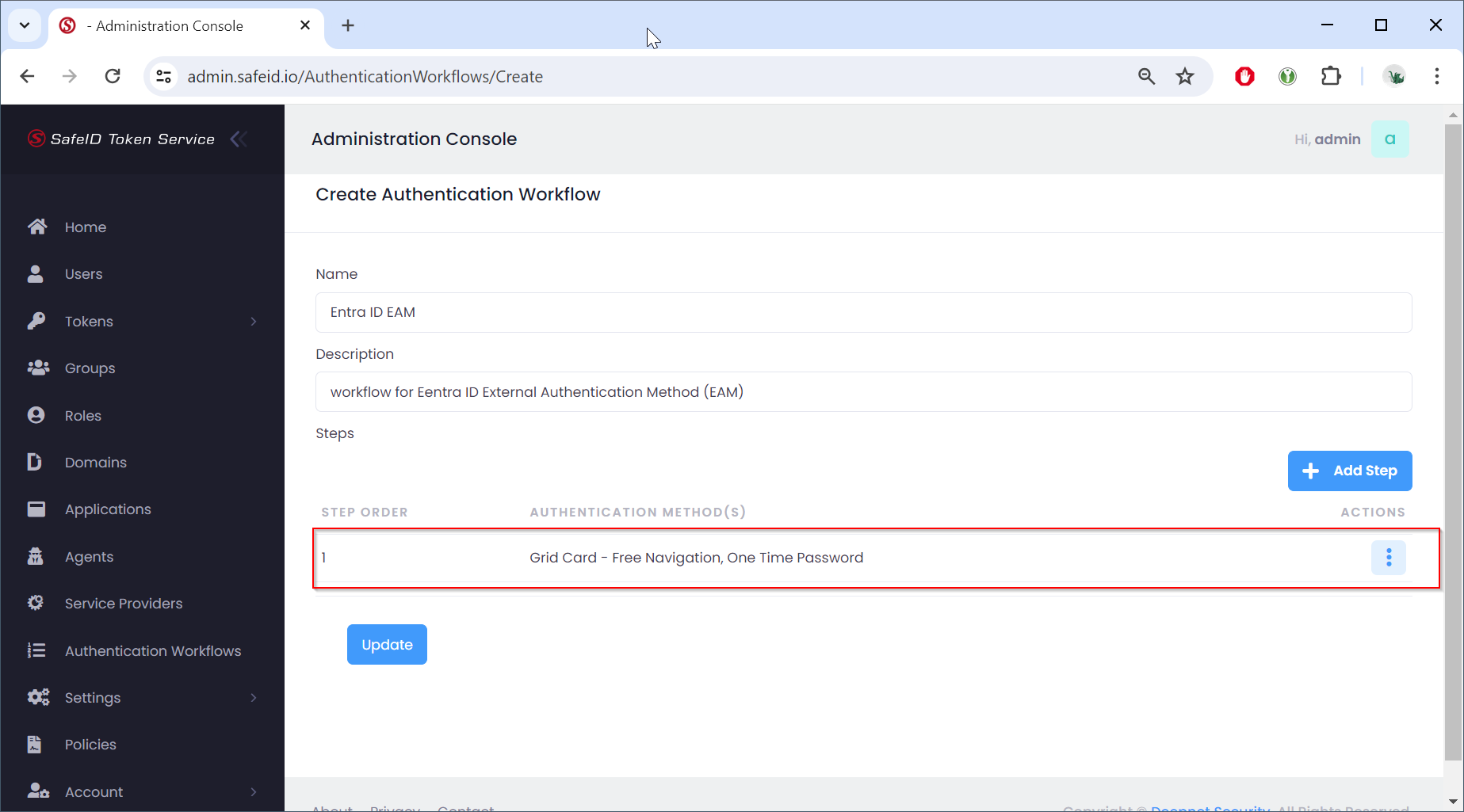
To add another step to the workflow, click "Add Step" and repeat the process of adding a step
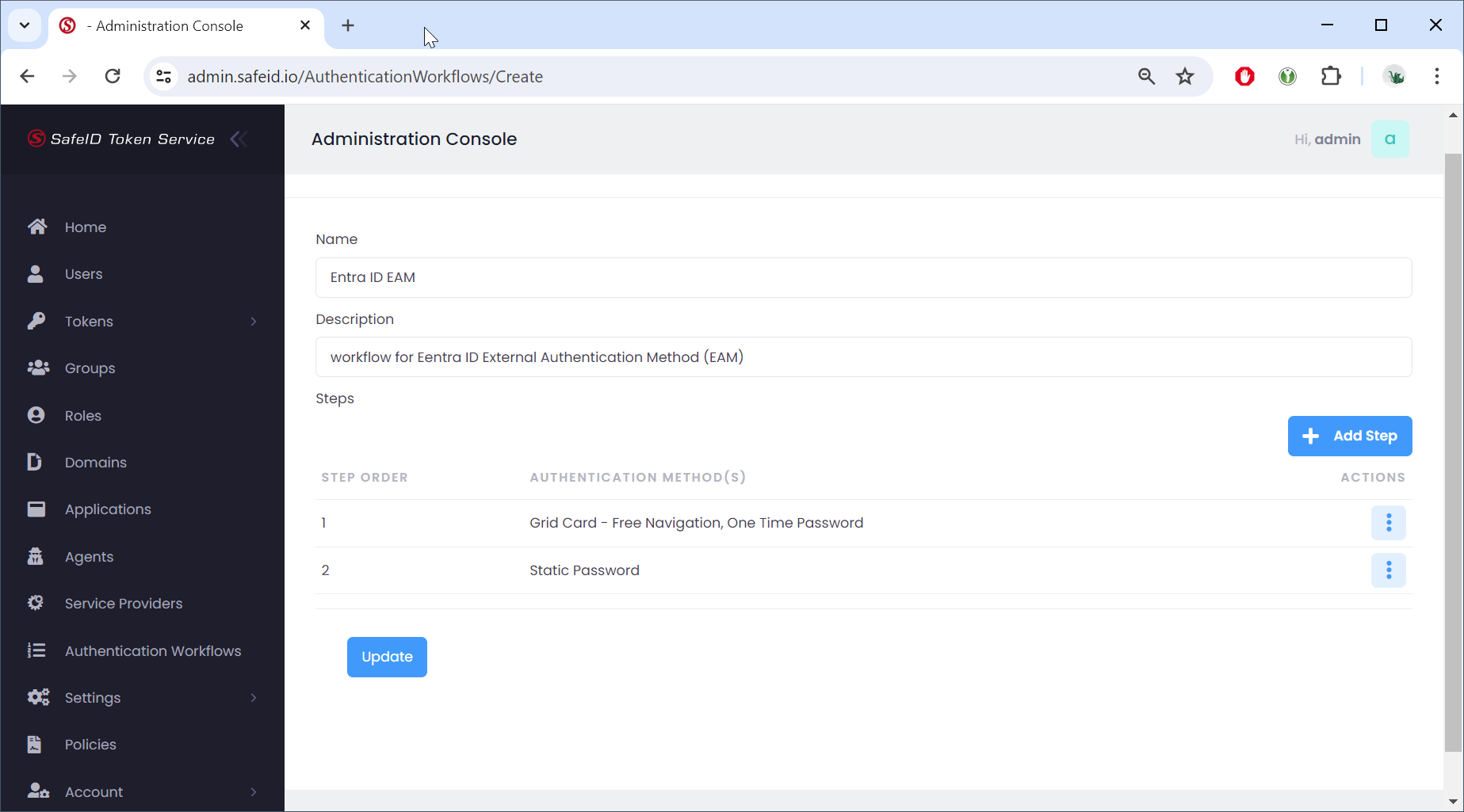
Once you have added all the steps that you want in the workflow, then click "Update" to save the workflow