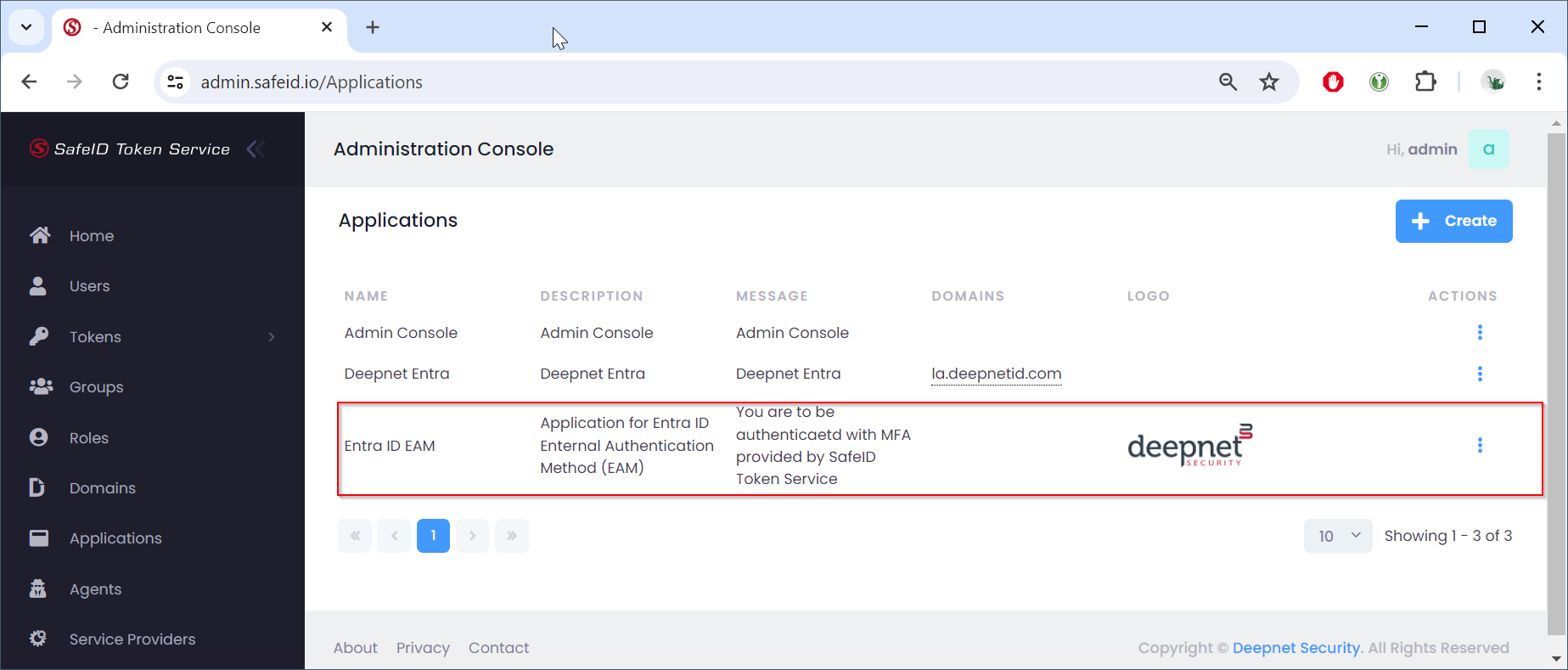
Sign in to the STS admin console
- Navigate to "Applications"
- Click the "+Create" button
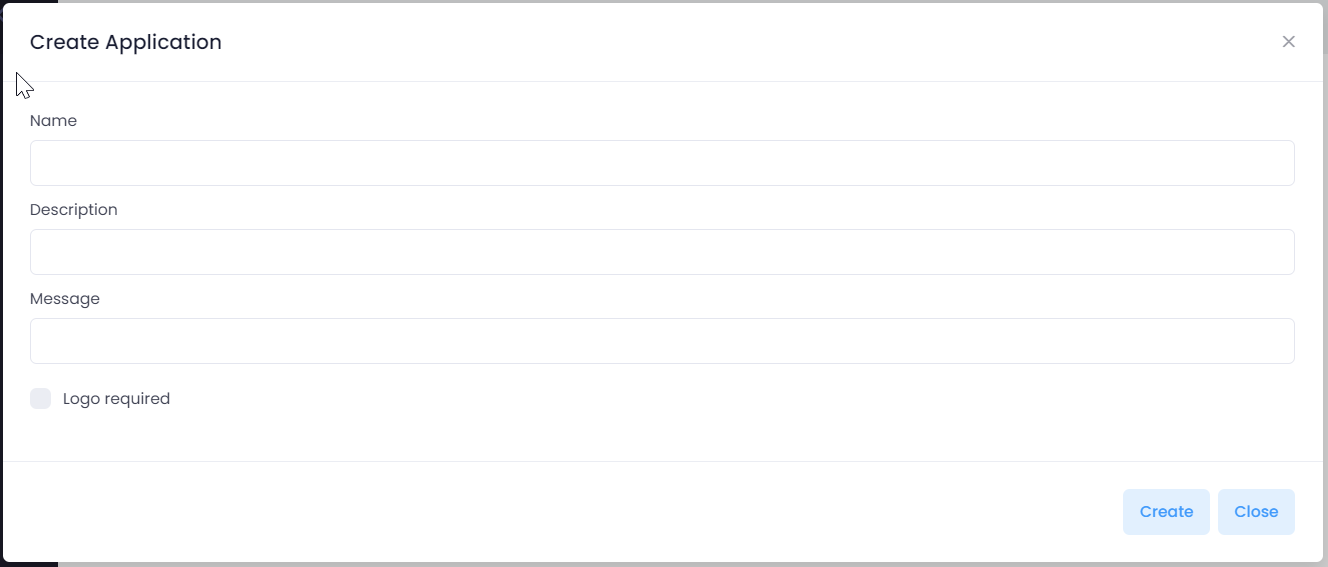
Fill in the application name
Optionally, fill in the description and message
You can also provide a custom application logo to be displayed in the application's login screen
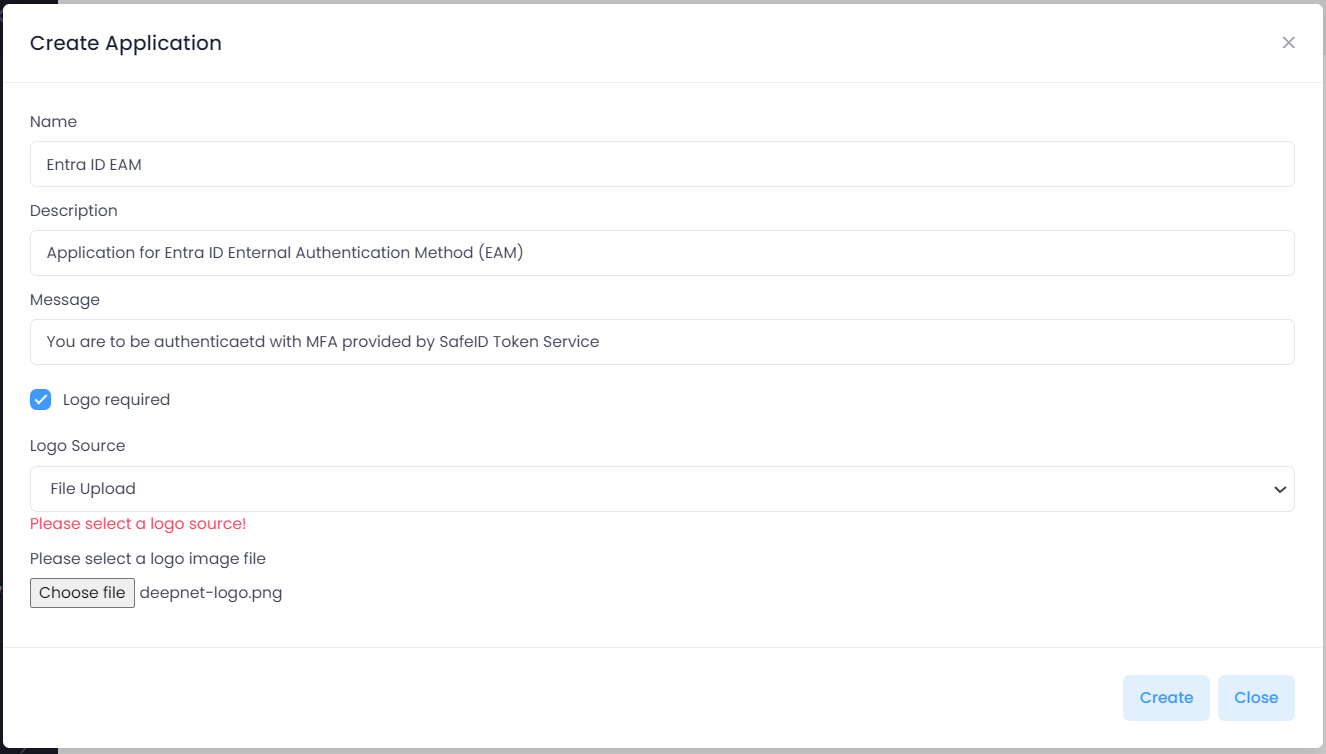
Click "Create" to save the application