Please note - If you reset a security key then you will have to re-enrol the key again (as a new FIDO2 security key)
Resetting a FIDO2 security key on a Windows system
FIDO2 security keys can be reset after first launching the windows setting home page then selecting your sign-in options;
- Open up the windows settings home page (press windows and "I" keys at the same time);
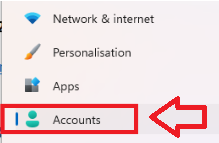
In the left hand column, select "Accounts" to open the user accounts settings;
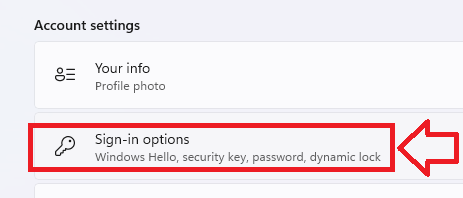
Scroll down the right hand column to the "Accounts Settings" section, then select "Sign-in Options";
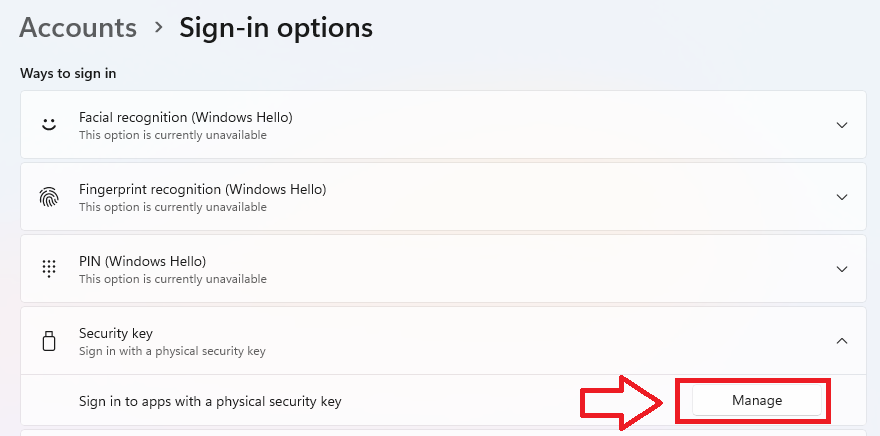
In the section "Security key", click on the "Manage" button;
Related Articles
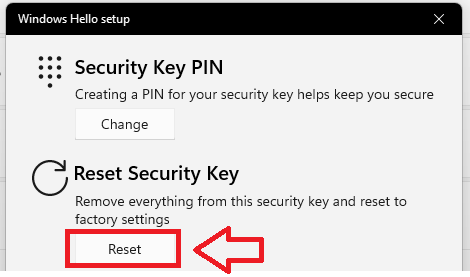
To reset the security key back to its default settings click on the "Reset" button;
After selecting the "Reset" option you will be presented with a warning;
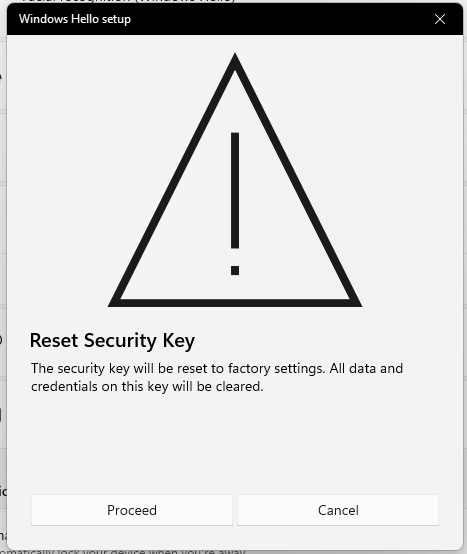
If you are still happy with performing a reset on the Fido key click "Proceed".
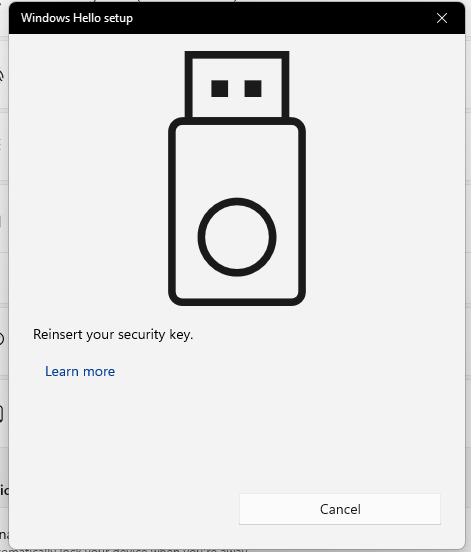
Remove you key from the USB port, then reinsert the key, You will then be asked to touch the key;
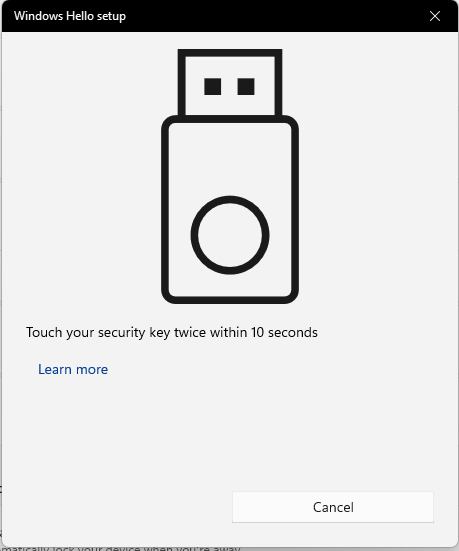
After touching the key you will be asked again to touch the key;
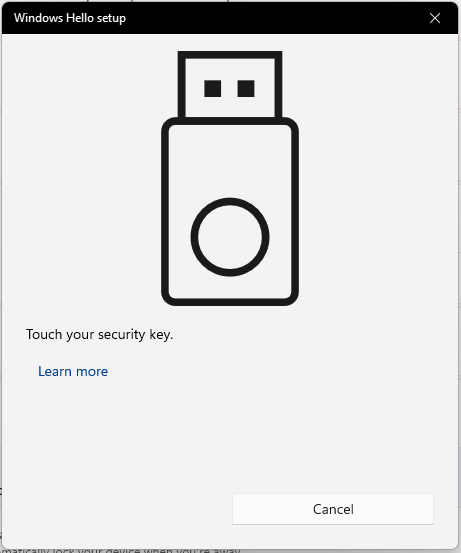
As per Microsoft's requirement "FIDO2 reset commands are only valid in the first 10 seconds of one power cycle", unfortunately this is not made clear to end-users in the UI of the current Windows 10. So, if during the reset operation you get an error below, please redo the operation and try to complete the reset within 10 seconds after you plugged the key to USB.
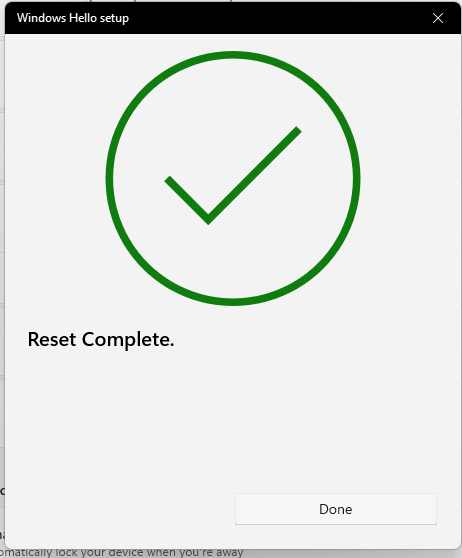
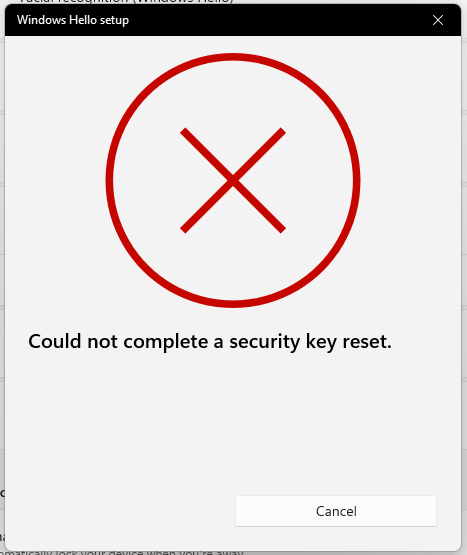
Provided the key was touched within 10 seconds of being asked the Fido key will be fully reset;
Resetting a FIDO2 security key on MacOS and Linux systems
For Mac and Linux systems it is possible to reset a FIDO2 security key using a tool that is built into the latest version of the Chrome browser.
This tool is available in the latest Chrome browser in macOS and Linux core system.
Users can find this tool in “Chrome Settings” => “Privacy and security” => “Manage security keys” . This tool provides the capability to manage PIN, fingerprint and credentials inside the security key and reset the device.