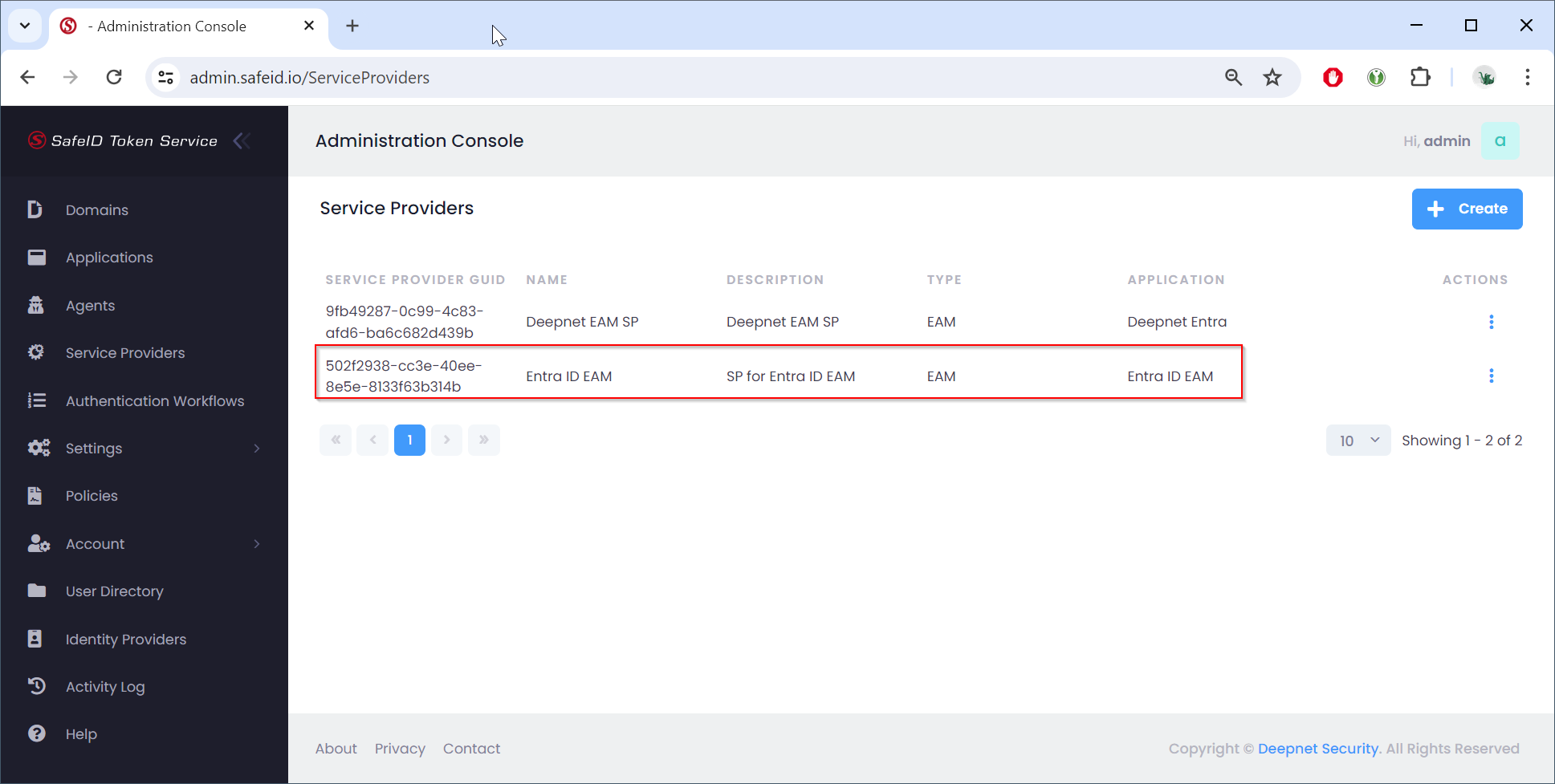
In the STS Admin Console
- Navigate to "Service Providers"
- Click the "+ Create" button
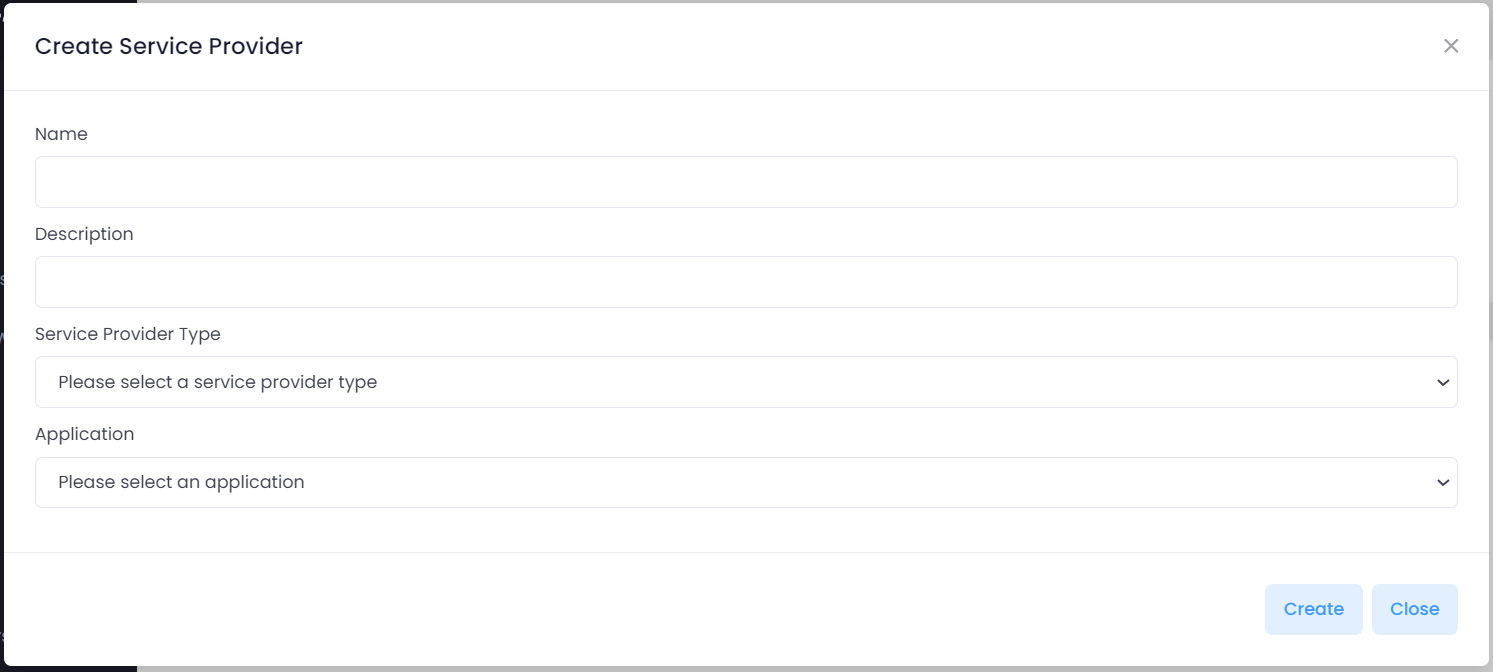
Fill in the name of the service provider to be created
Select the type of service provider, e.g. "EAM"
Select the application to be connected with the service provider, e.g. "Entra ID EAM"
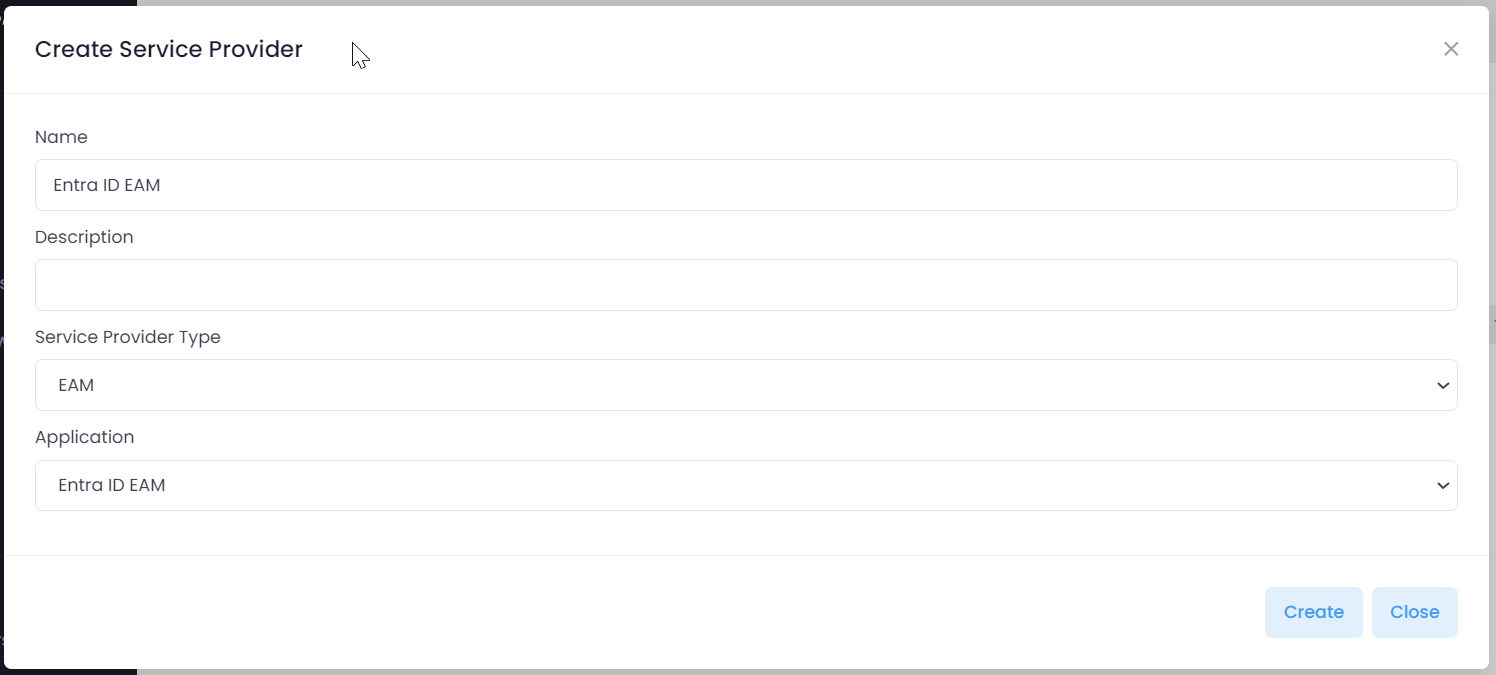
Click "Create"
You will now be presented with confirmation of the service provider creation along with a GUID.
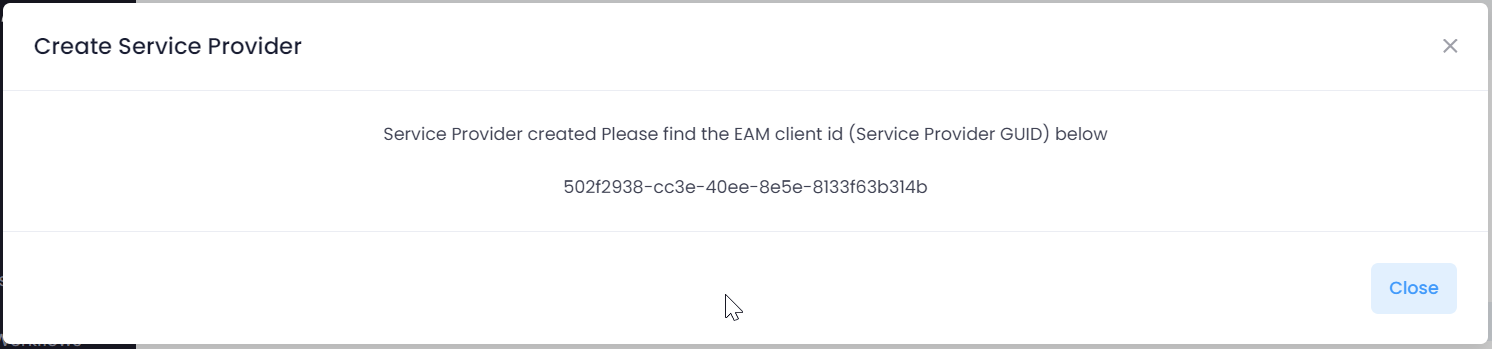
Please note the GUID, as it will be required in a subsequent step.
Click "Close"