"Login.gov" is a secure and private online access option for participating U.S. government services, and access to this account can be protected using a programmable hardware token.
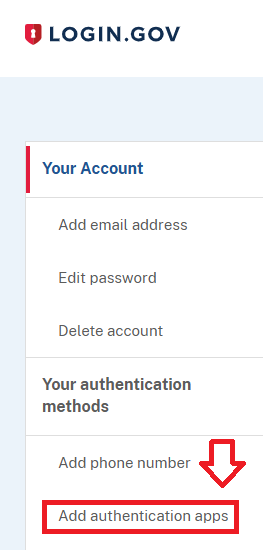
Sign in to the you Login.Gov account, then in the "Your Account" column, select the option "Add authentication apps" (if your account has only just been created, then you will be presented with a list of options, select the option "Authentication Application");
You will now be presented with a QR code (example below) which we will use to program our token with.
At the prompt "Give it a nickname", supply a suitable name for your programmable hardware token;
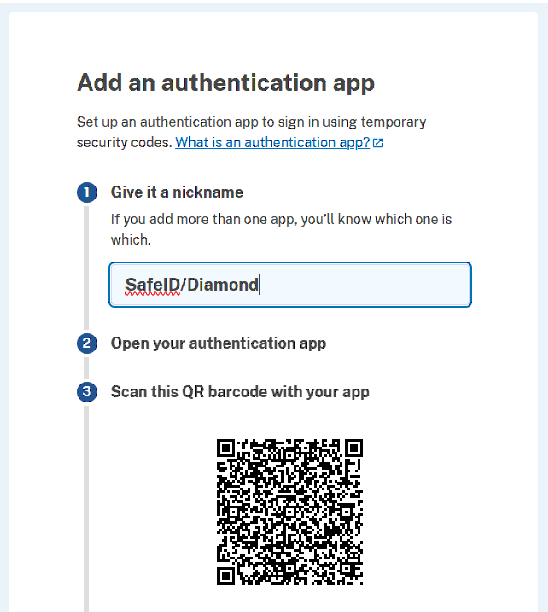
You can use the QR code to program our programmable tokens using the instructions found in the following procedure;
Once you have programmed your token you will need to verify it with Login.Gov.
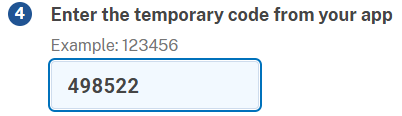
Obtain a 6 digit code from your recently programmed token, then copy it to the the area marked "Enter the temporary code from your app", then click  ;
;
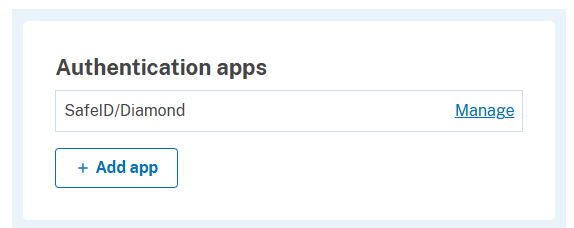
After you have submitted your 6-degit code you presented with confirmation that the authentication method has been added;

And in the section "Your Account", you will find confirmation that the authentication method has been added;
Your programmable token is ready to supply OTP codes when you next login to your Login.Gov account.