Docusign offers e-signatures, AI-powered agreement management, and tools to automate workflows, manage and analyse documents, and connect data across systems.
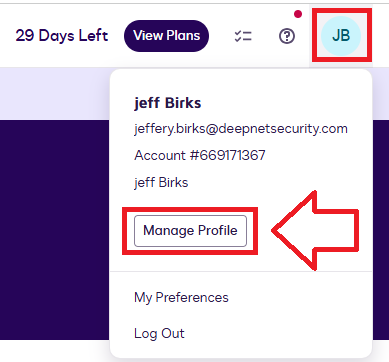
Log in to your Docusign account, use the user icon (top right of logon screen) then click on the option "Manage Profile";
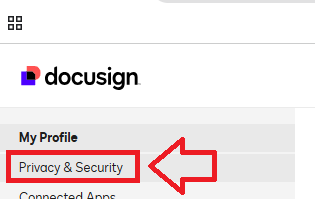
Then, in the left hand column, in the section "My Profile", select "Privacy & Security";
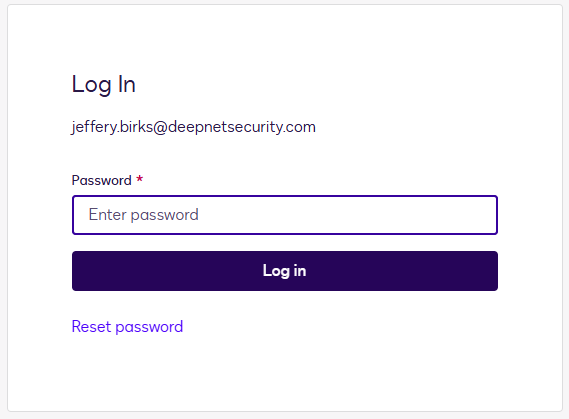
At this point you will need to verify your identity by logging in with your username and password.
Enter your user credentials then click on  ;
;
Scroll down to the section "Login Security", and at the prompt "Two-Step Verification", use the slider to enable this feature;

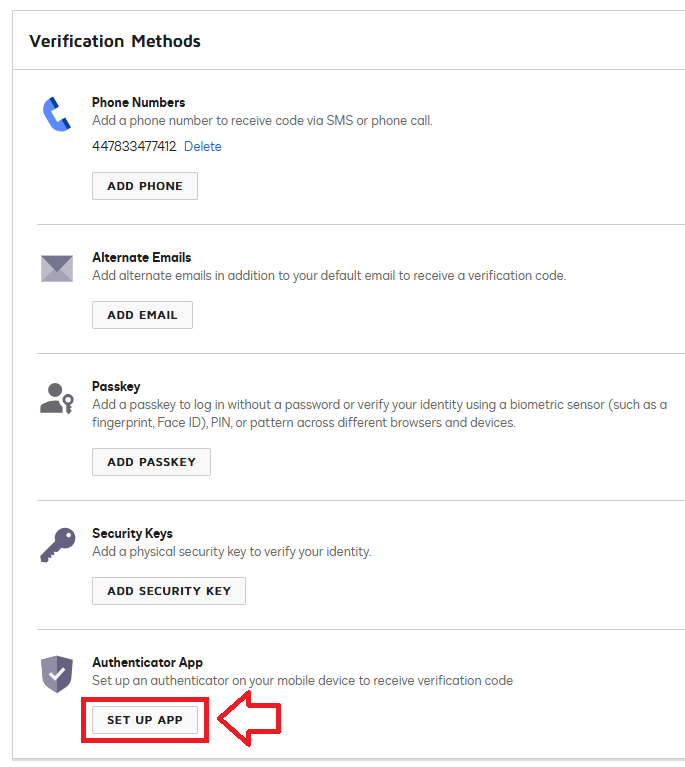
Now scroll down to the section "Verification Methods" and at the prompt "Authentication App", click on the button "SET UP APP";
You will now be presented with a QR code that can be used by either an authentication app, or a programmable token;
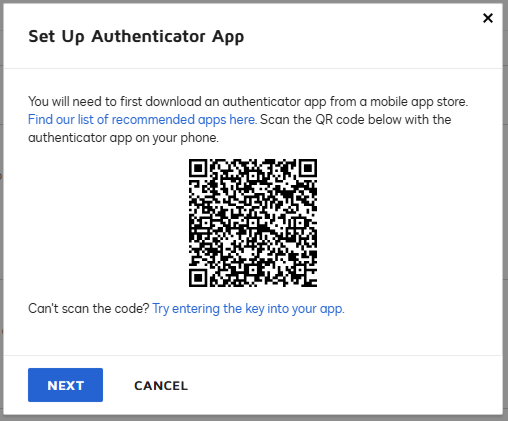
You can use the QR code to program your programmable token using the instructions found in the following procedure;
Once you have programmed your token you will need to verify it with Docusign.
At the prompt "Verification Code", supply an OTP code from your programmable token, then click  ;
;
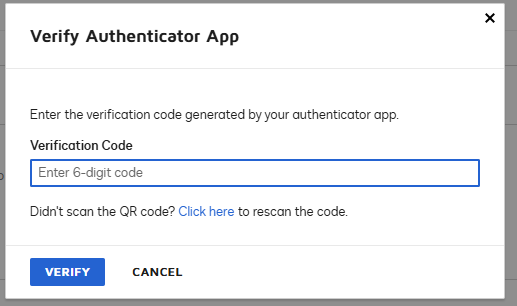
The programmable token will now be ready to use when you next log in to your Docusign account.