Vaultwarden is a lightweight, open-source password manager server that is compatible with official Bitwarden clients, and access to your account can be protected via a programmable hardware token.
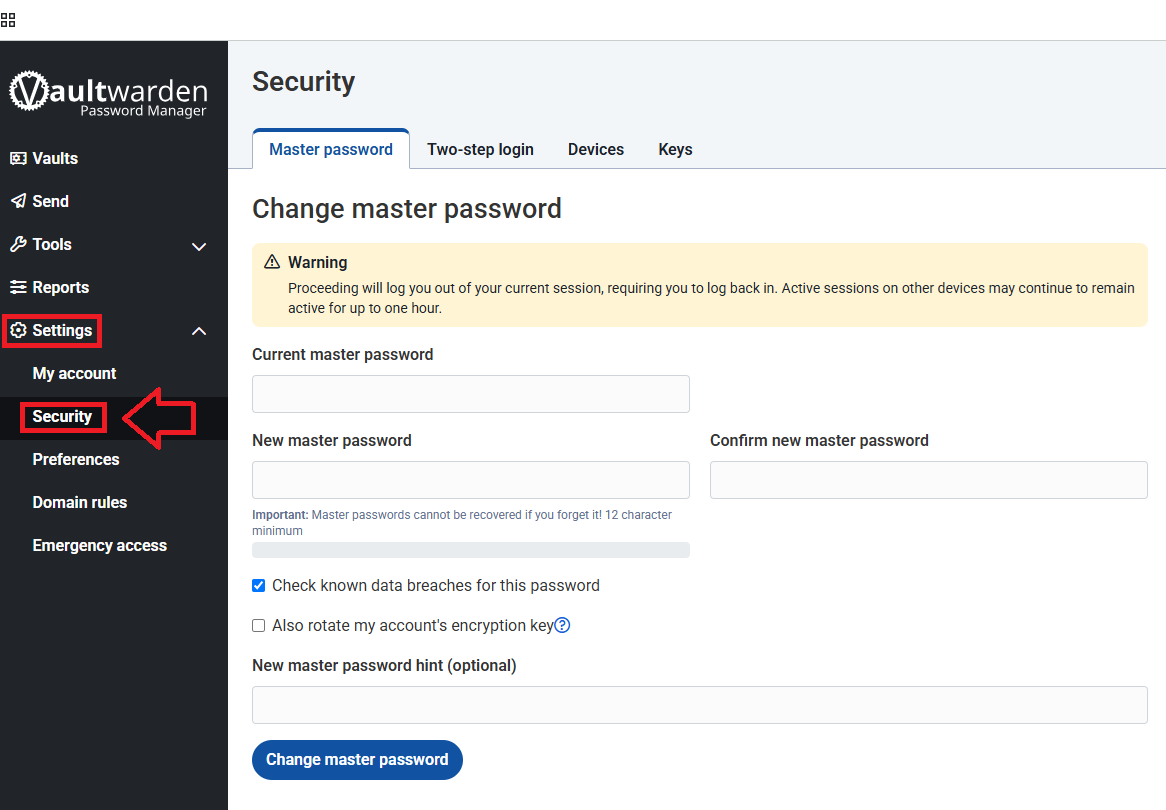
Sign in to the your Vaultwarden account, then expand the "Settings" dropdown (in the left hand column of the page), then select the option "Security";
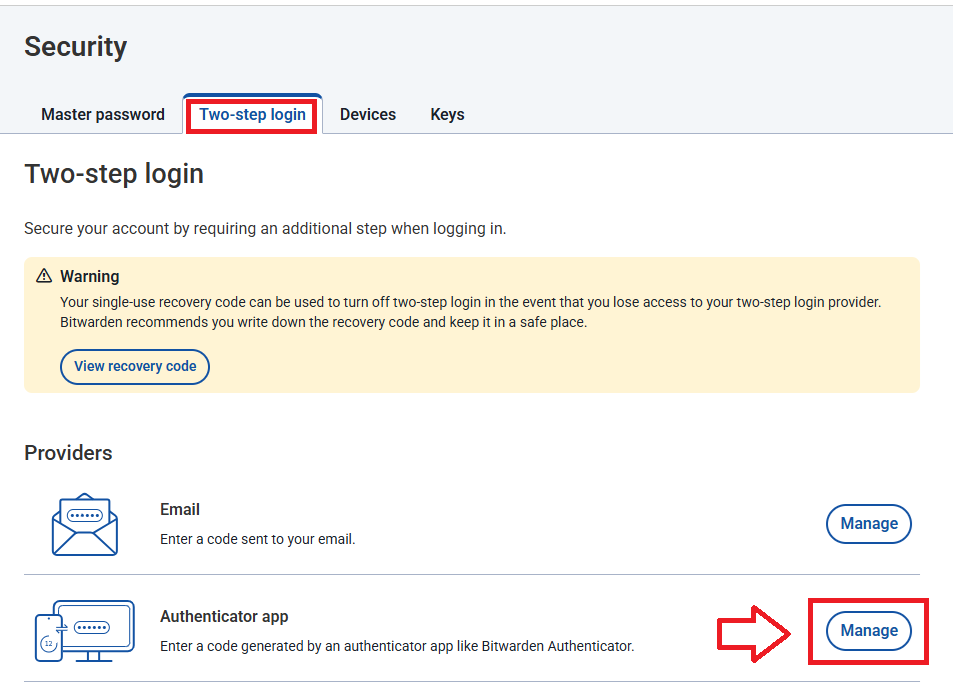
The page will update to list the security settings, select the sub-menu option "Two-step login", then against the provider "Authenticator app" click  ;
;
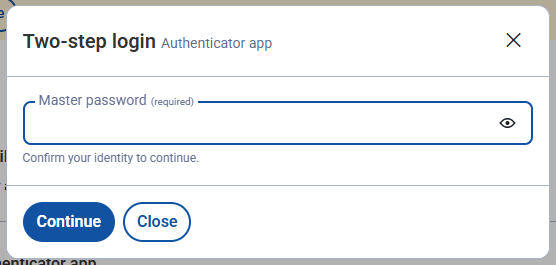
A window will open titled "Two-step login", at the "Master password" prompt enter you password then click 
A QR code will now be generated (example below);
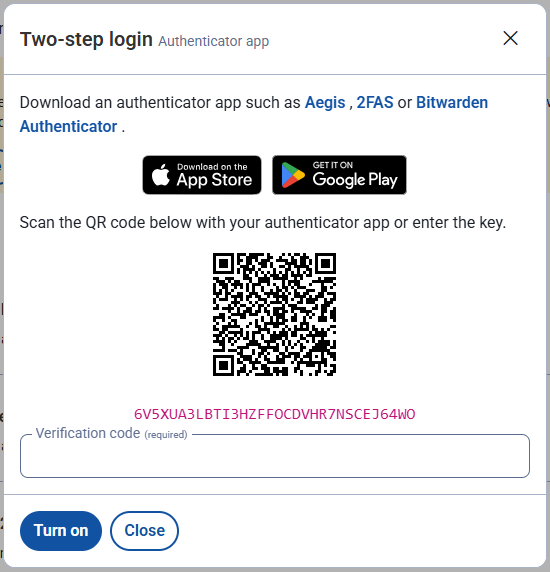
You can use the QR code to program our programmable tokens using the instructions found in the following procedure;
Once you have programmed your token you will need to verify it with Vaultwarden.
At the "Verification code" prompt, enter a 6 digit OTP code from your programmable token, then click  ;
;
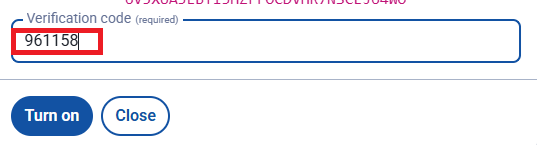
Once the code has been verified, you will be notified that the authenticator app is now active;
