PayPal is a global online payment system and digital wallet that allows users to send and receive money securely, shop online, and make payments in person.
Sign in to the your PayPal account,, then click on the cog icon (see below);
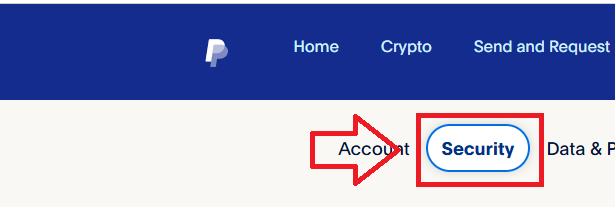
Then select the sub-menu option "Security";
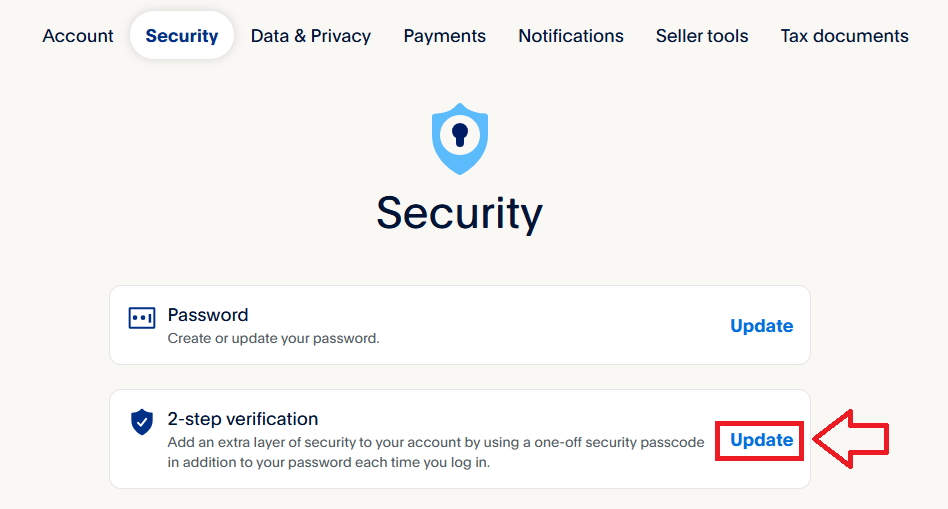
A list of authentication method options will then be presented, against the option for "2-step verification", click on "Update";
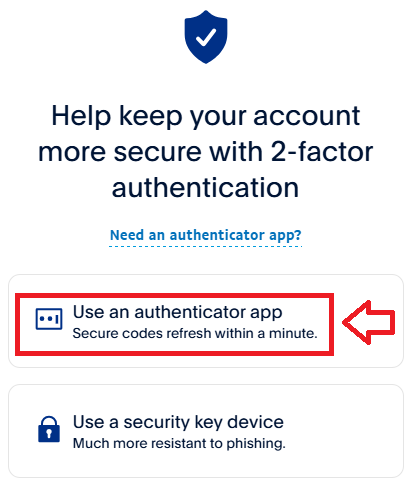
Programmable hardware tokens can act as direct replacements for authenticator apps so select the option "Use an authenticator app";
You will now be presented with a QR code that can be used by either an authentication app, or a programmable token;
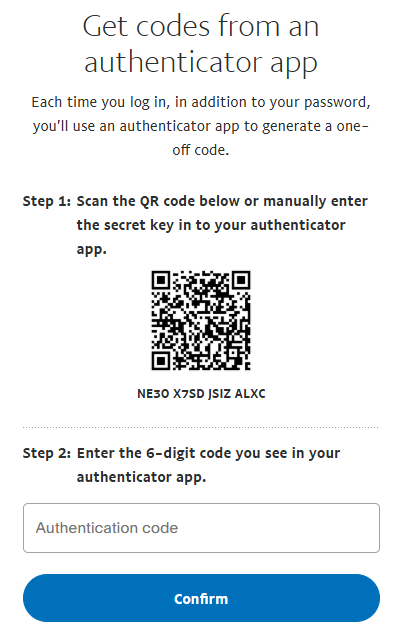
You can use the QR code to program our programmable tokens using the instructions found in the following procedure;
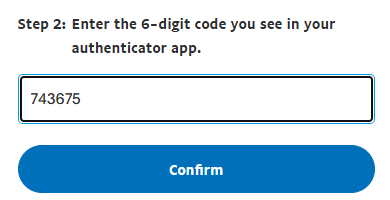
Enter a code from your programmable token, then click  ;
;
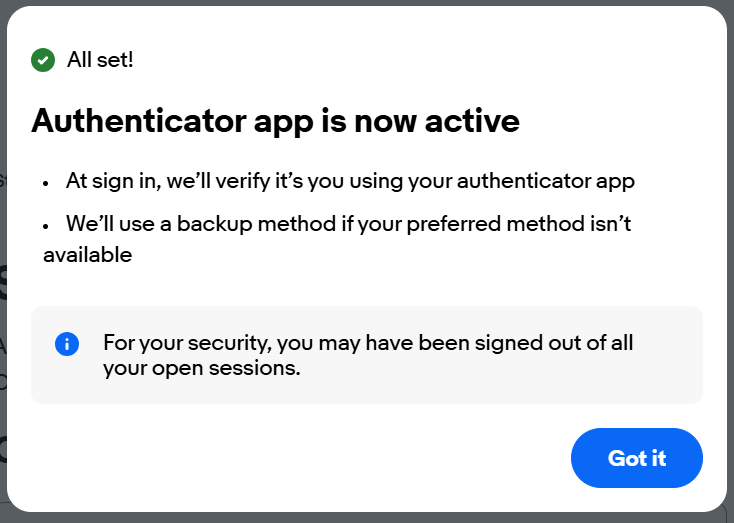
Once the code has been verified, you will be notified that the authenticator app is now active;
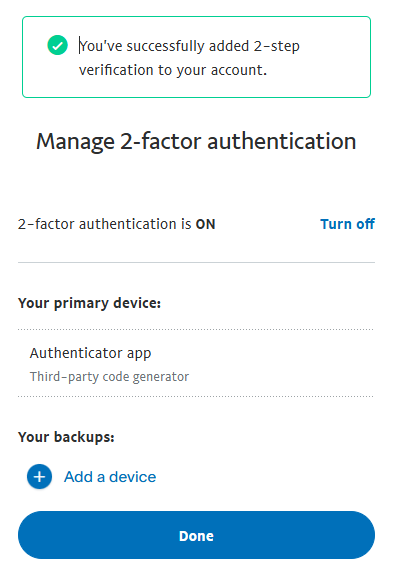
Once the code has been verified, you will be notified that the authenticator app is now active;