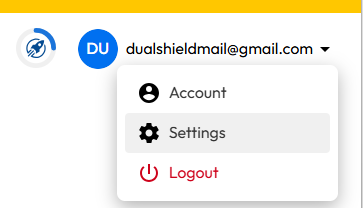
Sign in to the you Keeper account,, then via the user dropdown select the option "Settings";
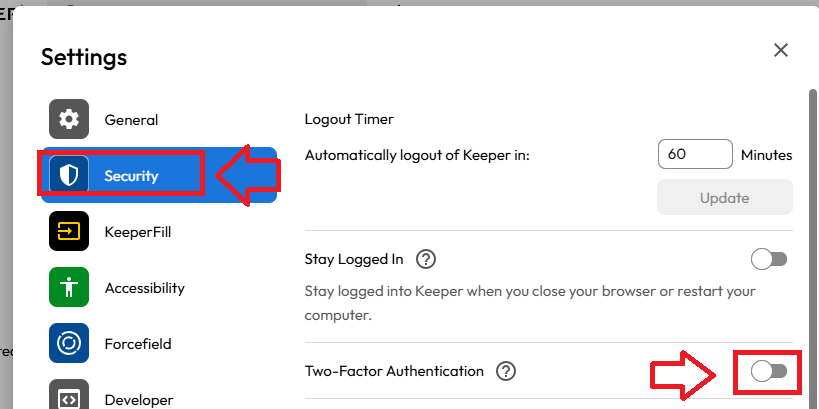
From the settings sub-menu select "Security", then enable the "Two-Factor Authentication" option using the slider (indicated below);
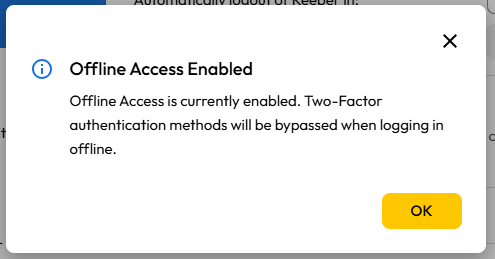
A new window titled "Offline Access Enabled" will show, click  ;
;
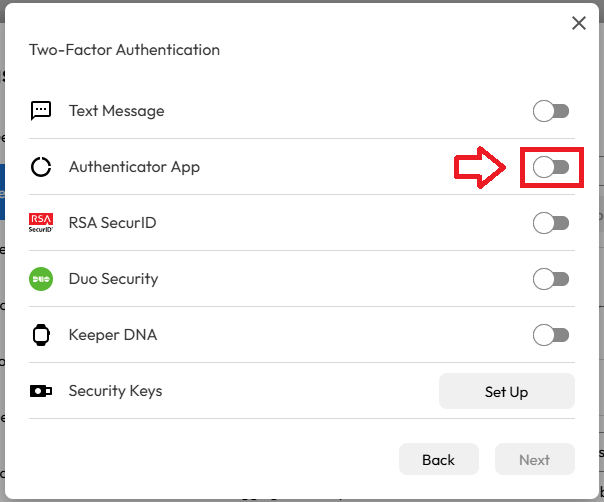
You will now be presented with a list of possible authentication options, enable the option prompted "Authentication App";, then click  ;
;
A new popup will now open that provides a QR code, and a prompt requesting a verification code;
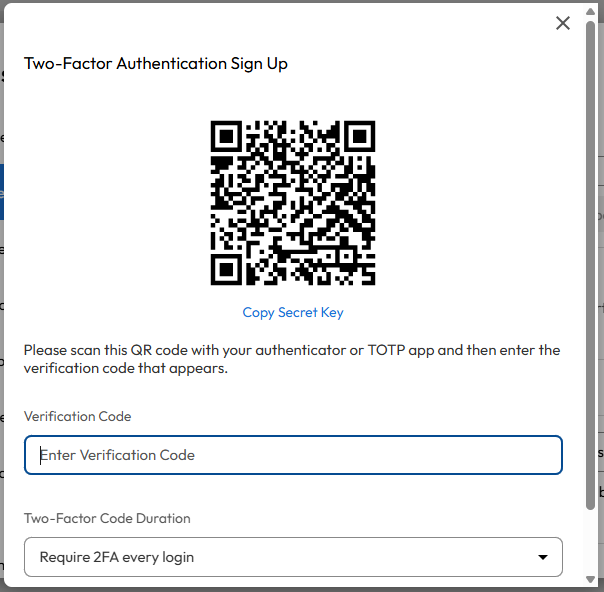
You can use the QR code to program our programmable tokens using the instructions found in the following procedure;
Once you have programmed your token you will need to verify it with Keeper.
Obtain a 6 digit code from your recently programmed token, then copy it to the the area marked "Enter Verification Code", then click ;
After you have supplied your 6-degit code you will be presented with a list of backup codes (these can be used in the event of any issue with accessing your account using the second factor).