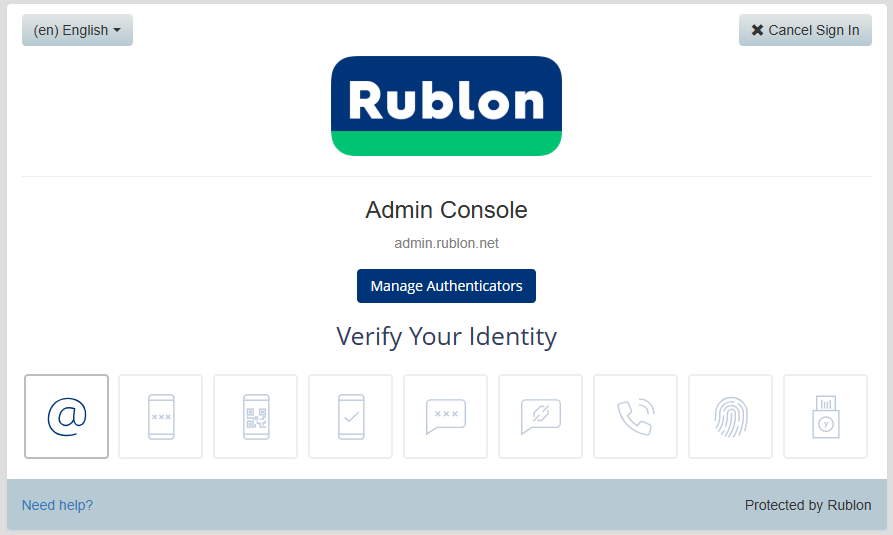
Log in to your Rublon account, and if you have not yet added any authentication methods you will be presented with a screen such as this;
In order to add programmable tokens as an authentication method you will first need to click on the button  .
.
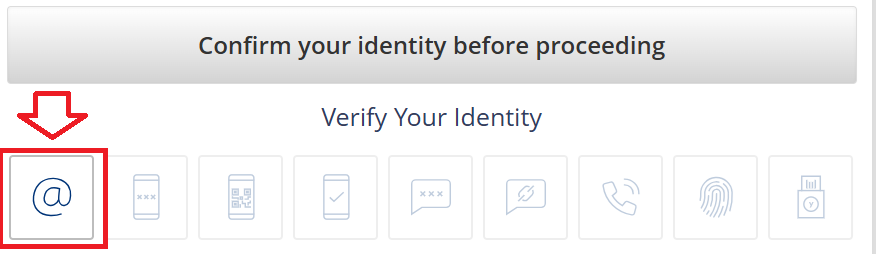
You will now be asked to confirm your identity, and with no alternative options you will need to click on the email icon;
A link will now be sent to your email account, open you email client and click on the link;
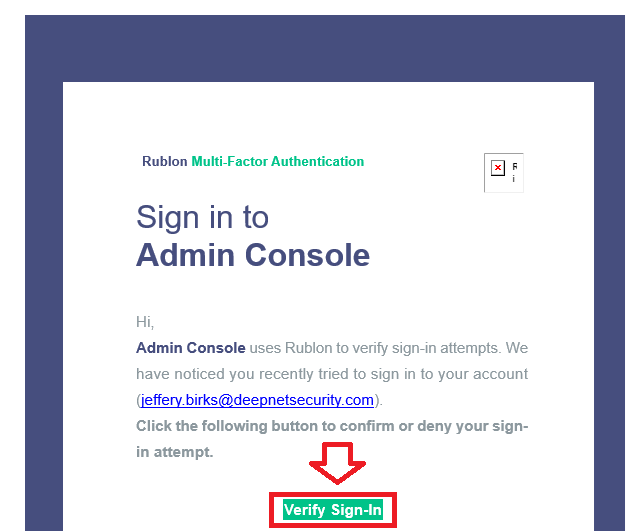
Click on the  button, then use the
  button to access your account;
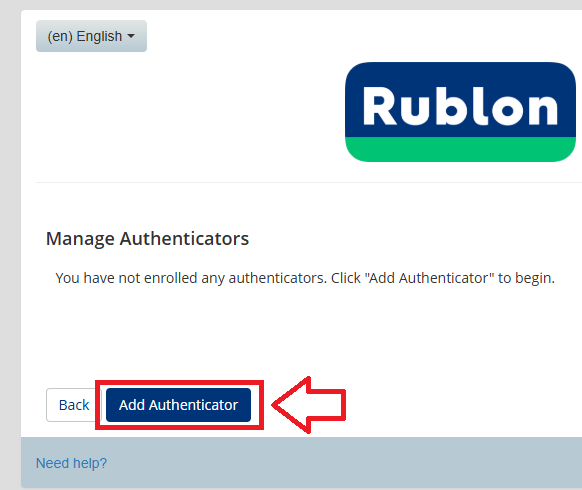
You will now be able to add your programmable token by clicking on the  button;
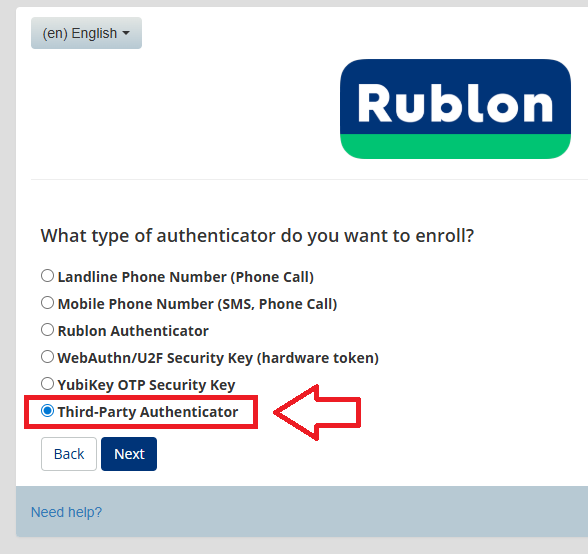
Select the option "Third-Party Authenticator", then click  ;
;
You will now be presented with a QR code similar to the following;
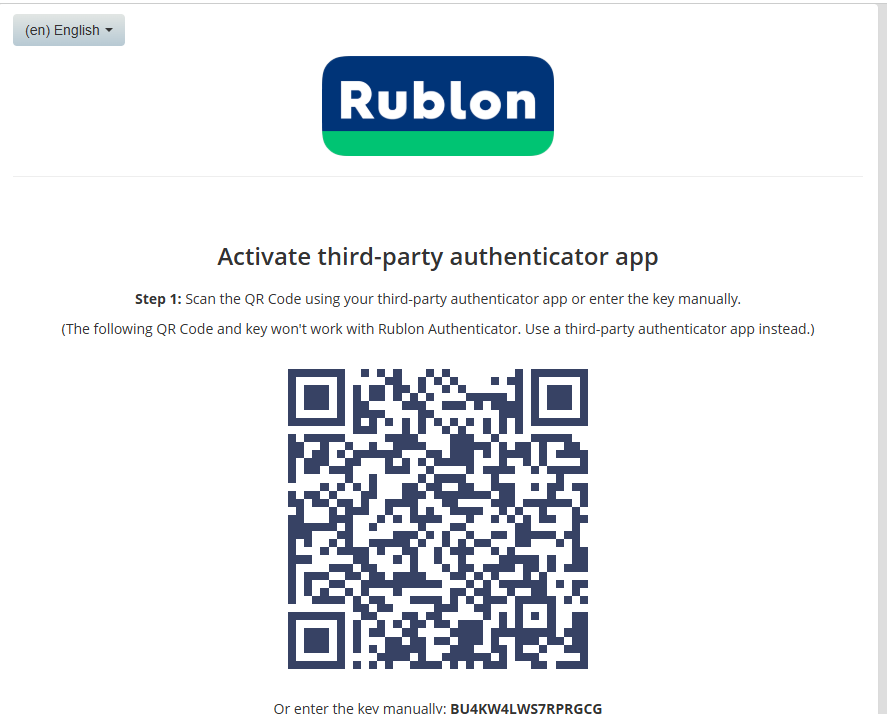
You can use the QR code to program our programmable tokens using the instructions found in the following procedure;
Once you have programmed your token you will need to verify it with Rublon.
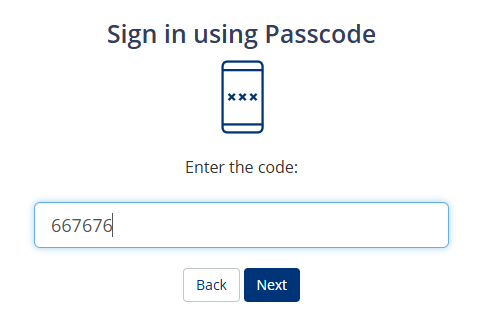
In the box headed "Enter the code:", enter an OTP code from your newly programmed token, then click on  ;
;
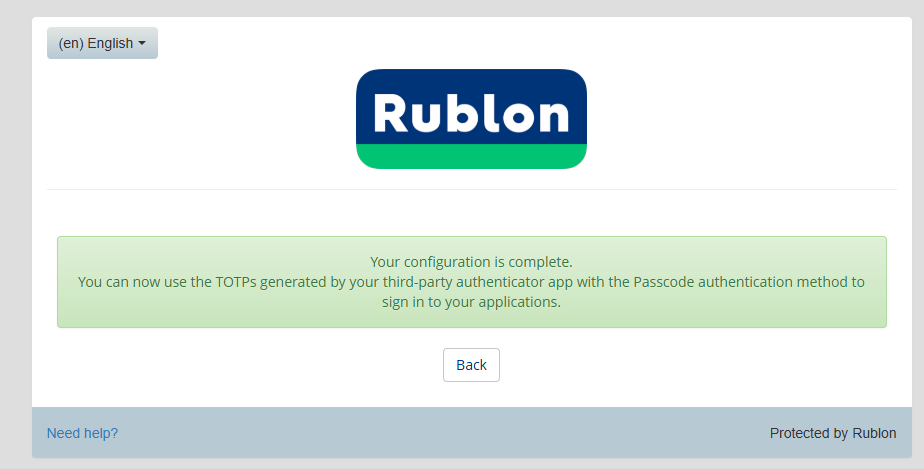
You will now receive confirmation that new authentication method is ready to use next time you log in to Rublon;