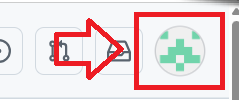
Log in to your Github account, click on the icon in the top right of your logon page;
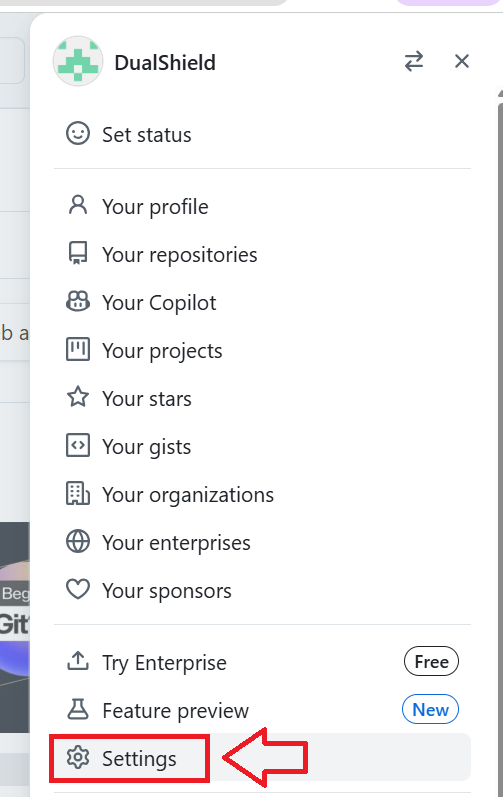
A dropdown list will then be presented, select the option "Settings";
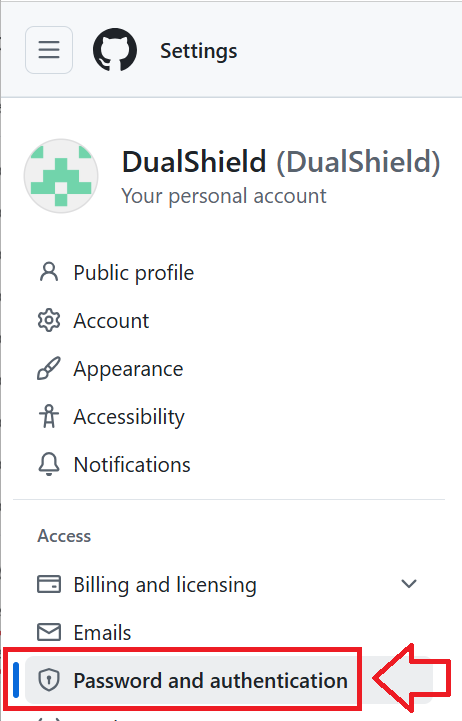
In the left hand column you will be presented with a list of setting options, select "Password and authentication";
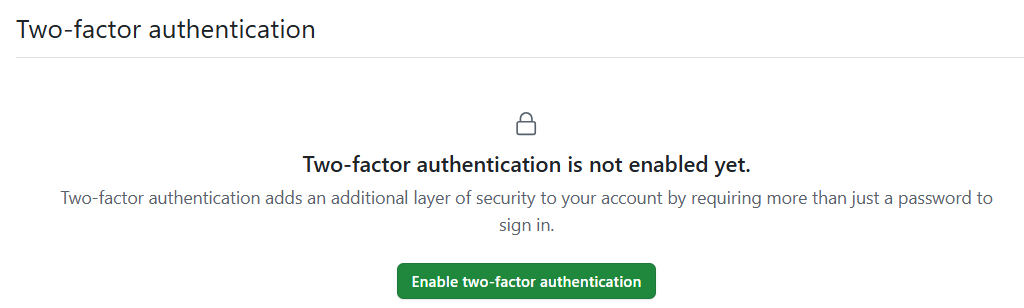
Scroll down to the section "Two-factor authentication", and you will be informed it is not currently enabled, click  ;
;
After clicking on the enable button you will be presented with a QR code similar to the following example;
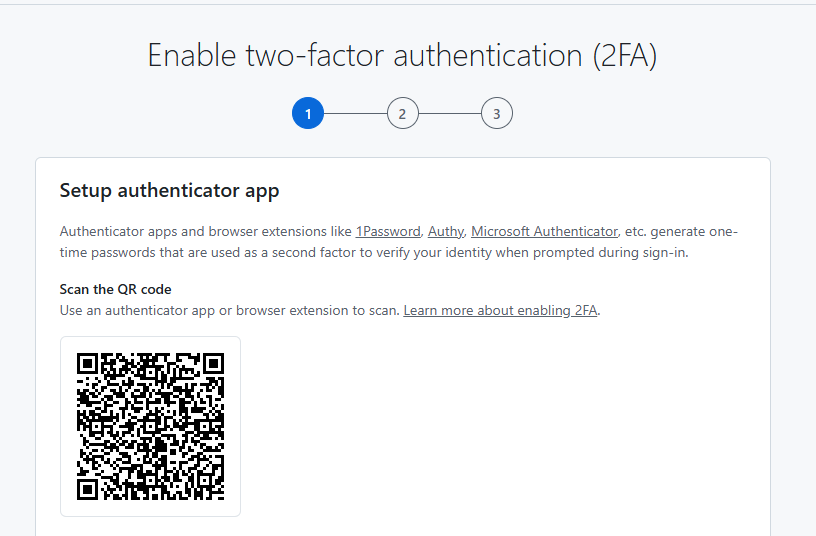
You can use the QR code to program our programmable tokens using the instructions found in the following procedure;
Once you have programmed your token you will need to verify it with Github.
At the prompt "Verify the code from the app", copy an OTP code from your programmable token;
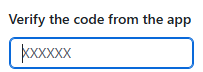
Once you entered your OTP code the token will be verified with Github and ready for use when you next log in.
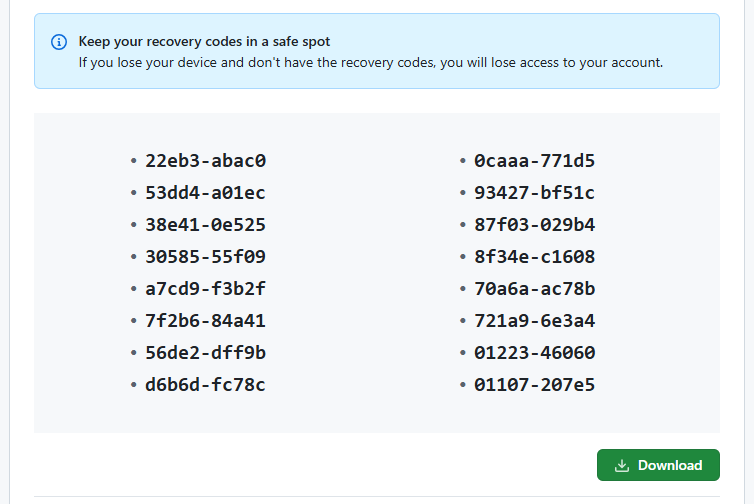
You will then be presented with a list of backup codes (example below) - we suggest you keep a copy of this list;