Log in to your ZeroTier Account, then click on the submenu option "Account";
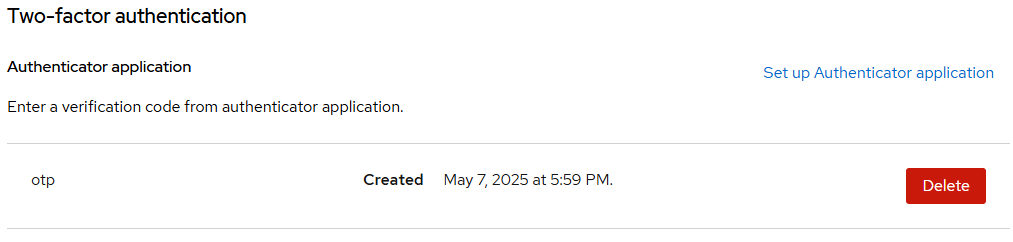
You then click on the link next to the Authentication prompt: "Manage Account" (see below);
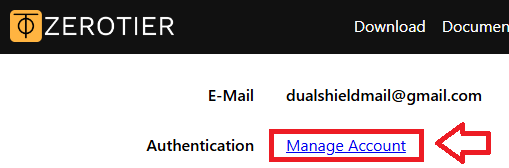
Expand the section "Account security", then click on the link "Signing in";
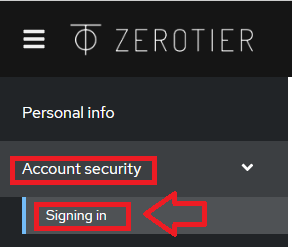
Next, scroll down the central section of the web page until you reach the section "Two-factor authentication", then click on "Set up Authenticator application";

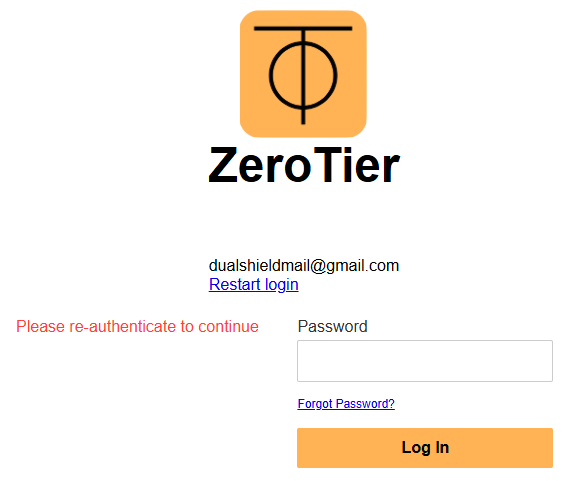
You will now be asked to supply your user password, enter the password in the input box then click  ;
;
You will now be presented with a QR code (similar to the following example);
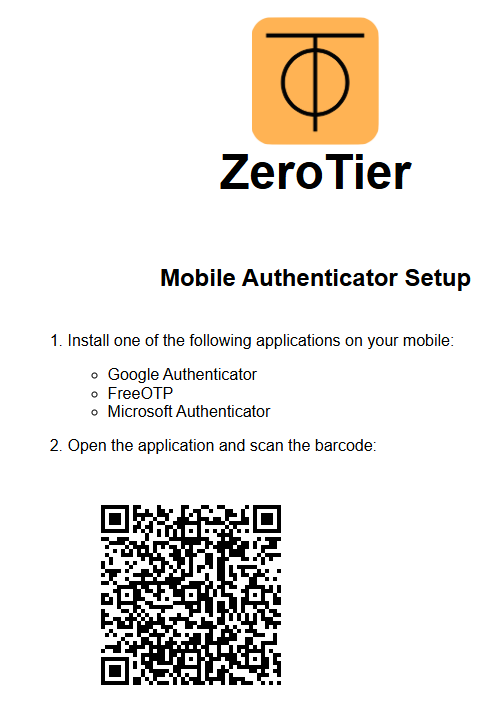
You can use the QR code to program our programmable tokens using the instructions found in the following procedure;
Once you have programmed your token you will need to verify it with ZeroTier.
At the "One-time code:" prompt, copy a 6-digit code from your newly programmed hardware token , then click  ;
;
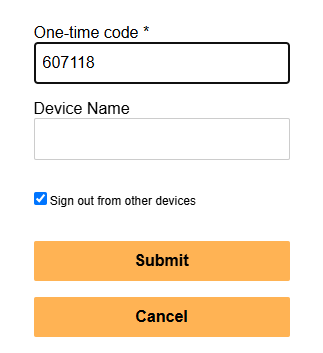
Once verified the programmable token is ready to supply OTP codes when you next login to your ZeroTier account;