When you assign a FIDO key to a user, and select the option to reset the key, a temporary PIN will be created for the key. At the first sign in, the user will need to use this temporary PIN.
If you did not take note of the PIN on the process of assigning a FIDO key, then you can follow the instructions below to retrieve the temporary PIN
Find the user account, e.g. "James Bond"
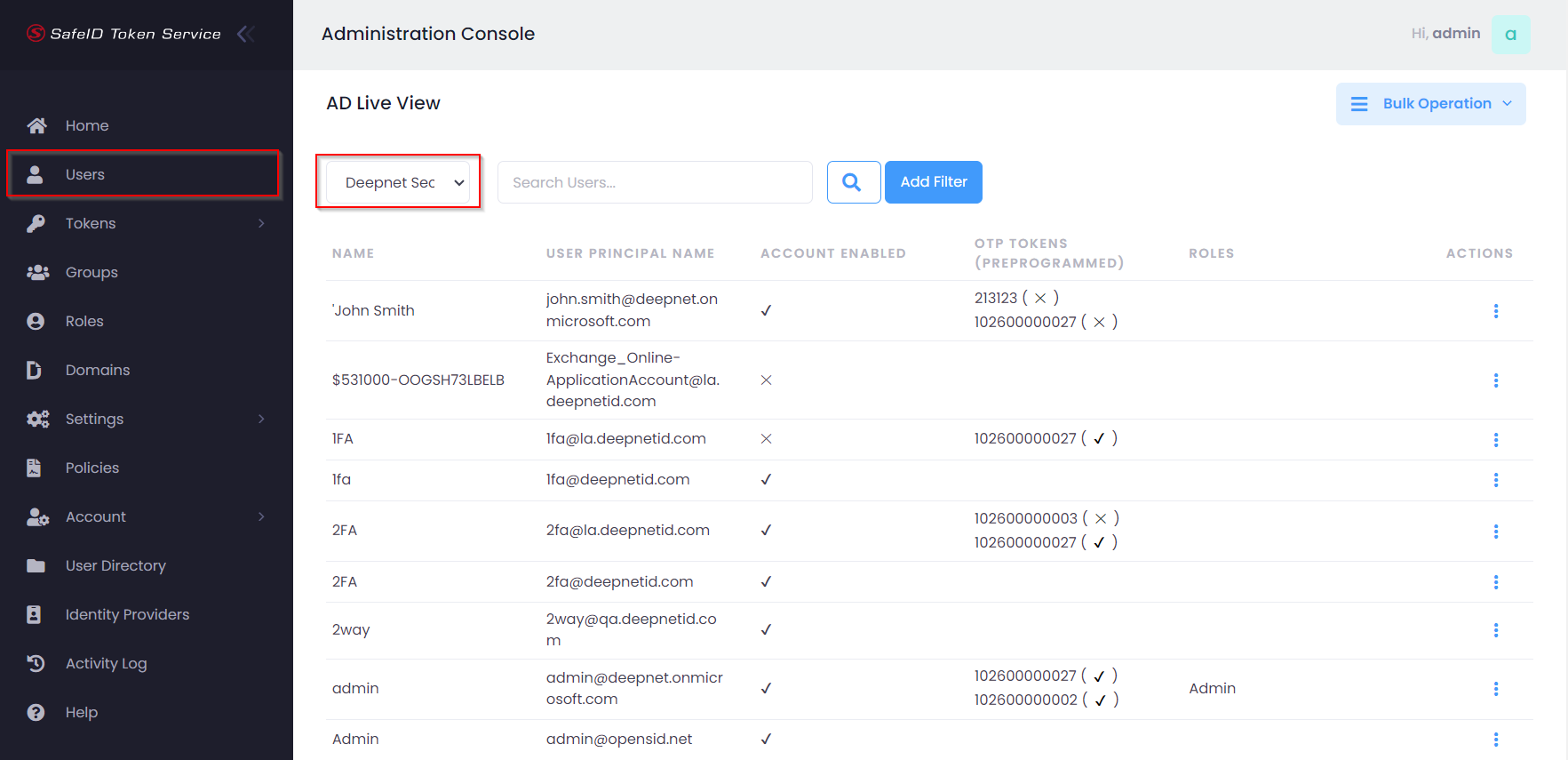
Navigate to the user directory by clicking "Users" in the control panel, then select the user directory, e.g. "Deepnet Security" from the drop list in the content view
Search the user, e.g. "James Bond"
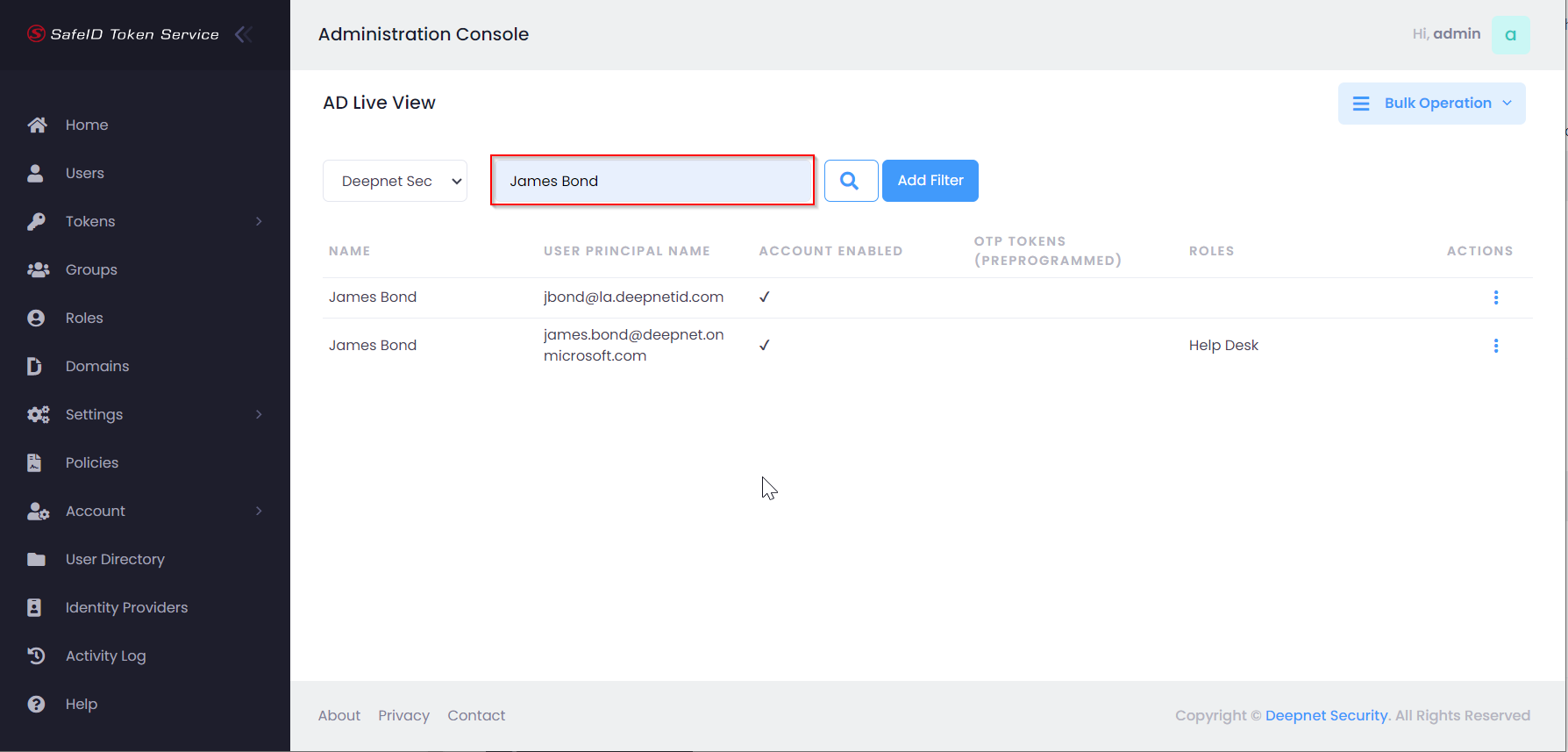
Click the actions menu icon to the right of the user account