Go to Policies > Network Policies
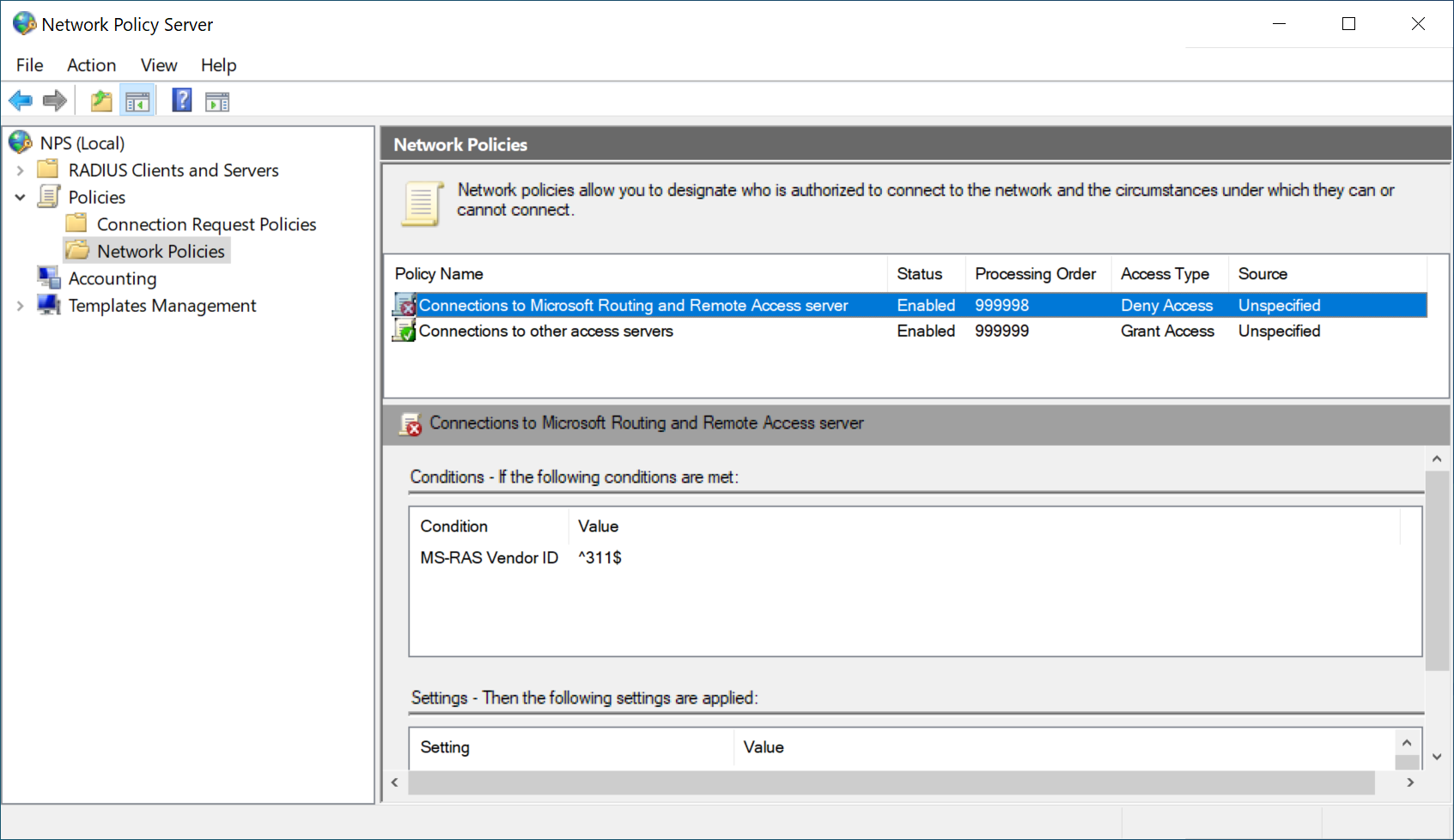
double-click Connections to Microsoft Routing and Remote Access server policy
Select Grant access, and then click OK.
Click Apply
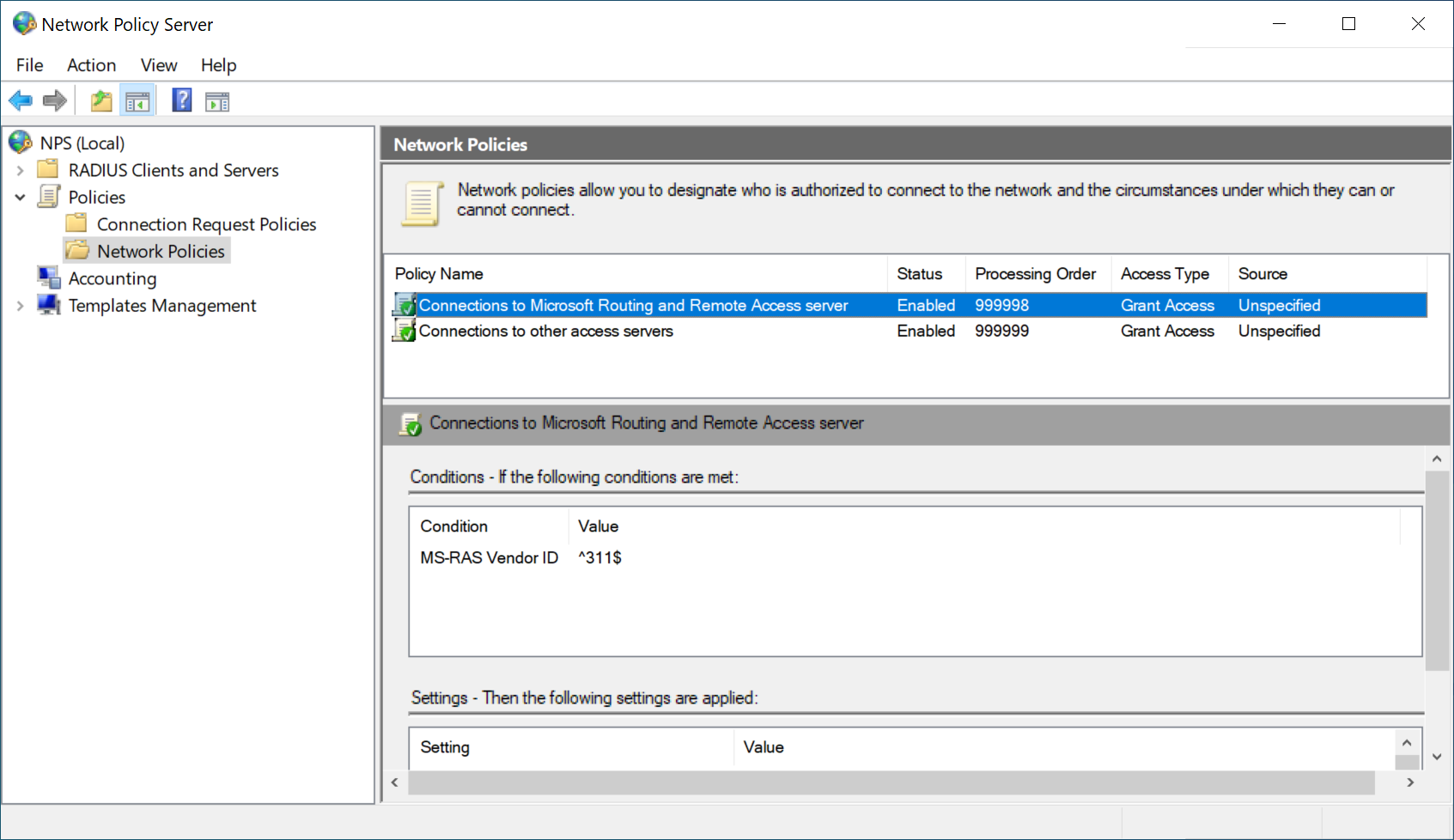
Go to Policies > Network Policies
double-click Connections to Microsoft Routing and Remote Access server policy
Select Grant access, and then click OK.
Click Apply