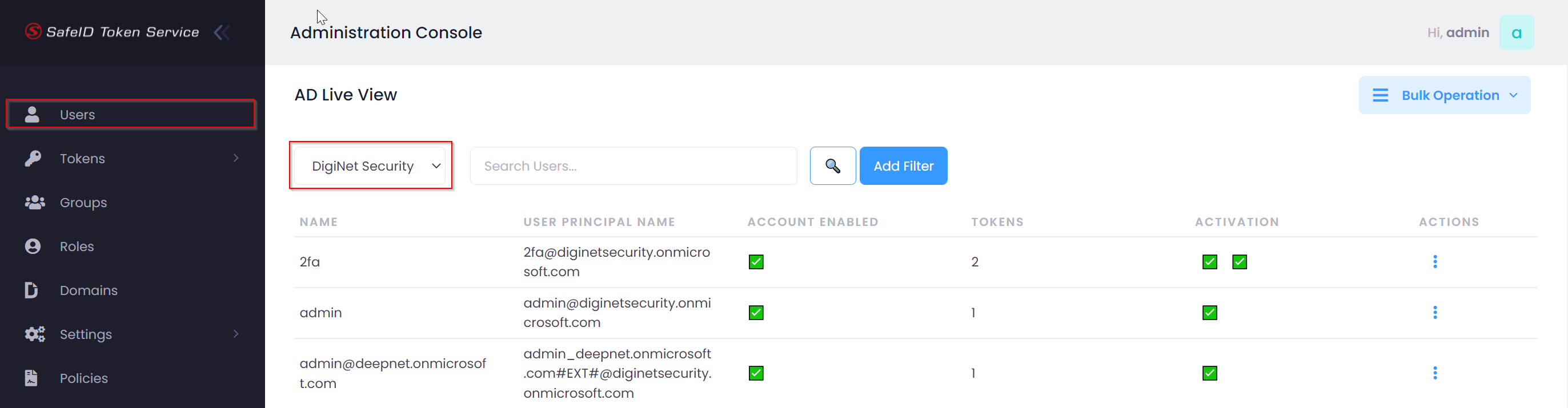
Your SafeID Token Service (STS) needs to access your Azure AD (AAD) tenant in order to retrieve data such as users and tokens etc, therefore it needs to be integrated with your Azure AD tenant.
Integration
Sign into the SafeID Token Service console, navigate to Settings | Azure AD Setup
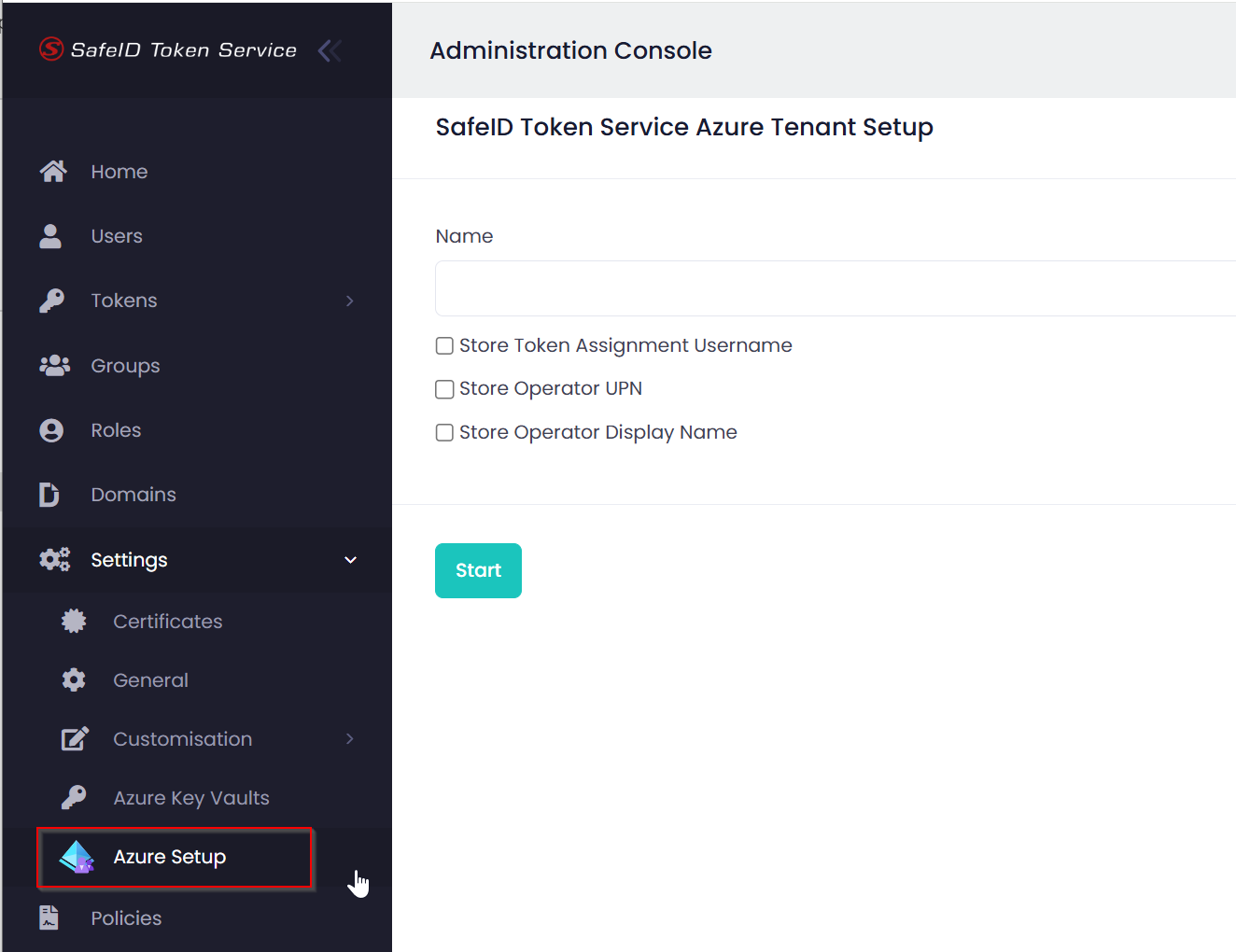
Enter a descriptive text as the Name of your Azure AD tenant
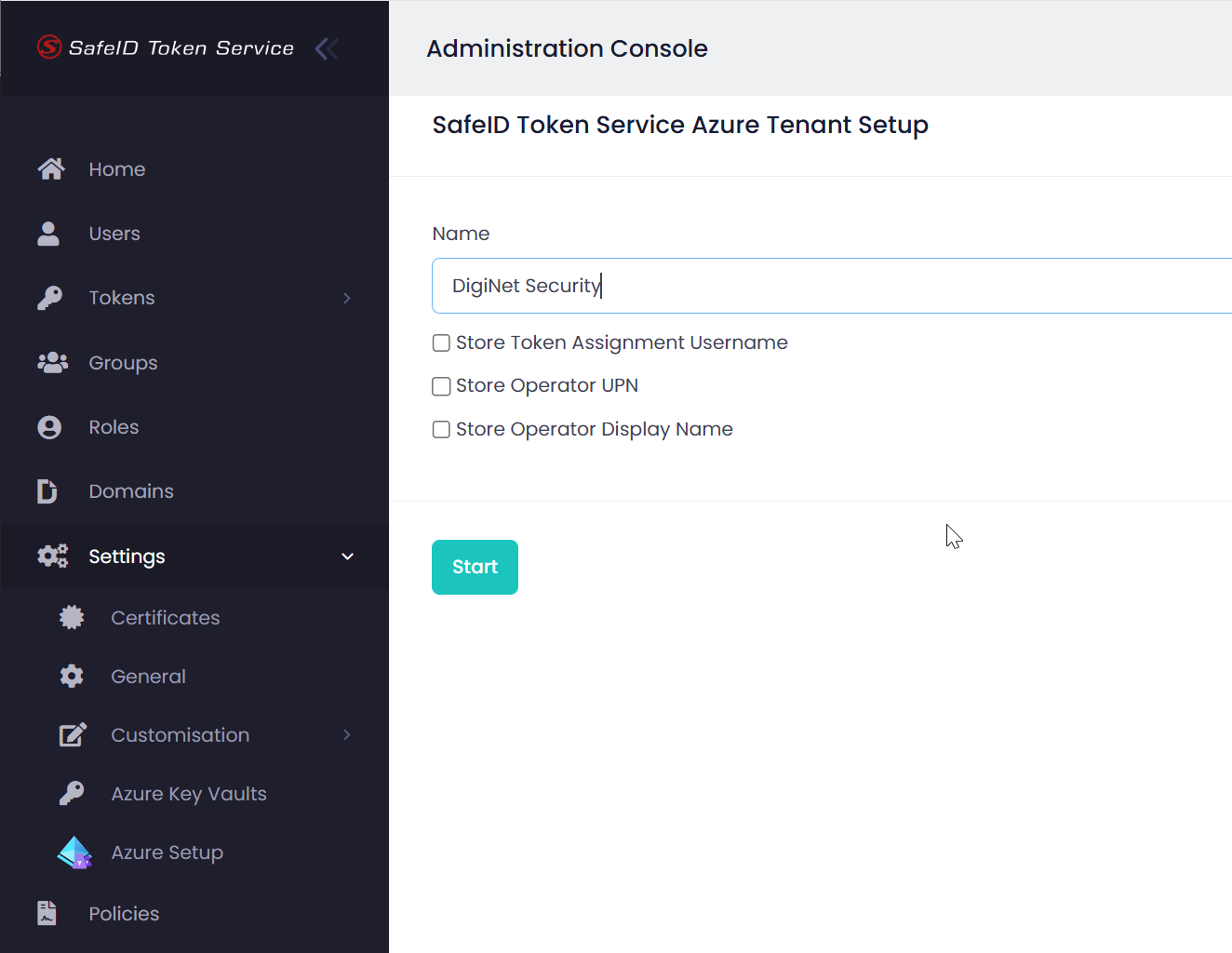
Click Start
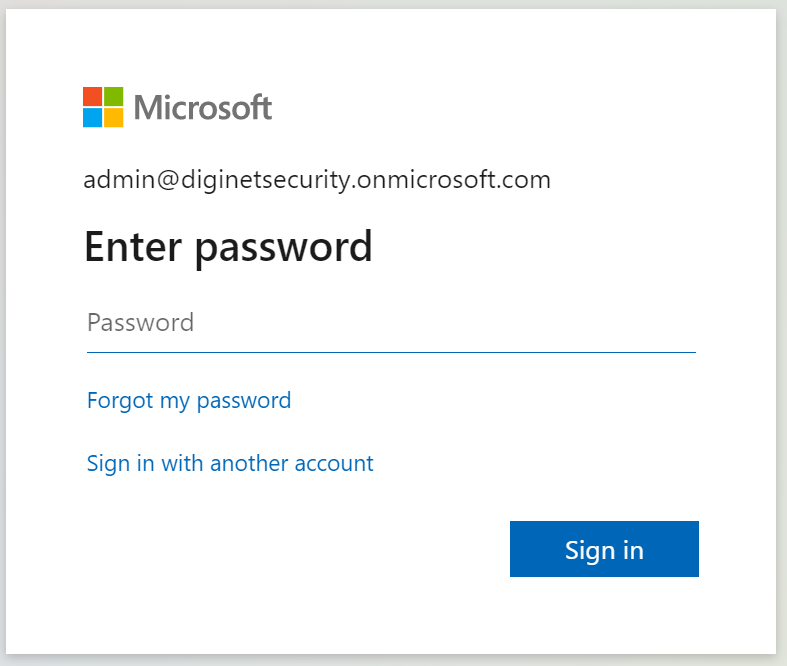
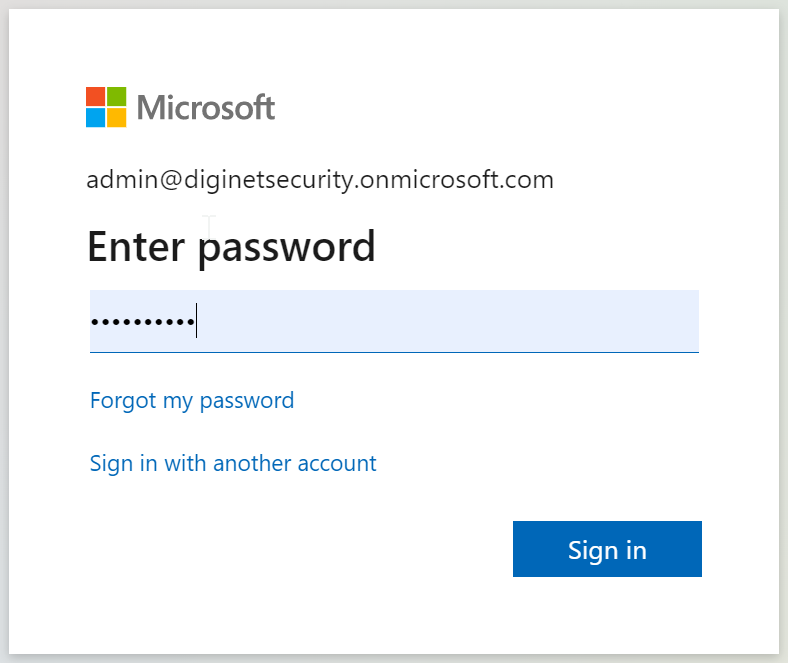
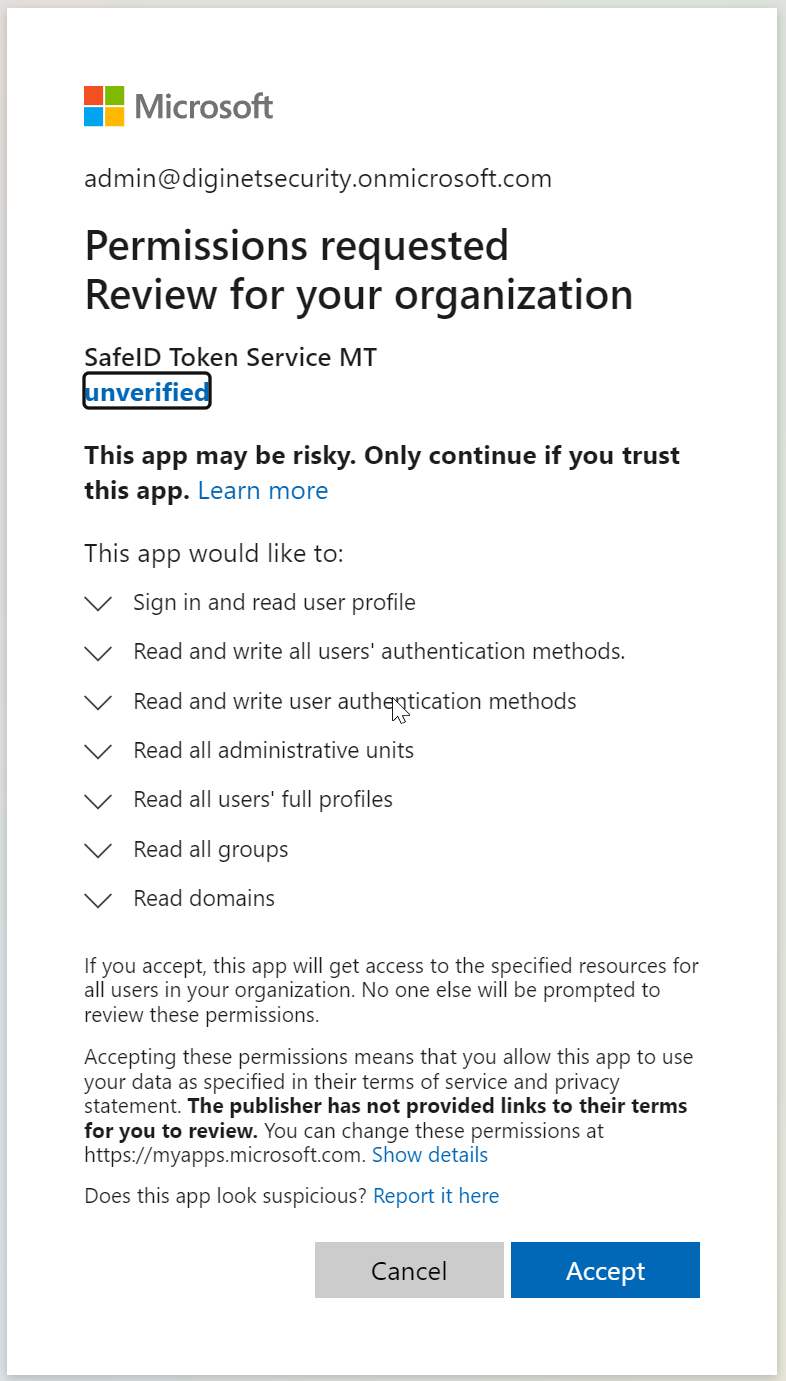
Click "Accept"
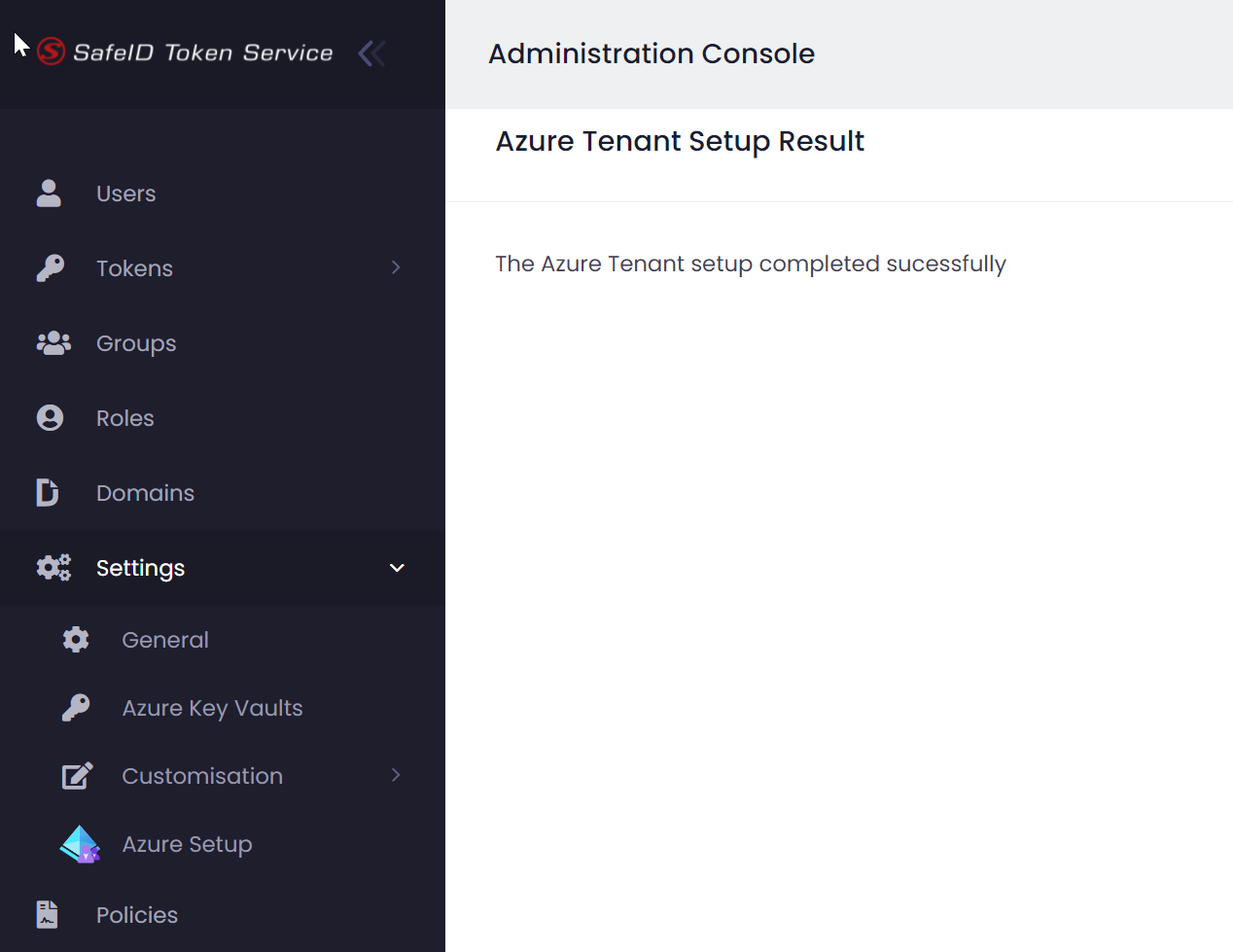
The integration completed successfully
Review
To ensure that the integration has indeed been completed successfully, you can check the following
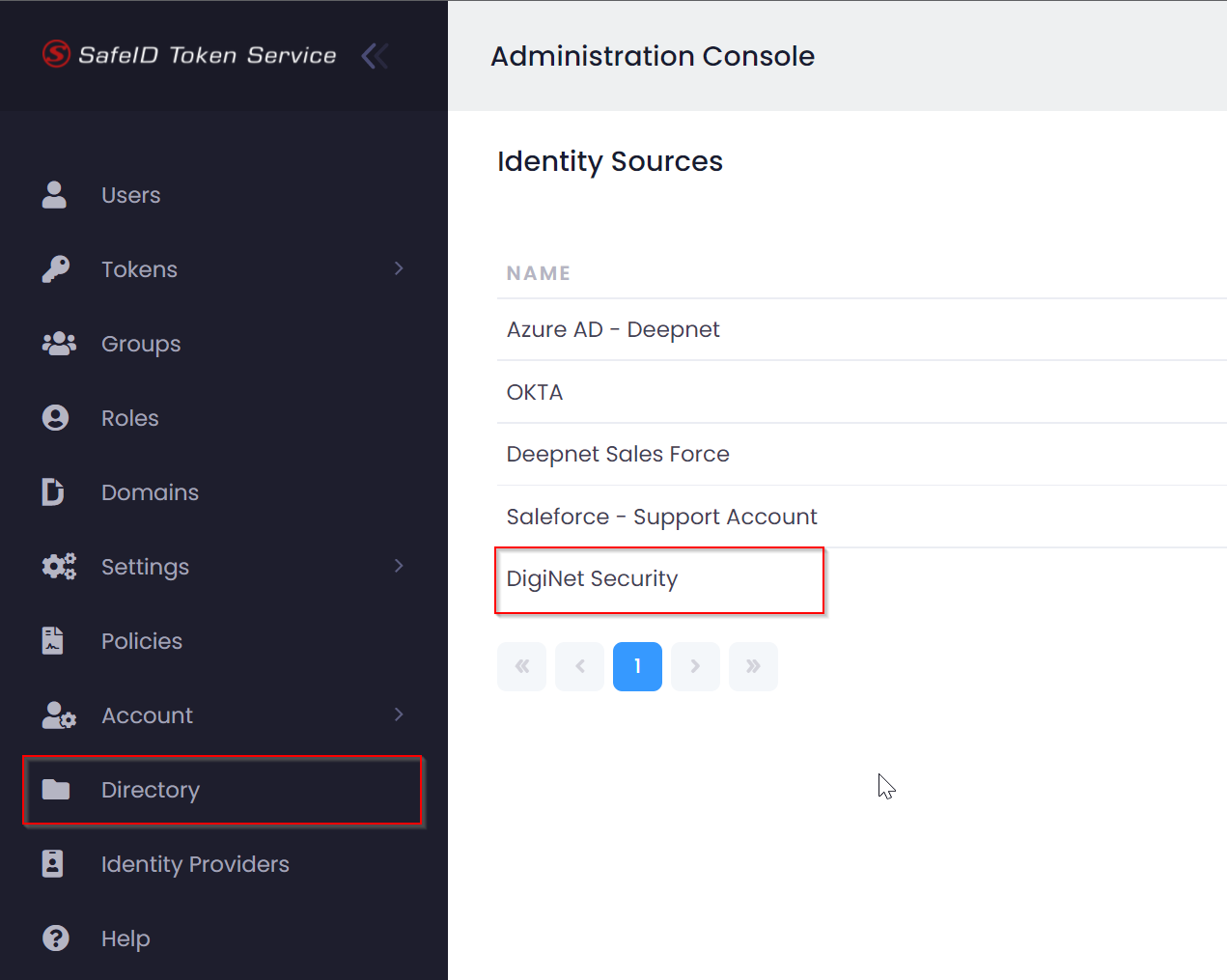
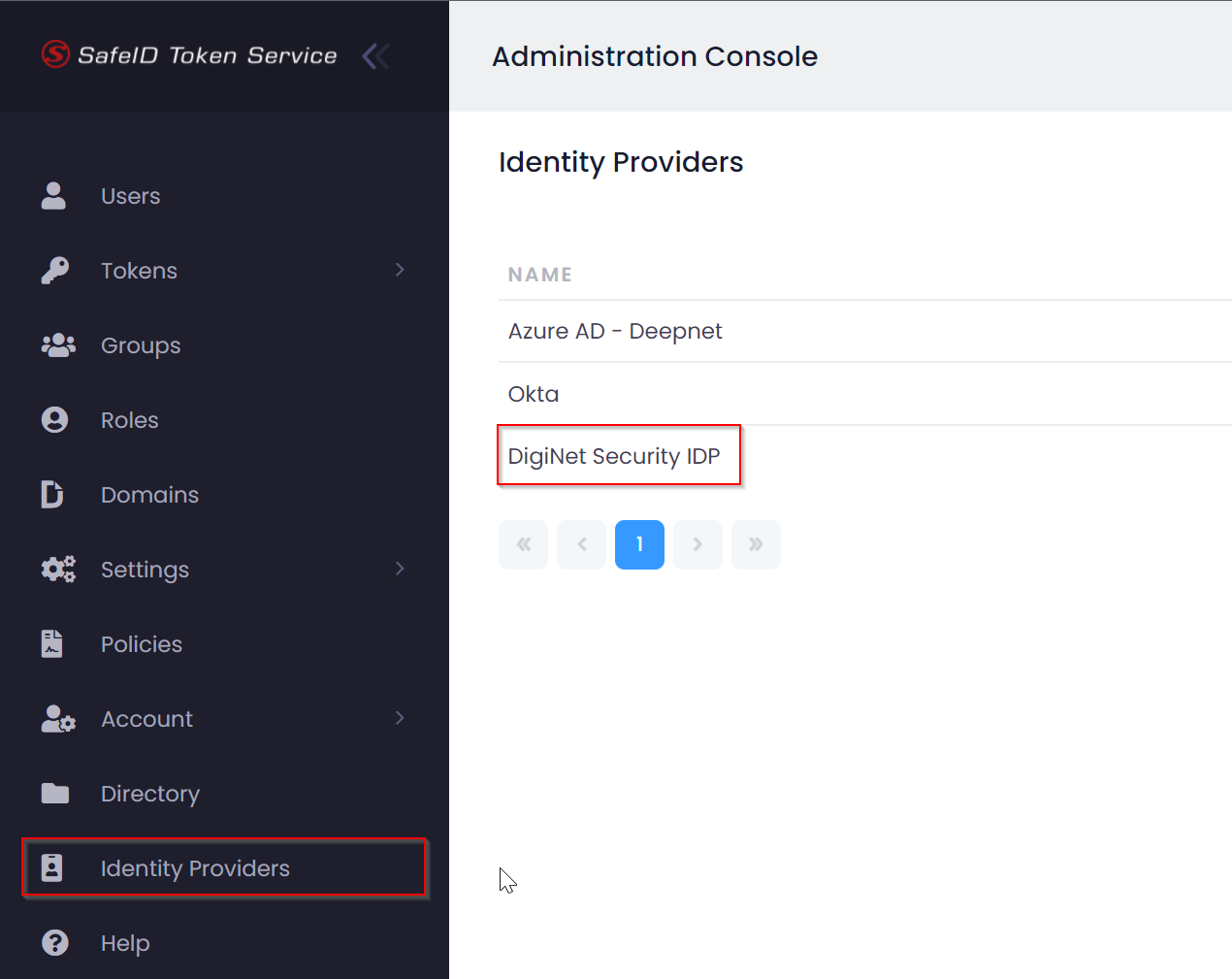
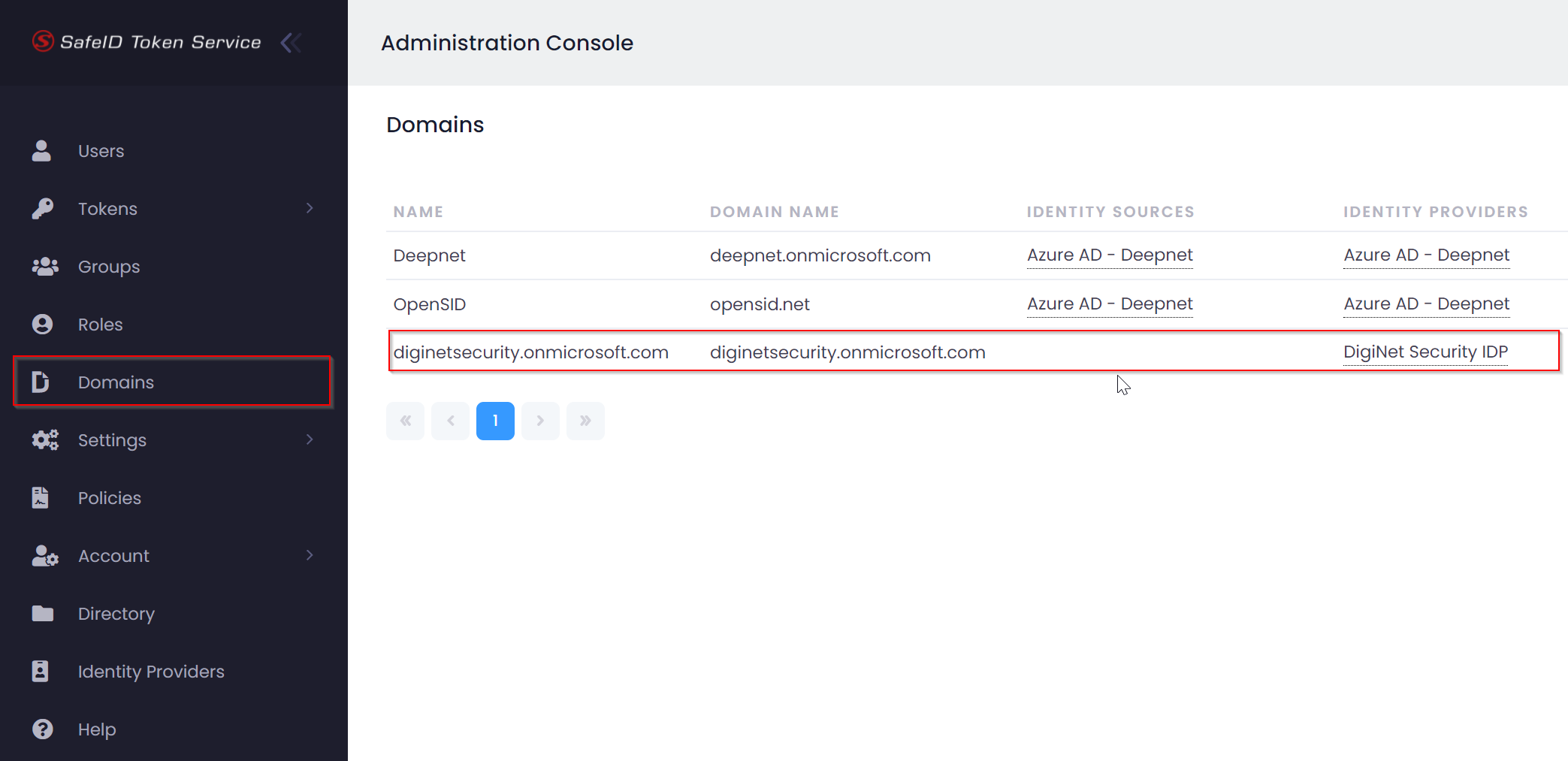
Finally, sign out and sign in again. Then, you should be able to browse users in AAD