...
Follow 4 simple steps below:
Table of Contents
| Include Page | ||||
|---|---|---|---|---|
|
Obtain Seed
There are 4 ways you can obtain the seed data or secret key:
...
| Expand | ||
|---|---|---|
| ||
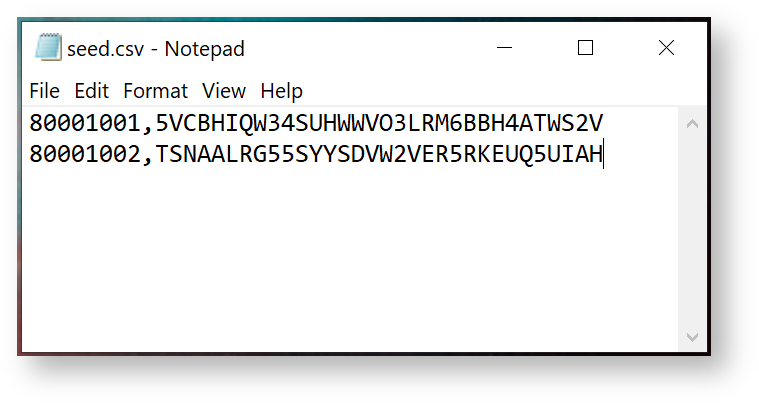
You can also load seed data directly from a file. The seed file must be in CSV format, containing 2 columns of data, i.e. Serial Number and Based32 encoded Secret Key.
|
Burn Seed
Before burning the seed to the selected token slot in the device, you must make sure the following options are correctly set:
| Option | |
|---|---|
| Token Slot | Select the slot you want to program & save the token |
| Token Title | Enter the title or account name of the token |
| Time Step | |
| Algorithm | |
| OTP Length | |
| Sync Token Clock |

To burn the seed into the token, click "Burn"

Seed Files
If you selected to export the seed, then you will find that seed files will have been created in a sub-folder from where the app was launched (the sub-folder is called "data" and contains seed files of various formats).
...