Navigate to the token inventory by clicking "Tokens | Tokens" in the control panel, then select "FIDO Tokens" from the drop list next to "Inventory" in the content

Find and locate the FIDO key that you want to assign to a user, e.g. S/N 129301831, click
| Expand | ||||||
|---|---|---|---|---|---|---|
|
Click the ACTIONS menu icon to the right of the tokenFIDO key
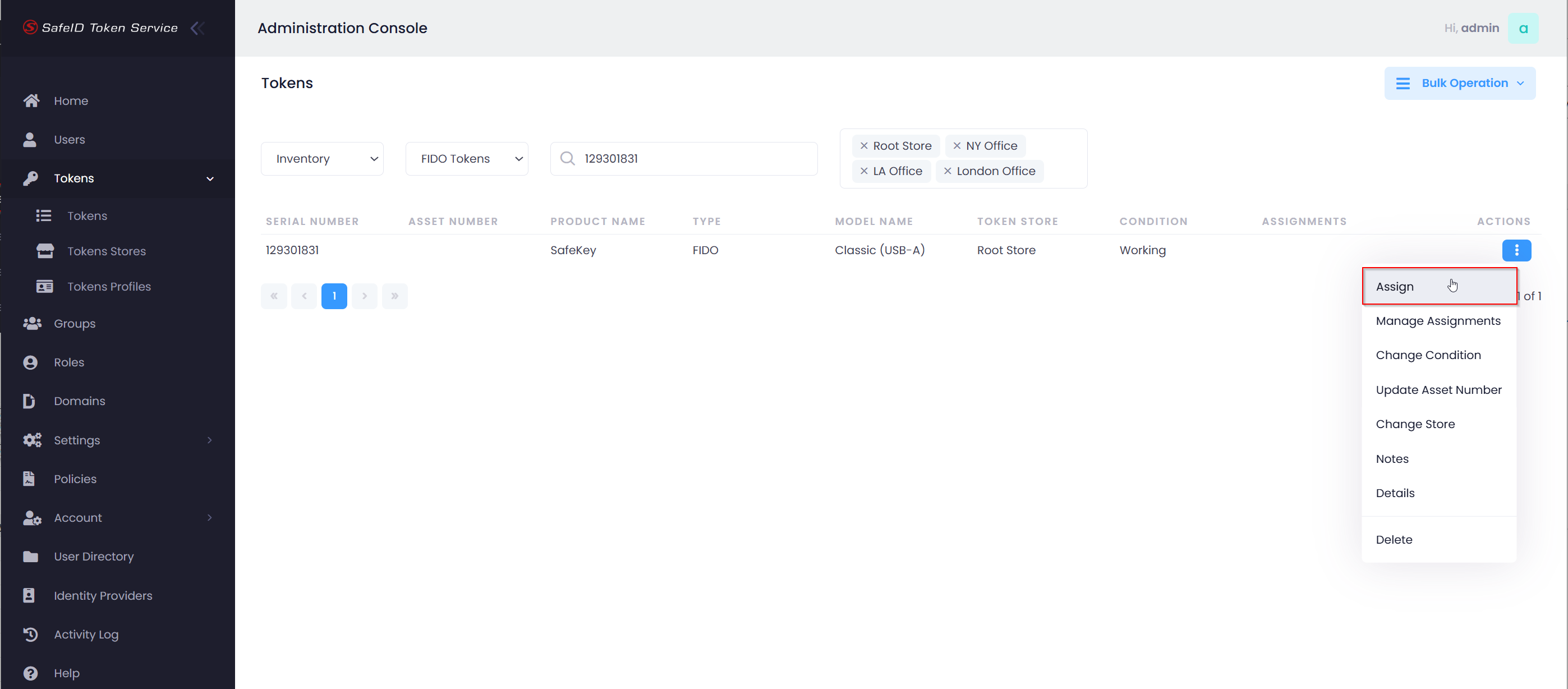
Select "Assign" from the actions menu
...
Enable the option "Reset Authenticator"
Then, click "Assign"

Plug in the FIDO key (If it is already plugged in, you need to unplug it and re-plug it in)
Touch the FIDO key when its LED light flashes
Now, you will see the prompt below:

Touch the FIDO key again when its LED light flashes
Finally, you will see the prompt below:
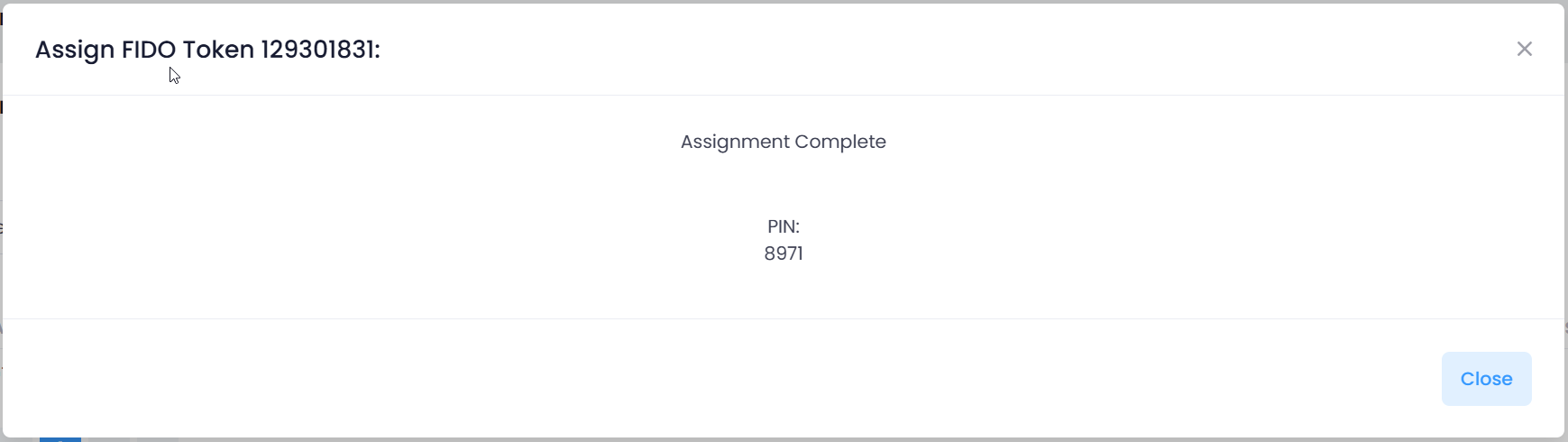
Please take note of the PIN and send it to the user.
| Include Page | ||||
|---|---|---|---|---|
|