Lists every passkey stored on the security key, grouped by the website it belongs to. Eachentry Each entry can be expanded for its raw User ID and Credential ID, and an option to delete thecredential from the key.
1. Connect a security key, tap Credential Management, and enter the key's PIN when asked.
2. The dialog lists every passkey, showing the display name, domain, and username for each.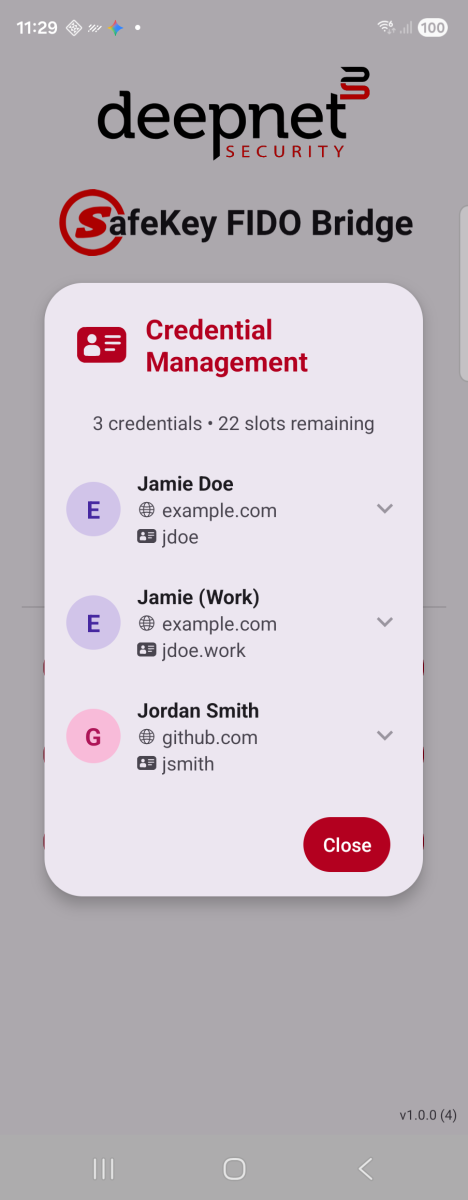
All stored passkeys, by site
3. Tap a row to expand it and see the full User ID and Credential ID.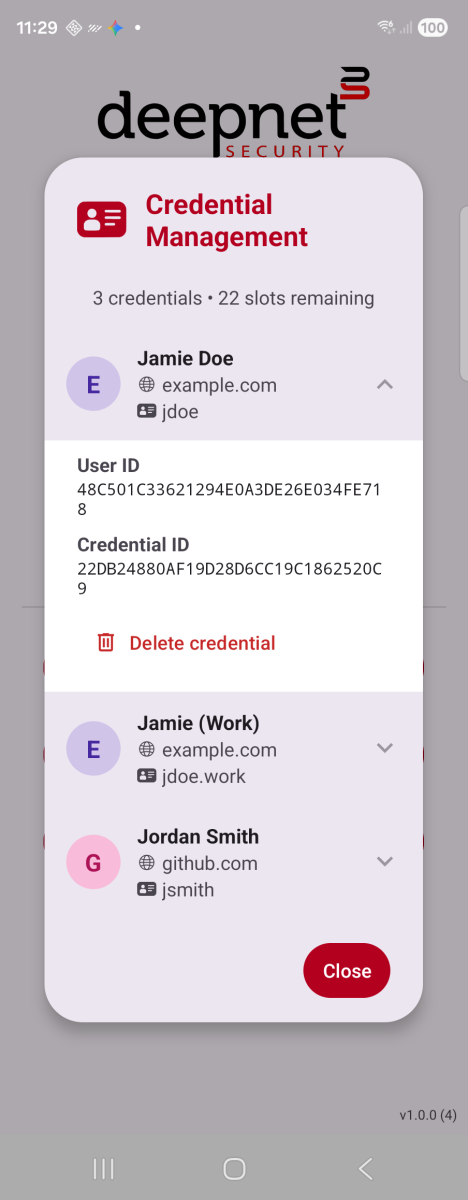
Expanded — IDs and delete
4. Tap Delete credential to remove one — you'll be asked to confirm first.
5. If the key has no passkeys stored yet, the dialog shows an empty state instead of a list.