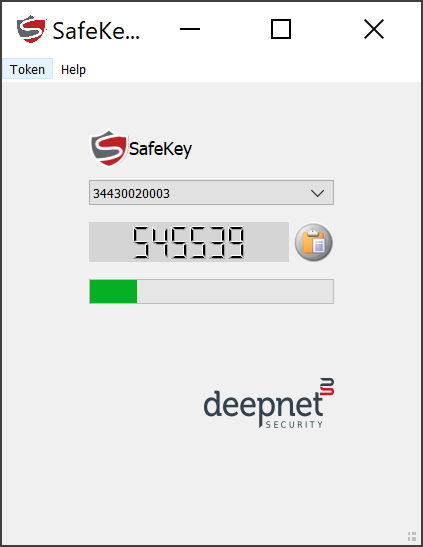
Install the OTP Authenticator App
SafeKey/Classic OTP authenticator app is a desktop application that works with SafeKey/Classic USB keys to generate TOTP codes.
Download the SafeKey TOTP app from the links below:
SafeKey OTP Authenticator for WindowsSafeKey OTP Authenticator for MacOSAuthenticator (G2)
Install it on your Windows PC or Mac.
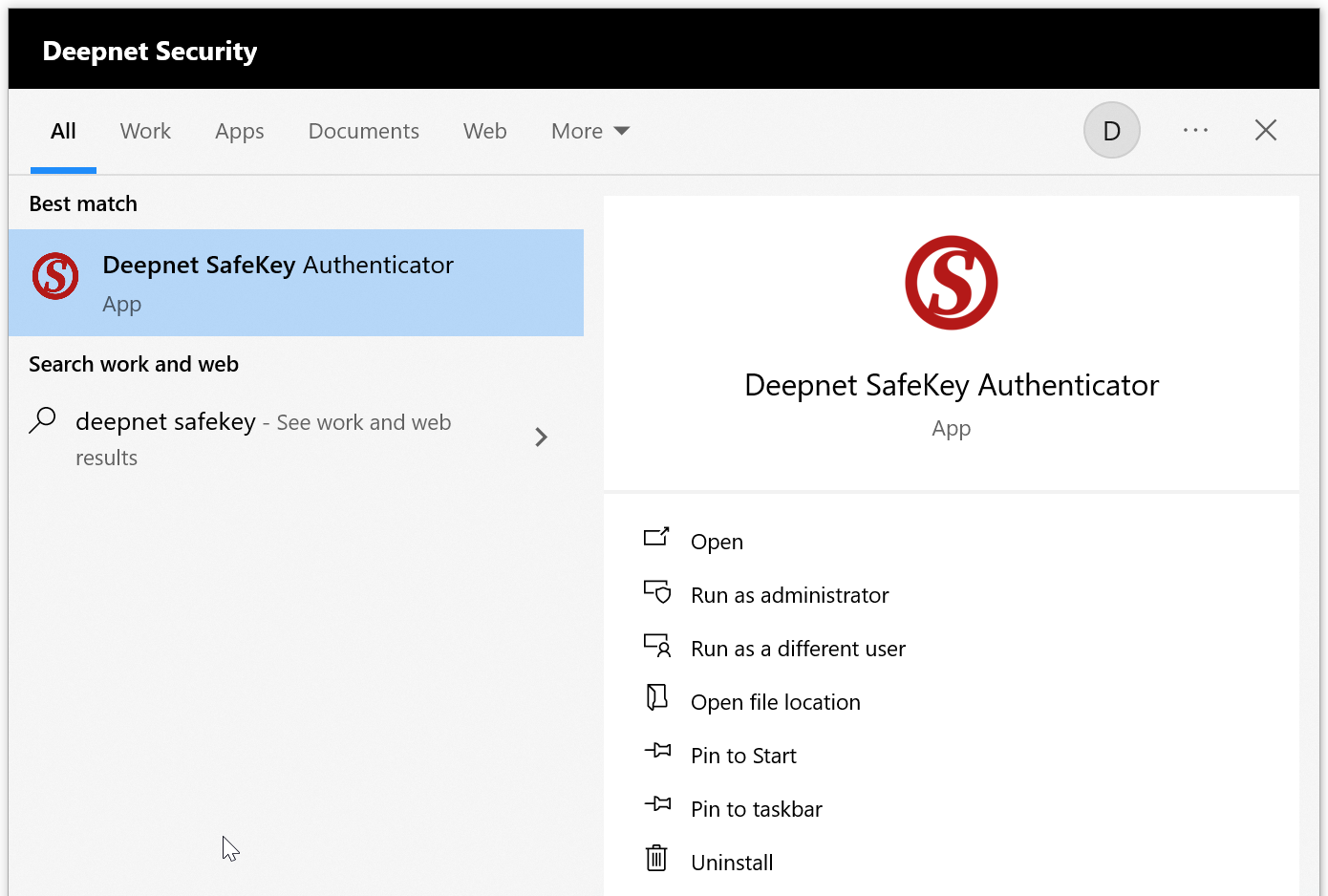
Display
...
TOTP Codes
To generate an OTP codeTOTP codes from a SafeKey device, follow the steps below.
Run the SafeID Authenticator application.
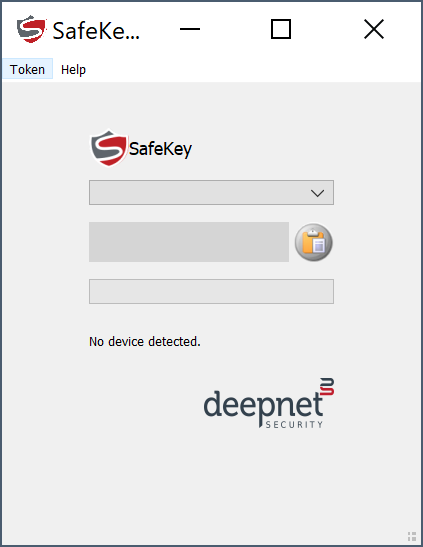
Insert Firstly, insert the SafeKey device into a USB port in your computer
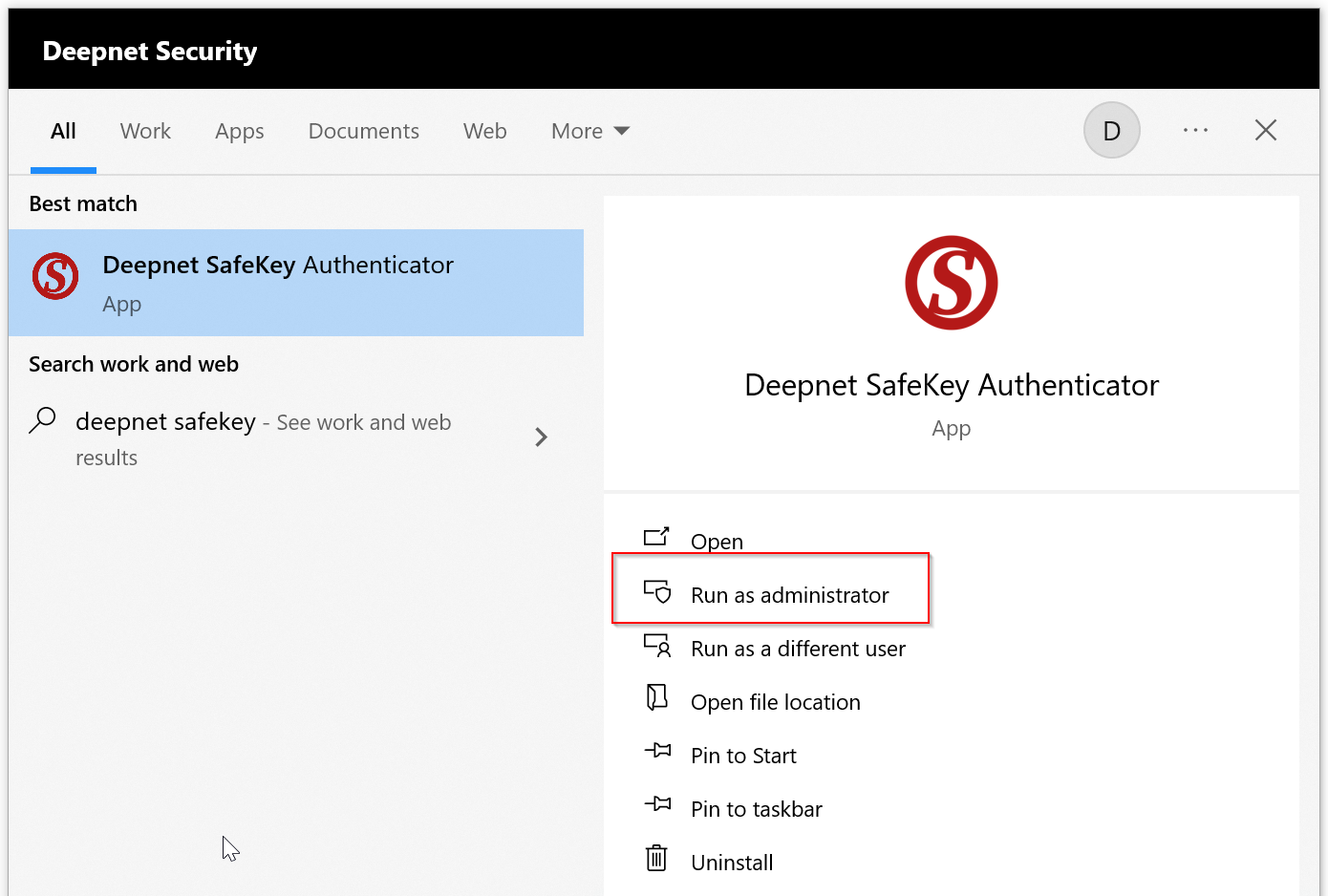
Then, run the SafeID OTP Authenticator application as an administrator.

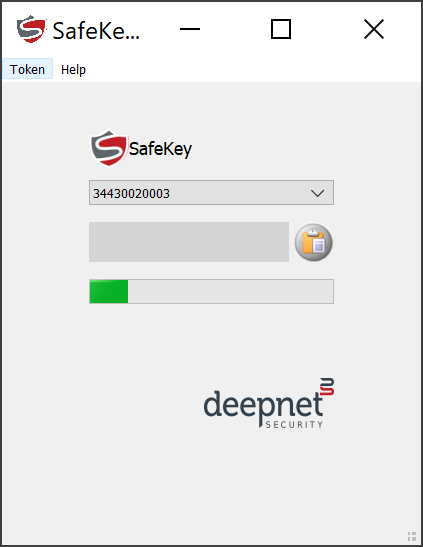
Your SafeKey device should now be flashing now...
Touch the SafeKey device, then an OTP code will be displayed: