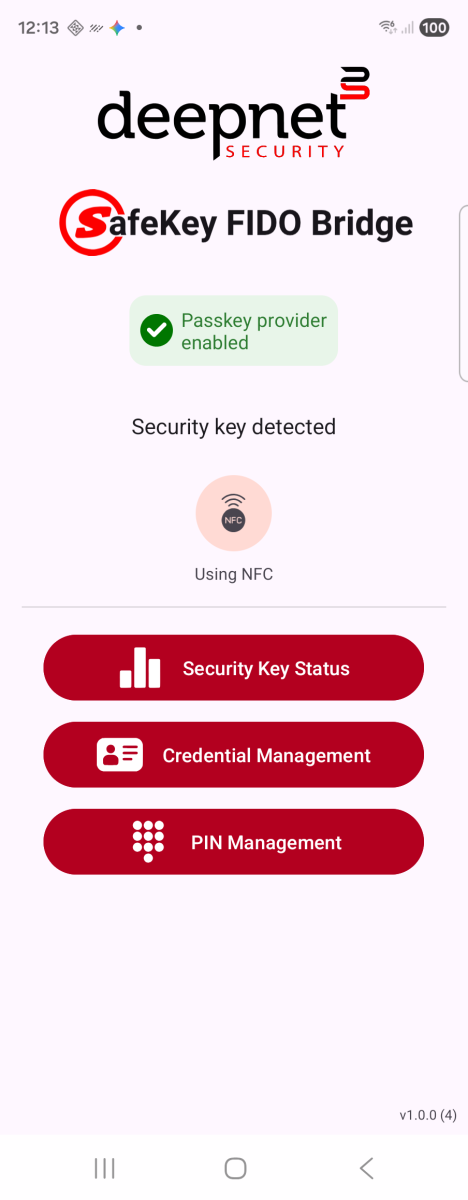
The main screen shows whether a security key is connected and gives access to the app'sthree s three tools. NFC and USB are both supported.
1. Not connected — when no security key is connected, the app offers instructions to connect the key, and the status and management options are disabled.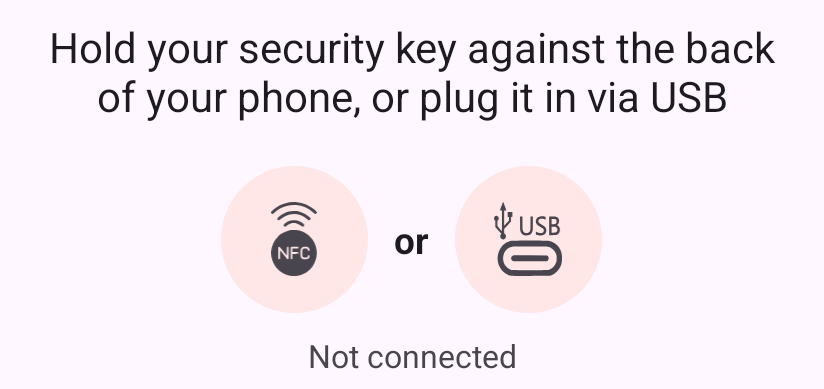
Not connected
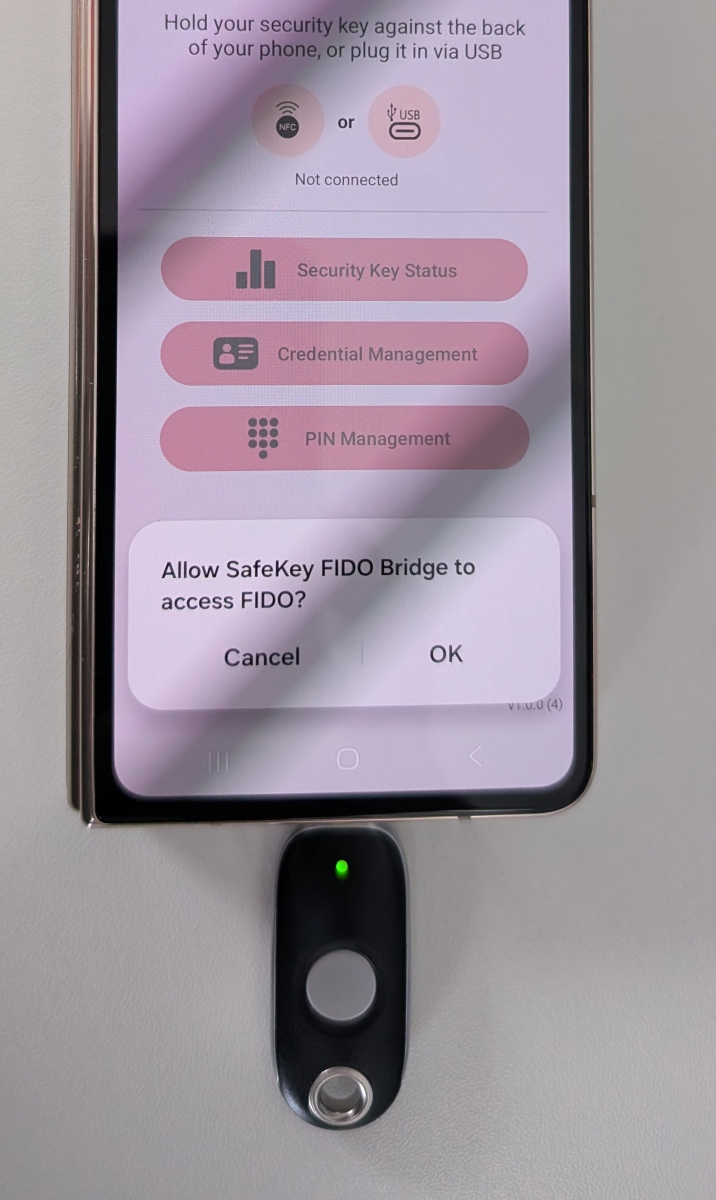
2. Connected via USB — the status line reads "Security key detected," the USB icon stays lit, and Security Key Status, Credential Management, and PIN Management all become tappable. On the right, the key plugged straight into the phone's USB-C port.
|
|
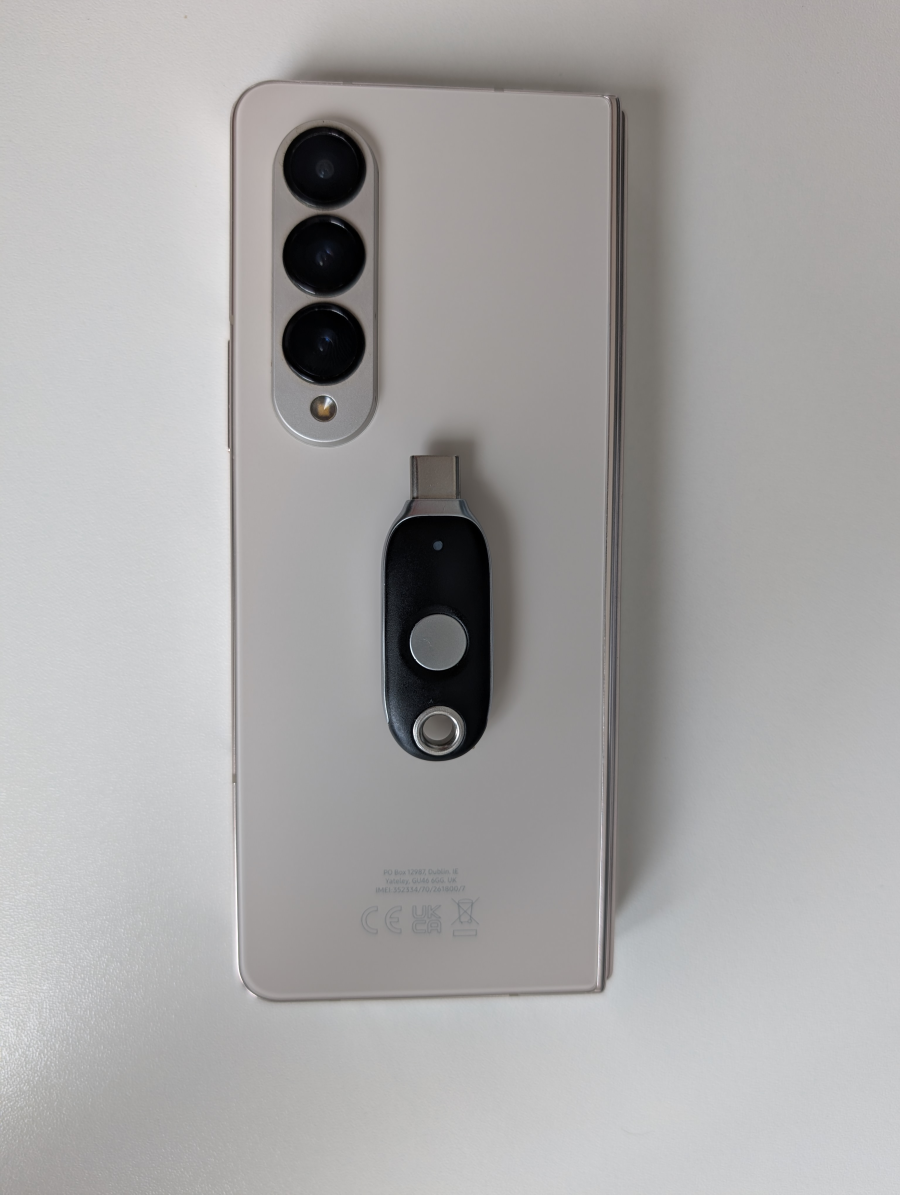
3. Connected via NFC — same idea, holding a key to the back of the phone instead. On the right, the key held flat against the back of the phone, near the camera module.
|
|