A brand-new or freshly reset security key has no PIN at all. To begin to use the securitykey security key, a PIN must be set up. Connecting your security key and then opening either PIN Management or Credential Management will begin thePIN the PIN setup flow.
1. Connect a fresh or reset security key, then tap PIN Management (or Credential Management — both detect the missing PIN).
2. Enter a New PIN and confirm it.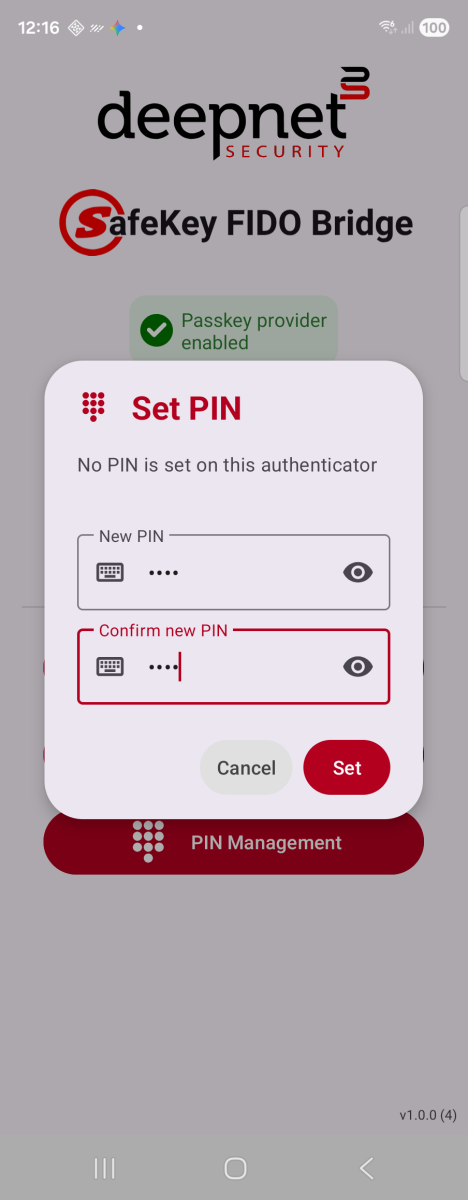
Set PIN — shown when the key has none yet
3. Tap Set. A "PIN Set Successfully" confirmation appears once the key accepts it.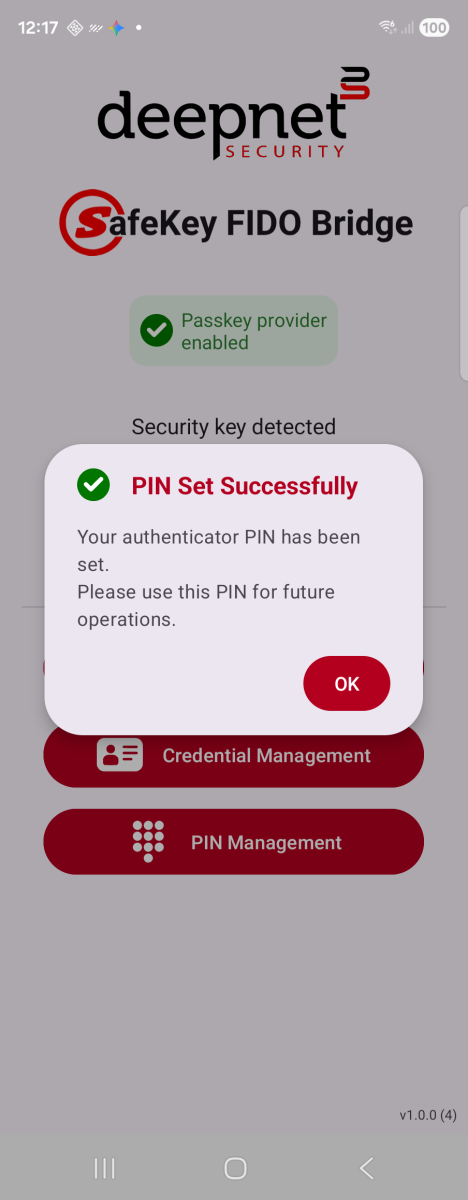
Confirmed once the key accepts it
Opening Opening Credential Management on a key with no PIN set walks you straightinto this Set PIN dialog — once it succeeds, the app automatically continues on to verifythe new PIN and open Credential Management, with no need to tap Credential Management asecond time.