Before SafeKey FIDO Bridge can offer to create or use passkeys, it needs to be turned on asa passkey provider in your phone's system settings. The main screen shows a banner remindingyou until this is done.
1. On the main screen, tap Enable next to the "Passkey provider not enabled" banner.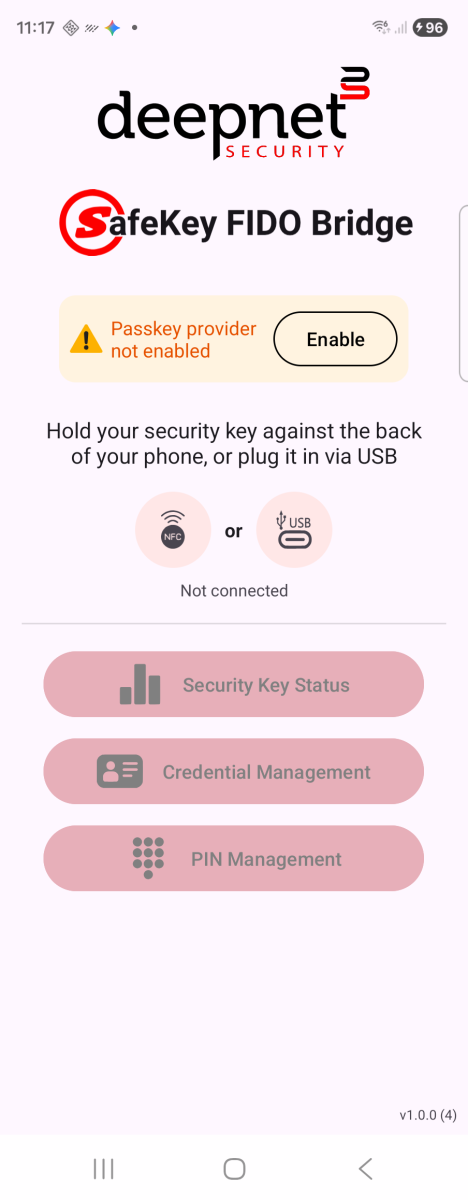
Not yet enabled — banner with Enable button
2. Android opens Passwords, passkeys & accounts settings, listing SafeKey FIDO Bridge under Additional services.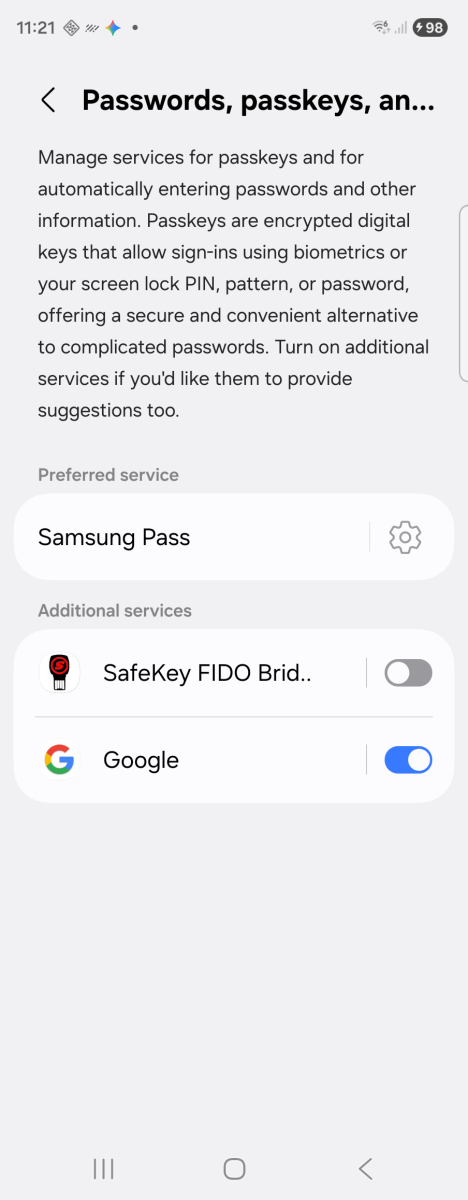
System settings — SafeKey FIDO Bridge off
3. Turn on the switch next to SafeKey FIDO Bridge.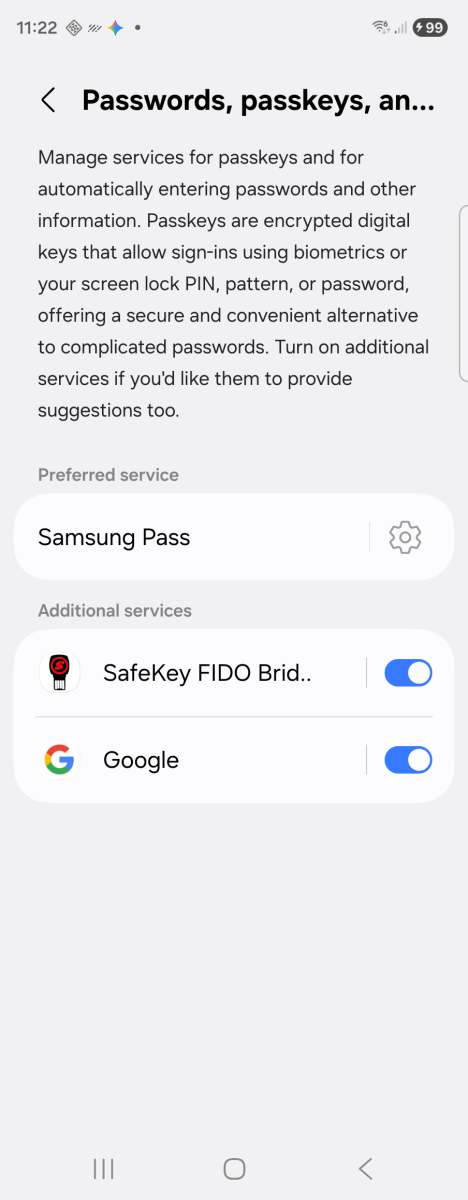
Toggled on
4. Go back to the app — the banner turns green and reads "Passkey provider enabled."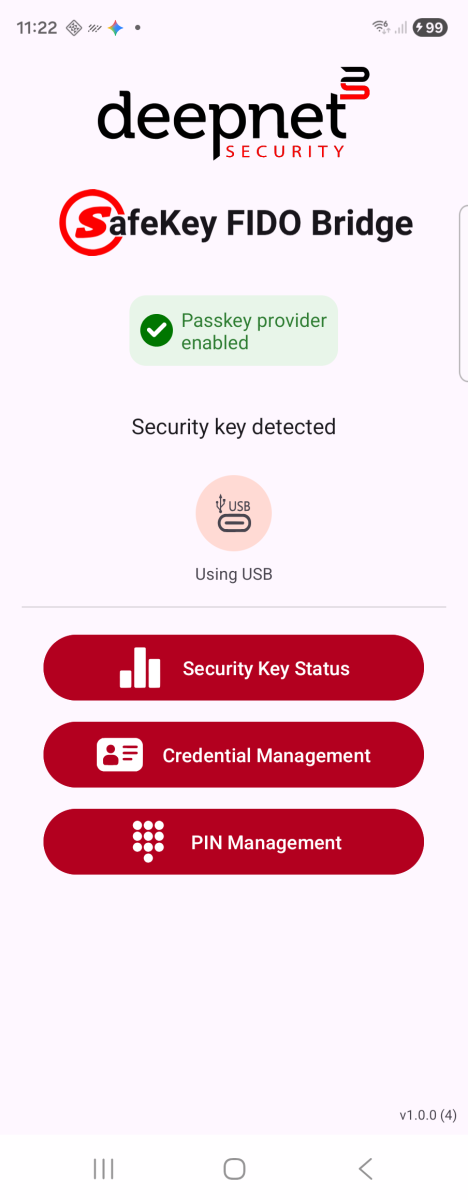
Back in the app — enabled
This only needs to be done once. Google or your phone's password manager can stay enabledalongside SafeKey FIDO Bridge — the system asks which one to use each time you create or sign in with a passkey.