Deepnet SafeID/Diamond is a programmable TOTP token. It can be used to in the place where an OTP authenticator app is being used, such as Google Authenticator or Microsoft Authenticator. It can be used in parallel to OTP app as an additional token, or as a replacement or replica of an OTP app.
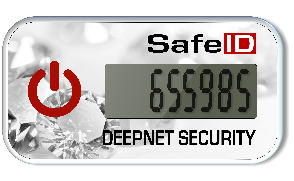
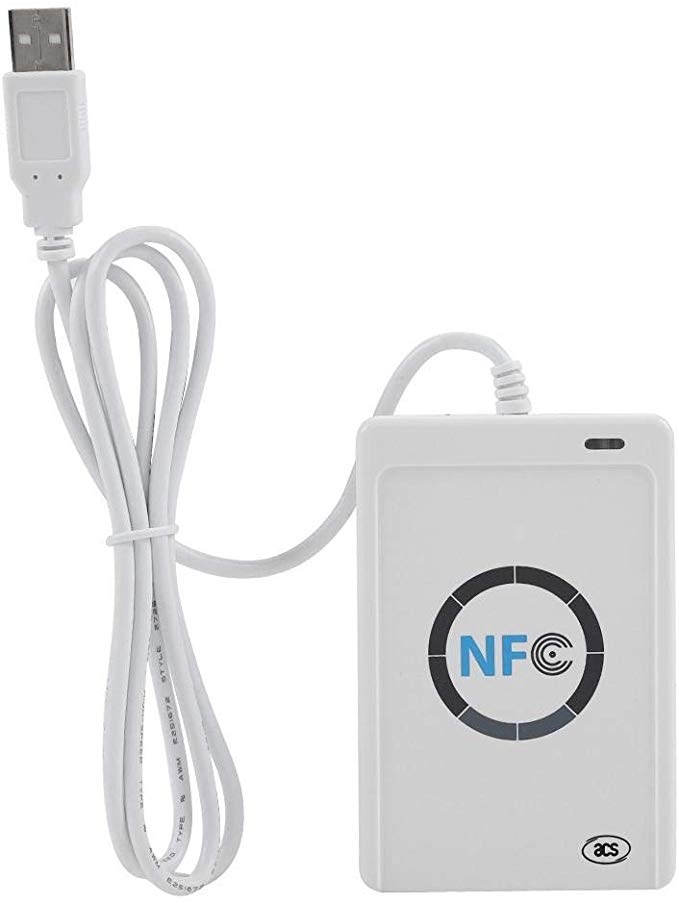
The To program a SafeID/Diamond prgramming tool is used to burn the seed data (or secret key) into the token.token from your PC or laptop, you need a NFC reader and the SafeID/Diamond programming tool.
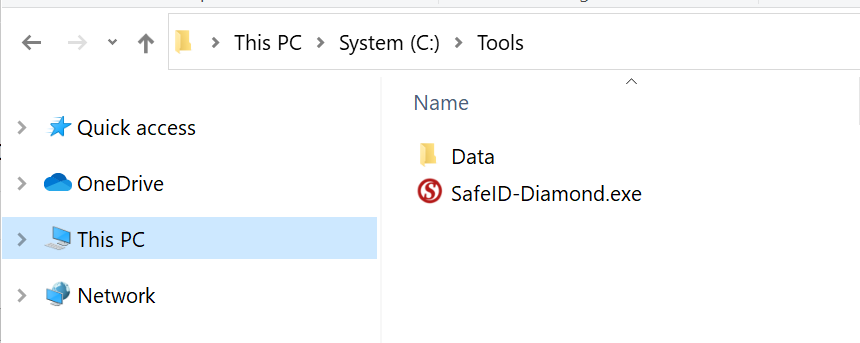
Click here to download Download the tool, SafeID-Diamond.exe, and save it to a folder in your hard disk.
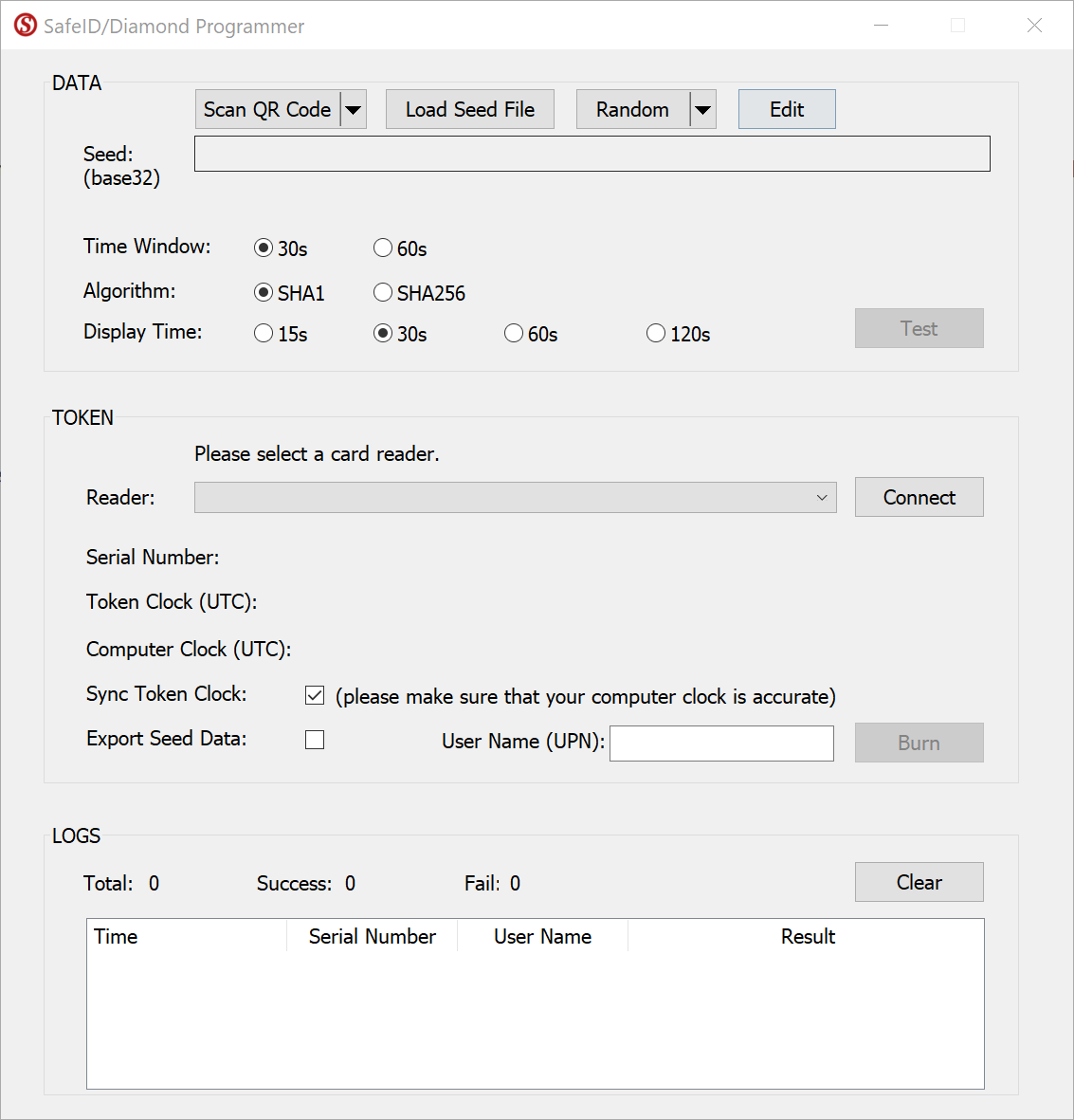
To program a token, follow 5 simple steps below:
- Obtain Seed
- Connect Reader
- Place Token
- Burn Seed
- Test Token
Step 1: Obtain Seed

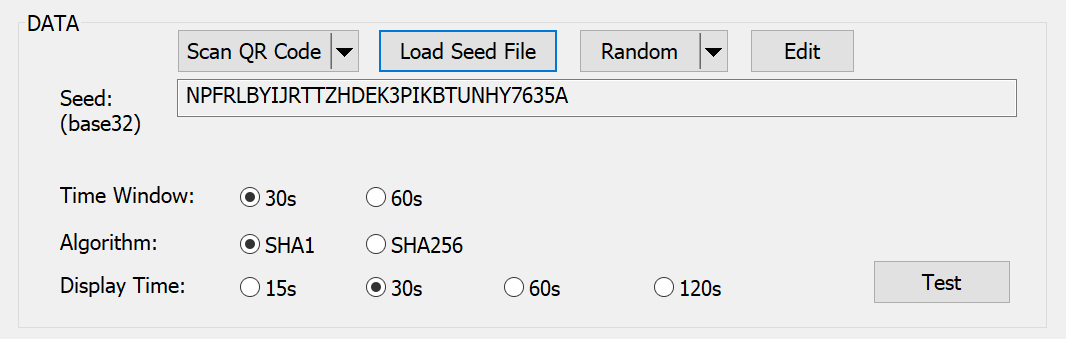
There are 4 ways you can obtain the seed data or secret key:
- Scan QR Code
- Load Seed File
- Randomly Generated
- Manually Copied
Step 2: Connect Reader

Select the NFC reader from the drop list, then click "Connect"
Step 3: Place Token
Now, switch on the token and place it on the reader.
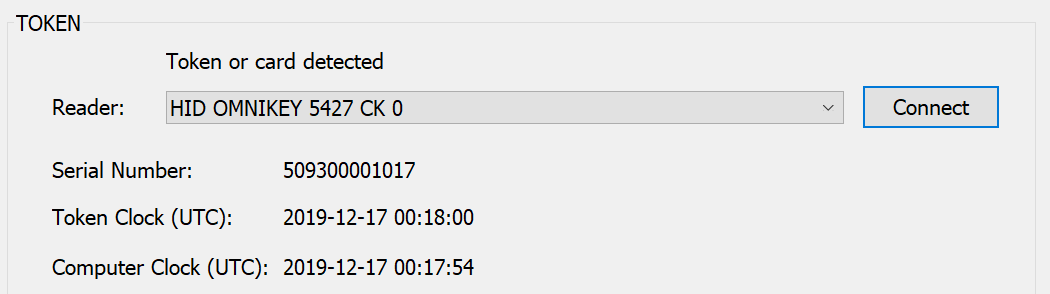
The tool will read out the token's serial number and time, and display them:
Step 4: Burn Seed
Before bunning the seed into the token, you might want to select the those 2 options:
- Sync Token Clock
- Export Seed Data
If you would like to export the seed data to be used with Azure MFA, then you can also optionally enter the User's Principle Name (UPN) to whom the token will be assigned.
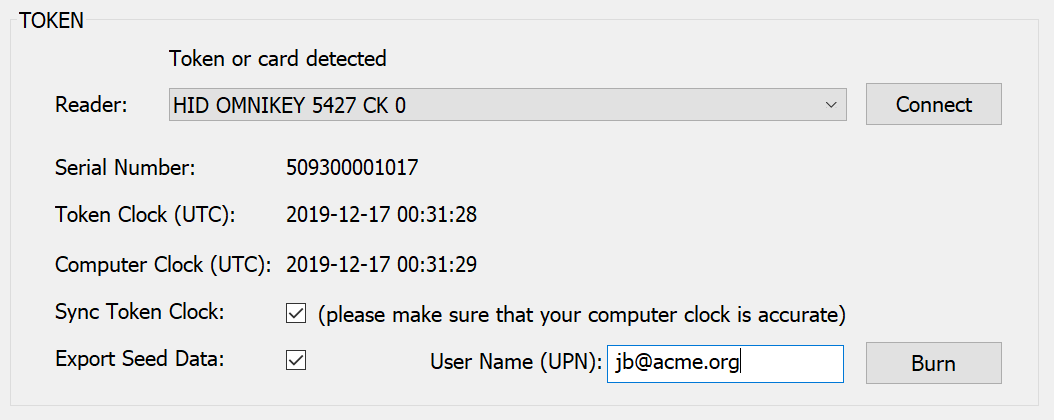
To burn the seed into the token, click "Burn"
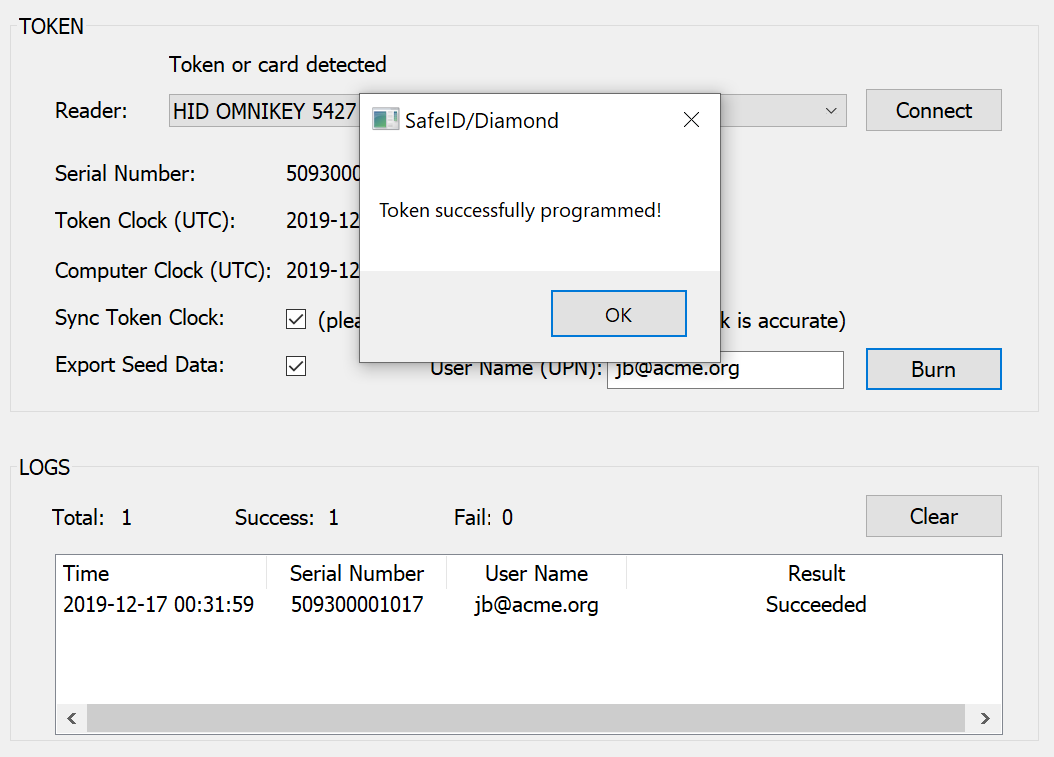
Step 5: Test Token
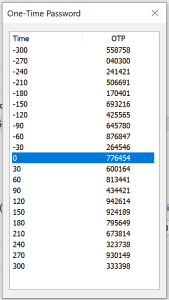
To test the token, click the "Test" button
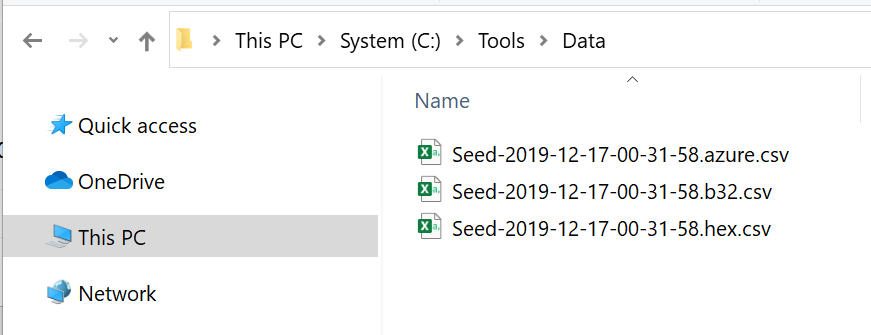
If you select to export the seed, then you will find the seed files in a sub-folder called "data"