1 Overview
This document is mainly about how to configure Certificate Authority at Windows Server before smart card login certificates can be requested and loaded to FIDO keys. There are five main parts:
- Create a smart card login template
- Publish the template in the Certification Authority
- Edit Group Policy about user enrollment
- Auto-enroll certificate at user 's machines
- Manually enroll for current user
2 Prerequisites
- A Windows Server with domain controller and certificate authority configured. In this document, Windows Server 2016 with AD CA is used.
- Guest machines (could be the Windows Server itself) and available Windows accounts which have already joint in the CA 's domain. In this document a Windows 10 enterprise is used.
- The FIDO product supports PIV function.
- The Minidriver of EsMiniTokenSetup.exe is installed in relevant machines.
3 Set up the Certificate Templates for Enrol on behalf
3.1 Create a Smartcard Enrolment Template for Agents
To create a smartcard enrolment template, you need to run the Certificate Templates Console
...
Close the Certificate Templates Console.
3.2 Adding the Template to the Certification Authority
Right-click the Windows Start button and select Run.
...
Find and select the newly created enrolment template, e.g. "PIV Smartcard Enrolment Template for Agent". and then click OK
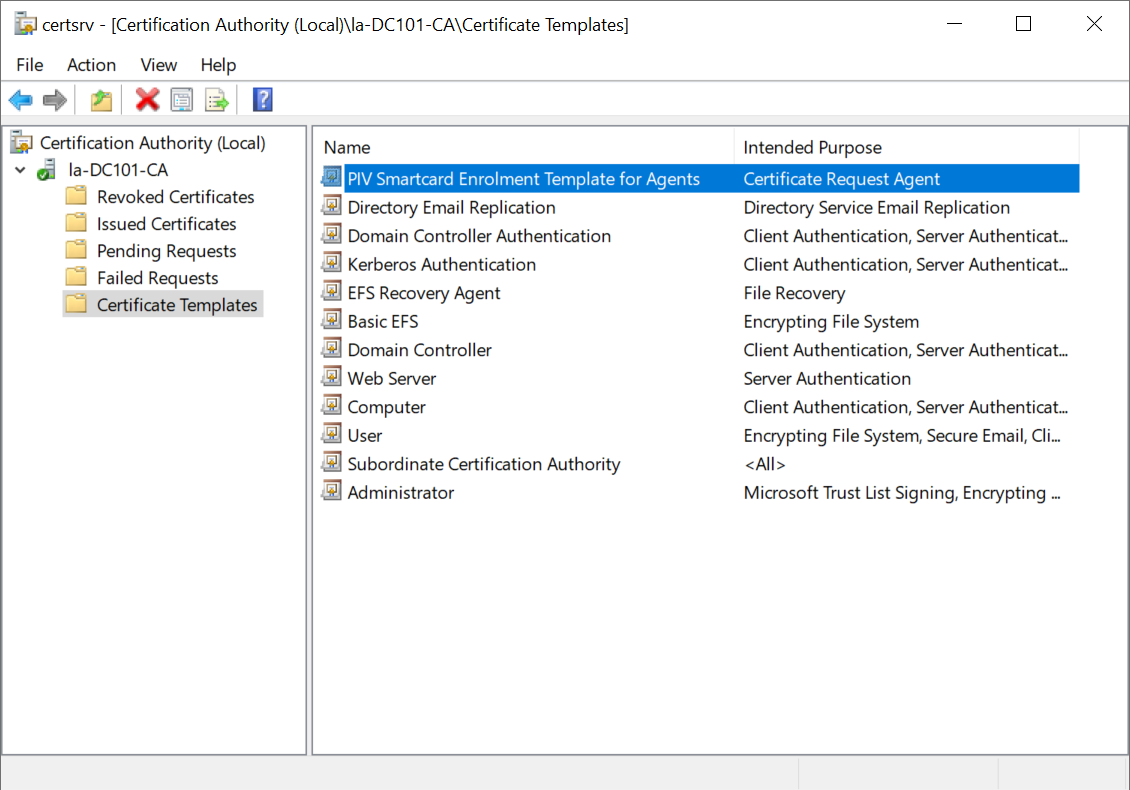
3.3 Add the enrolment template to the Agent's account
Login the agent's account
...
Select the newly created enrolment template, e.g. 'PIV Smartcard Enrolment Template for Agents', and click 'Enroll'
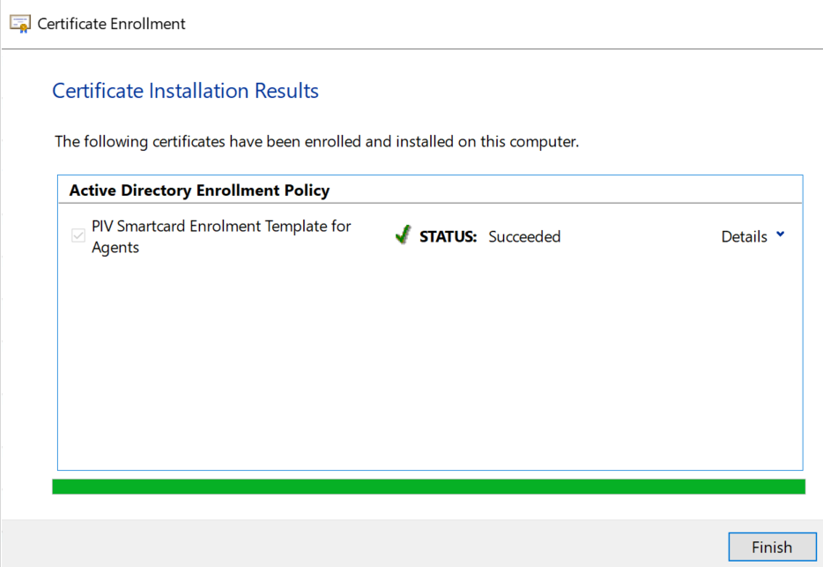
Click "Finish"
3.4 Create a Certificate Logon Template for target users by Agents
- In order to be able to issue a smart card certificate on behalf of another user, the Smart Card User or Logon template needs to be adjusted to require the Enrolment Agent certificate for enrolment.
- Duplicate and configure a Smart Card User or Logon template.
...
- In Security Tab, make sure the "Read and Enroll" ability is set for the group or users who act as the Enrollment Agents to set up the other users with this certificate.
- Issue the cert template.
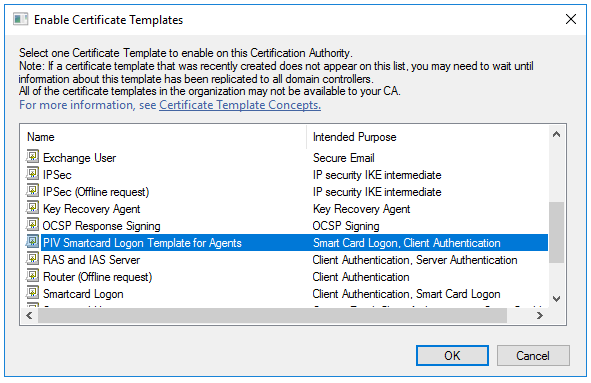
Enroll a Smart Card Certificate on behalf of others
- Log in as the user that will do enrollment for others, then run certmgr.msc. Right click the Certificate – Current User / Personal / Certificate, and select "Enroll on behalf of" from All Tasks / Advanced Operations.
...