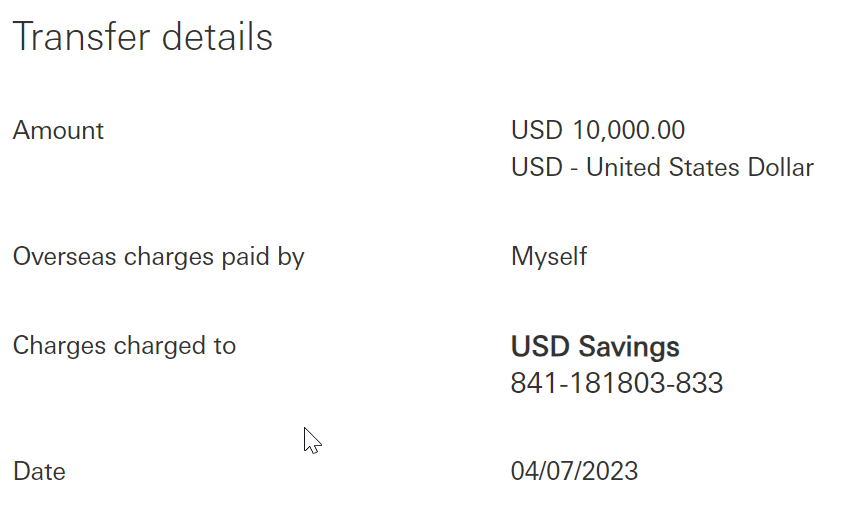
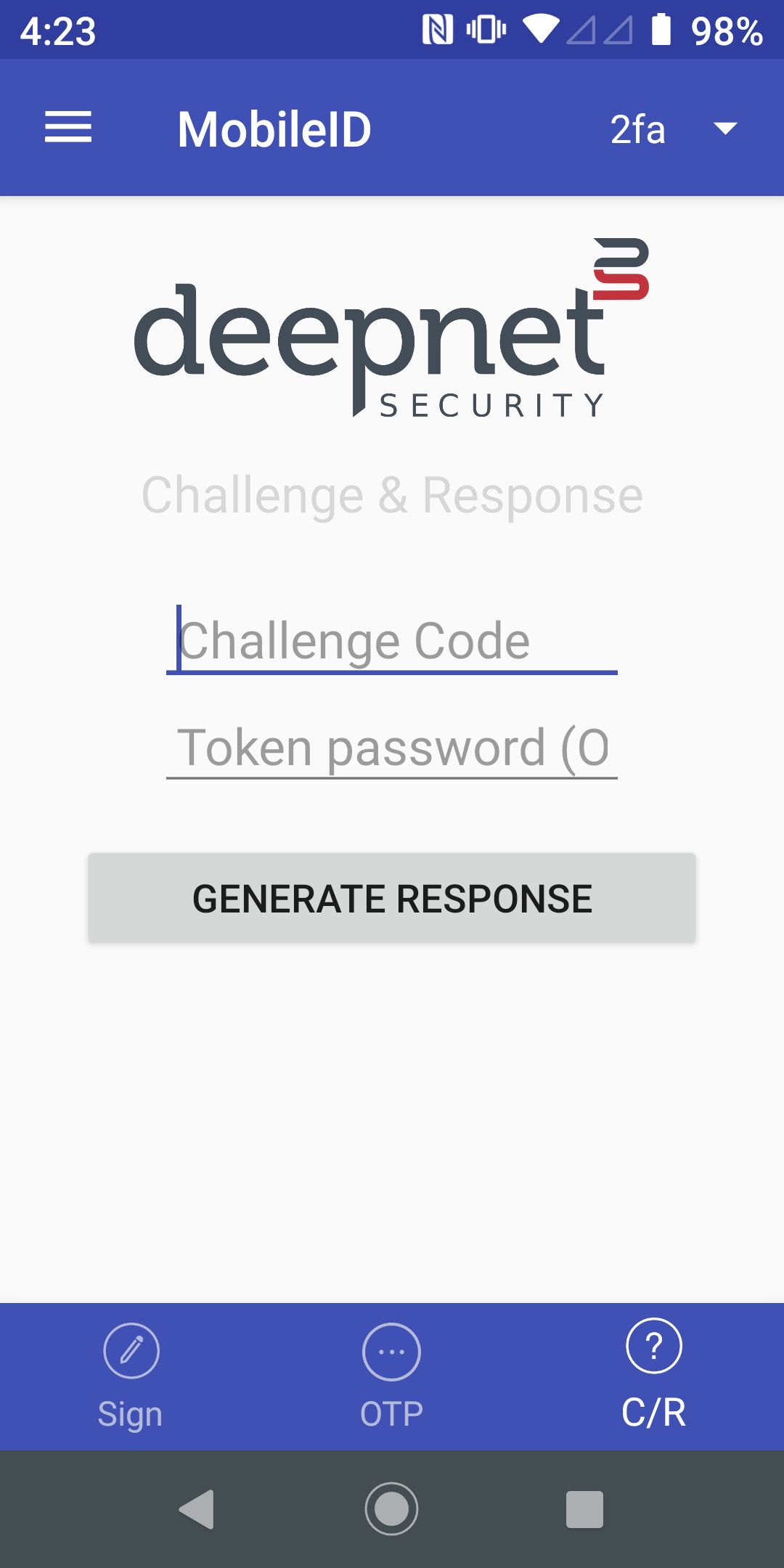
Enter the challenge code as shown below on to your MobileID app:
07880384

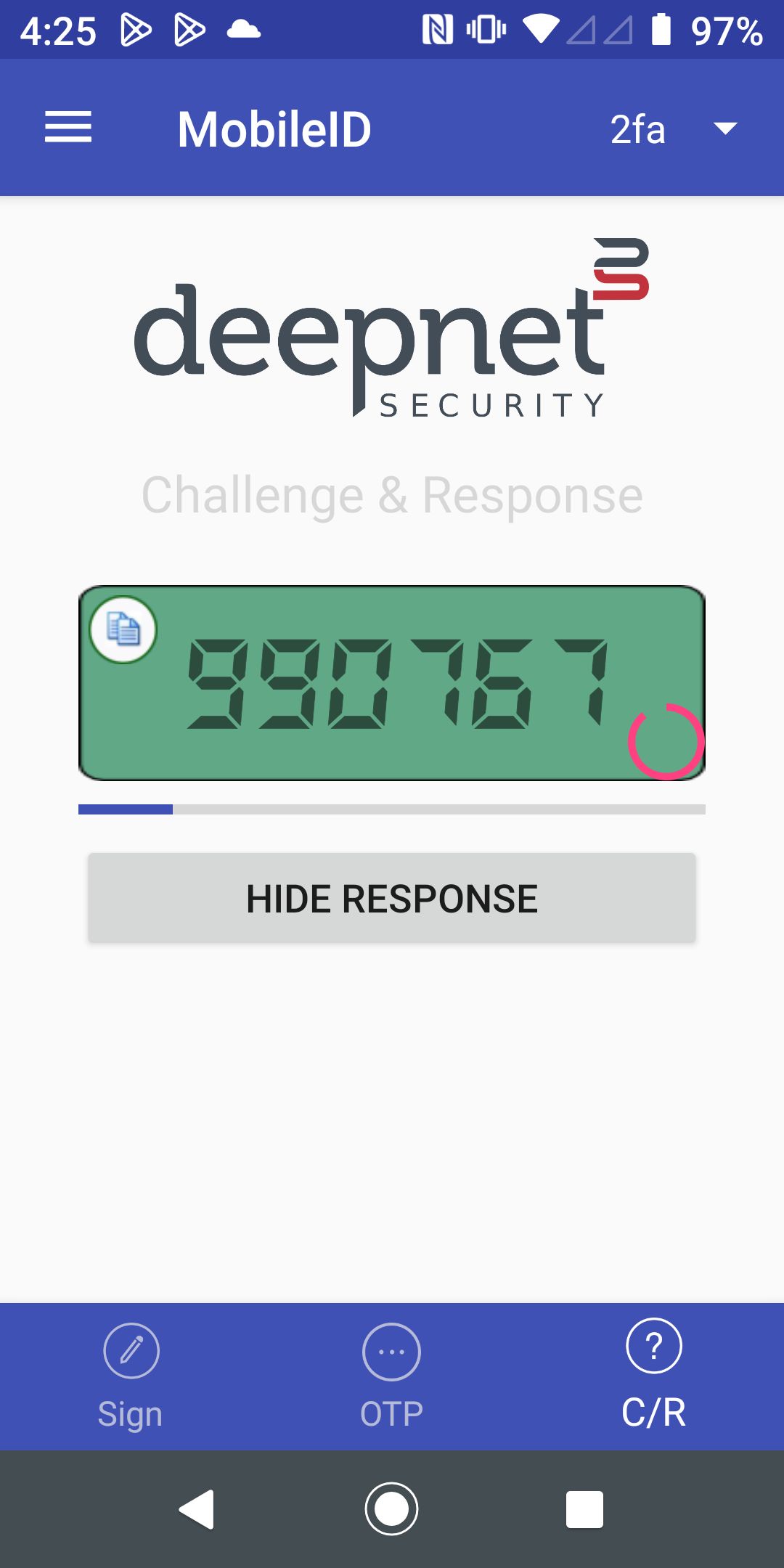
Enter the response code

Below is the workflow of a challenge & response process
| The 3rd-Party application calls the Dualshield API /auth/generate to generate a Challenge Code | ||
| The 3-Party application displays the Challenge Code on the screen |
Enter the challenge code as shown below on to your MobileID app: | |
| The user opens the MobileID app, and switches to the C/R page |
| |
| The user enters the Challenge Code in the MobnileID app |
| |
| The user presses "Generate Response" to generate the Response Code |
| |
| The user enters the Response Code in the 3-Party application | Enter the response code
| |
| The 3rd-Party application calls the DualShield API /auth/verifyResponse to verify the Response Code | ||