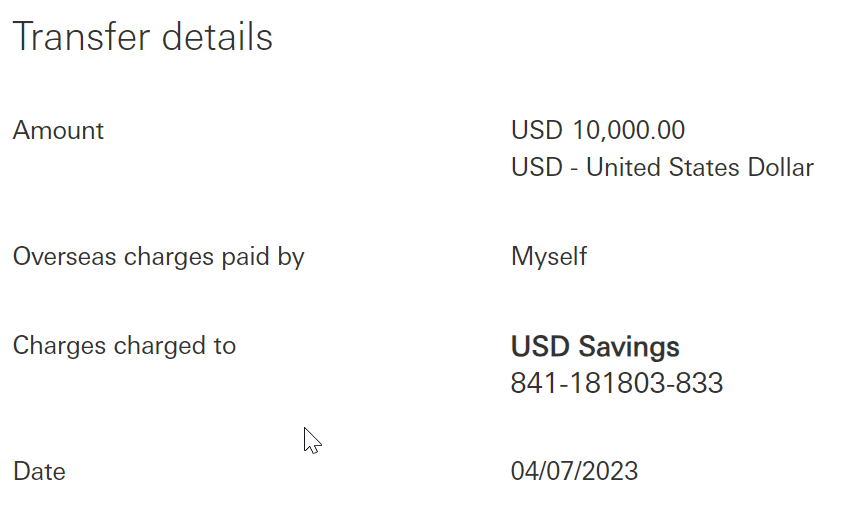
Enter the digit as shown onto the app:
07880384
These digits were generated based on the payee account number.
Please verify and never enter digits that are unknown to you.

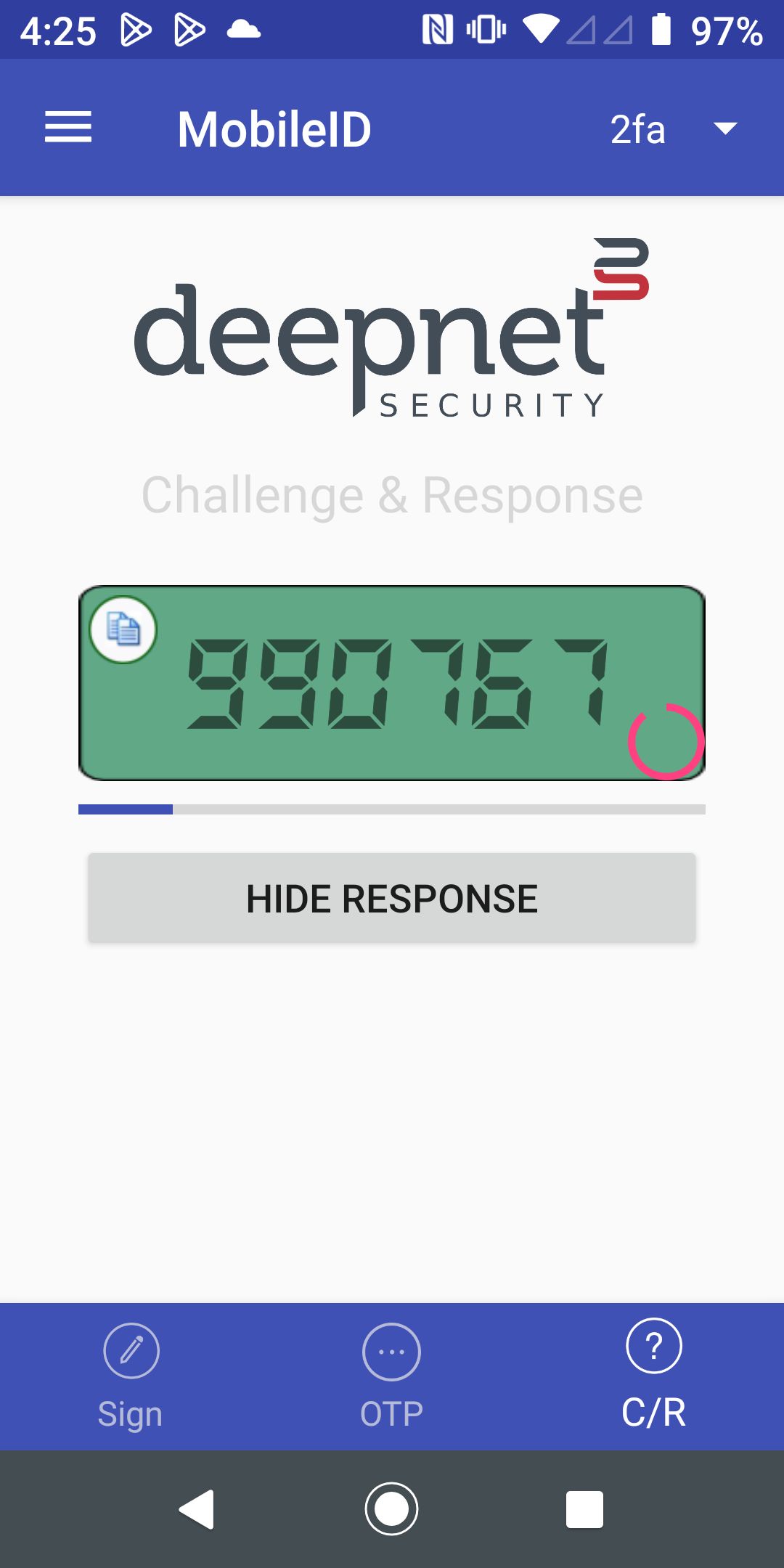
Enter the response code

Below is the workflow of a challenge & response process
| The 3rd-Party application calls the Dualshield API /auth/generate to generate a Challenge Code | ||
| The 3-Party application displays the Challenge Code on the screen |
Enter the digit as shown onto the app: These digits were generated based on the payee account number. Please verify and never enter digits that are unknown to you. | |
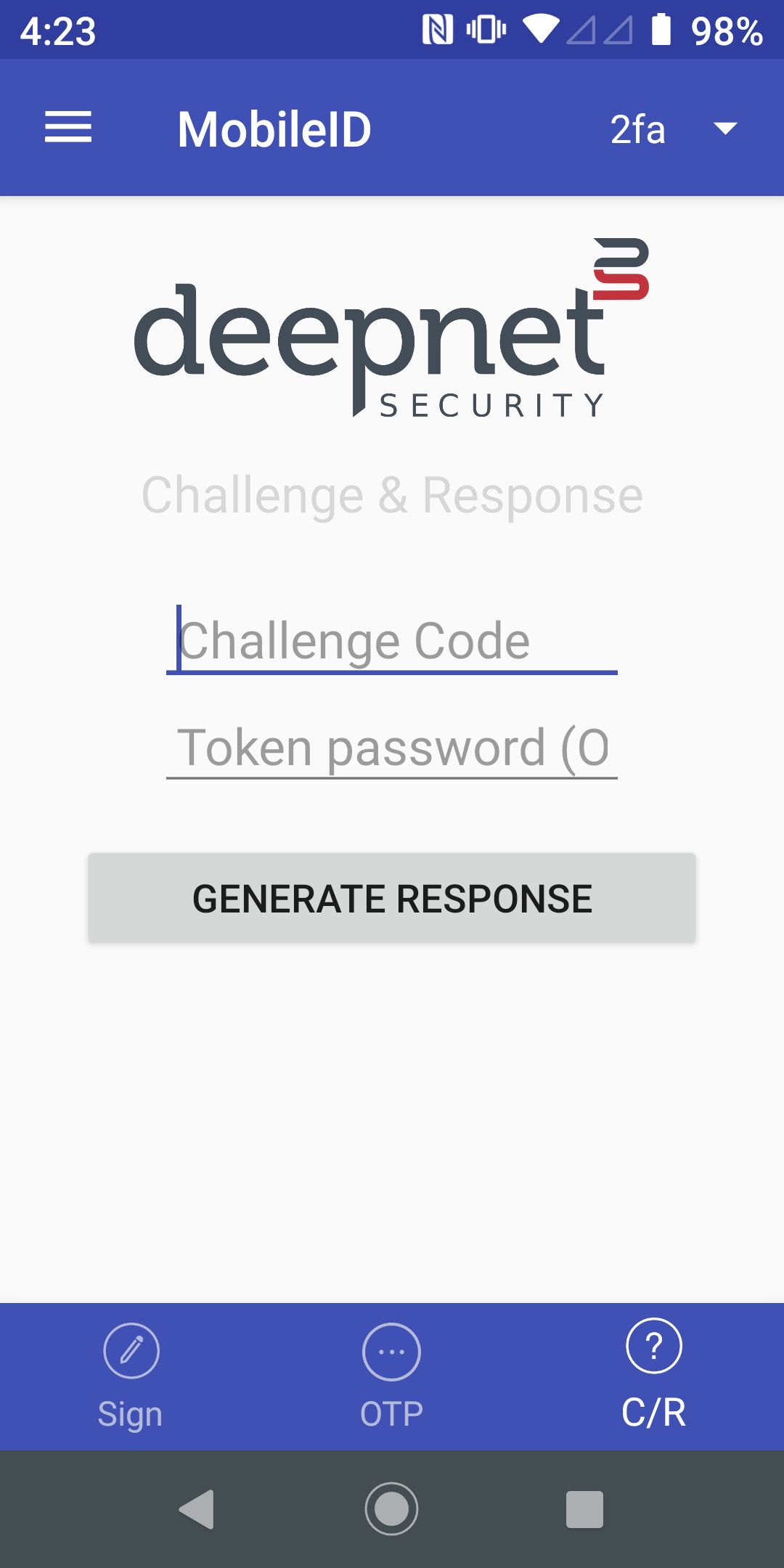
| The user opens the MobileID app, and switches to the C/R page |
| |
| The user enters the Challenge Code in the MobnileID app |
| |
| The users presses "Generate Response" to generate the Response Code |
| |
| The user enters the Response Code in the 3-Party application | Enter the response code
| |
| The 3rd-Party application calls the DualShield API /auth/verifyResponse to verify the Response Code | ||