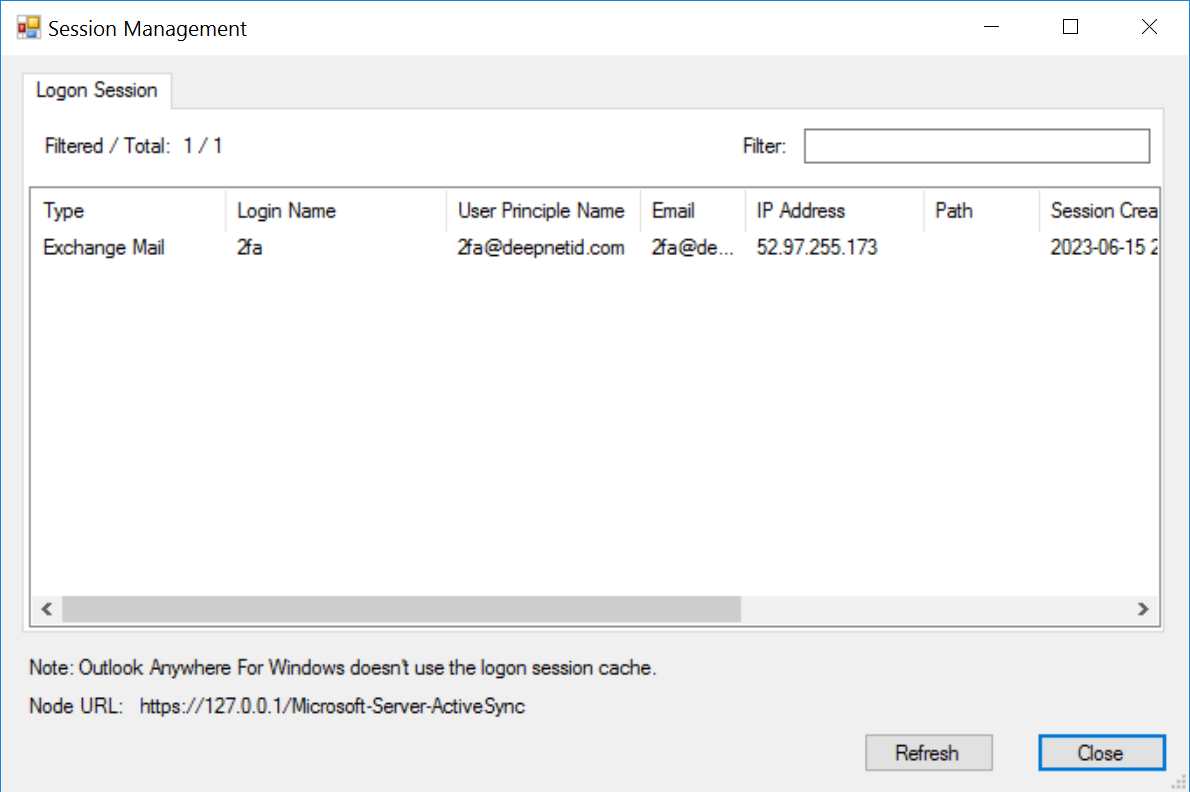
For certain types of applications, such as Exchange ActiveSync, the DualShield IIS Agent maintains a session for every user and/or device.
The lifetime of the session is controlled by the Session policy in the DualShield MFA server.
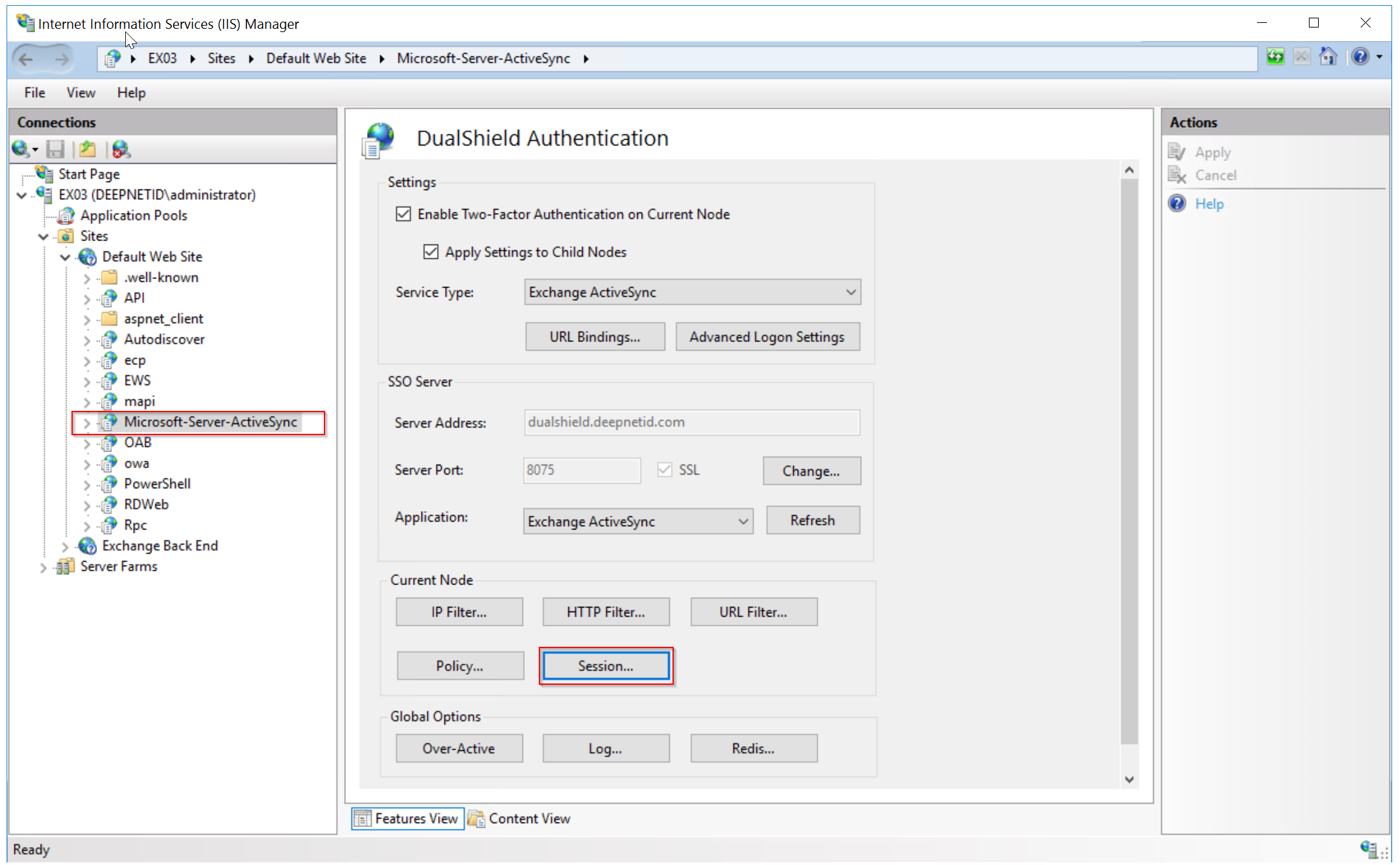
To manage sessions, select the application in the IIS console first, then open the DualShield IIS Agent console.
In the DualShield IIS console, click the "Session..." button to launch the session management window