- Add a new email
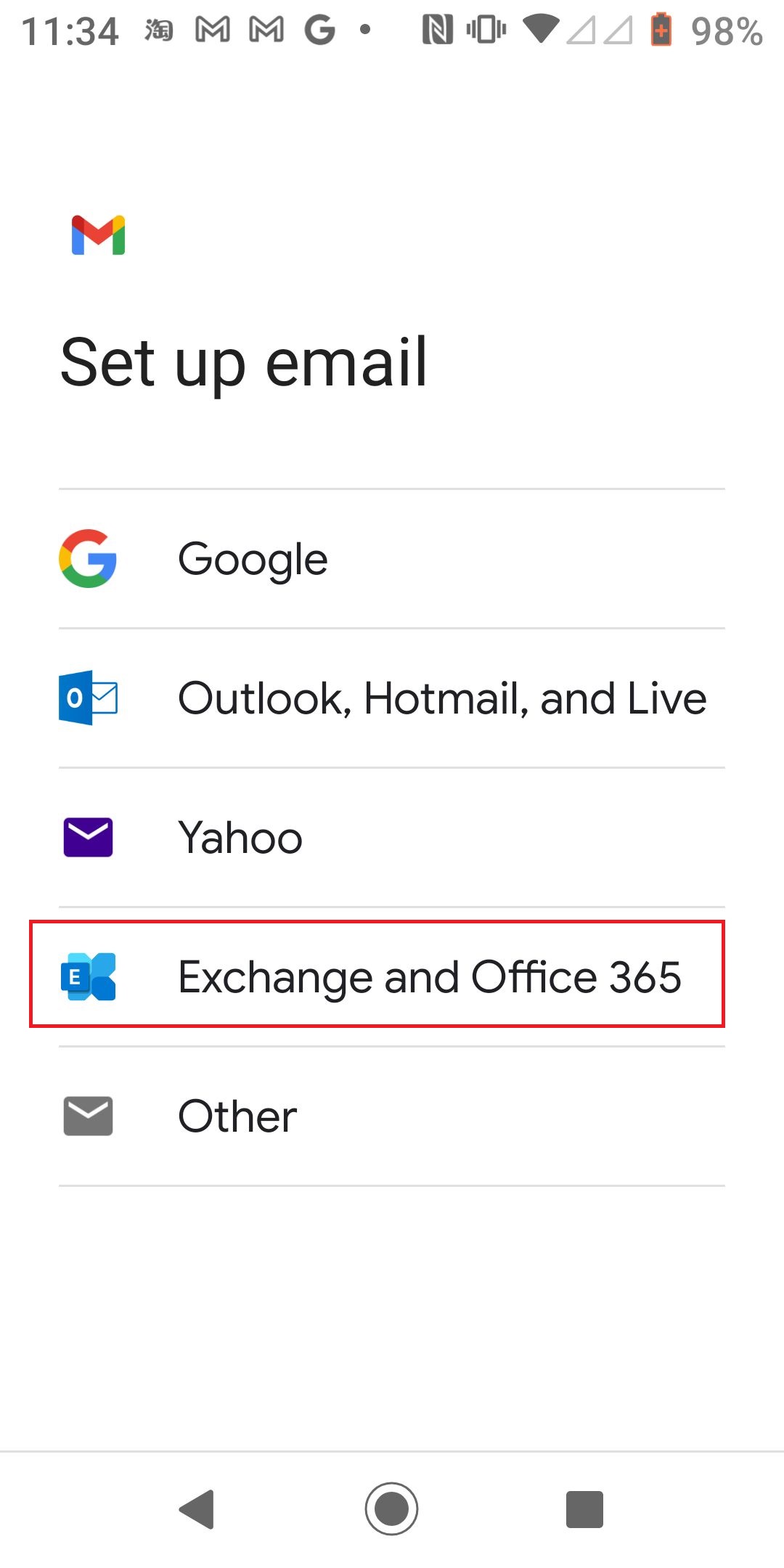
- Select Exchange and Office
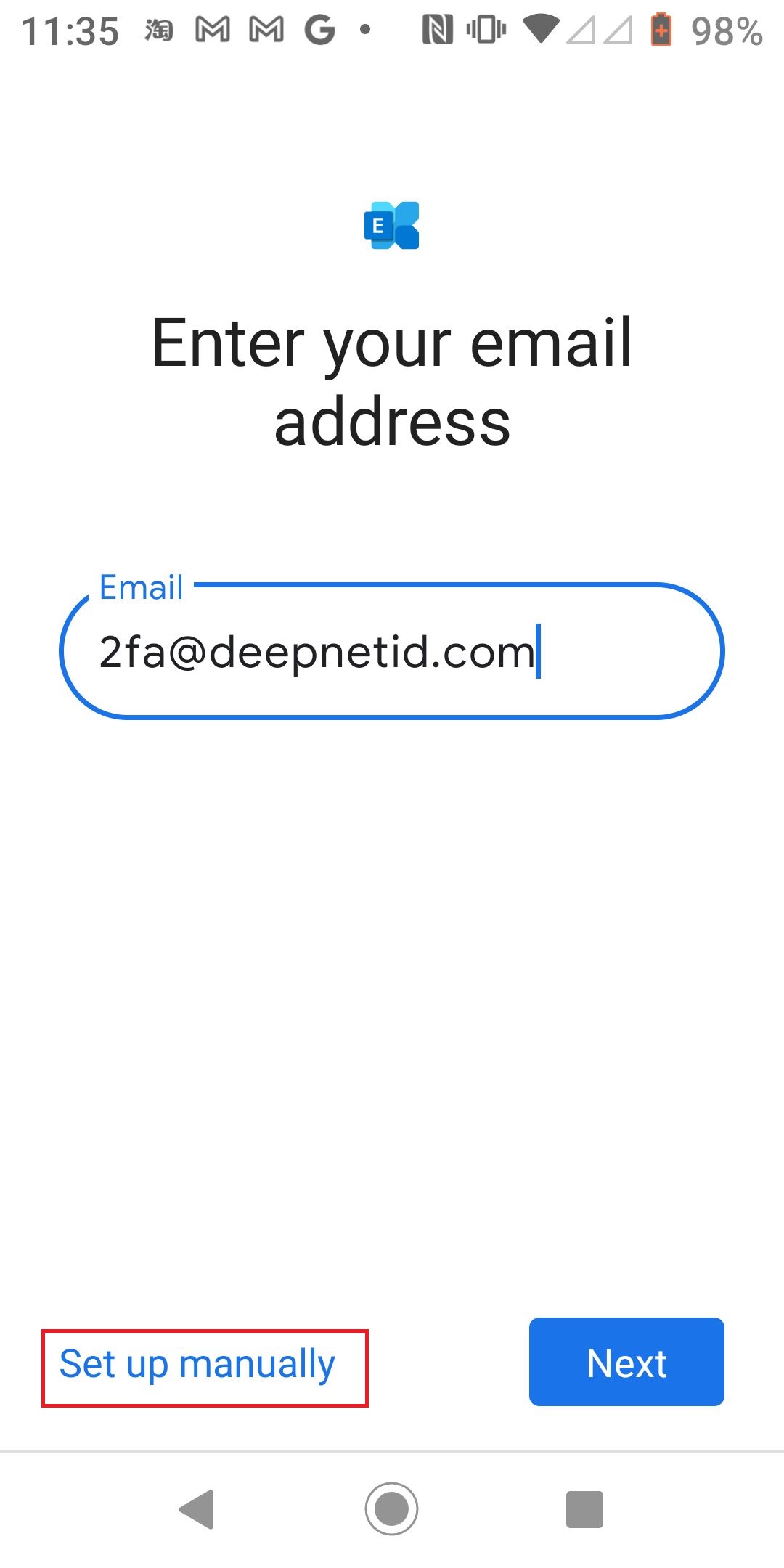
- Select "Set up manually"
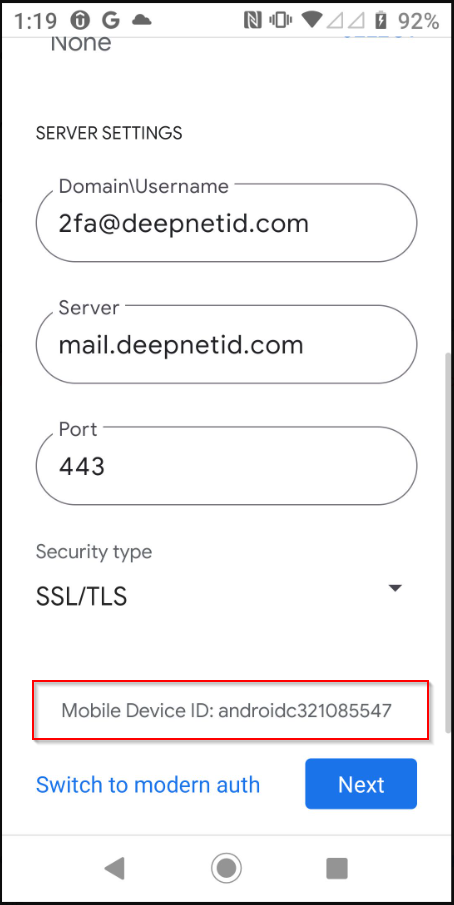
- Scroll to the bottom until you see "Mobile Device ID"
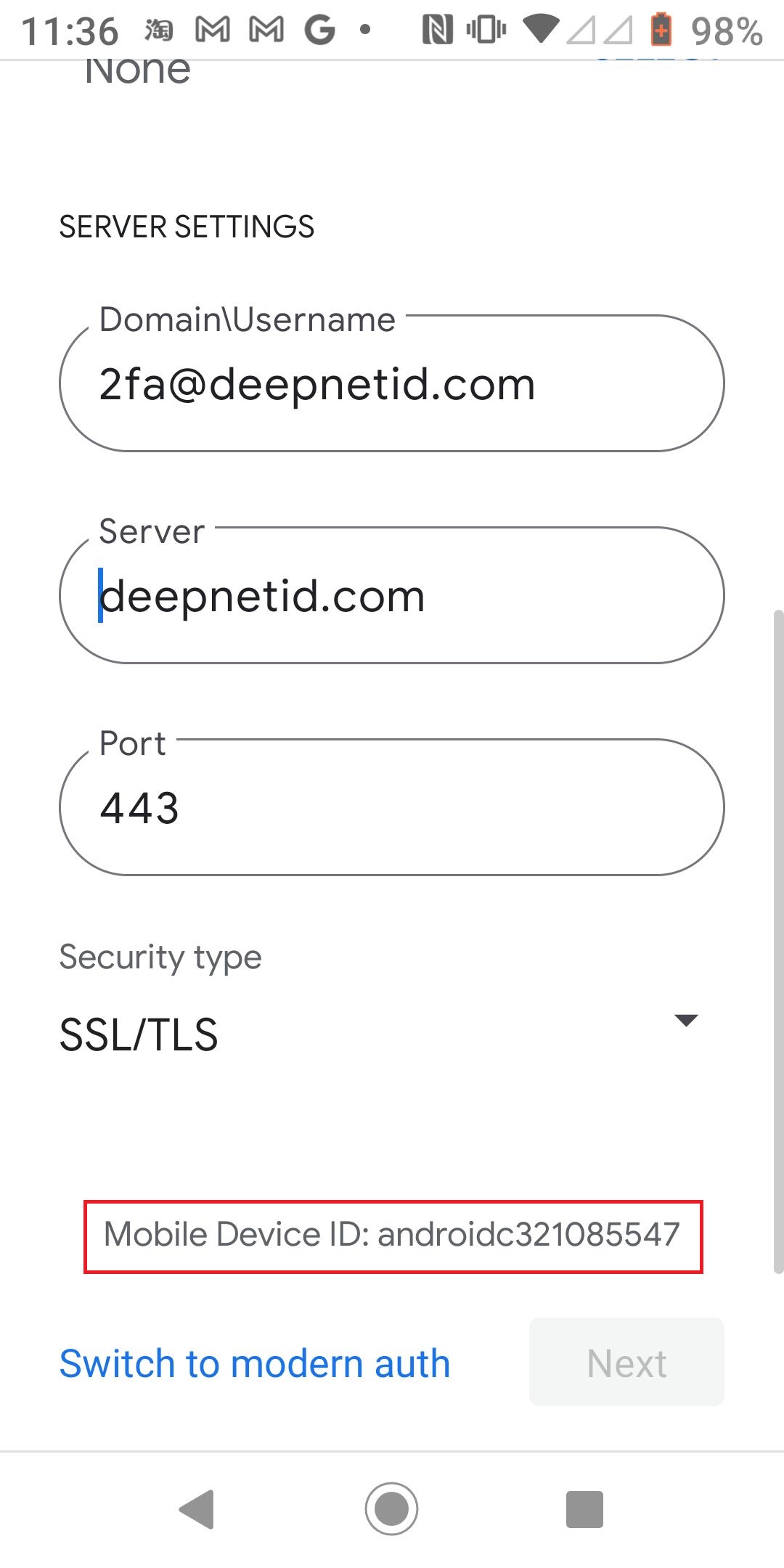
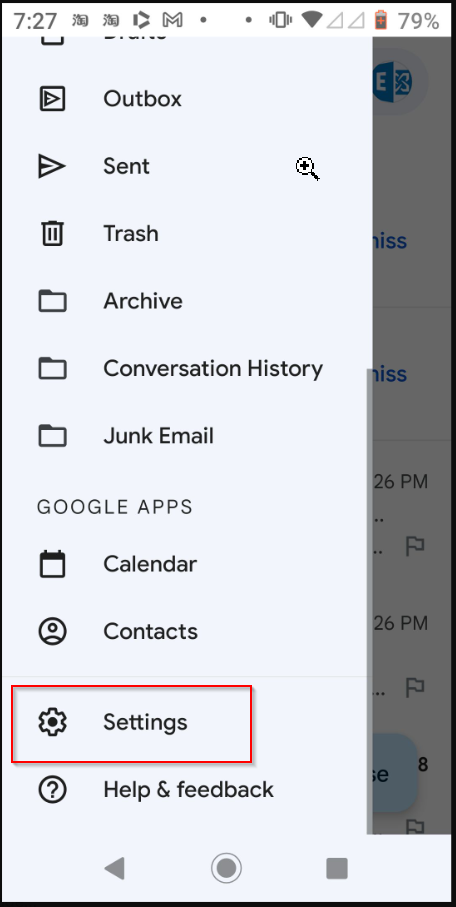
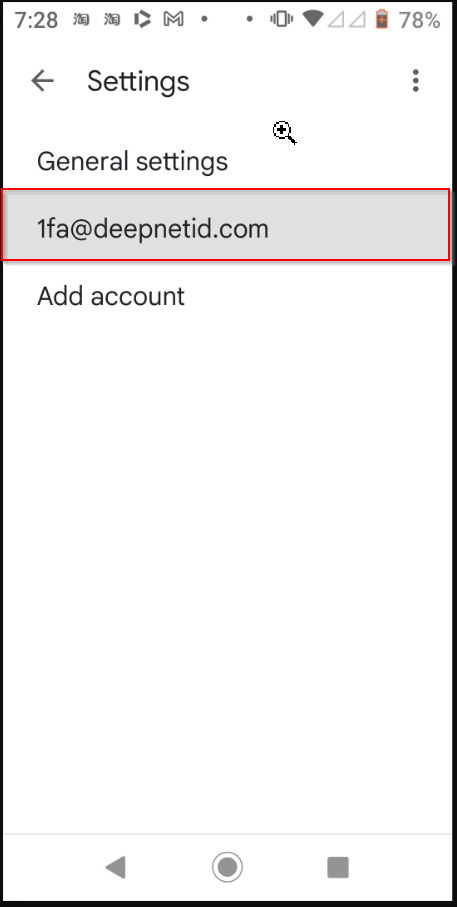
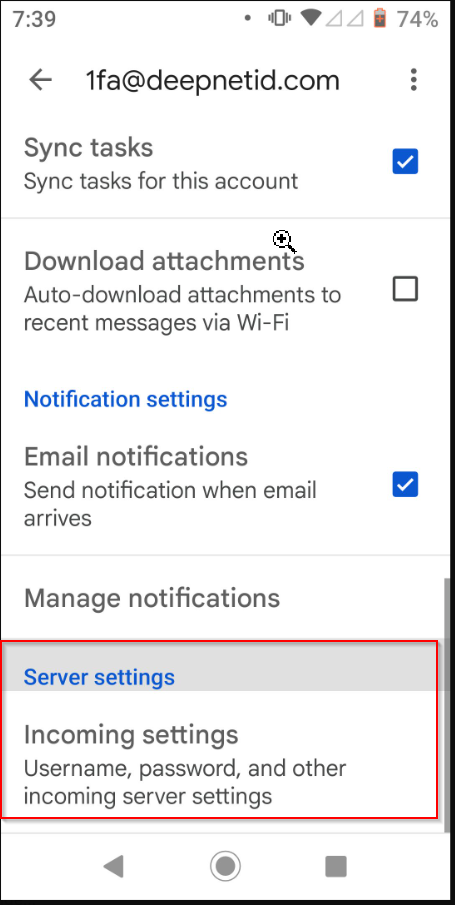
With Gmail, you can find the Exchange Device ID from both a new or an existing Exchange profile
To check the Exchange Device ID from a new account, follow the steps below
|
To check the Exchange Device ID from a new account, follow the steps below
|