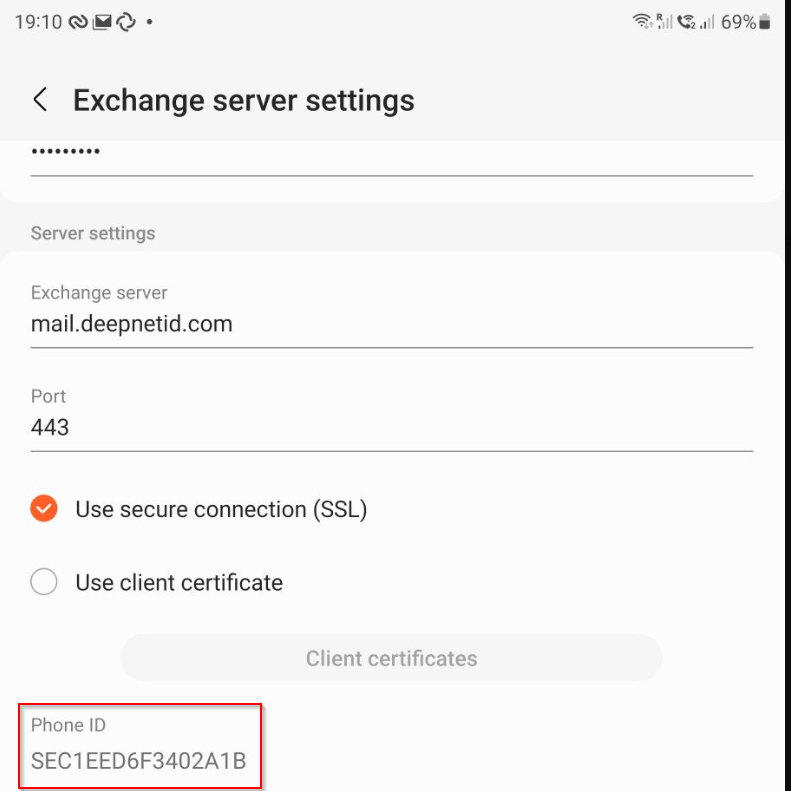
To check the Exchange Device ID on Android devices, follow the steps below:
GMAIL
- Goto Settings
- Select the Exchange email account
- Find the "Server settings" section
- Click "Incoming settings"
- Scroll to the bottom until you see "Mobile Device ID"
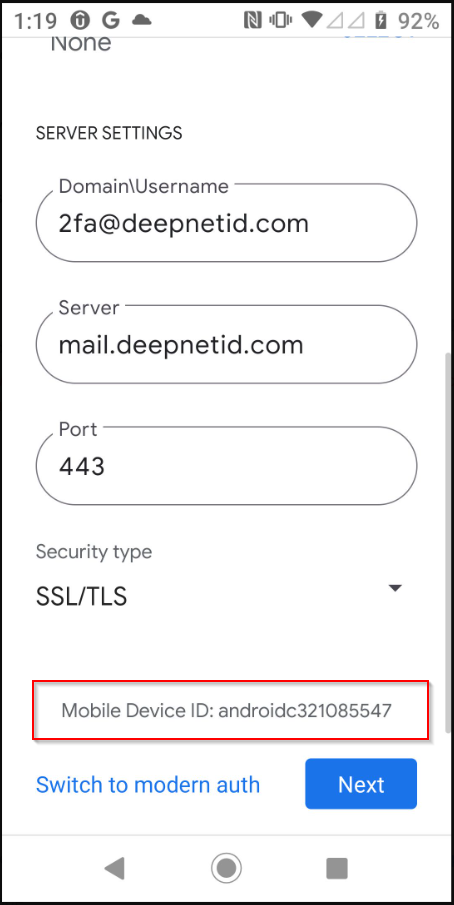
SAMSUNG MAIL
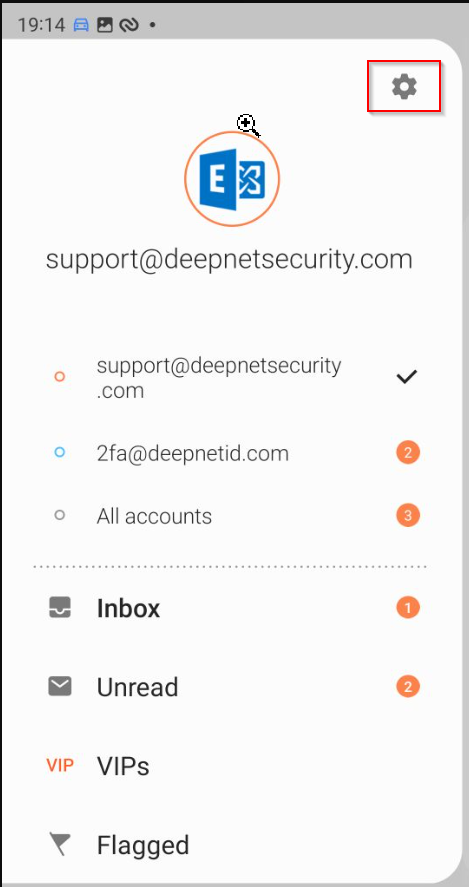
- Select the Exchange email account

- Click "Exchange server settings"
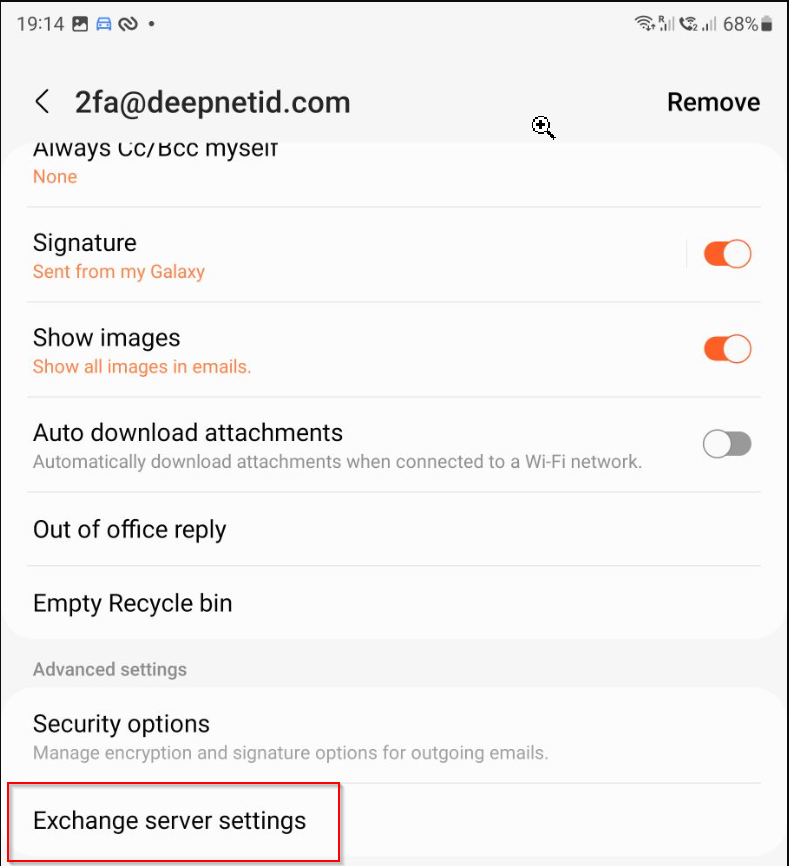
- Scroll to the bottom until you see "Mobile Device ID"