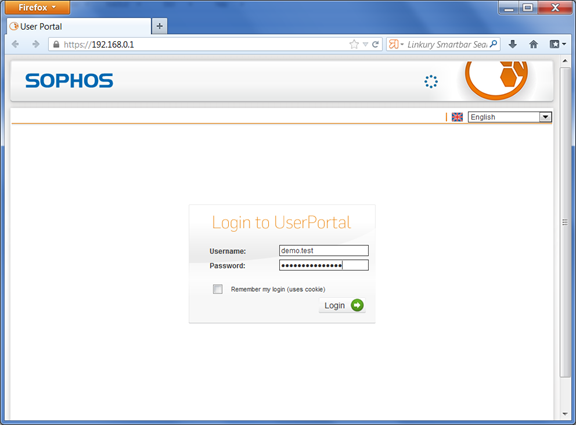
DualShield provides the flexibility that allows you to control how your users should be authenticated. Users can be authenticated with the Static Password (AD Password) only, or One-Time Password only or both the Static Password and One-Time Password (Two-Factor Authentication). In DualShield, how the users are authenticated is controlled by the Logon Procedure.
Let us start with the simple Static Password authentication. In the beginning, we created a logon procedure for Astaro UTM with one logon step that contains just Static Password, as below:
Test Logon
Access your user portal by navigating to: https://<YourAstariUTMsIP>
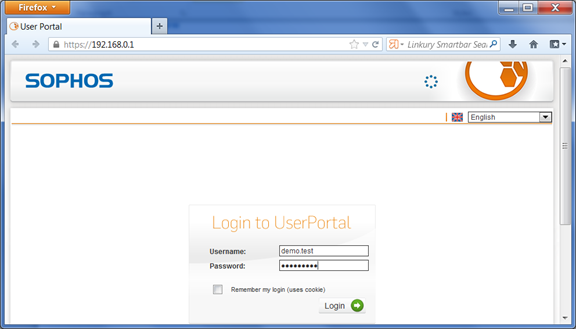
Enter your username and AD password

Let us now change the logon procedure so that users will be required to authenticate with One-Time Password only.
In the DualShield Management Console, edit the logon procedure for your Astaro Security Gateway UTM application and change the authenticator to “One-Time Password” as below:
Test Logon
You need to assign an One-Time Password token to the test user.
Access your user portal. In the Password field, enter a One-Time Password generated from the user’s token.
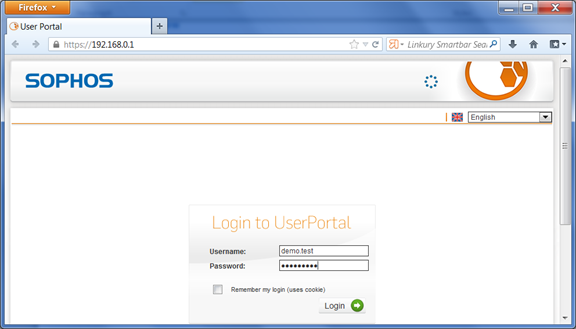
Now, let us enable two-factor authentication. We will change the logon procedure so that users will be required to authenticate with Static Password followed by One-Time Password, i.e. Static Password + One-Time Password.
In the DualShield Management Console, edit the logon procedure for your Astaro Security Gateway UTM application and change the authenticator to “One-Time Password” as below:
Test Logon
Access your user portal. In the Password field, enter the user’s AD password followed by an One-Time Password generated from the user’s token.