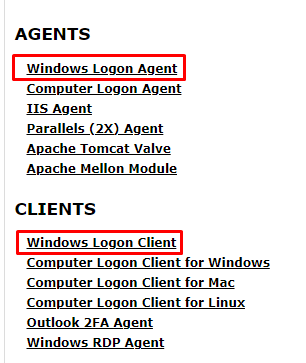
You will need to download both the DualShield Windows Logon Agent and Client software onto the Stand alone PC. You can download the software from http://support.deepnetsecurity.com/visit.asp?pg=download/dualshield. Make sure you have your license key to hand. |
|
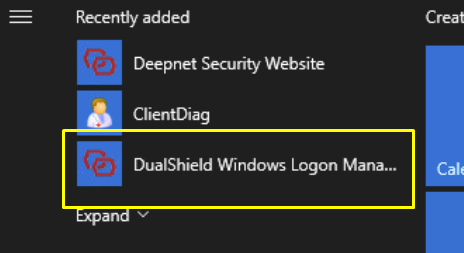
 in the top tool bar