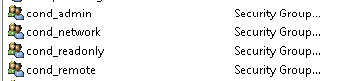
Create the following global security groups in AD
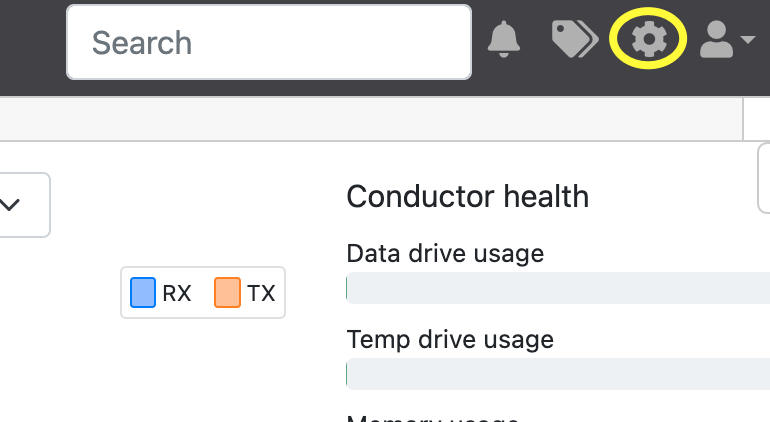
Log on to the Tempered Conductor Dashboard as Admin and click on the cogwheel on the top right-hand side to take you into settings.
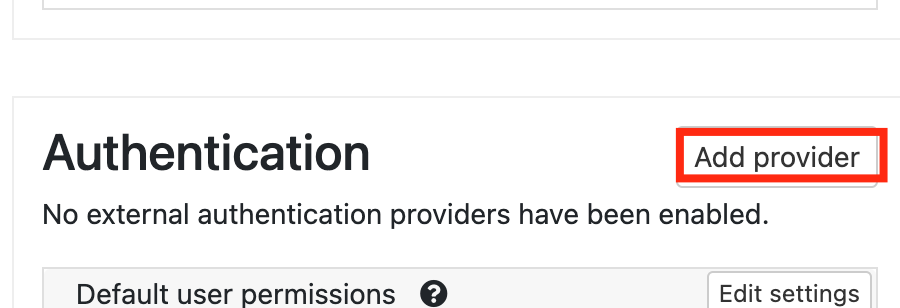
Scroll down to Authentication (on the right) and click on Add Providers
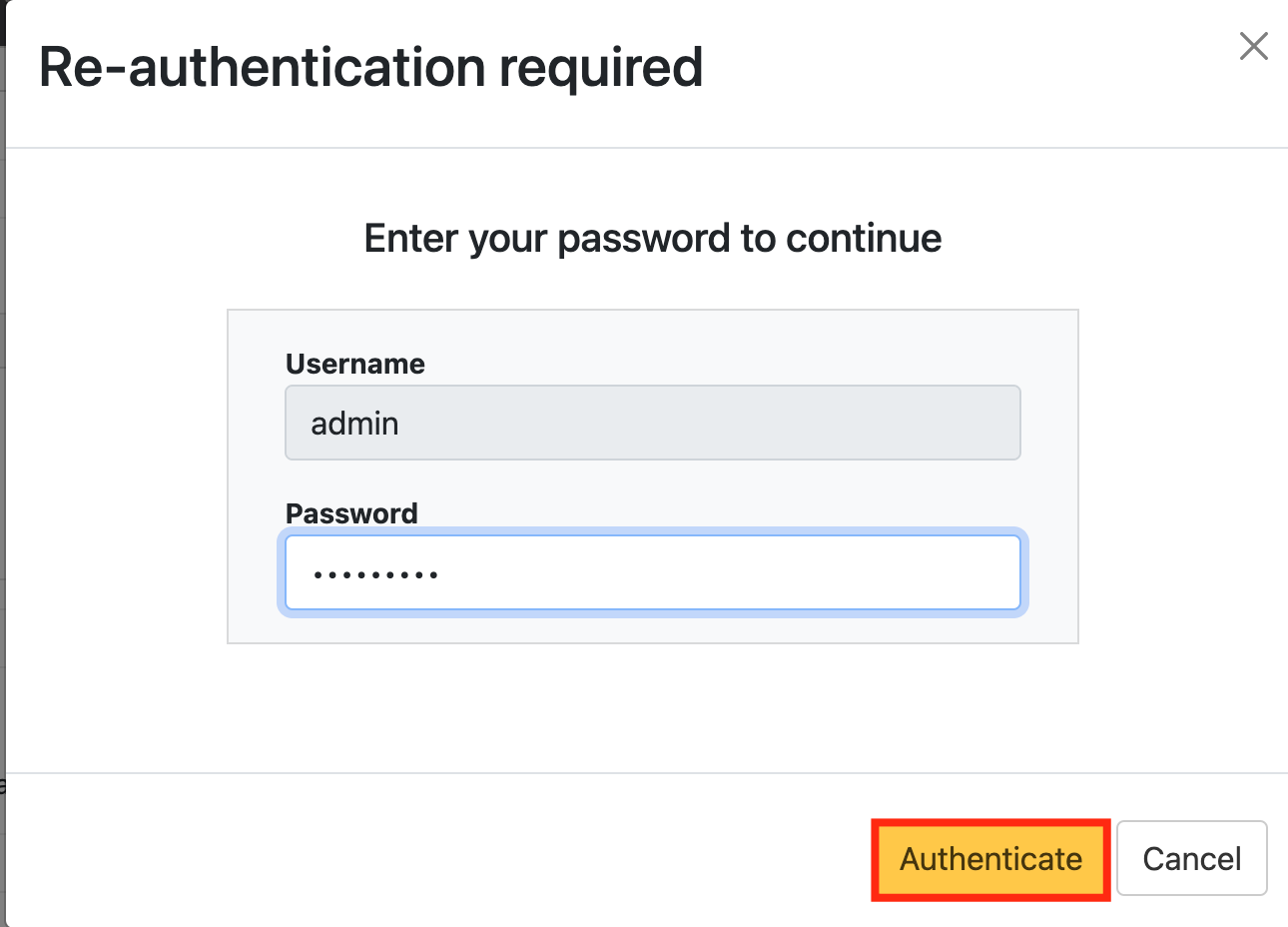
You will be asked to enter your admin credentials again.
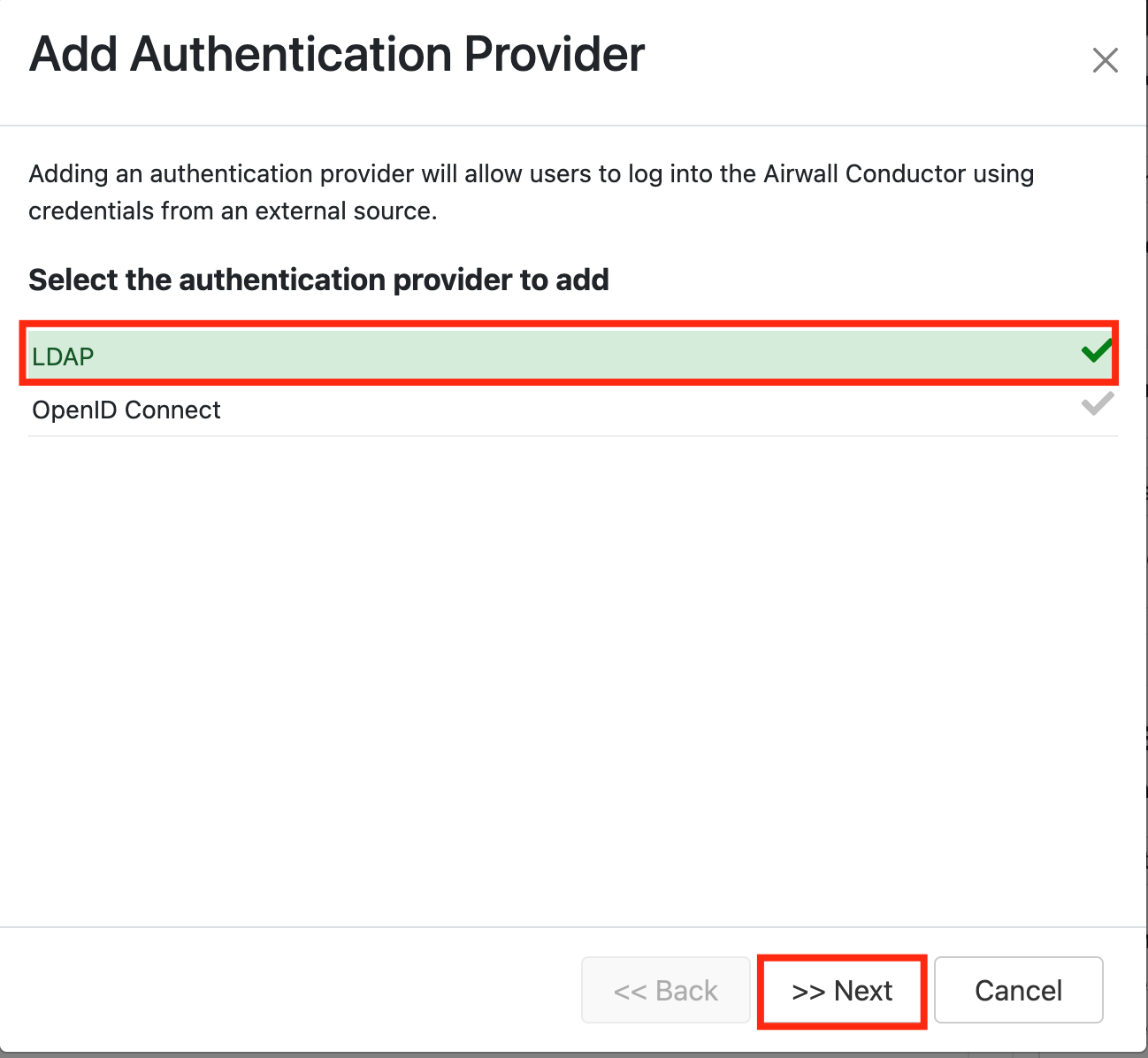
Under 'Add Authenticator Provider' Select LDAP
Click Next.
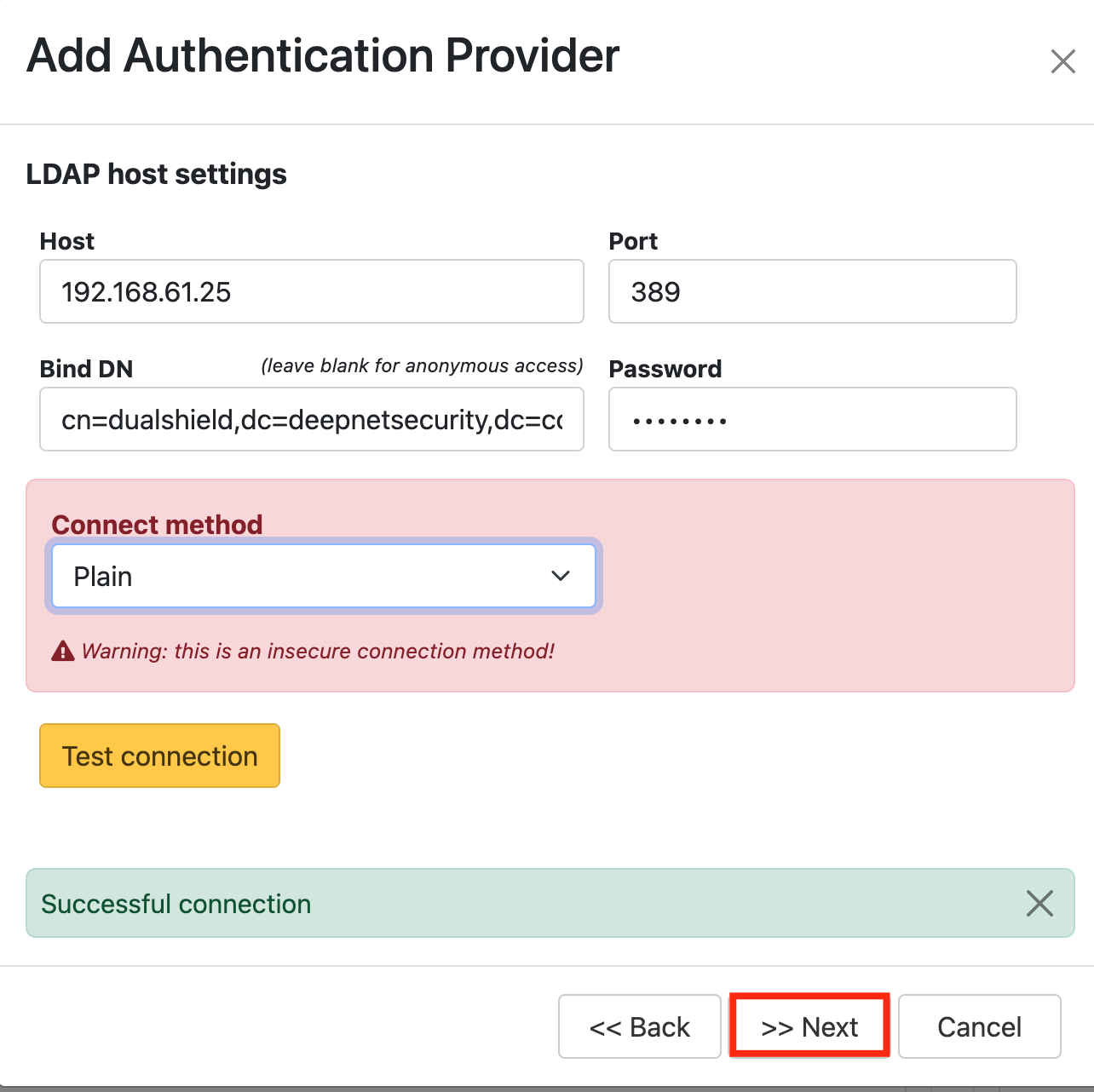
LDAP host settings: (* your own settings)
Test connection.
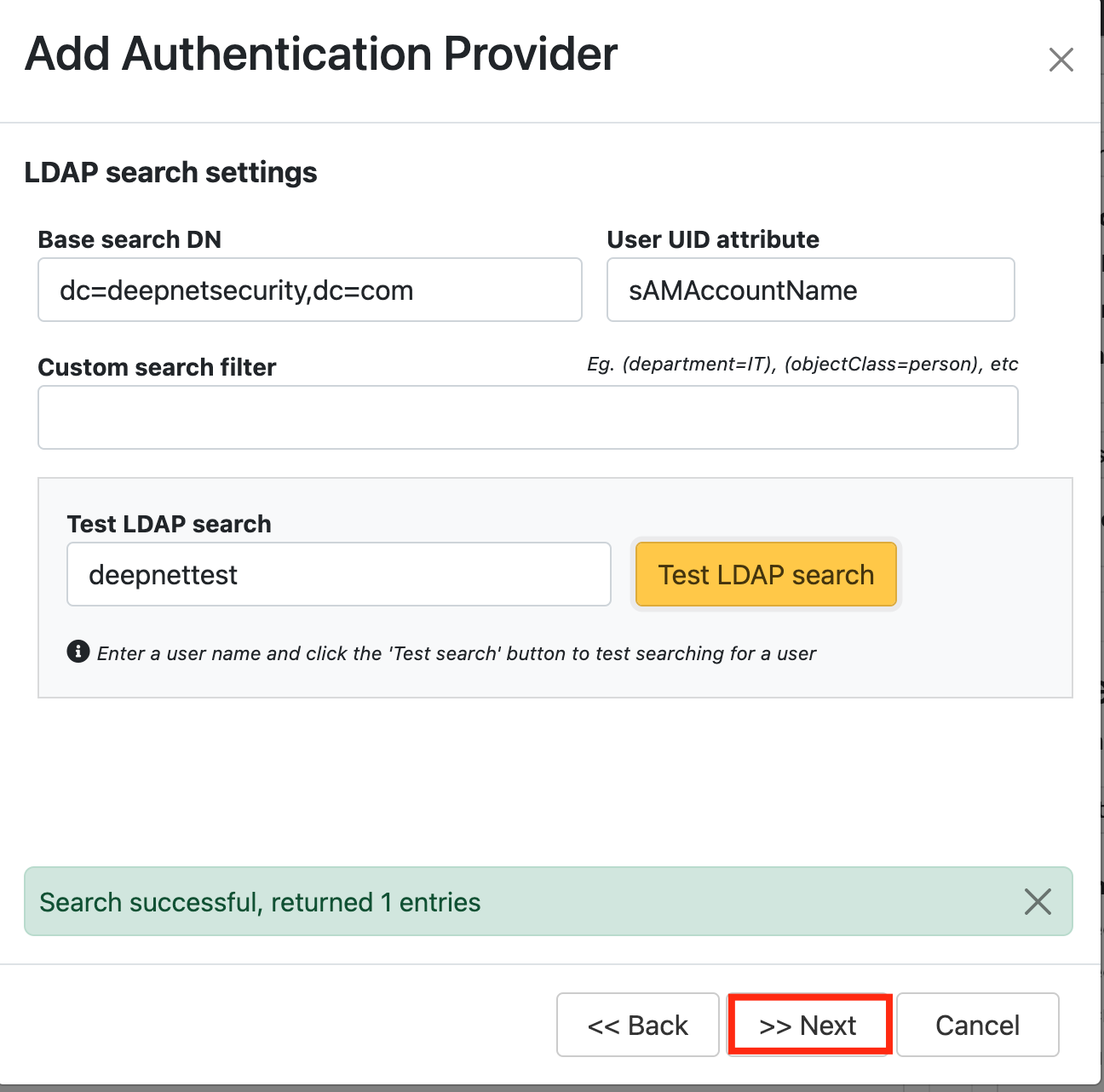
LDAP search settings:
Type in an LDAP username and Test LDAP Search.
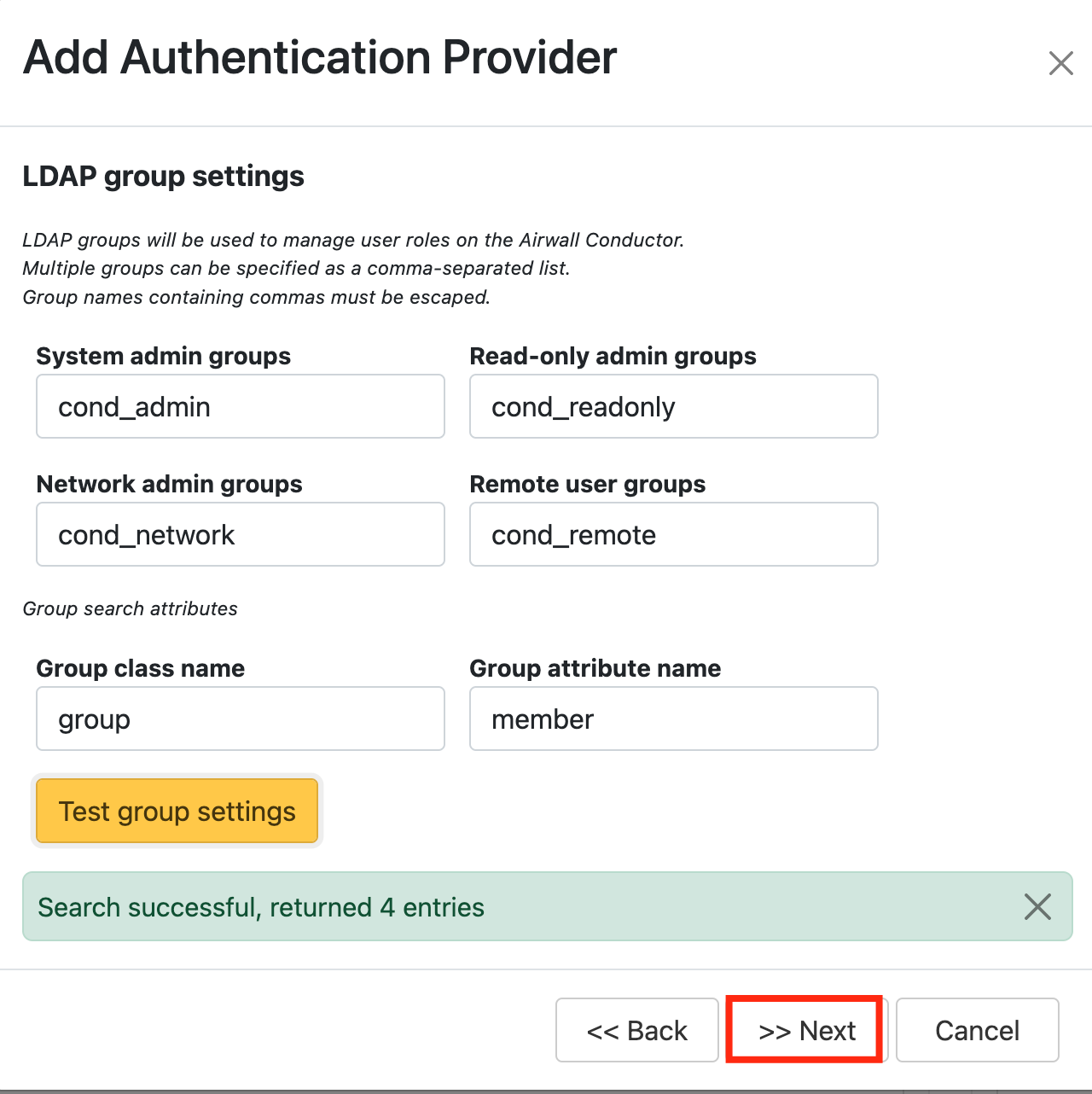
For LDAP group settings make sure the group names correspond with the names of the AD Groups that were created as a prerequisite
Test group settings
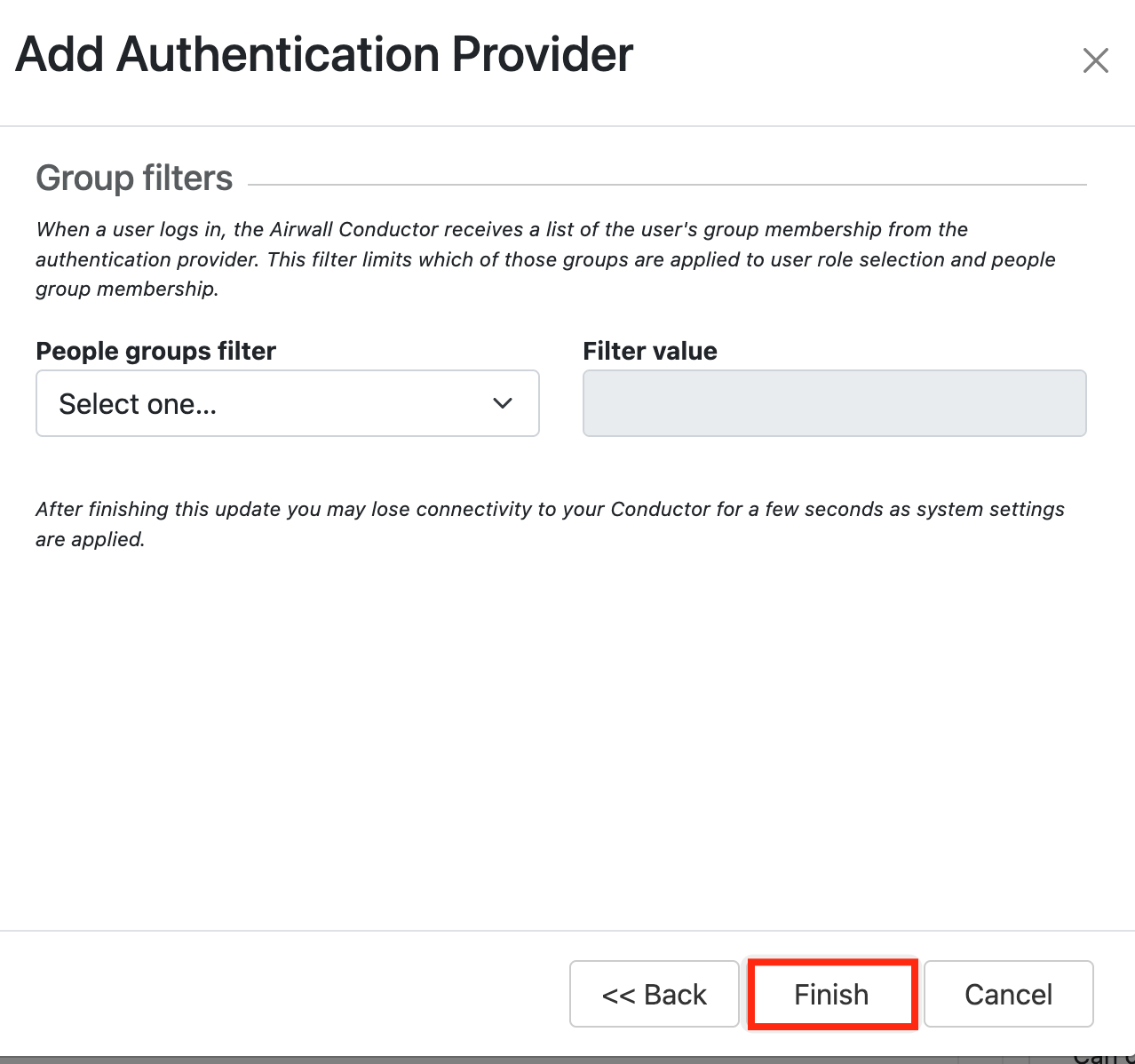
Click: Finish
Bind the Application to an SSO Server Agent
Select the drop down menu corresponding to the Application you will be using and click on Agents.
Tick the box of the SSO Server you will be using and click Save below.