This document must only be followed once you have fully upgraded the Windows Logon Client installed on all the servers and end-user machines from version 5.x to 6.x
- Stop all running Logon Managers (some could be in other user sessions. Use Task Manager to check the processes).
- Stop both G1 and G2 Logon services.

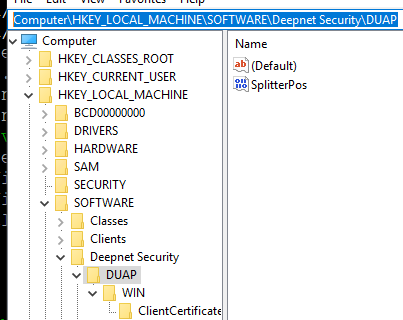
3. Export this registry... Computer\HKEY_LOCAL_MACHINE\SOFTWARE\Deepnet Security\DUAP
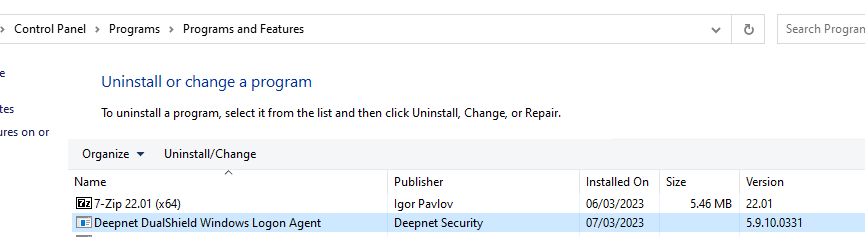
4. Uninstall Windows Logon Agent 5.x
5. Open Windows Prompt (Run as Administrator), run the following commands.
regsvr32 /i "C:\Program Files\Common Files\Deepnet Security\Agent G2\SolMan.dll |