If you wish to set up user or group mappings to limit user or group access depending on who is logging on or which AD group they belong to you need to follow these instructions.. (Please note that we only have basic knowledge on this stage)
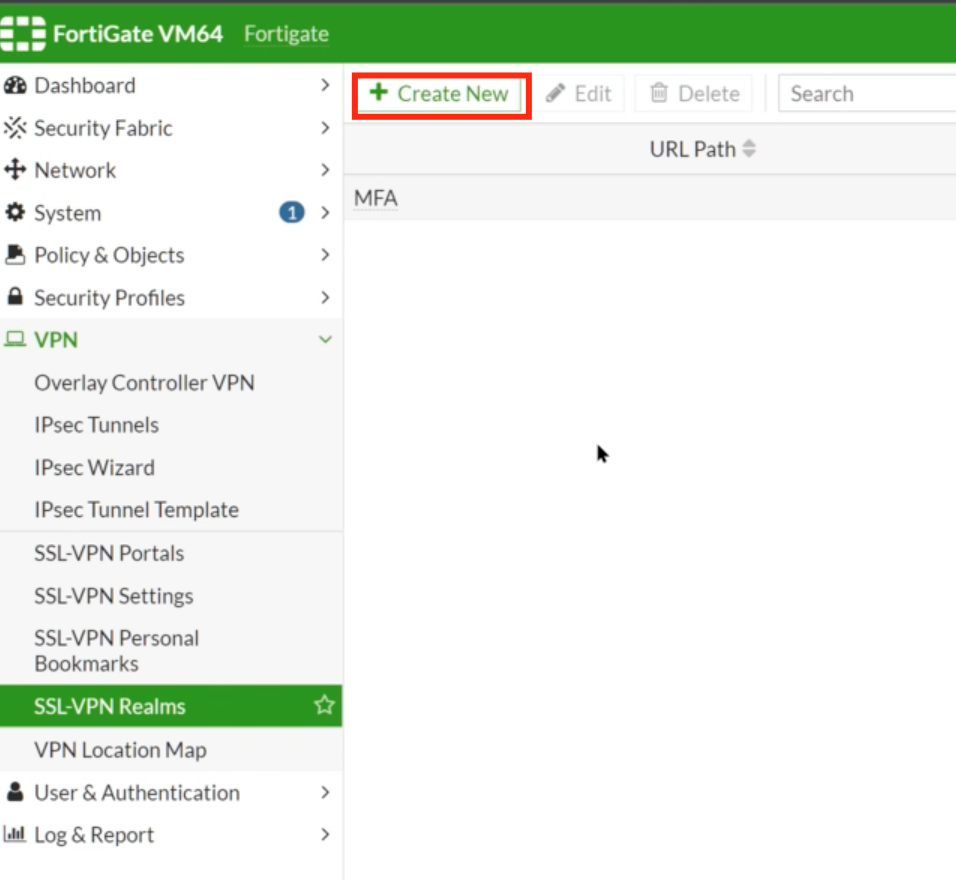
Go to VPN>SSL VPN Realms
Click on + Create New at the top
Enter the name of the new Realm..
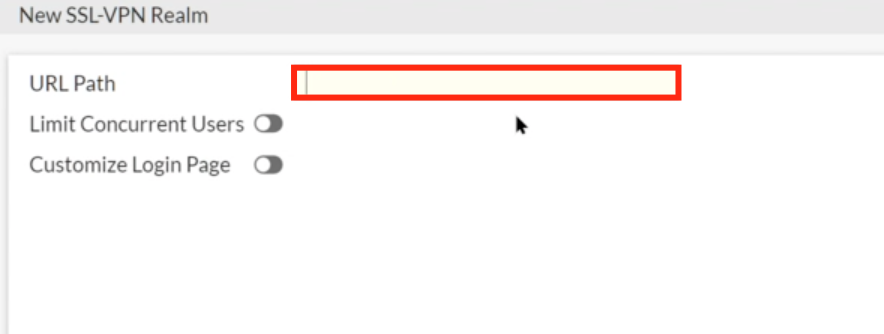
Click OK, but then right-click and edit the new Realm
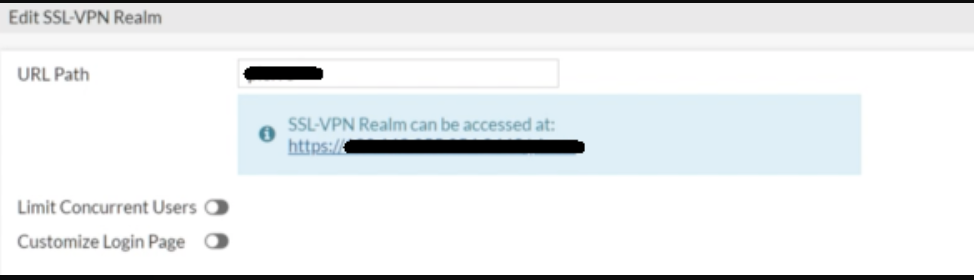
You will see that a virtual host IP address has been assigned. If you wish to modify this address this can only be done via the CLI. Please refer to the guide FortinetDocument library... https://docs.fortinet.com/document/fortiproxy/7.2.1/cli-reference/200620/config-vpn-ssl-web-realm
The URL path and virtual host will be listed.
