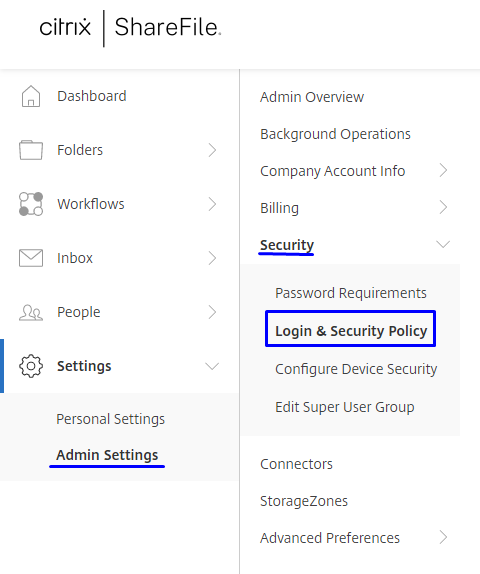
Go to Settings>Admin Settings>Security>Login & Security Policy.
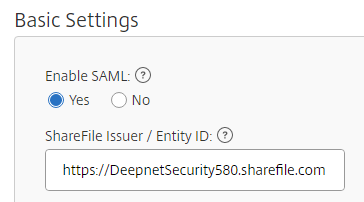
Scroll down to Single sign-on / SAML 2.0 Configuration. Under Basic Settings enable SAML and type in your ShareFile URL under ShareFile Issuer / Entity ID.
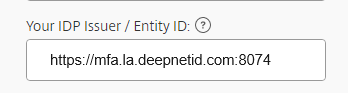
Open the IDP metadata file you downloaded from the DualShield Console. Copy the Entity ID at the top of the metadata and paste it under Your IDP Issuer / Entity ID on ShareFile.
Copy the X.509 certificate data from the IDP metadata (within the red rectangle)….
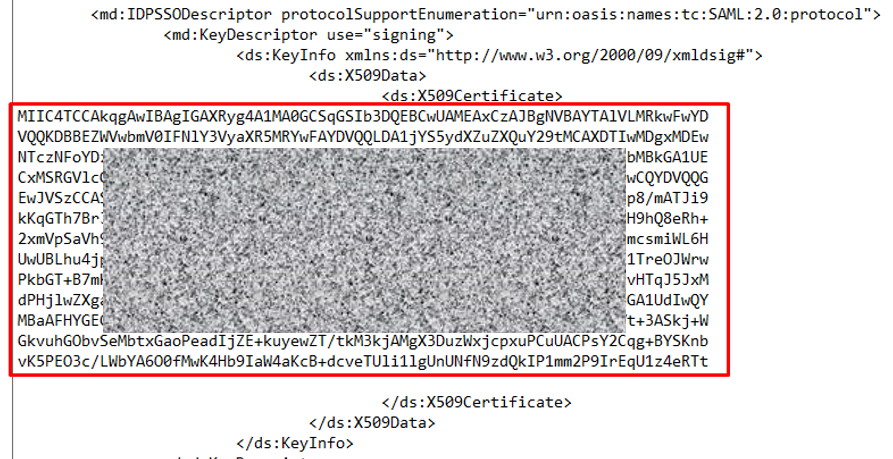
… and paste it under X.509 Certficate on ShareFile.
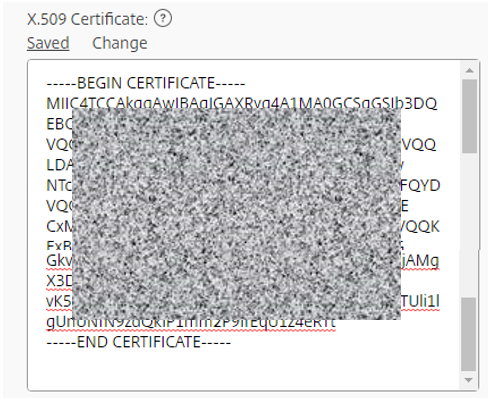
Add the line
----BEGIN CERTIFICATE----
To the beginning.
And
----END CERTIFICATE----
At the end.
Locate and copy the SingleSignOnService Location from the IDP Metadata.
.. and paste it under Logon URL
Logout URL can be left blank.
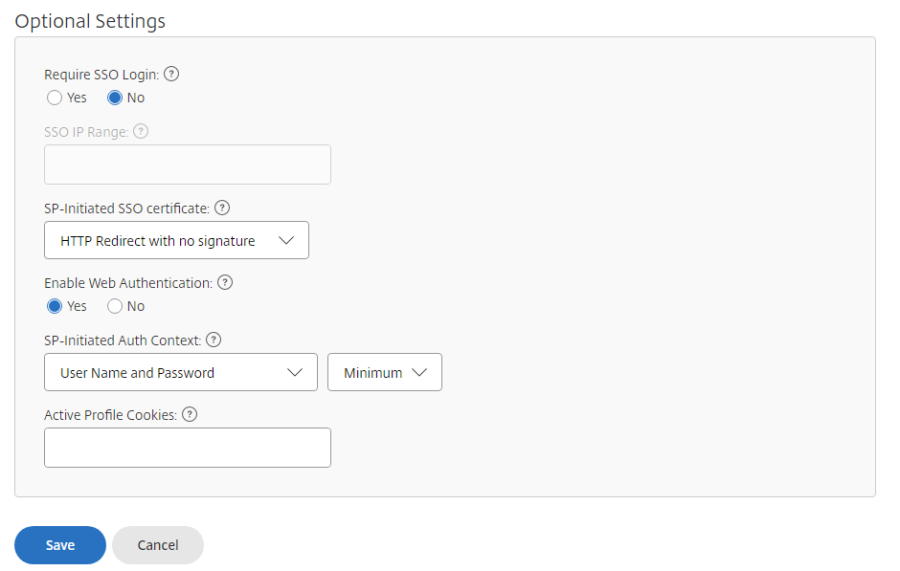
Optional Settings as below.