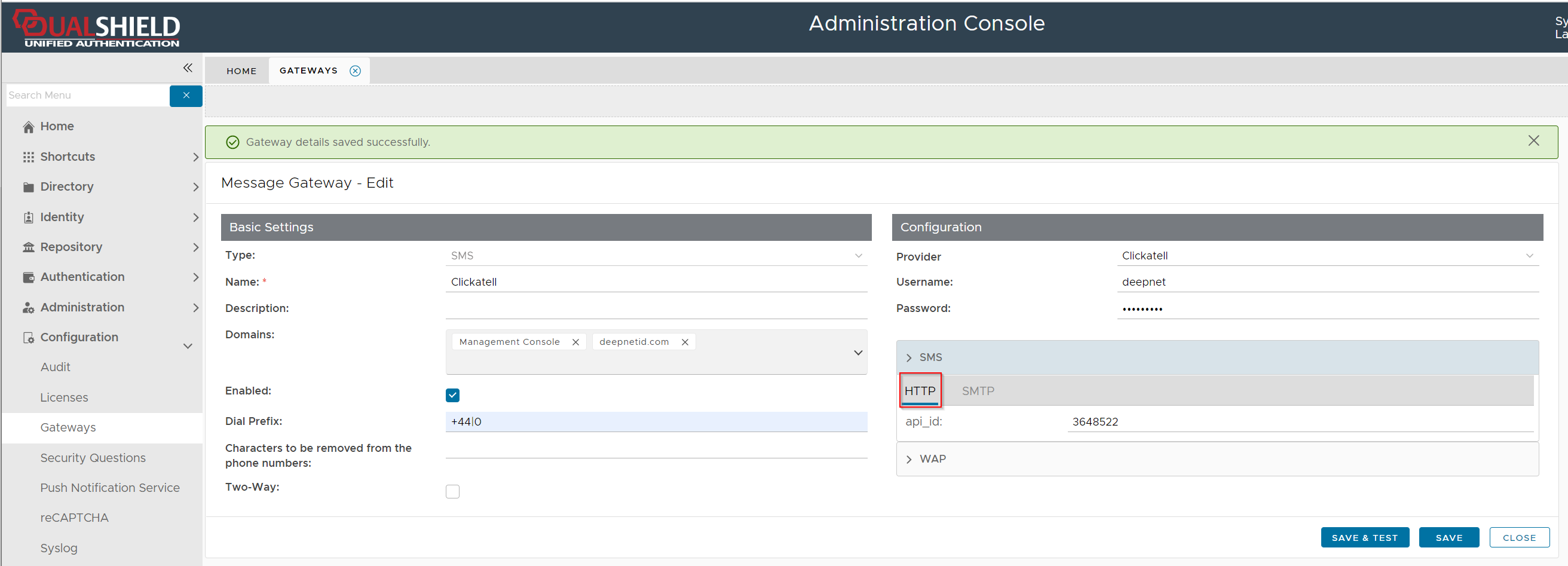
Clickatell announced that it will stop its HTTP service and only support HTTPS.
By default, Clickatell is set to use HTTP in the DualShield server. To switch the Clickatell service from HTTP to HTTPS, please follow the steps below.
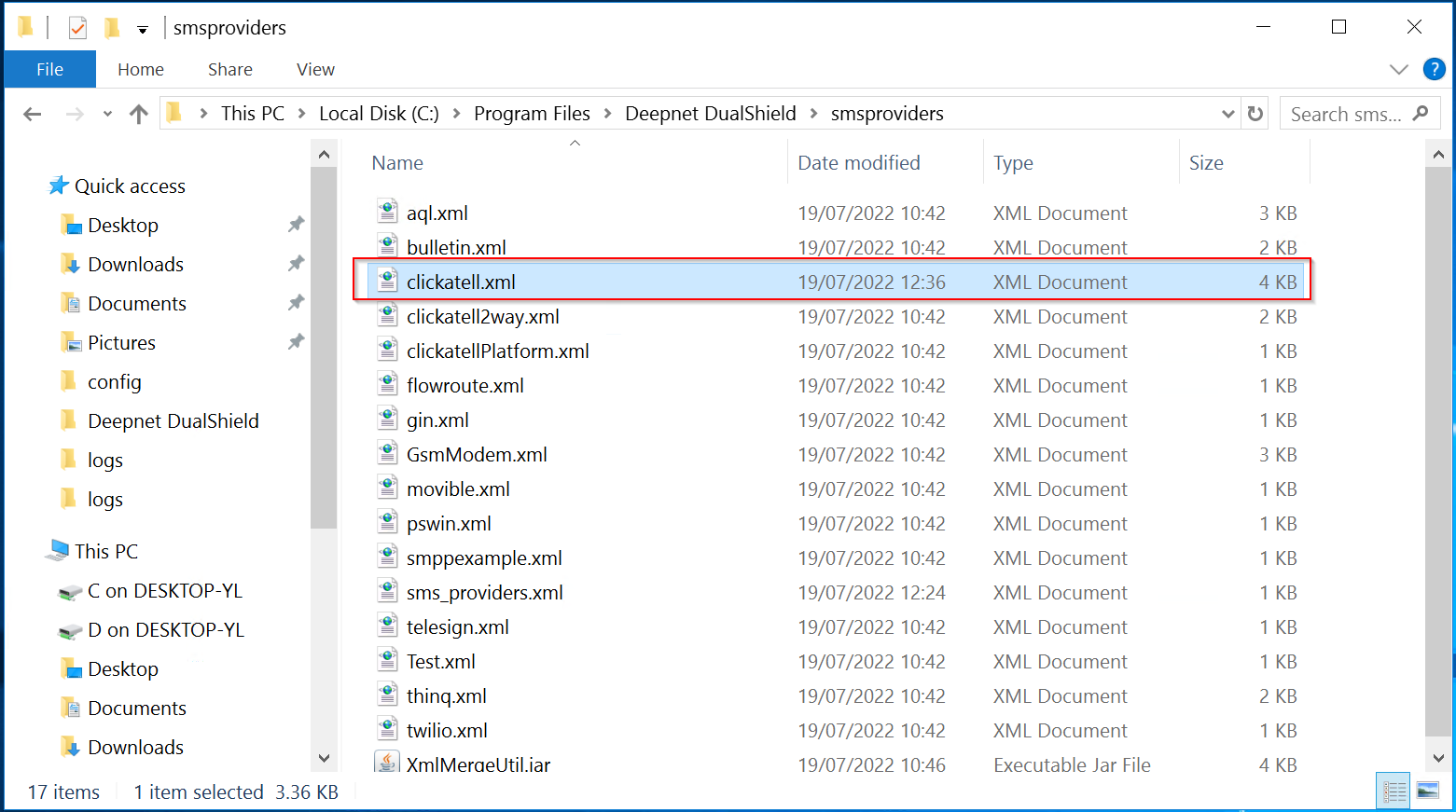
On the DualShield server, navigate to the folder: "C:\Program Files\Deepnet DualShield\smsproviders"
Open the file "clicatell.xml" in a text editor
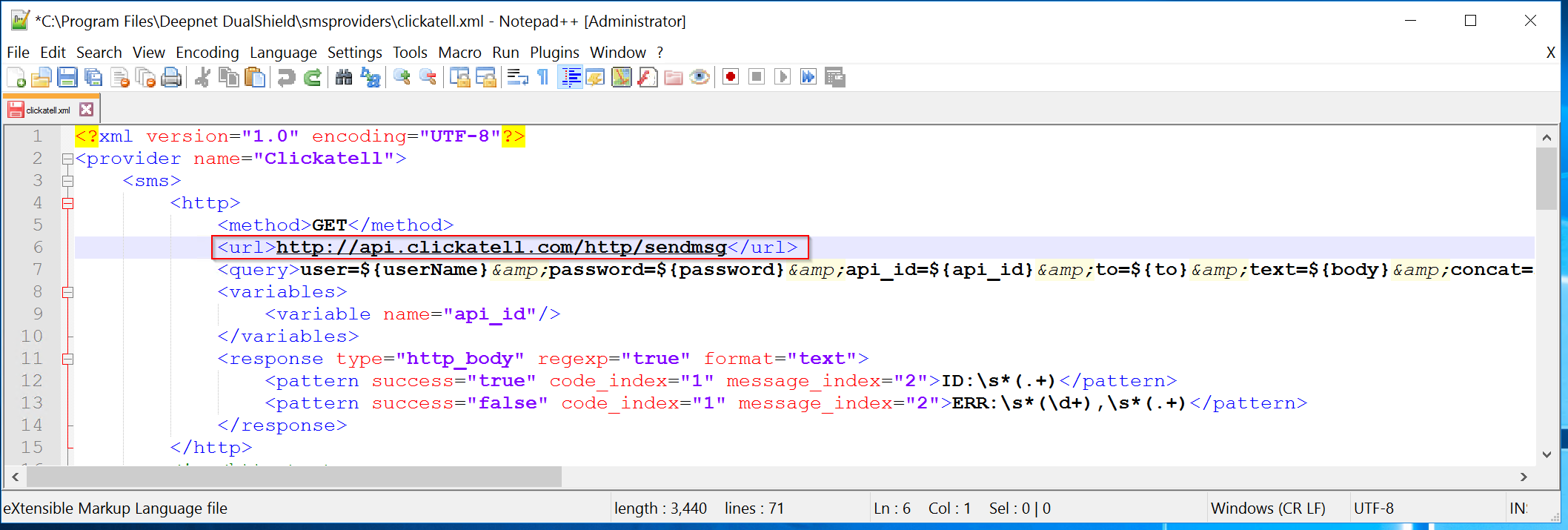
Change "http" to "https" in the text highlighted area
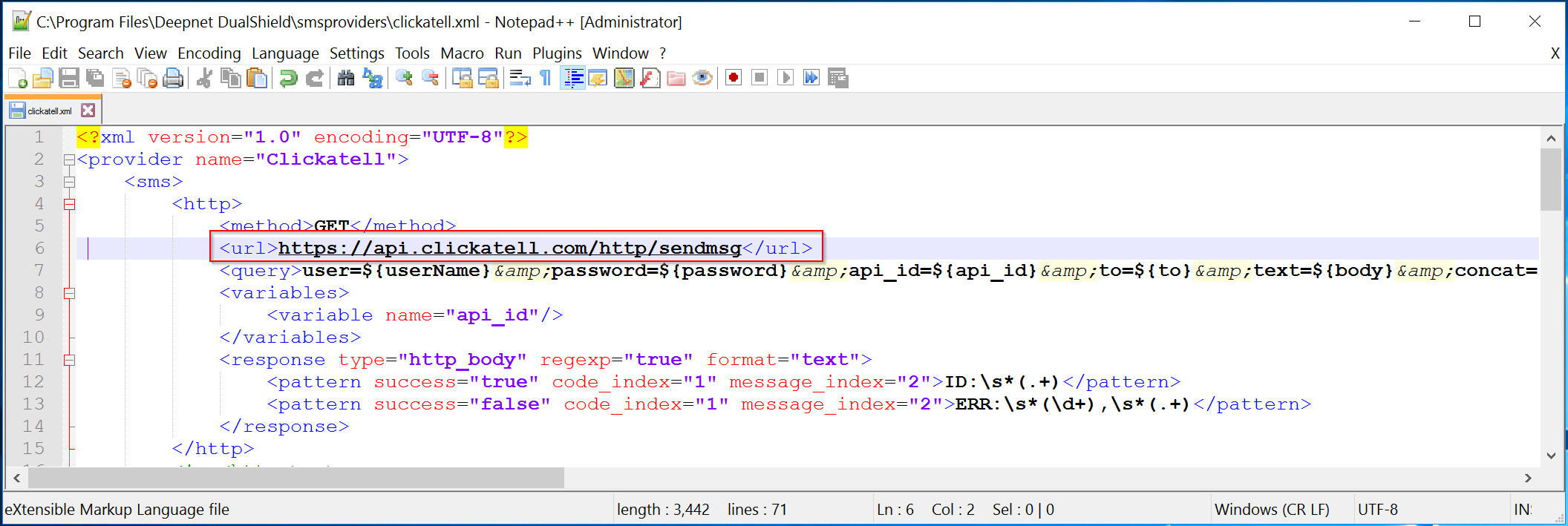
Save the file
That's it.
Note: In the DualShield Admin Console, the label will not change from HTTP to HTTPS.