Log into the Dualshield Administration Console
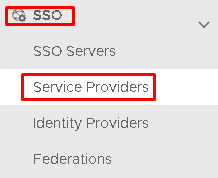
Go to SSO>Service Providers
Click on on the top right.
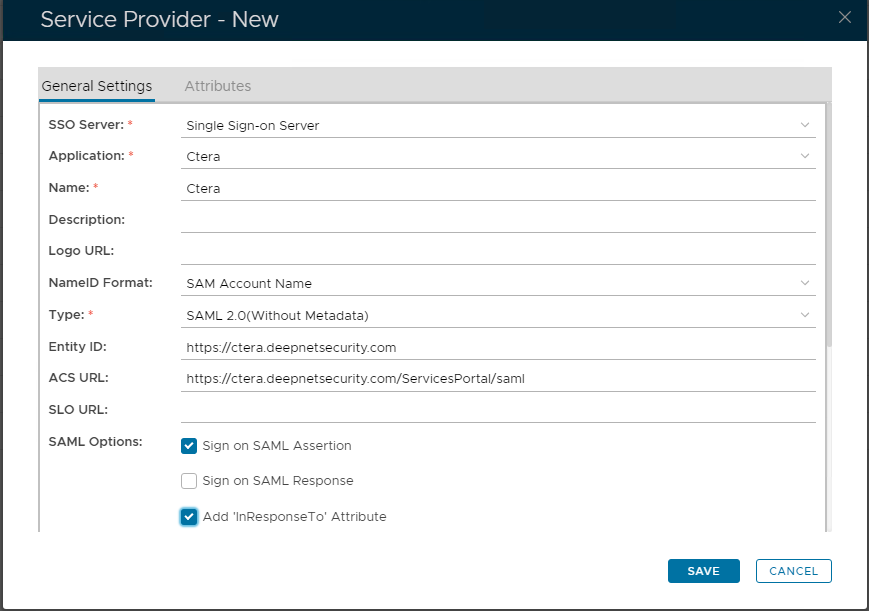
Fill in the details as per screenshot on right and make sure you select SAML 2.0(Without Metadata) as Type.
Now fill out Entity ID and ACS URL.
https://prefix.yourdomainname.com
https://prefix.yourdomainname.com/ServicesPortal/saml
The completed Service Provider dialogue box will look like this:
Click Save.
 on the top right.