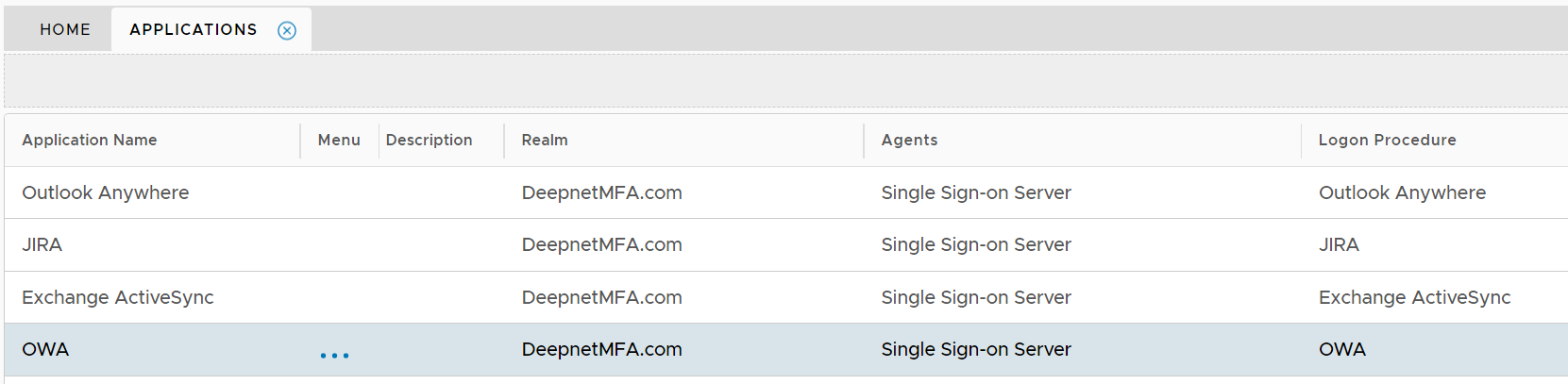
If you are new to DualShield, then you might want to first refer to the general instruction on how to build an application in DualShield.
Complete the following steps to build an MFA application for RD Web Client.
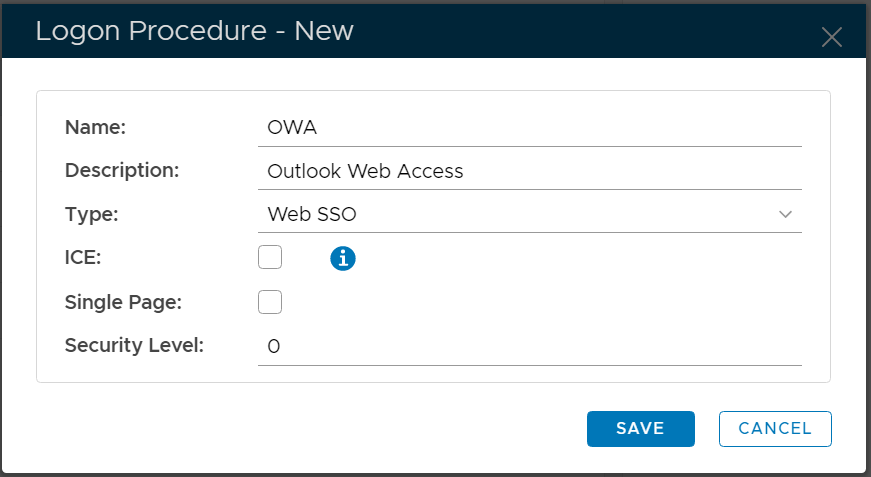
Before an application can be created, a logon procedure must be created first.
The type of logon procedure for OWA must be Web SSO.
Once a logon procedure has been created, you need to add logon steps into the newly created logon procedure. Typically, you would create two logon steps, as in the example below.
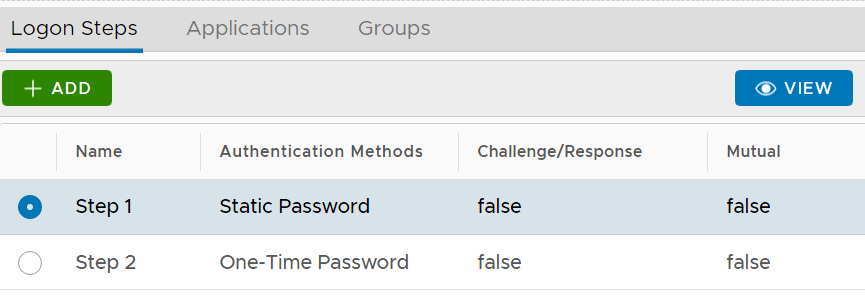
Of course, you can create as many steps as you like.
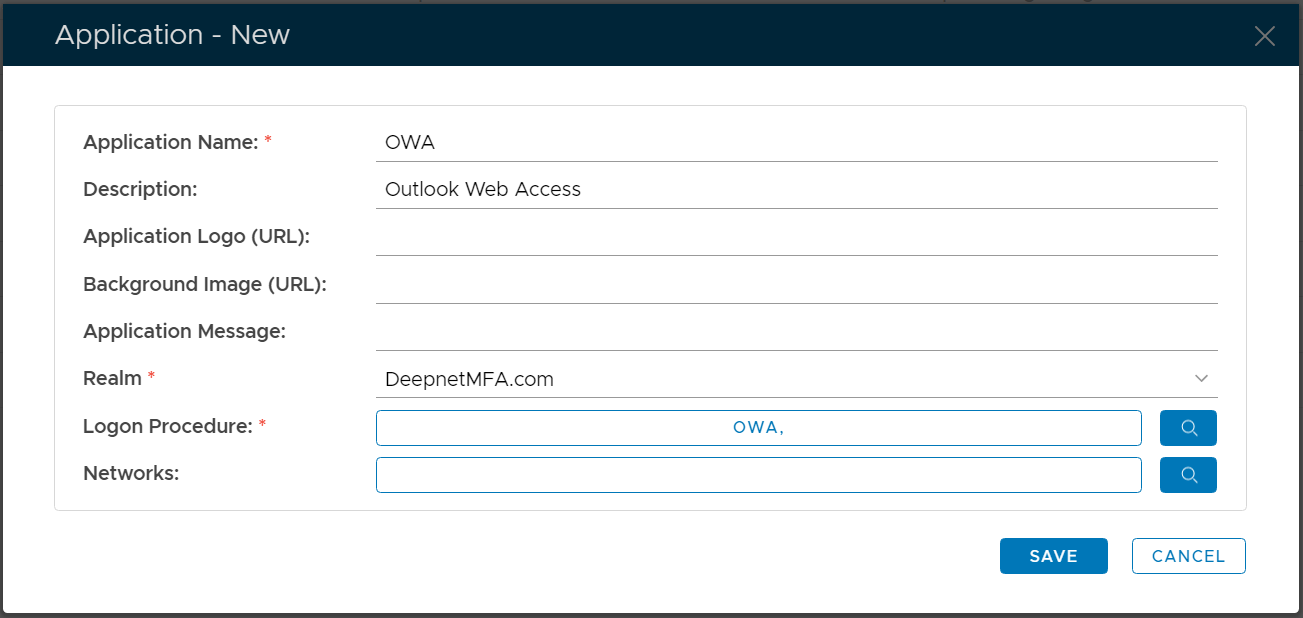
In DualShield, an application does not have a type. Therefore, creating an application for any integration is the same.
However, you must select a Logon Procedure that is of the type of Web SSO. For OWA, we have created a logon procedure called "OWA". Let's select it.
Generally, an application has to be published before it can be accessible by users.
The OWA application must be published on one or many Single Sign-On (SSO) servers.

You might see two SSO servers in your DualShield platform, one called "SSO Server" and the other called "Single Sign-on Server". The so-called "SSO Server" is the legacy SSO server in DualShield 5 and the "Single Sign-on Server" is the new SSO server in DualShield 6.